

Your Browsing History

Meet Your Seller

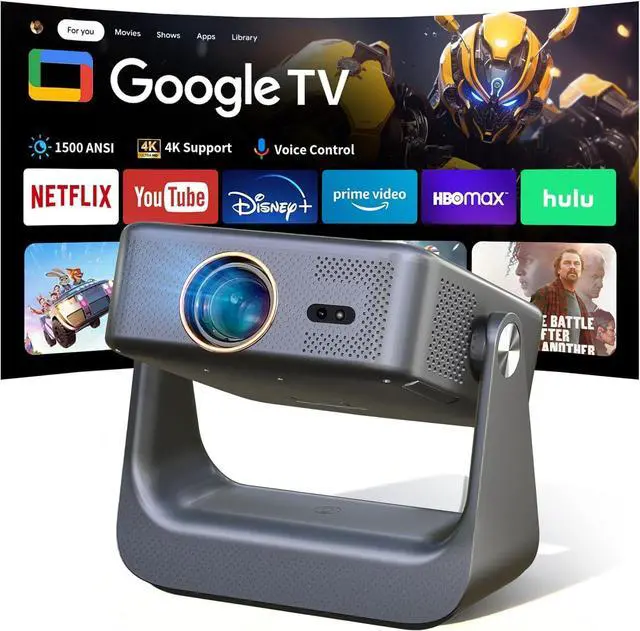
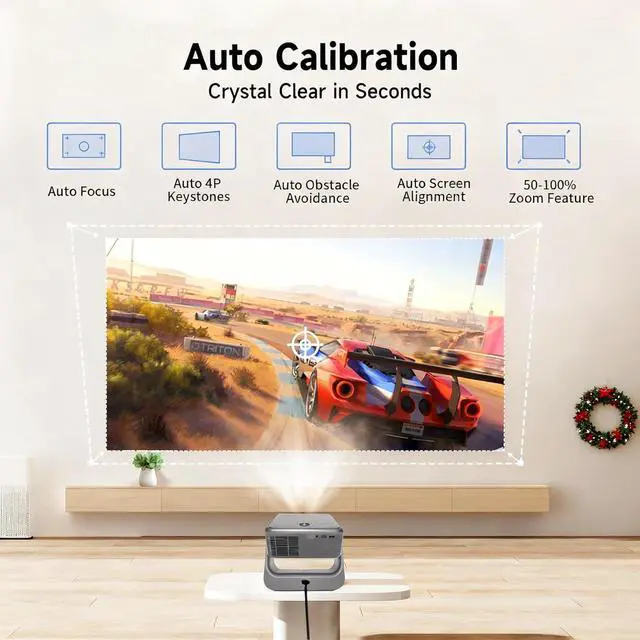
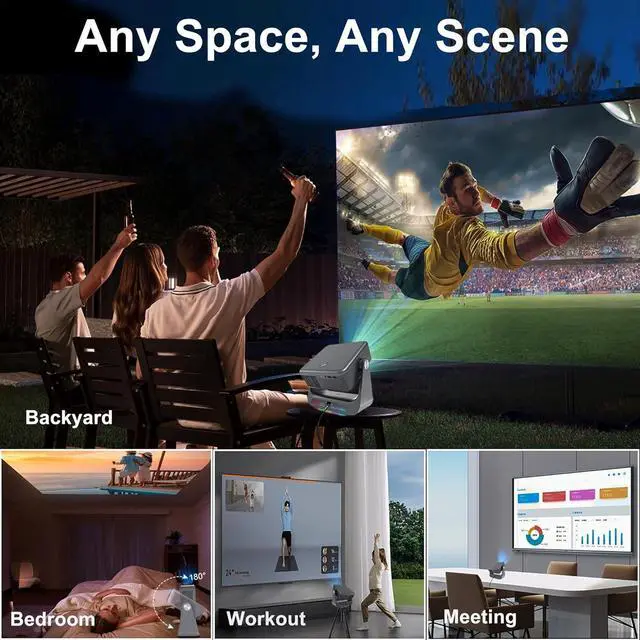
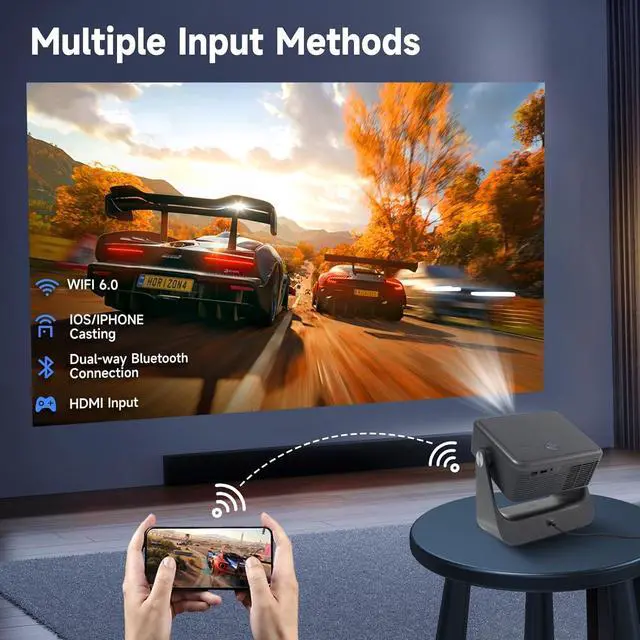


Official Google TV/1500 ANSI/4K SupportedSmart TV Projector with WiFi and Bluetooth, Native 1080P Portable Projector, Auto Focus & Keystone, Voice Input, Mini Proyector for Home Cinema, iOS/Android
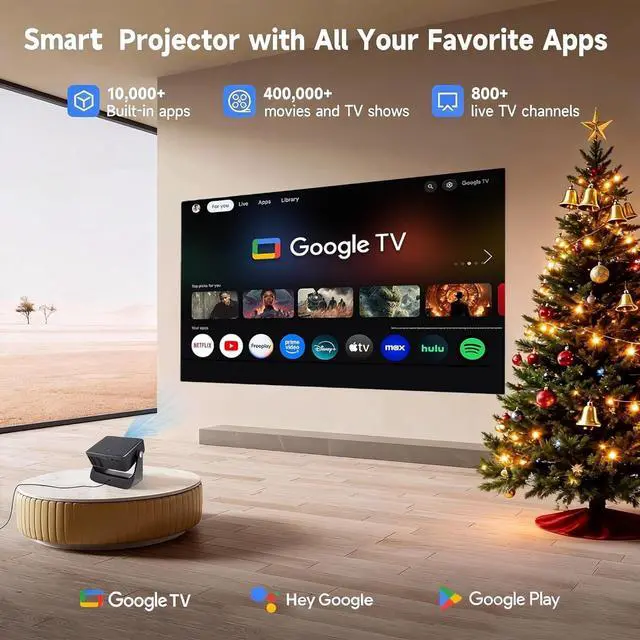
- Built-in Google TV systemWith built-in GTV ecosystem, saying goodbye to the trouble of extra TV stick or box. Access millions of movies, episodes, and live TV from Netflix, YouTube, Disney+, Hulu, Prime Video, HBO max and more. All your favorite content combined together in one place, easy to find what to watch on this smart TV projector.
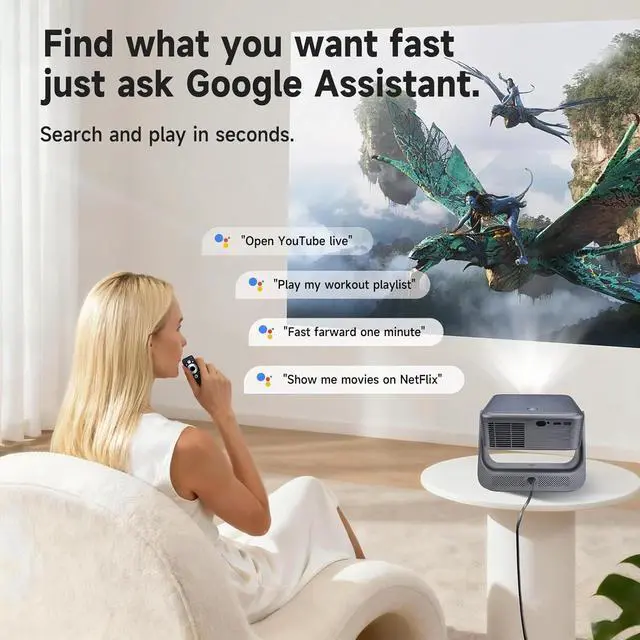
- Google Assistant & Google CastFind what you want fast with voice assistant. Press the voice button on the remote to easily search for content, control playback, or ask questions. No manually input in dim lighting, making your movie nights more relaxed and enjoyable. Google Cast: Connect your phone and Z9 smart projector to the same Wi-Fi network. Open any Cast-enabled app like YouTube on your phone. Tap the Cast icon and select Z9 projector TV.
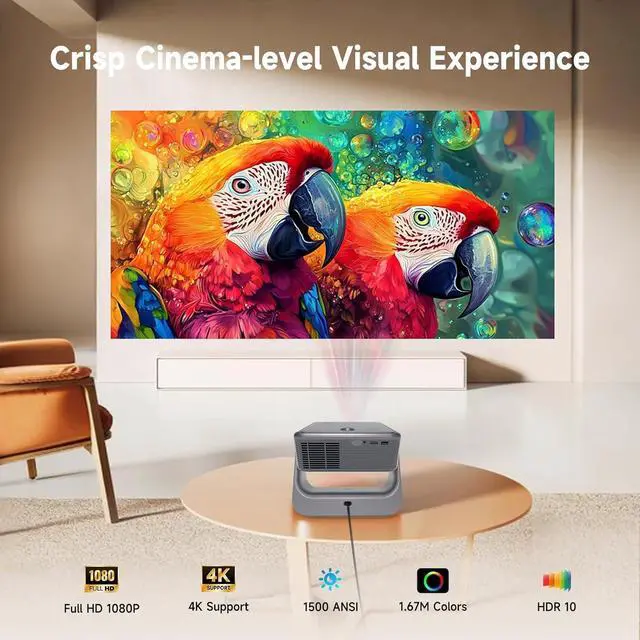
- Native 1080P & 1500ANSI LumensSupports 4K input, enjoy cinema-level stunning bright and crystal-clear picture. Full HD 1080P resolution delivering sharp details and vibrant colors.It's also bright enou
+
+
Overview
Specs
Reviews

Any questions? Our AI mode will help you find out quickly.
Try me now
Enjoy seamless access to your favorite content and effortlessly control your entertainment using the integrated voice assistant. Find what you want fast, search and play in seconds.
How do I connect a Bluetooth speaker device?
Press the settings button Remotes & accessories Add accessory.
How to switch signal sources when I need to connect a laptop?
Use the HDMI cable that came in the box to connect your laptop with Gincsri projector. Then press the signal source button on the top right side of the remote control, and select the "HDMI" option.
What should I do if my Google account prompts for graphic verification when setting up the device for the first time?
If your account has been logged in on multiple devices, you may be required to verify multiple times and even fail the verification. In this case, we recommend registering a new account to use.
Experience Cinema-Level Entertainment at Home Smart Entertainment with Google Voice Assistant Does the Bluetooth remote control need to be paired for first-time use?
How do I connect a Bluetooth speaker device?
How to switch signal sources when I need to connect a laptop?
What should I do if my Google account prompts for graphic verification when setting up the device for the first time?
How do I connect a Bluetooth speaker device?
Press the settings button Remotes & accessories Add accessory.
How to switch signal sources when I need to connect a laptop?
Use the HDMI cable that came in the box to connect your laptop with Gincsri projector. Then press the signal source button on the top right side of the remote control, and select the "HDMI" option.
What should I do if my Google account prompts for graphic verification when setting up the device for the first time?
If your account has been logged in on multiple devices, you may be required to verify multiple times and even fail the verification. In this case, we recommend registering a new account to use.
Experience Cinema-Level Entertainment at Home Smart Entertainment with Google Voice Assistant Does the Bluetooth remote control need to be paired for first-time use?
How do I connect a Bluetooth speaker device?
How to switch signal sources when I need to connect a laptop?
What should I do if my Google account prompts for graphic verification when setting up the device for the first time?
Warranty & Returns
Warranty, Returns, And Additional Information
Warranty
- Please contact the Seller directly for warranty information. Warranty information may also be found on the Manufacturer's website.
- CONTACT
Return Policies
- Return for refund within: 30 days
- Return for replacement within: 30 days
- This item is covered by HAITAO CROSS BORDER E-COMMERCE LIMITED Return Policy
Manufacturer Contact Info
- For a directory of all our manufacturers, please click below.
- Manufacturers Directory
LOADING...