

Your Browsing History

Meet Your Seller


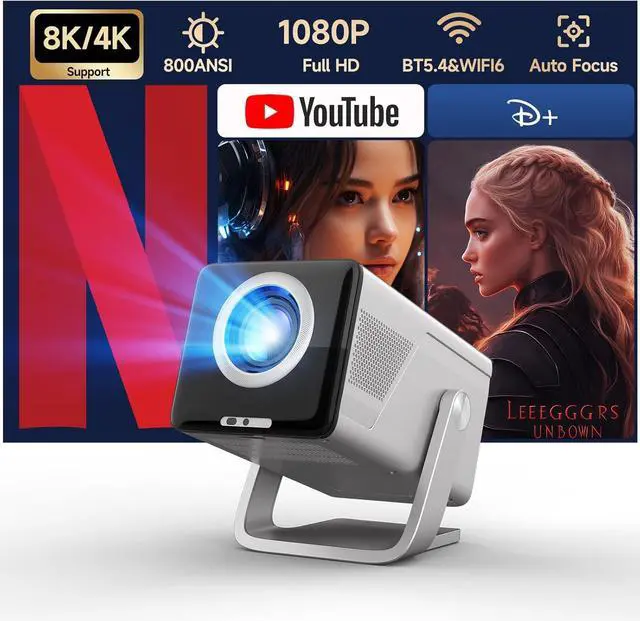
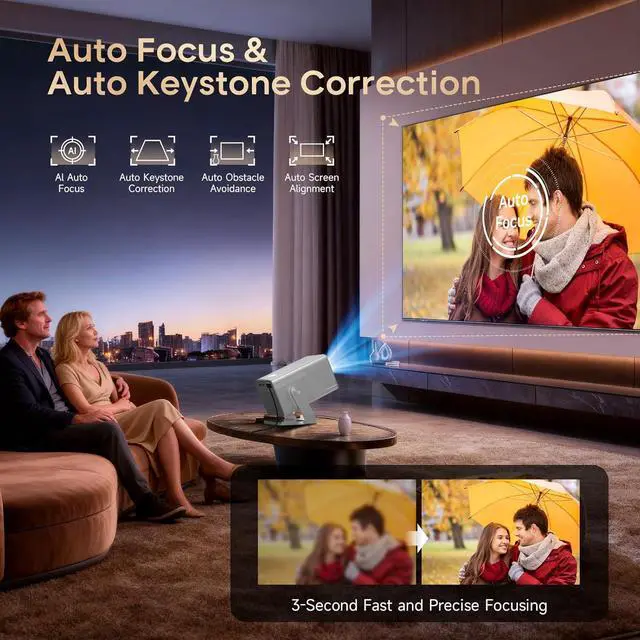
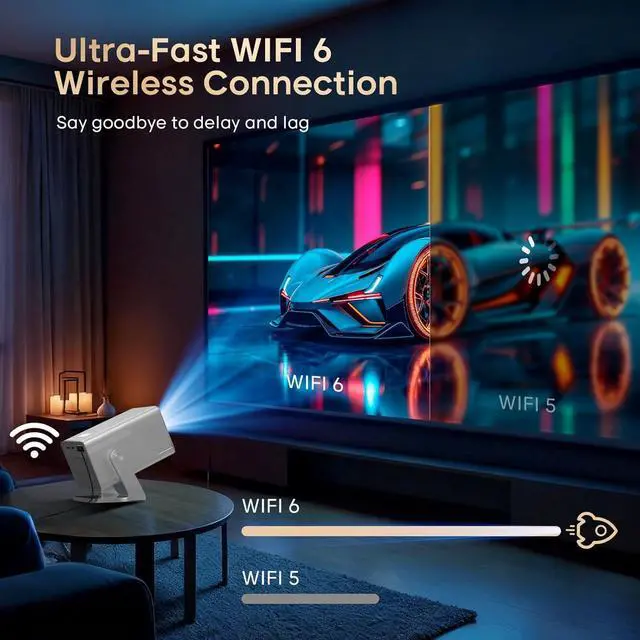
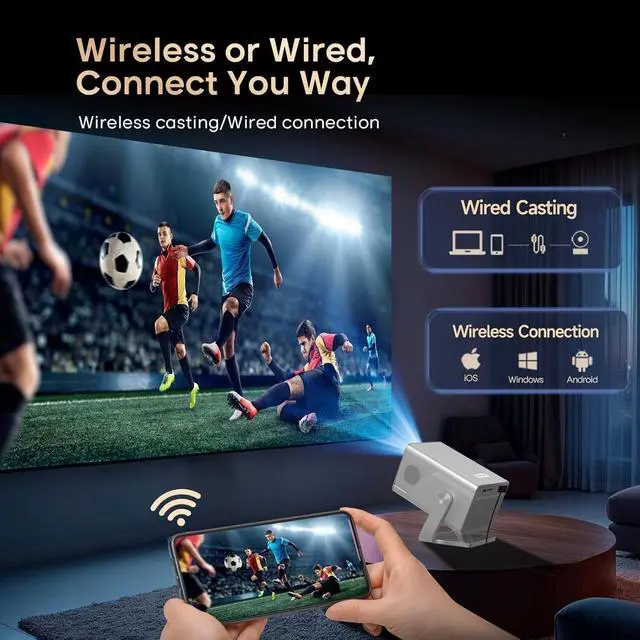


Magcubic Smart Projector 8K&4K Support, Portable Mini Projector with WiFi 6 and Bluetooth 5.4, 800ANSI, Auto Focus & Obstacle Avoidance,1080P Movie Proyector for Home Bedroom Outdoor Android 14
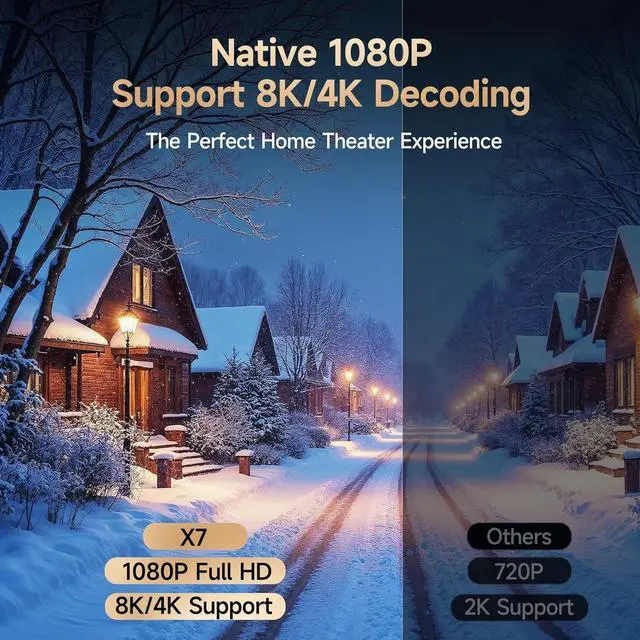
- Native 1080P and 8K/4K Supported: Unlike standard 720P models, this 1080p smart projector delivers over twice the detail, offering sharper text, cleaner edges, and lifelike visuals. Beyond Full HD clarity, it also supports 8K/4K video decoding, ensuring smooth playback of todays high-definition content and full compatibility with future ultra-HD formats.
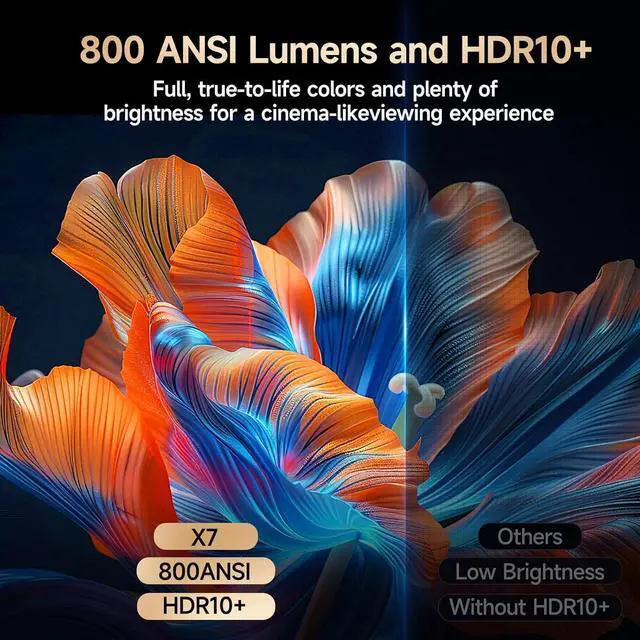
- 800 ANSI Lumens High Brightness & Stunning Visuals: Unlike ordinary models that look dull in daylight, this outdoor projector delivers bright, vivid, and colorful images with 800 ANSI lumens of real brightness. Enjoy crystal-clear visuals indoors or outdoors, making every movie night or backyard party a true home theater experience.
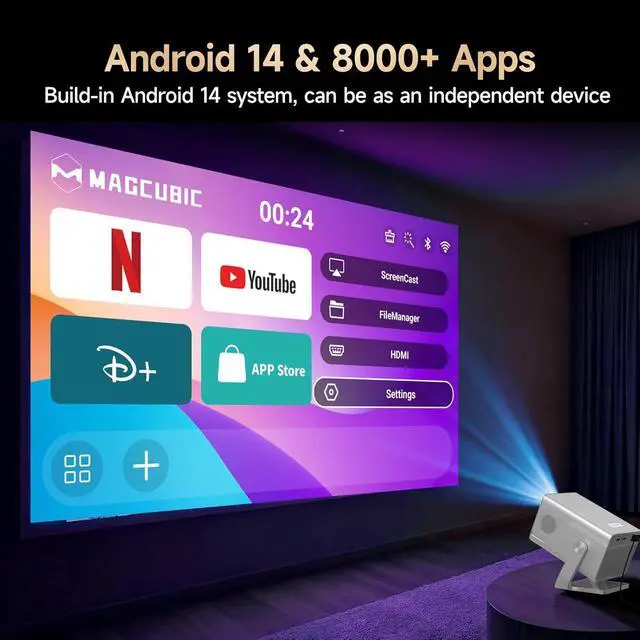
- Latest Android 14 OS & Ample 16GB Storage: This movie projector features the latest Android 14 system for faster performance, enhanced security, and smoother operation. With 2GB RAM and 16GB ROM, enjoy smooth, responsive performance and store thousands of movies and games. Say goodbye to storage
+
+
Overview
Specs
Reviews

Any questions? Our AI mode will help you find out quickly.
Try me now
1Auto Focus & Keystone2WIFI 63Connection Type4Hi-Fi Audio5Android 141Big Screen2180° Rotatable3Air Mouse Remote4Versatile Connect Activate Manual Focus?
If the image appears blurry, use the electronic focus buttons on the remote control to adjust it until the picture becomes sharp. Also, make sure the projector is placed within the correct throw distance range.
Why OTA Update Before Use?
To ensure optimal performance and take advantage of our latest features and updates, please upgrade to the most recent software version before first use. You can do this by navigating to Settings > About device > Online upgrade.
Screen-Mirror iOS?
1.Ensure device is updated to the latest version. You can do this by navigating to Settings > About device > Online upgrade
2.Open the ScreenCast app
3.Use AirPlay on your iOS device, making sure both devices are connected to the same Wi-Fi
Activate Manual Focus?
Why OTA Update Before Use?
Screen-Mirror iOS?
If the image appears blurry, use the electronic focus buttons on the remote control to adjust it until the picture becomes sharp. Also, make sure the projector is placed within the correct throw distance range.
Why OTA Update Before Use?
To ensure optimal performance and take advantage of our latest features and updates, please upgrade to the most recent software version before first use. You can do this by navigating to Settings > About device > Online upgrade.
Screen-Mirror iOS?
1.Ensure device is updated to the latest version. You can do this by navigating to Settings > About device > Online upgrade
2.Open the ScreenCast app
3.Use AirPlay on your iOS device, making sure both devices are connected to the same Wi-Fi
Activate Manual Focus?
Why OTA Update Before Use?
Screen-Mirror iOS?
Warranty & Returns
Warranty, Returns, And Additional Information
Warranty
- Please contact the Seller directly for warranty information. Warranty information may also be found on the Manufacturer's website.
- CONTACT
Return Policies
- Return for refund within: 30 days
- Return for replacement within: 30 days
- This item is covered by HAITAO CROSS BORDER E-COMMERCE LIMITED Return Policy
Manufacturer Contact Info
- For a directory of all our manufacturers, please click below.
- Manufacturers Directory
LOADING...