

Your Browsing History

Meet Your Seller




4K Smart Projector with 5G WiFi and Bluetooth 5.2, 600 ANSI Portable Projector with Built in App, 1080P Outdoor Movie Projector with 4P4D Correction, Max 220" Compatible with iPhone/Android/TV Stick
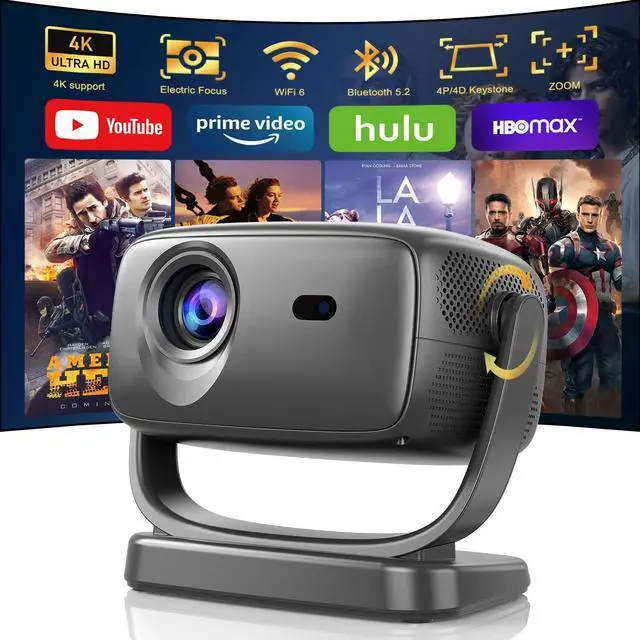
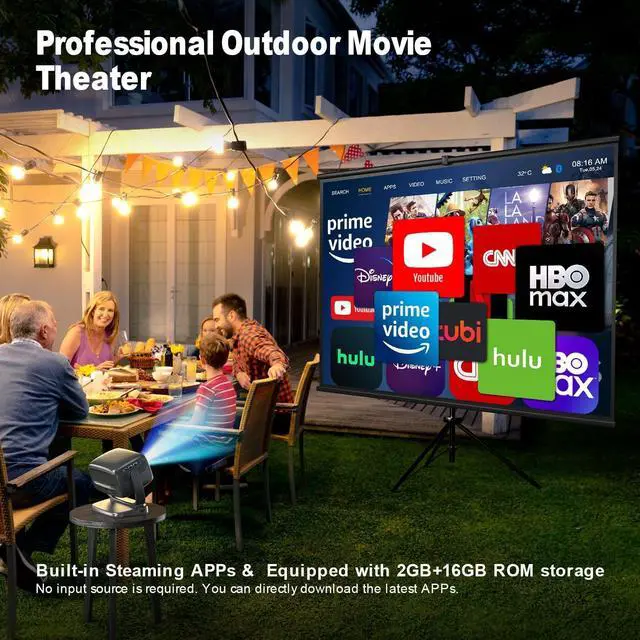
- 2024 New Smart Projector with Streaming AppsR2 portable projector has a built-in smart OS, providing access to millions of videos from Prime Video, and YouTube without an extra TV stick. Enjoy endless entertainment with built-in apps or by using features like App Store' and Open Browser'.
- Advanced Electric Focus & 4P4D-KeystoneVideo Movie Projector features easy remote focus adjustment for clear images in seconds. Electric focus is more precise than manual and automatic focus. The 4-Point & 4-Direction keystone correction enables smooth adjustment of the screen in all directions within a ±45° range. No matter how the home projector is placed or the screen size, the image always fits the screen perfectly.
- Native 1080P and 4K Supported ProyectorNative 1080P resolution delivers crisp and detailed visuals with full HD quality, making it ideal for watching movies, playing games, With a 20,000:1 contrast ratio, colors are more accurate, making bright scenes brighter and dark scene
+
+
Overview
Reviews

Any questions? Our AI mode will help you find out quickly.
Try me now
Seamlessly integrated with a built-in smart system, this smart projector gives you instant access to your favorite streaming apps, transforming any space into a personal cinema. Enjoy effortless control with intuitive features and a user-friendly interface. Elevate your viewing experience and bring the magic of smart technology into your home!
Unlock a world of entertainment with access to thousands of applications and millions of videos, all through an intuitive smart system. Whether you're in the mood for movies, shows, or educational content, everything you need is right at your fingertips. Elevate your home entertainment and enjoy a new level of convenience and choice!
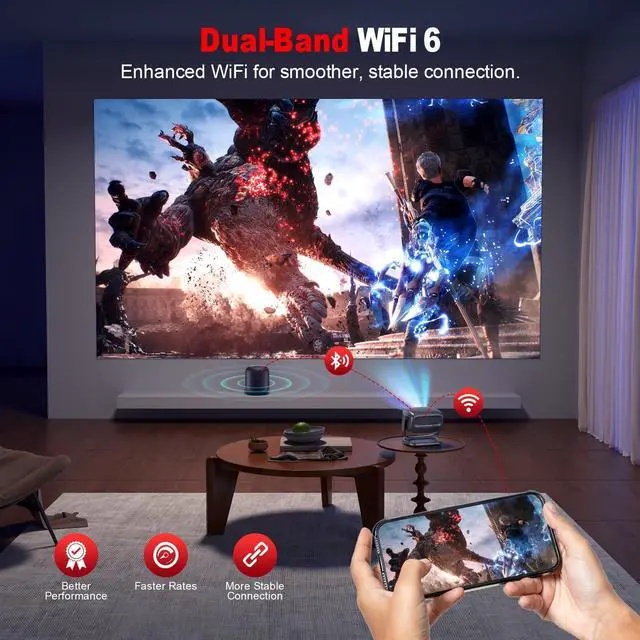
With WiFi 6, enjoy faster speeds and reduced lag for seamless streaming and gaming across dual-band networks. Coupled with Bluetooth 5.2, youll benefit from enhanced audio quality and reliable connections to your devices, ensuring an immersive entertainment experience whether youre watching movies, listening to music, or gaming.
Equipped with 4P/4D correction and zoom capabilities. Eliminate the inconvenience of manual configurations and relish the ease of accurate control right at your fingertips!
Enjoy stunning 1080p Full HD resolution, with support for 4K Ultra HD for breathtaking detail. With a remarkable contrast ratio of 20,000:1, every scene comes to life with vibrant colors and deep blacks, ensuring an immersive cinematic experience.
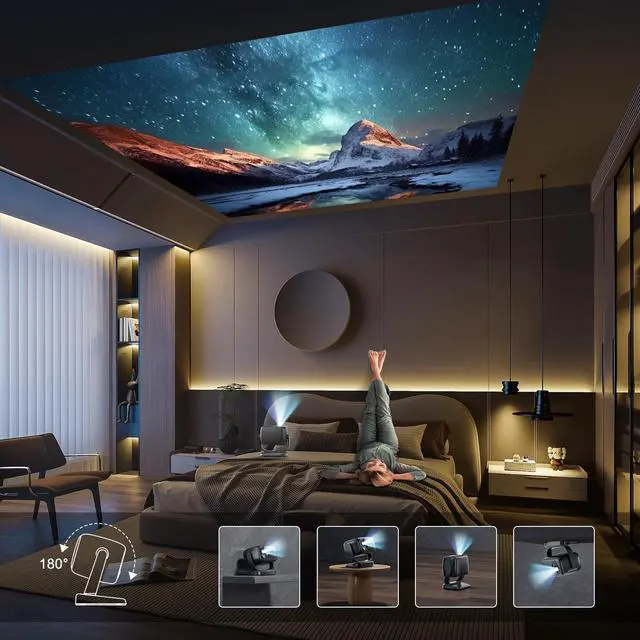
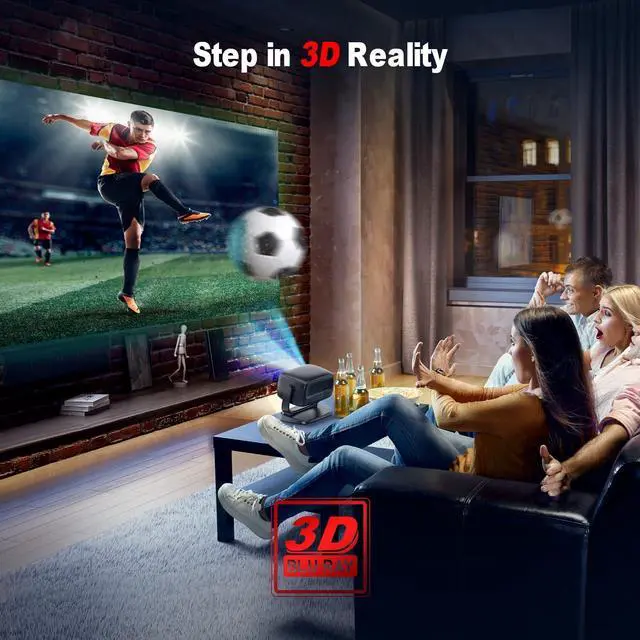
Whether you're setting up a home theater for movie nights, enjoying a workout in your living room, or gaming from your bedside, our versatile projector is the perfect solution. Mount it on the ceiling for an immersive experience or use a tripod stand for easy setup. Catch every thrilling moment of sports events and elevate your viewing experience wherever you are!
Screen Sharing VS Screen Casting: What's the Difference?
Screen Sharing mirrors your phones screen on the projector, displaying all actions and notifications. With the screen casting function, you can watch movies on the projector while continuing other tasks on your phone.
Screen Sharing on Apple Devices
1. Ensure the mobile device and projector are connected to the same WiFi network. 2.Select "Screen Mirroring" on your iPhone. 3.Search for "R2" and connect.
Screen Casting on Apple Devices:
1.Ensure the mobile device and projector are connected to the same WiFi network. 2.On the video playback screen, tap the casting icon and select "R2" to cast.
Screen Sharing on Android Devices:
1.Download the "EShare" App to your phone. 2.Select "Miracast" on the projector App(For stable screen Sharing transmission). 3.Turn on "Wireless Projection" on your mobile device, search for "R2" and connect.
Screen Casting on Android Devices:
1.Ensure the mobile device and projector are connected to the same WiFi network. 2.On the video playback screen, tap the casting icon and select "R2" to cast. * Note: Android devices may not show the casting icon during video playback, use screen sharing instead.
Notes:
*Make sure both devices and the projector are on the same WiFi.
*If there's sound but no image while playing a movie, it may be due to copyright protection.
*Point the remote at the back of the projector for control, as the sensor is located there.
*For the best experience, use the projector in a dark environment.
Step into the future of entertainment with our advanced smart projector! Experience seamless video enjoyment with our projector's built-in apps! Discover the ultimate in wireless connectivity with WiFi 6 and Bluetooth 5.2 ! Enjoy seamless adjustments with the innovative Focus Remote! Explore advanced image enhancement technology that elevates your viewing experience! Transform any space into your personal entertainment hub!
Unlock a world of entertainment with access to thousands of applications and millions of videos, all through an intuitive smart system. Whether you're in the mood for movies, shows, or educational content, everything you need is right at your fingertips. Elevate your home entertainment and enjoy a new level of convenience and choice!
With WiFi 6, enjoy faster speeds and reduced lag for seamless streaming and gaming across dual-band networks. Coupled with Bluetooth 5.2, youll benefit from enhanced audio quality and reliable connections to your devices, ensuring an immersive entertainment experience whether youre watching movies, listening to music, or gaming.
Equipped with 4P/4D correction and zoom capabilities. Eliminate the inconvenience of manual configurations and relish the ease of accurate control right at your fingertips!
Enjoy stunning 1080p Full HD resolution, with support for 4K Ultra HD for breathtaking detail. With a remarkable contrast ratio of 20,000:1, every scene comes to life with vibrant colors and deep blacks, ensuring an immersive cinematic experience.
Whether you're setting up a home theater for movie nights, enjoying a workout in your living room, or gaming from your bedside, our versatile projector is the perfect solution. Mount it on the ceiling for an immersive experience or use a tripod stand for easy setup. Catch every thrilling moment of sports events and elevate your viewing experience wherever you are!
Screen Sharing VS Screen Casting: What's the Difference?
Screen Sharing mirrors your phones screen on the projector, displaying all actions and notifications. With the screen casting function, you can watch movies on the projector while continuing other tasks on your phone.
Screen Sharing on Apple Devices
1. Ensure the mobile device and projector are connected to the same WiFi network. 2.Select "Screen Mirroring" on your iPhone. 3.Search for "R2" and connect.
Screen Casting on Apple Devices:
1.Ensure the mobile device and projector are connected to the same WiFi network. 2.On the video playback screen, tap the casting icon and select "R2" to cast.
Screen Sharing on Android Devices:
1.Download the "EShare" App to your phone. 2.Select "Miracast" on the projector App(For stable screen Sharing transmission). 3.Turn on "Wireless Projection" on your mobile device, search for "R2" and connect.
Screen Casting on Android Devices:
1.Ensure the mobile device and projector are connected to the same WiFi network. 2.On the video playback screen, tap the casting icon and select "R2" to cast. * Note: Android devices may not show the casting icon during video playback, use screen sharing instead.
Notes:
*Make sure both devices and the projector are on the same WiFi.
*If there's sound but no image while playing a movie, it may be due to copyright protection.
*Point the remote at the back of the projector for control, as the sensor is located there.
*For the best experience, use the projector in a dark environment.
Step into the future of entertainment with our advanced smart projector! Experience seamless video enjoyment with our projector's built-in apps! Discover the ultimate in wireless connectivity with WiFi 6 and Bluetooth 5.2 ! Enjoy seamless adjustments with the innovative Focus Remote! Explore advanced image enhancement technology that elevates your viewing experience! Transform any space into your personal entertainment hub!
Warranty & Returns
Warranty, Returns, And Additional Information
Warranty
- Please contact the Seller directly for warranty information. Warranty information may also be found on the Manufacturer's website.
- CONTACT
Return Policies
- Return for refund within: 30 days
- Return for replacement within: 30 days
- This item is covered by HAITAO CROSS BORDER E-COMMERCE LIMITED Return Policy
Manufacturer Contact Info
- For a directory of all our manufacturers, please click below.
- Manufacturers Directory
LOADING...