

Your Browsing History

Meet Your Seller


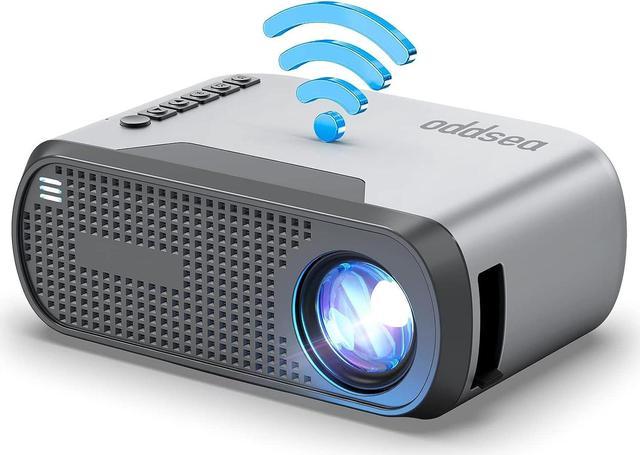



Oddsea Mini Projector with WiFi, Portable Projector for Home Theater, 1080P Supported Movie Projector for Outdoor Use, Compatible with iPhone, Android Phone, Laptop, USB
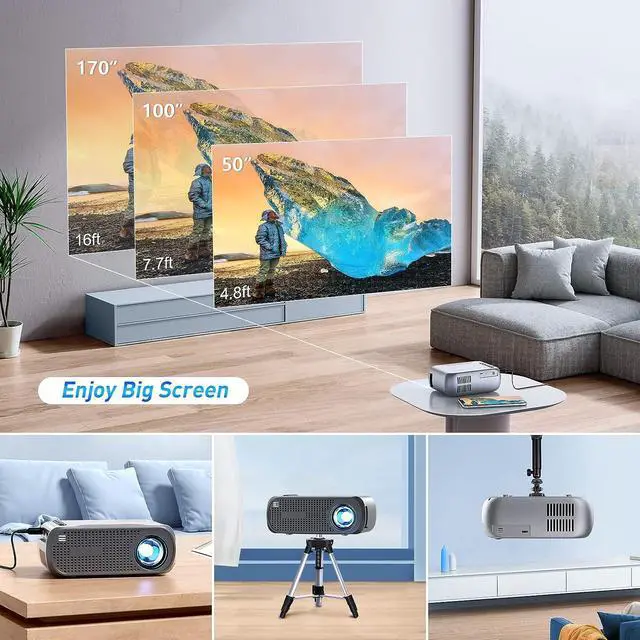
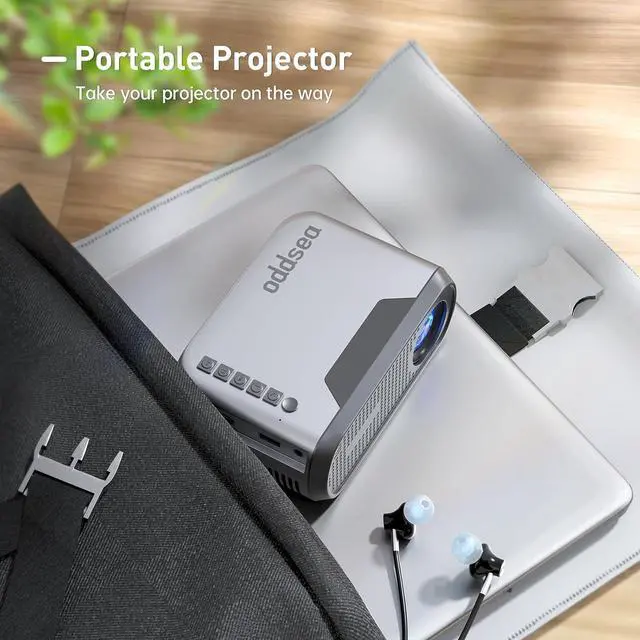
- Mini & Portable Projector- Compact and lightweight design with the size of 5.51x3.78x2.13 and weight of 0.75 lb, which makes this small wifi projector easy to carry around and wouldnt take up much space. Its perfect for those who live in college dorm or small bedroom which don't have TV. And also be ideal choice for outdoor movie night while traveling or camping.
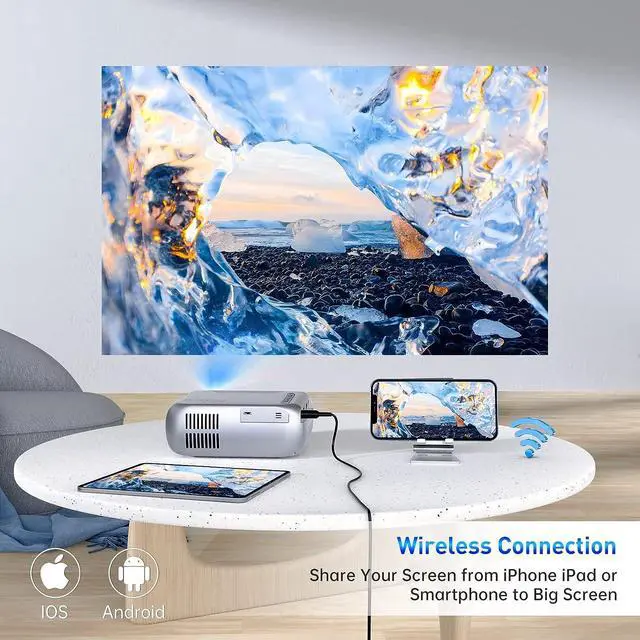
- Easy Screen Synchronization Via WiFi- Oddsea mini projector for iphone adopts wireless smartphone synchronize screen technology, you can easy connect your iphone/Android device by simply connecting your WIFI. No need to buy extra HDMI adapter cable anymore.
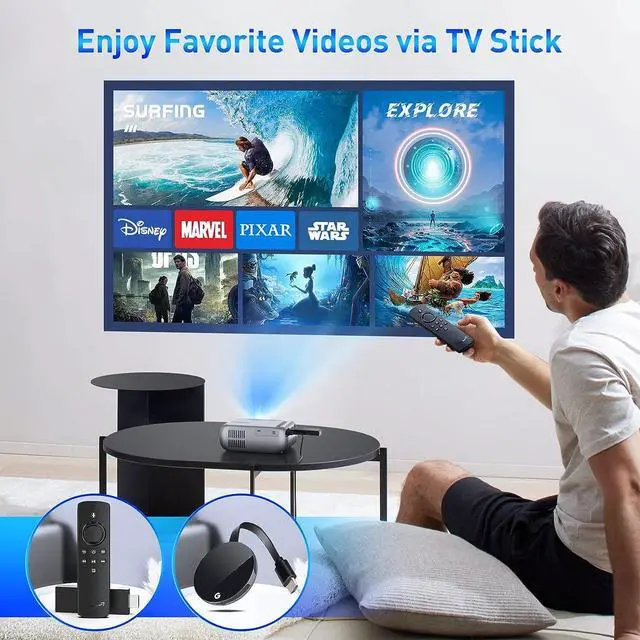
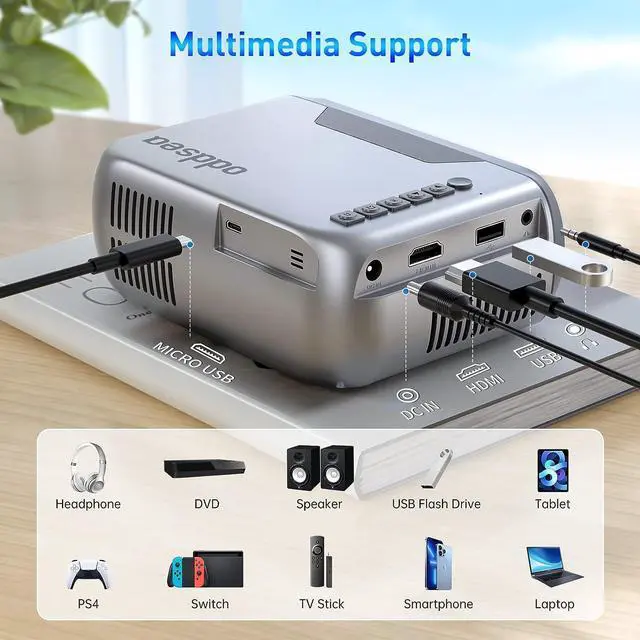
- Support Multi Device Connection- Featured with HDMI, USB and 3.5mm Audio port, Oddsea 1080P support projector with WiFi works perfectly with TV Stick, Gaming Console, Macbook, Laptop, smartphone, USB stick and more. This makes it perfect for home cinema, backyard party and outdoor activity to play video games, sports/TV shows with family or friends.
- Affordable and
+
+
Overview
Reviews

Any questions? Our AI mode will help you find out quickly.
Try me now
1. Connect a TV BOX, such as a Fire TV stick or Roku stick.
2. Connect a laptop via HDMI cable. If your laptop no hdmi interface, then you need a thunderbolt to HDMI adapter( Mini Displayport to HDMI or USB C to HDMI). These adapters are not included in the package, you need to buy it yourself.
Please note: Cant cast or mirror these apps directly through WiFi or USB connection as copyright restrictions. Nearly 100% of the projector cant mirror these videos via WiFi or USB directly. Hope your kindly understand.
Hi Customer, Before you place order, there are few points to be noted
1. If there is no sound when playing videos like Netflix, turn off Dolby sound on your connected devices or apps. (Settings > Display & Sounds > Audio > Dolby Digital Output > turn Dolby Digital OFF)
2. The fluency of screen mirroring with a wireless connection will be affected by your router's network speed.
3. This projector is mainly used for home cinema, not recommended for LARGE business presentations or teaching.
4. You will get the best effect in a dark or semi-light environment.
How to Play Netflix, Prime Video, Hulu, Disney and Other Copyright Protected Apps?
2. Connect a laptop via HDMI cable. If your laptop no hdmi interface, then you need a thunderbolt to HDMI adapter( Mini Displayport to HDMI or USB C to HDMI). These adapters are not included in the package, you need to buy it yourself.
Please note: Cant cast or mirror these apps directly through WiFi or USB connection as copyright restrictions. Nearly 100% of the projector cant mirror these videos via WiFi or USB directly. Hope your kindly understand.
Hi Customer, Before you place order, there are few points to be noted
1. If there is no sound when playing videos like Netflix, turn off Dolby sound on your connected devices or apps. (Settings > Display & Sounds > Audio > Dolby Digital Output > turn Dolby Digital OFF)
2. The fluency of screen mirroring with a wireless connection will be affected by your router's network speed.
3. This projector is mainly used for home cinema, not recommended for LARGE business presentations or teaching.
4. You will get the best effect in a dark or semi-light environment.
How to Play Netflix, Prime Video, Hulu, Disney and Other Copyright Protected Apps?
Warranty & Returns
Warranty, Returns, And Additional Information
Warranty
- Please contact the Seller directly for warranty information. Warranty information may also be found on the Manufacturer's website.
- CONTACT
Return Policies
- Return for refund within: 30 days
- Return for replacement within: 30 days
- This item is covered by HAITAO CROSS BORDER E-COMMERCE LIMITED Return Policy
Manufacturer Contact Info
- For a directory of all our manufacturers, please click below.
- Manufacturers Directory
LOADING...