

Your Browsing History

Meet Your Seller


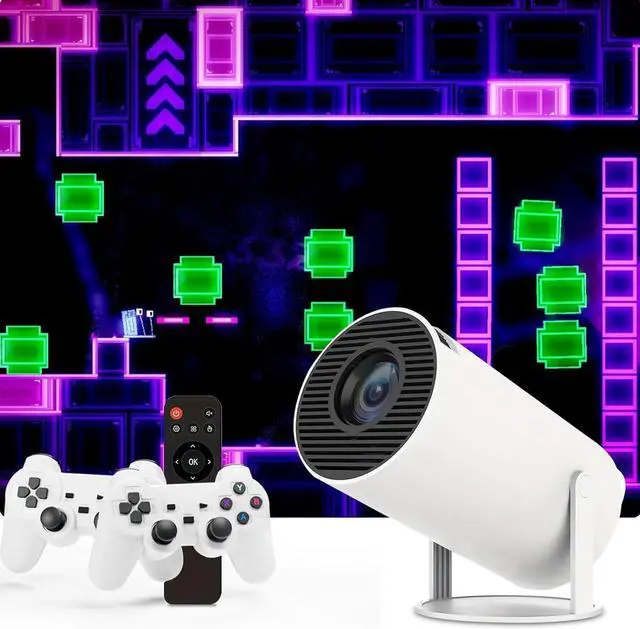
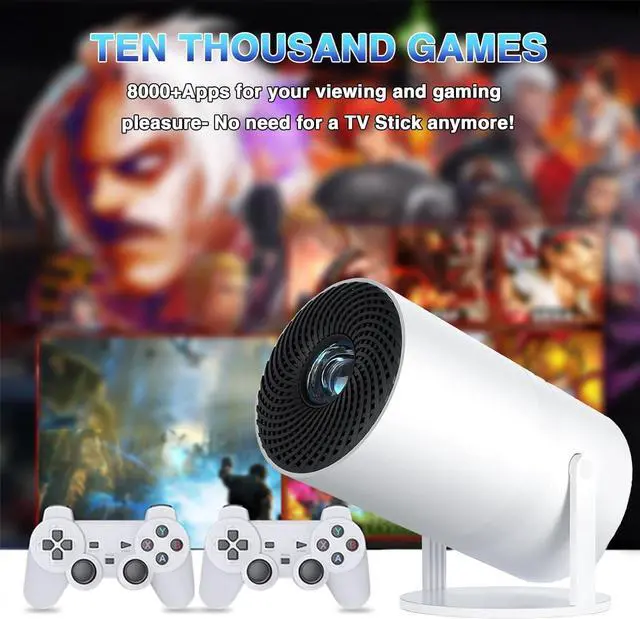
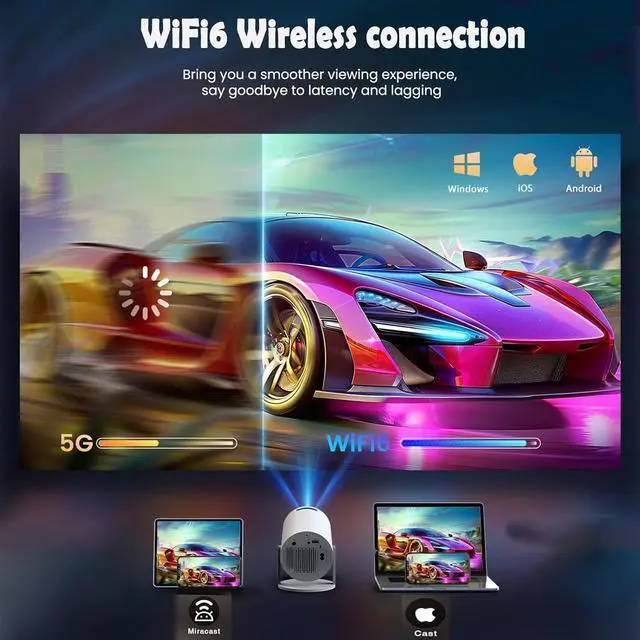
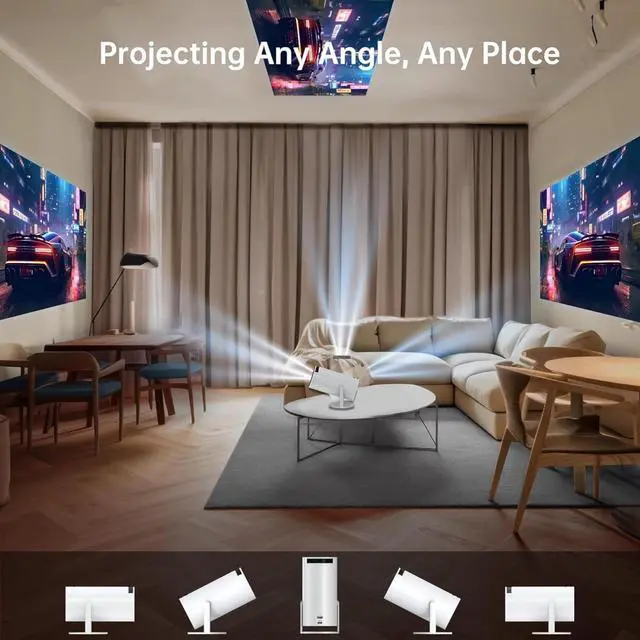
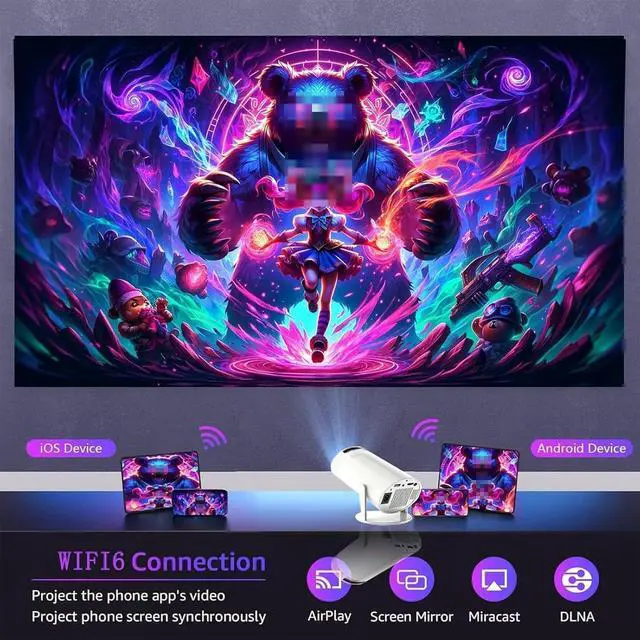
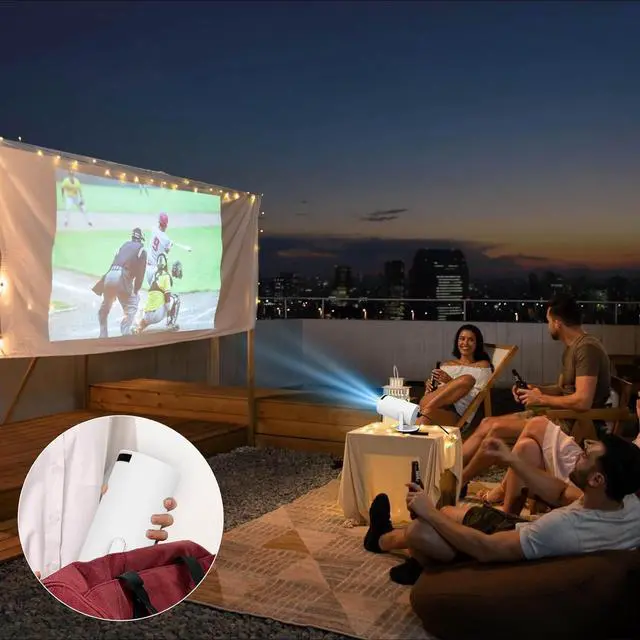


Game Projector and 2 Retro Gaming Consoles, Mini Projector with Wifi and Bluetooth, Small Portable Outdoor Movie Projector, Arcade Vision Smart HD Projector with Built in 10,000+ Retro Games
- A Retro Classic with Universal Appeal: If you grew up in the 80s and 90s, retro games bring back nostalgic memories of simpler times. With easy-to-learn mechanics, they're fun for both longtime gamers and newcomers. Our gaming projector, paired with 2 consoles, offers 10k+ retro games for you to enjoy with family and friends.
- Comfort and Portability: Gamepads are designed with ergonomic features like textured grips and well-placed buttons for a comfortable hold, making long gaming sessions strain-free. With responsive buttons and high-sensitivity joysticks, the gamepads deliver smooth, precise control. Wireless connectivity removes the hassle of cords, allowing players to sit further from the console.
- Expansive Visuals and Immersive Gameplay: The projector offers a larger image than traditional TVs, enhancing the gaming experience, especially for action-packed games, racing, or any genre where a wider view boosts gameplay. It's perfect for multiple players and spectators, creating a
+
+
Overview
Reviews

Any questions? Our AI mode will help you find out quickly.
Try me now
How to Load the Game?
1. Connect to WiFi: Settings > Networking Settings > WiFi Settings. Turn WiFiON, select your WiFi ID, and enter the password to connect to the internet.
2. Insert the SD Card: Make sure that the SD card is properly inserted into the projector.
3. Update the Projector System: If the game still doesn't load, please update the projector system to the latest version in the settings (ensure you are connected to the internet).
4. After connecting to the internet, the system should return to normal after approximately 6 hours.
How to Connect to the Game Controllers?
First, plug the USB receiver into the projector,
then insert two AA batteries (not included) into the game controller and turn on the game controller switch.
How to Use Netflix?
1. Connect to WiFi
2. Download the lastest version: App store > Search Netflix > Click Uninstall and then install new version.
How to Adjust Clarity?
Manual focus, slide the black slider on the projector
Retro games have seen a resurgence in popularity in recent years. Here are some key factors contributing to the appeal of retro gaming:
1. Many players who grew up in the 80s and 90s have fond memories of classic games. Playing retro games evokes nostalgia, reminding them of their childhood and simpler times.
2. Retro games often feature straightforward mechanics and controls, making them easy to pick up and play. This simplicity can be refreshing compared to the complexity of many modern games.
3. Retro games often appeal to both older gamers who played them originally and younger players who discover them through streaming platforms, YouTube, or social media.
Why do we use a projector and 2 game consoles combo? Here are some key advantages:
1. Large Screen Experience
2. Immersive Gameplay
3. Flexible Screen Size
4. Social Gaming
5. Space-Saving
6. Versatile Use
7. Cinematic Experience
8. Low Input Lag Options
1. Connect to WiFi: Settings > Networking Settings > WiFi Settings. Turn WiFiON, select your WiFi ID, and enter the password to connect to the internet.
2. Insert the SD Card: Make sure that the SD card is properly inserted into the projector.
3. Update the Projector System: If the game still doesn't load, please update the projector system to the latest version in the settings (ensure you are connected to the internet).
4. After connecting to the internet, the system should return to normal after approximately 6 hours.
How to Connect to the Game Controllers?
First, plug the USB receiver into the projector,
then insert two AA batteries (not included) into the game controller and turn on the game controller switch.
How to Use Netflix?
1. Connect to WiFi
2. Download the lastest version: App store > Search Netflix > Click Uninstall and then install new version.
How to Adjust Clarity?
Manual focus, slide the black slider on the projector
Retro games have seen a resurgence in popularity in recent years. Here are some key factors contributing to the appeal of retro gaming:
1. Many players who grew up in the 80s and 90s have fond memories of classic games. Playing retro games evokes nostalgia, reminding them of their childhood and simpler times.
2. Retro games often feature straightforward mechanics and controls, making them easy to pick up and play. This simplicity can be refreshing compared to the complexity of many modern games.
3. Retro games often appeal to both older gamers who played them originally and younger players who discover them through streaming platforms, YouTube, or social media.
Why do we use a projector and 2 game consoles combo? Here are some key advantages:
1. Large Screen Experience
2. Immersive Gameplay
3. Flexible Screen Size
4. Social Gaming
5. Space-Saving
6. Versatile Use
7. Cinematic Experience
8. Low Input Lag Options
Warranty & Returns
Warranty, Returns, And Additional Information
Warranty
- Please contact the Seller directly for warranty information. Warranty information may also be found on the Manufacturer's website.
- CONTACT
Return Policies
- Return for refund within: 30 days
- Return for replacement within: 30 days
- This item is covered by HAITAO CROSS BORDER E-COMMERCE LIMITED Return Policy
Manufacturer Contact Info
- For a directory of all our manufacturers, please click below.
- Manufacturers Directory
LOADING...