

Your Browsing History

Meet Your Seller

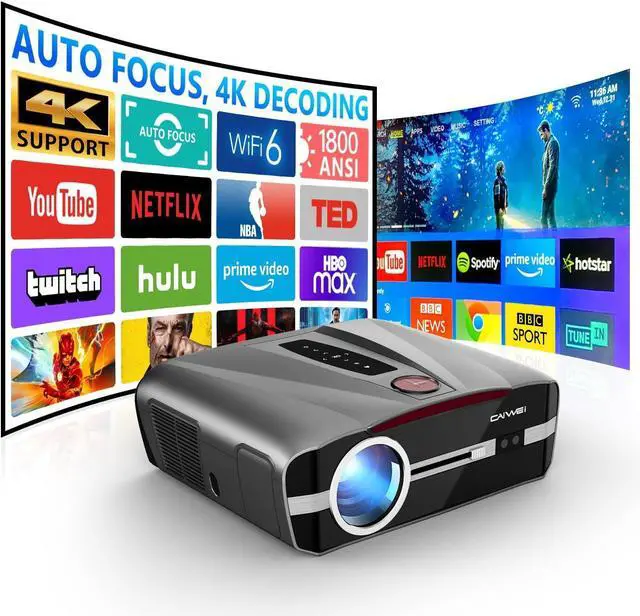


4K Projector Daylight Bright 1800 ANSI, High Lumens Daytime 4K Ultra HD Proyector HDR, Smart Auto Focus Keystone Apps WiFi 6 NFC, Bluetooth DSP Stereo,for Movie Gaming Home Theater Ceiling HDMI USB
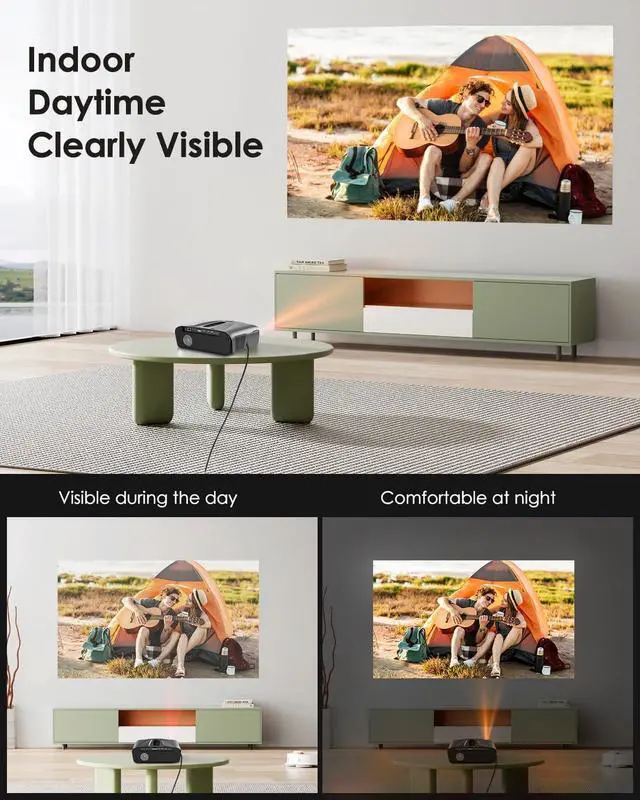
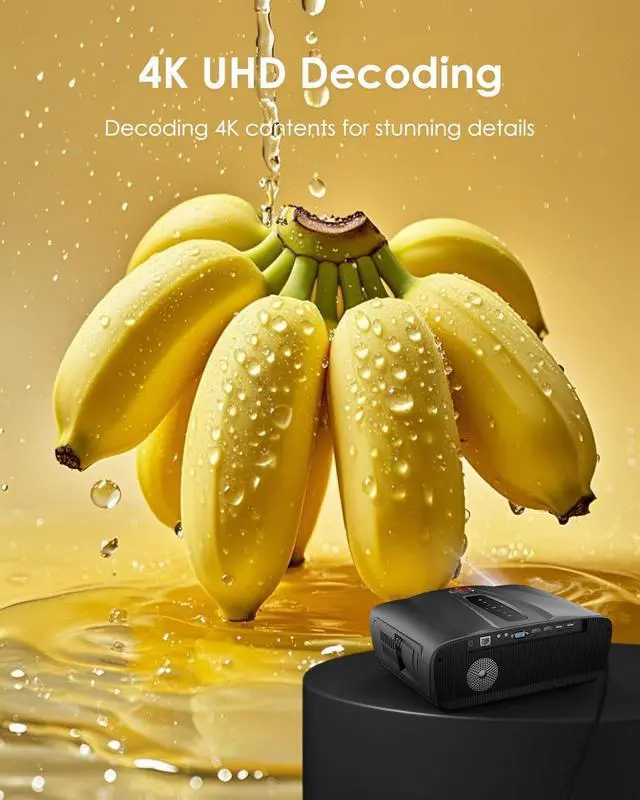
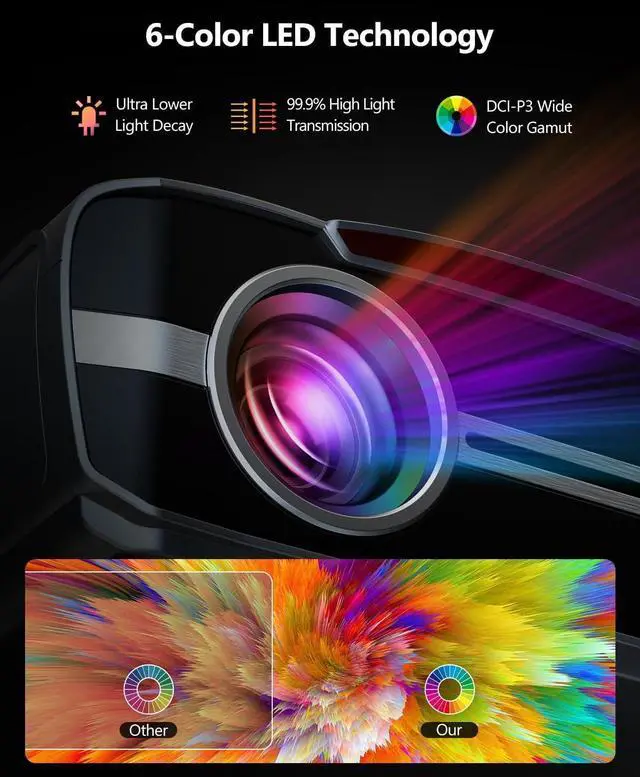
- Born for Daylight UseAdopt TS-LED AI brightening tech, Adaptive Brightness & Brightness Enhancement Filter, 4K UHD resolution decoding, the indoor daytime projector ensures that your images remain bright and clear even in daylight. With HDR10+, 6-Color LED Light Source & DCI-P3 wide color gamut, you will enjoy an immersive visual experience with rich, natural colors during the day.
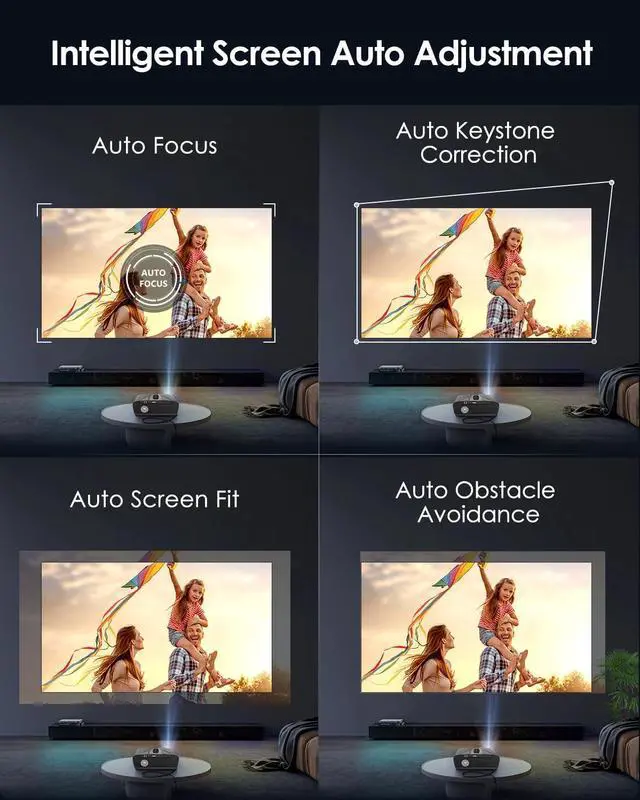
- Boot-Up Auto Focus & Auto KeystoneRevel in crystal-clear, razor-sharp image in 3 seconds! The Intelligent Projector features Auto Focus, 6D Auto Keystone, Auto Obstacle Avoidance, and Auto Picture Entry, automatically adjusting for perfect clarity and image size. Electronic focus and keystone correction were added for more options.
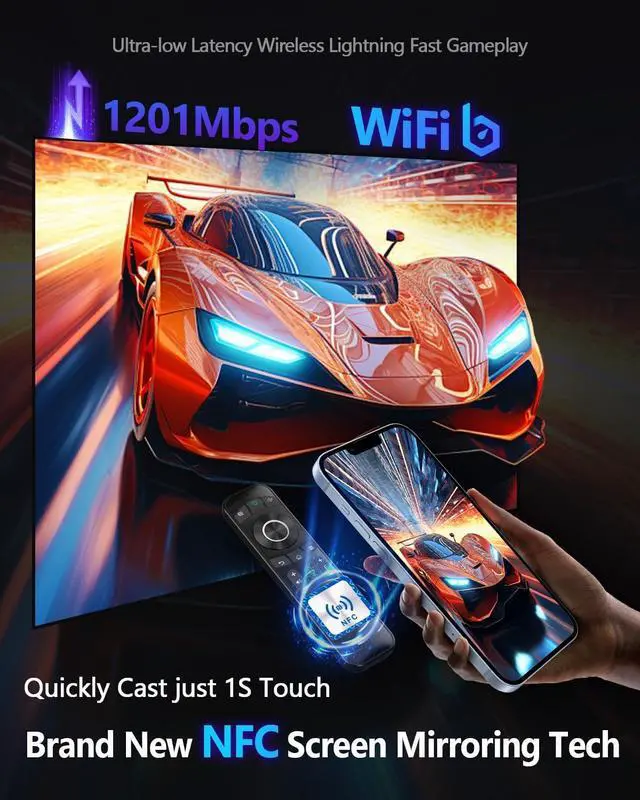
- Seamless WiFi 6, Bluetooth & NFCThis wireless projector features WiFi 6 and dual-band support (5G/2.4G) for smooth, stable streaming.NFC makes it easy to project wirelessly with a single touch, while Bluetooth 5.2 connects to external speakers for immersiv
+
+
Overview
Reviews

Any questions? Our AI mode will help you find out quickly.
Try me now
1One Touch NFC Cast2Smart Android TV3Streaming Apps Freely4Faster WiFi6 & 5G5Two-way Bluetooth5.2 Why can't I access or operate some app via Remote Control?
If the remote doesn't work in the app, please do Online Upgrade and long press the OK button on the remote to switch to Mouse Cursor Mode.
[STEPS: Settings->About->Online Upgrade]
How to perform Auto Focus & Keystone Correction?
This projector will perform auto image focus at startup.
If it is not available, please connect to the network first, then go to "Settings" -> "Projection", it can freely activate or deactivate various automatic adjustments.
Recommended Projection Size & Distance
Screen Size - Projection Distance:
50 inch-5.338FT, 100 inch-10.66FT,
120 inch-12.81FT, 150 inch-16.01FT,
200 inch-21.35FT, 300 inch-32.03FT.
How is it with light? Is this projector bright enough?
The projector is very bright with a brightness of 1800 ANSI lumen.
However, it is need to avoid using it outdoors in direct sunlight and make sure there is no strong light around the projector screen.
(Not recommended for outdoor daytime use)
More stunning large screen with vivid colors & clear visual enjoyment Smart Auto Adjustment Features Make Everything Simpler! video Precious Home Theater Time How do I add the apps?
Why can't I access or operate some app via Remote Control?
How to perform Auto Focus & Keystone Correction?
Recommended Projection Size & Distance
How is it with light? Is this projector bright enough?
If the remote doesn't work in the app, please do Online Upgrade and long press the OK button on the remote to switch to Mouse Cursor Mode.
[STEPS: Settings->About->Online Upgrade]
How to perform Auto Focus & Keystone Correction?
This projector will perform auto image focus at startup.
If it is not available, please connect to the network first, then go to "Settings" -> "Projection", it can freely activate or deactivate various automatic adjustments.
Recommended Projection Size & Distance
Screen Size - Projection Distance:
50 inch-5.338FT, 100 inch-10.66FT,
120 inch-12.81FT, 150 inch-16.01FT,
200 inch-21.35FT, 300 inch-32.03FT.
How is it with light? Is this projector bright enough?
The projector is very bright with a brightness of 1800 ANSI lumen.
However, it is need to avoid using it outdoors in direct sunlight and make sure there is no strong light around the projector screen.
(Not recommended for outdoor daytime use)
More stunning large screen with vivid colors & clear visual enjoyment Smart Auto Adjustment Features Make Everything Simpler! video Precious Home Theater Time How do I add the apps?
Why can't I access or operate some app via Remote Control?
How to perform Auto Focus & Keystone Correction?
Recommended Projection Size & Distance
How is it with light? Is this projector bright enough?
Warranty & Returns
Warranty, Returns, And Additional Information
Warranty
- Please contact the Seller directly for warranty information. Warranty information may also be found on the Manufacturer's website.
- CONTACT
Return Policies
- Return for refund within: 30 days
- Return for replacement within: 30 days
- This item is covered by HAITAO CROSS BORDER E-COMMERCE LIMITED Return Policy
Manufacturer Contact Info
- For a directory of all our manufacturers, please click below.
- Manufacturers Directory
LOADING...