

Your Browsing History

Meet Your Seller


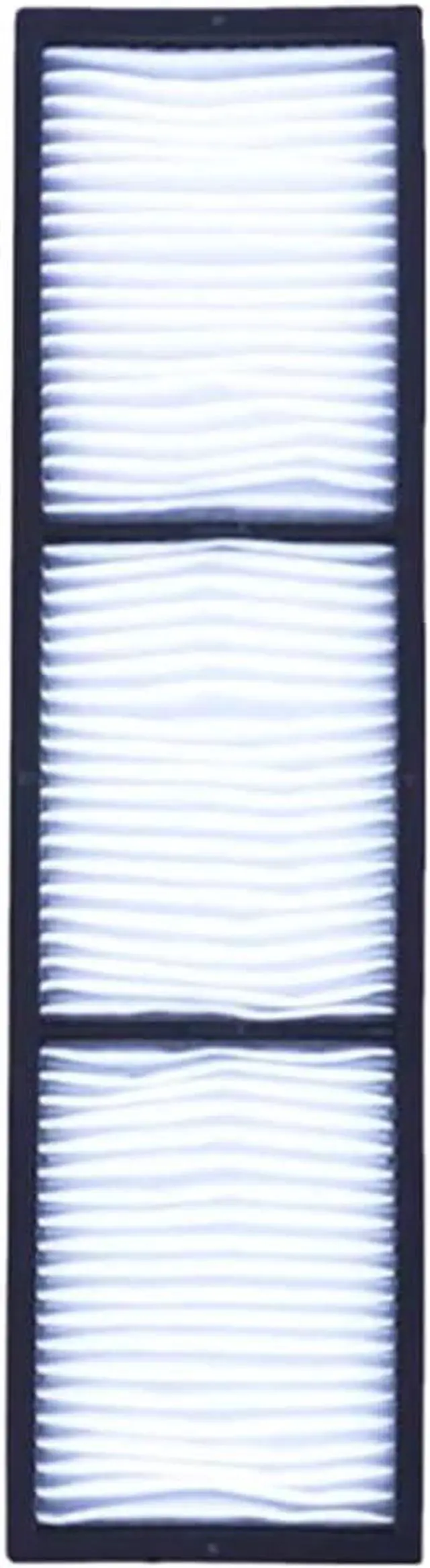
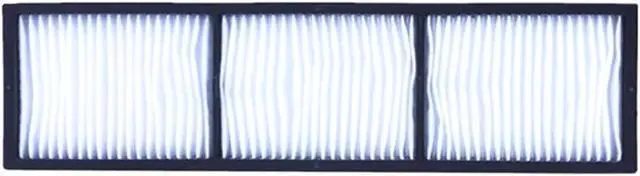
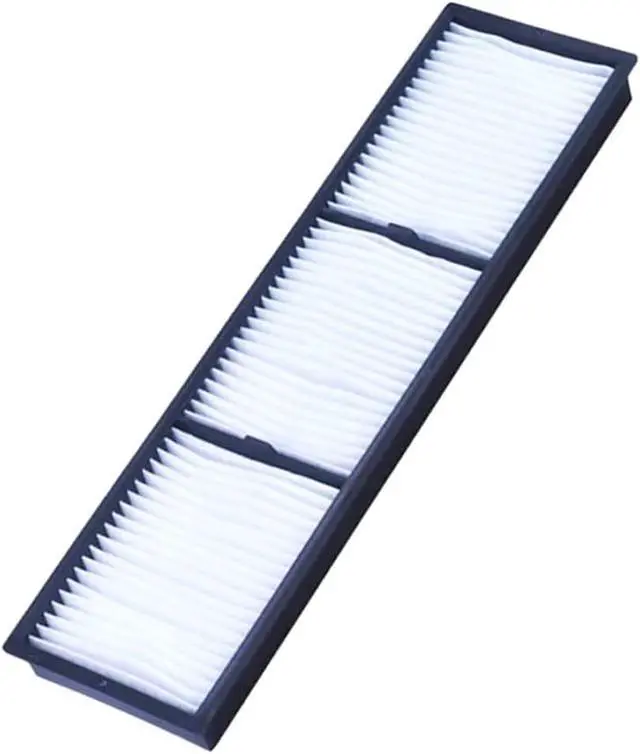
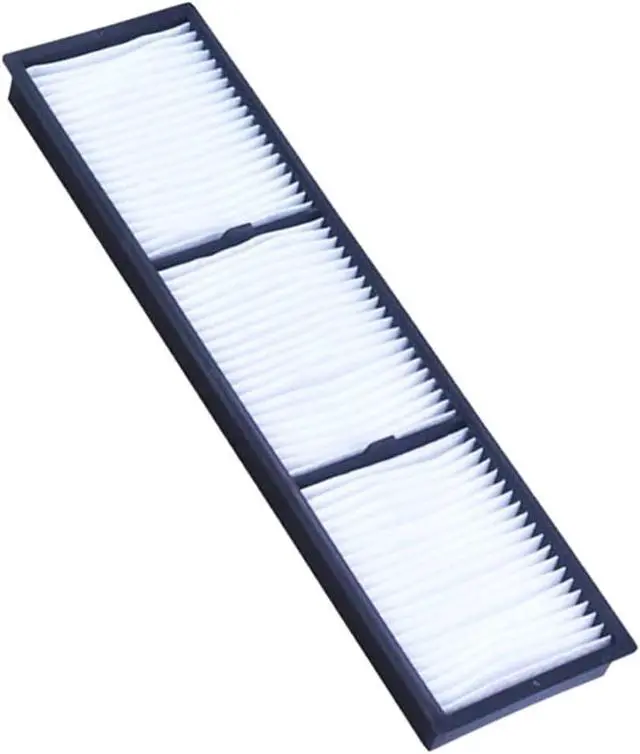
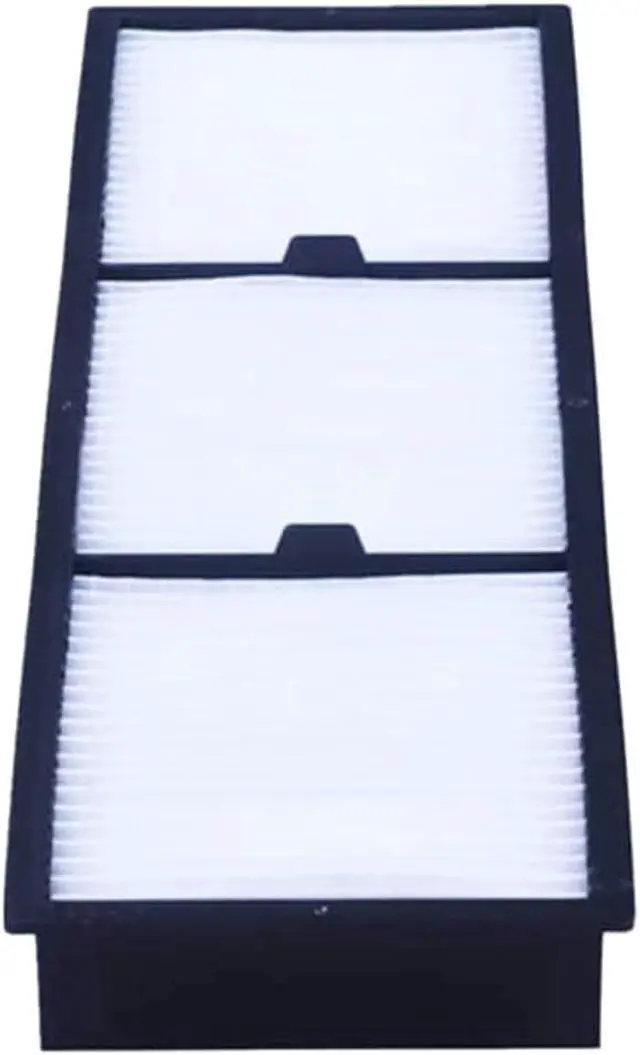


Replacement Projector Air Filter ELPAF23 for EPSON EB-Z10000NL EB-Z10005NL EB-Z8000WUNL EB-Z8050WNL EB-Z8150 EB-Z8350WNL EB-Z8355WNL EB-Z8450WUNL EB-Z8455WUNL
- JISIZKY Premium Quality Replacement Projector Air Filter ELPAF23
- Fit for EPSON EB-Z10000 EB-Z10000NL EB-Z10005 EB-Z10005NL EB-Z8000WU EB-Z8000WUNL EB-Z8050W EB-Z8050WNL EB-Z8150 EB-Z8350W EB-Z8350WNL EB-Z8355W EB-Z8355WNL EB-Z8450WU EB-Z8450WUNL EB-Z8455WU EB-Z8455WUNL PowerLite Pro Z8000WUNL Z8050WNL Z8150NL Z8250NL Z8255NL Z8350WNL Z8455WUNL .
- Using JISIZKYs Projector Air Filter provides you clear,bright,gorgeous pictures,bring you and your family to experience a better entertainment,
- Each Projector Air Filter will be Test before Ship Out From the Factory.
- Friendly Customer Service(180 Days Warranty and Messages Will Be Respond Within 12hours.)
+
+
Overview
Specs
Reviews

Any questions? Our AI mode will help you find out quickly.
Try me now
For projectorsprojector air filter plays an important role.Using JISIZKYs projector air filter in your projector not only ensures heat dissipation and ventilation but also can prevent paricles in the air from entering the projector, effectively filtering more than 99% of particles in the air. It greatly improves the filtering effect and efficiency, and effectively protects the entire optical system of the projector. Adapting to the use of projector air filter in different environment no matter small or large dust.
Projector Air Filter Model: ELPAF23
Compatible For EPSON Projector Models:
EB-Z10000 EB-Z10000NL EB-Z10005 EB-Z10005NL EB-Z8000WU EB-Z8000WUNL EB-Z8050W EB-Z8050WNL EB-Z8150 EB-Z8350W EB-Z8350WNL EB-Z8355W EB-Z8355WNL EB-Z8450WU EB-Z8450WUNL EB-Z8455WU EB-Z8455WUNL PowerLite Pro Z8000WUNL Z8050WNL Z8150NL Z8250NL Z8255NL Z8350WNL Z8455WUNLProjector
Filter frame:ABS
Filter:Polyurethane foam
You need to replace the air filter in the following situations:
1,lf the message is displayed frequently even though the air filter has been cleaned,replace the air filter.
2,If dust is difficult to remove or the air filter is torn or damaged, replace the air filter.
Filter Replacement Guide:
1,Turn off the projector and unplug the power cord.
2,Remove the air filter cover.(Press the knocks to release the catches,and then pull the cover upward.)
3,Remove the old air filter.
4,Insert the new air filter and push gently until it clicks into place.(Install with the groove faced to the right)
5,Close the air filter cover.
NOTE:
If regular maintenance is not performed, your projector will notify you when the temperature inside the projector has reached a high level.
Do not wait until this warning appears to maintain your projector filter as prolonged exposure to high temperatures may reduce the life of your projector or lamp.
Projector Air Filter Model: ELPAF23
Compatible For EPSON Projector Models:
EB-Z10000 EB-Z10000NL EB-Z10005 EB-Z10005NL EB-Z8000WU EB-Z8000WUNL EB-Z8050W EB-Z8050WNL EB-Z8150 EB-Z8350W EB-Z8350WNL EB-Z8355W EB-Z8355WNL EB-Z8450WU EB-Z8450WUNL EB-Z8455WU EB-Z8455WUNL PowerLite Pro Z8000WUNL Z8050WNL Z8150NL Z8250NL Z8255NL Z8350WNL Z8455WUNLProjector
Filter frame:ABS
Filter:Polyurethane foam
You need to replace the air filter in the following situations:
1,lf the message is displayed frequently even though the air filter has been cleaned,replace the air filter.
2,If dust is difficult to remove or the air filter is torn or damaged, replace the air filter.
Filter Replacement Guide:
1,Turn off the projector and unplug the power cord.
2,Remove the air filter cover.(Press the knocks to release the catches,and then pull the cover upward.)
3,Remove the old air filter.
4,Insert the new air filter and push gently until it clicks into place.(Install with the groove faced to the right)
5,Close the air filter cover.
NOTE:
If regular maintenance is not performed, your projector will notify you when the temperature inside the projector has reached a high level.
Do not wait until this warning appears to maintain your projector filter as prolonged exposure to high temperatures may reduce the life of your projector or lamp.
Warranty & Returns
Warranty, Returns, And Additional Information
Warranty
- Please contact the Seller directly for warranty information. Warranty information may also be found on the Manufacturer's website.
- CONTACT
Return Policies
- Return for refund within: 30 days
- Return for replacement within: 30 days
- This item is covered by HAITAO CROSS BORDER E-COMMERCE LIMITED Return Policy
Manufacturer Contact Info
- For a directory of all our manufacturers, please click below.
- Manufacturers Directory
LOADING...