

Your Browsing History
- Free 30-day Returns
$108.99

Meet Your Seller

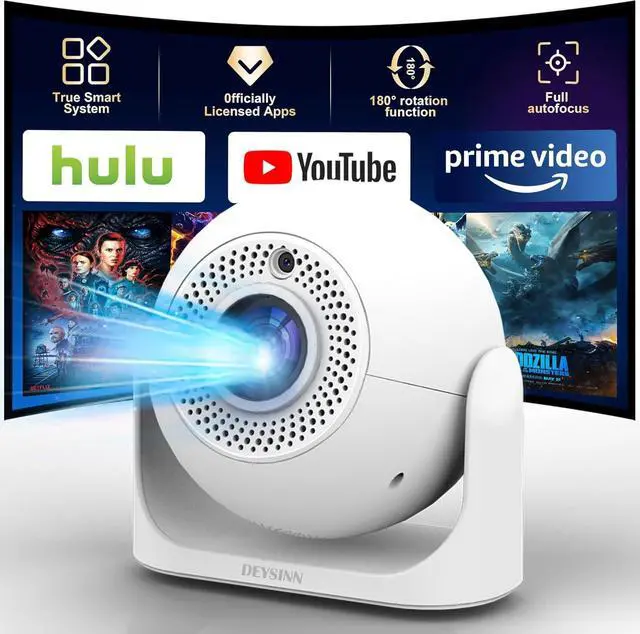
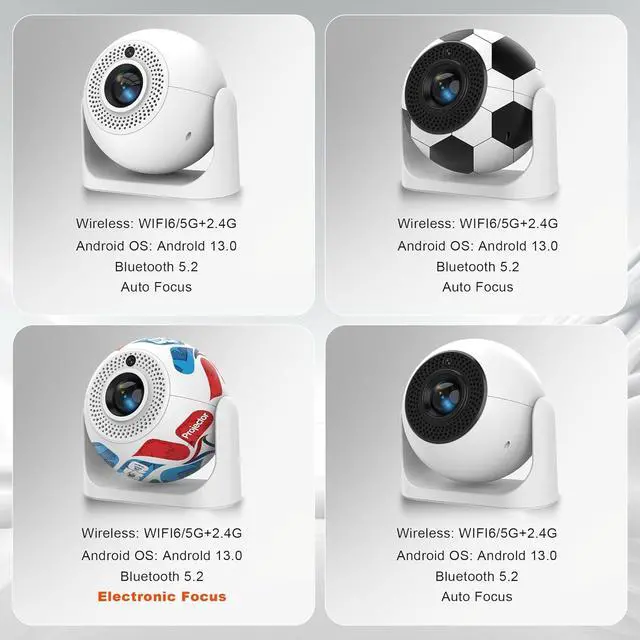


Smart Mini Projector with WiFi & Bluetooth, 4K Support 180° Rotatable Auto Focus & Keystone Portable Proyector with Built-in APPS and Speaker Outdoor Movie Home Theater Projector
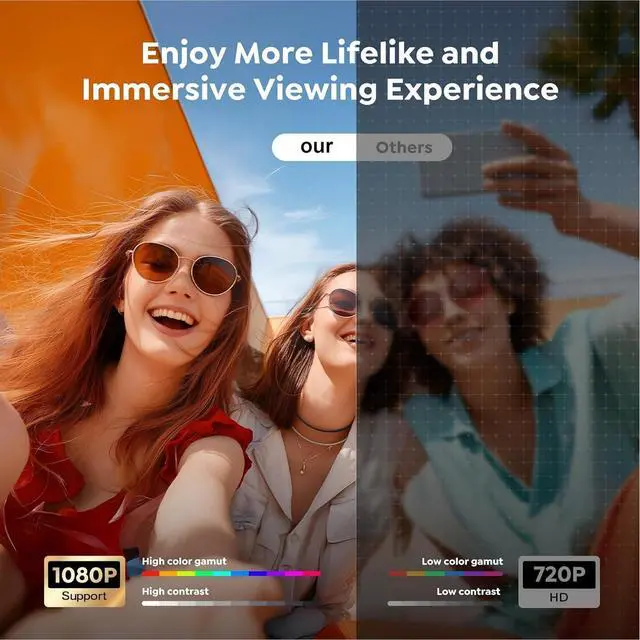
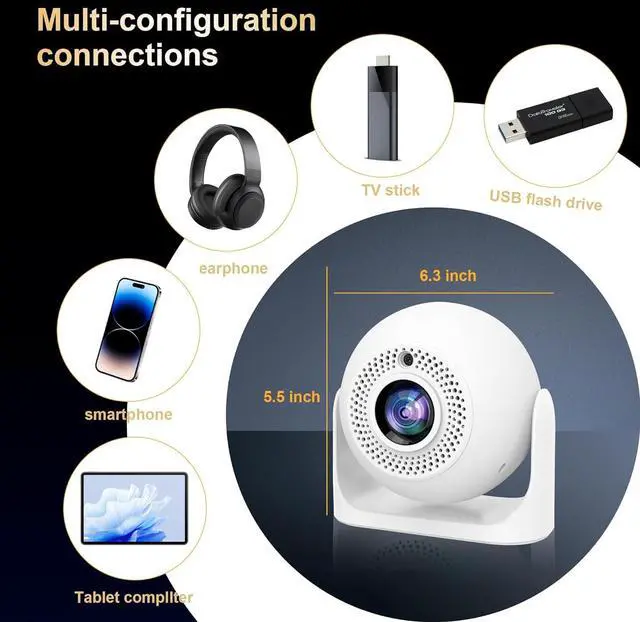
- All-Scenario Bestseller: Compact and portable enough to fit in a camping backpack. Delivers crisp visuals for business with 4K compatibility, and creates immersive home theater experiences with HDR. Seamlessly connects to phones/TV sticks, making it a top-tier audio-visual companion for home, office, and outdoor use.
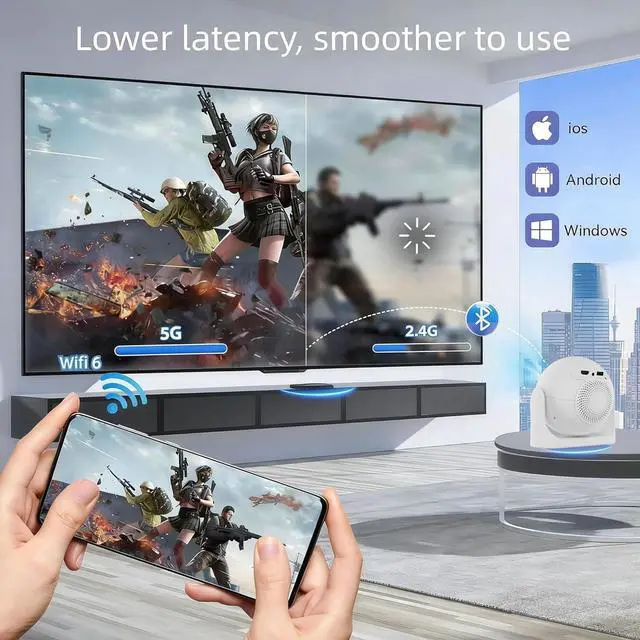
- Fast & Stable Connection: Equipped with dual-band WiFi (2.4G+5G) and Bluetooth 5.2. The 2.4G band offers wide coverage for open camping areas, while 5G enables buffer-free movie streaming. Apps switch smoothly without lag.
- Easy to Operate: Comes with an intelligent voice remote. Adjust volume, switch content, or tweak image quality via voiceno need to fumble with tiny buttons. Accessible for both seniors and kids, its a popular "family-friendly digital product."
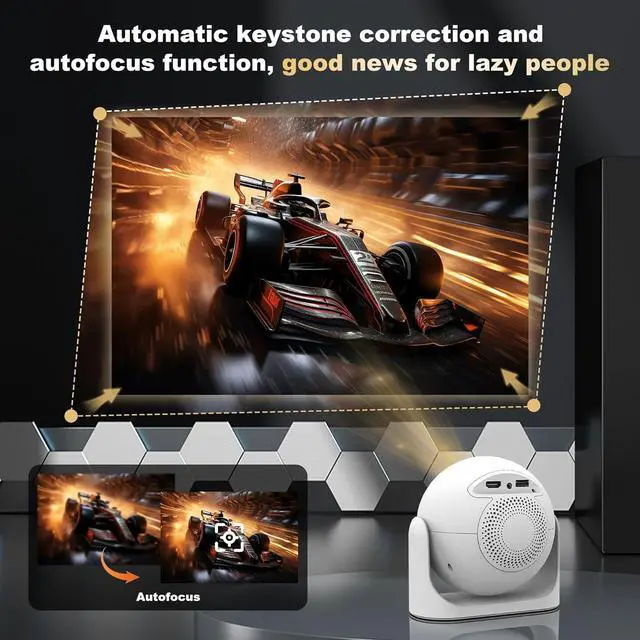
- Versatile Surface Adaptation: Features a 180° rotatable lens and auto keystone correction. Project onto ceilings for lazy home viewing, tent walls for camping movie nights, or plain white walls for profession
+
+
Overview
Specs
Reviews

Any questions? Our AI mode will help you find out quickly.
Try me now
Our projector only needs to be plugged in and turned on. After turning it on, connect to Wi-Fi and it's ready to use. It has built-in applications such as YouTube and Hulu. You can start watching right away without any complicated operations.
What Is the Optimal Projection Distance?
The recommended projection distance is 1.52 meters. This range delivers a clear, properly sized image between 5680 inches.
How to Fix a Distorted or Non-Square Projection?
1. Place the projector on a flat surface.
2. Go to Settings > Projector > Disable AutoTrapezoid.
3. Select Projection Horizontal calibration to calibrate the image.
4. Choose Corner Correction and fine-tune with the remote's directional keys.
How to Fix a Blurry Image?
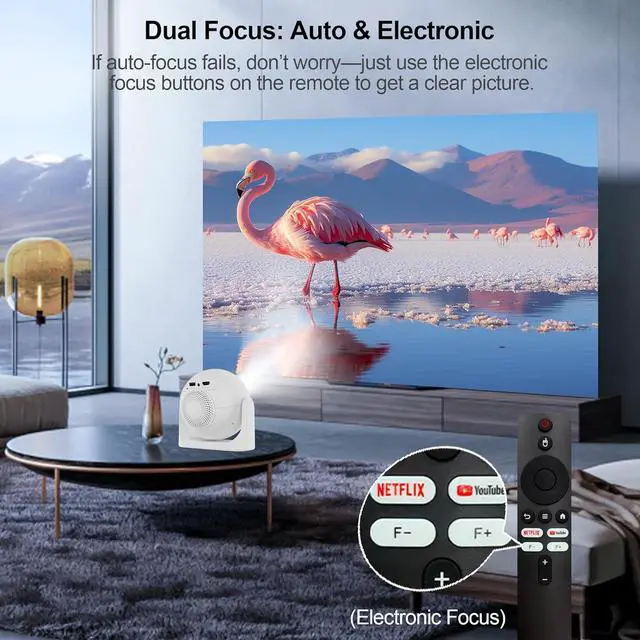
Use the F+ and F- buttons on the remote to manually focus the image. For optimal clarity, place the projector no more than 2 meters away from the screen or wall.
Important Reminders
Please don't block the projector's air intake/exhaust vents (heat dissipation vents)blockage may cause overheating or screen burn-in. Avoid touching the vents during or after use to prevent accidental burns.
How to use? Built-in Applications, Enjoy more Exciting Experiences JY360 Mini Portable Wireless Connection to Smartphones Crisp & Vivid Visual Experience Ultra-Fast WIFI6, Say Goodbye To Lag Mini Cinema, Suitable for Various Scenarios Is an OTA Update Required Before First Use?
What Is the Optimal Projection Distance?
How to Fix a Distorted or Non-Square Projection?
How to Fix a Blurry Image?
Important Reminders
What Is the Optimal Projection Distance?
The recommended projection distance is 1.52 meters. This range delivers a clear, properly sized image between 5680 inches.
How to Fix a Distorted or Non-Square Projection?
1. Place the projector on a flat surface.
2. Go to Settings > Projector > Disable AutoTrapezoid.
3. Select Projection Horizontal calibration to calibrate the image.
4. Choose Corner Correction and fine-tune with the remote's directional keys.
How to Fix a Blurry Image?
Use the F+ and F- buttons on the remote to manually focus the image. For optimal clarity, place the projector no more than 2 meters away from the screen or wall.
Important Reminders
Please don't block the projector's air intake/exhaust vents (heat dissipation vents)blockage may cause overheating or screen burn-in. Avoid touching the vents during or after use to prevent accidental burns.
How to use? Built-in Applications, Enjoy more Exciting Experiences JY360 Mini Portable Wireless Connection to Smartphones Crisp & Vivid Visual Experience Ultra-Fast WIFI6, Say Goodbye To Lag Mini Cinema, Suitable for Various Scenarios Is an OTA Update Required Before First Use?
What Is the Optimal Projection Distance?
How to Fix a Distorted or Non-Square Projection?
How to Fix a Blurry Image?
Important Reminders
Warranty & Returns
Warranty, Returns, And Additional Information
Warranty
- Please contact the Seller directly for warranty information. Warranty information may also be found on the Manufacturer's website.
- CONTACT
Return Policies
- Return for refund within: 30 days
- Return for replacement within: 30 days
- This item is covered by Zhanfu Technology Co., Limited Return Policy
Manufacturer Contact Info
- For a directory of all our manufacturers, please click below.
- Manufacturers Directory
LOADING...