

Your Browsing History
- Free 30-day Returns
$108.99

Meet Your Seller


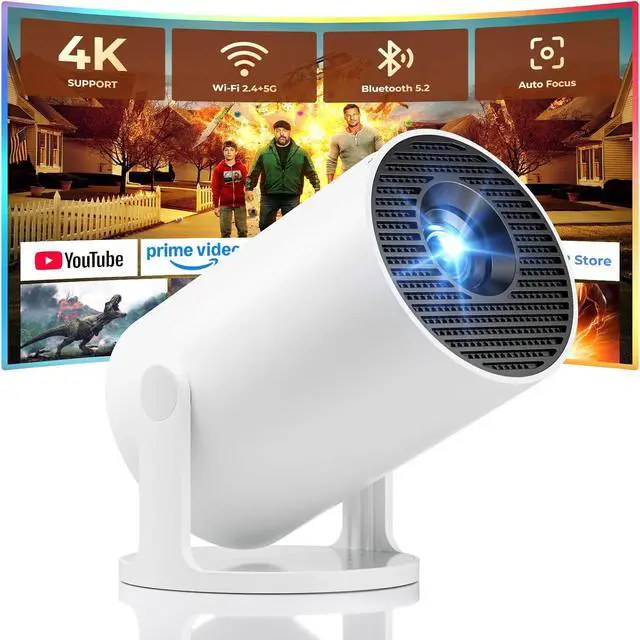
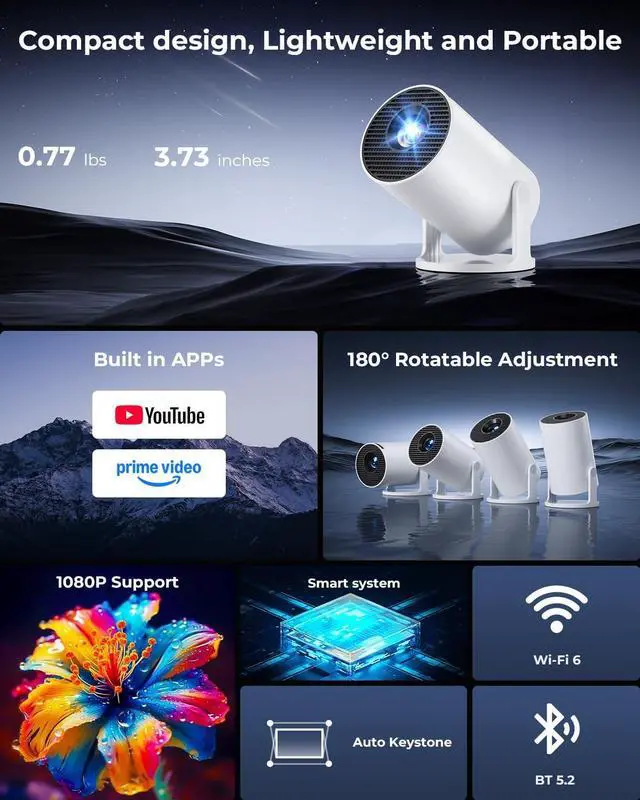

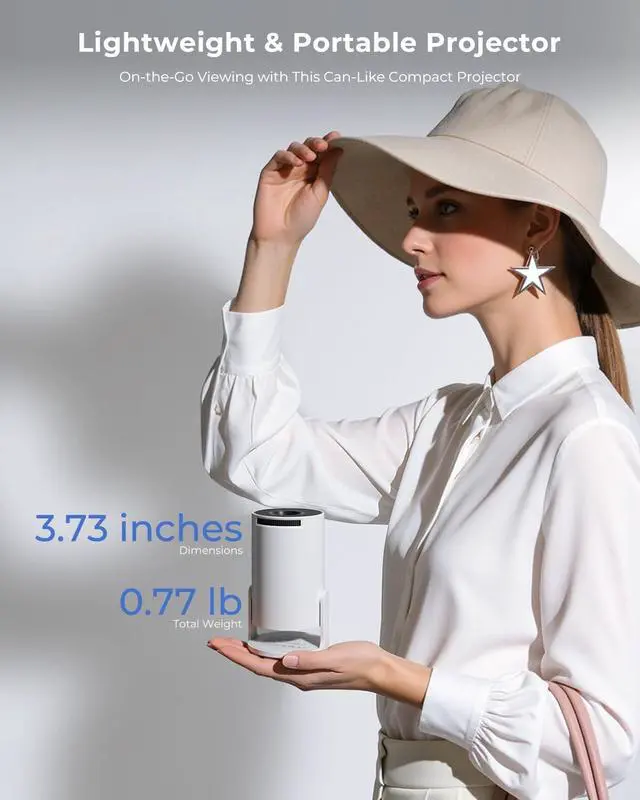
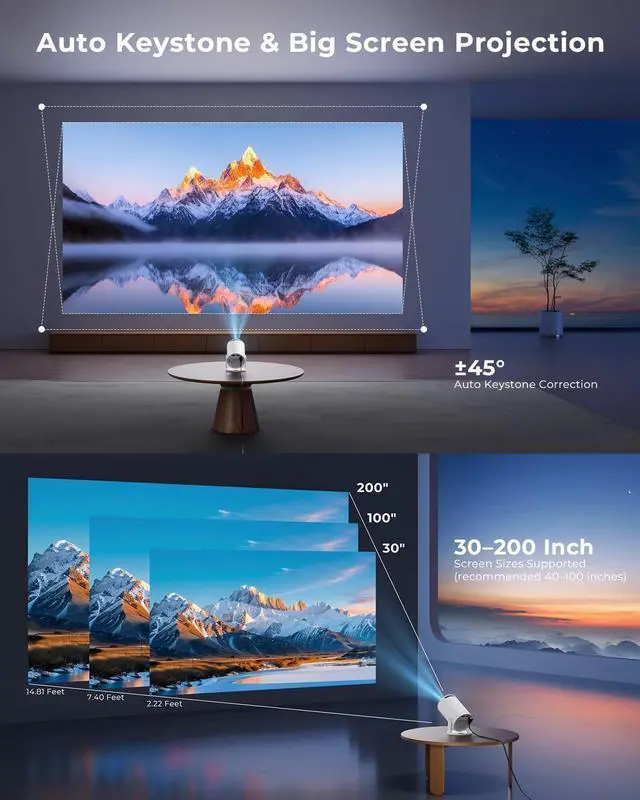


Mini Projector, Portable Projector with Wifi And Bluetooth, Built in Apps, Support 4K 1080P, 180° Rotation, Auto Keystone, Movie Projector Compatible With HDMI/USB/TV Stick/Smartphone/Laptop
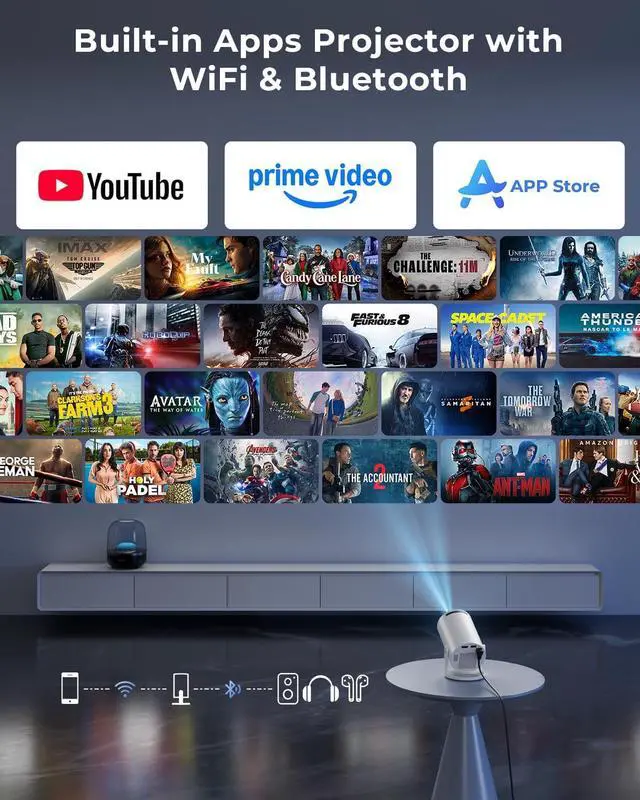
- Built-in WiFi & Bluetooth Projector with AppsDual-band WiFi 2.4G + 5G ensures fast and stable wireless streaming. Bluetooth 5.2 supports speakers and headphones. Built-in apps like YouTube, Prime Video and Disney+ are supported, and the projector is compatible with TV sticks (not included) to access a wide range of streaming content and enjoy massive video libraries, making it a perfect movie projector.
- HD Projection, Supports 4K Video Playback & Stereo SoundSupports 4K video playback via USB drive for smooth viewing. High-quality optical lens delivers clear images and is scratch-resistant and easy to clean. Built-in stereo speakers provide clear sound for movies, TV shows, and casual gaming, ideal for use as a phone projector.
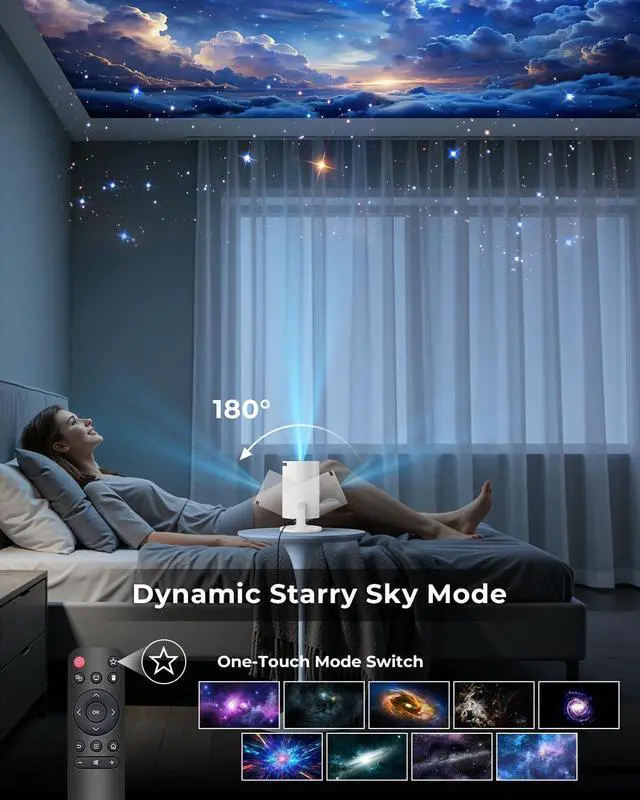
- Dynamic Starry Sky Mode & 180° Rotatable DesignActivate the dynamic Starry Sky Mode with one-touch control on the remote. Featuring 9 animated starry sky scenes and a built-in sleep timer, the projector for bedroom displays dynamic star patt
+
+
Overview
Specs
Reviews

Any questions? Our AI mode will help you find out quickly.
Try me now
1Wifi 6 & Bluetooth 5.22Auto Keystone3Device Compatibility4Short Throw1Outdoor Movie Night2Relaxing Game Time3Private Cinema4Ideal Gift How can I connect my phone to the projector?
Two quick connection methods:
Wireless:
Same Wi-Fi Open ScreenCast on projector Turn on screen mirroring on phone.
Wired:
Use HDMI adapter (not included) Select HDMI input Enable phone mirroring.
How to get professional video guides?
Please refer to the included manual for a wealth of professional video tutorials. Detailed video instructions ensure a smooth and hassle-free user experience.
How to use the remote control correctly?
Aim the remote at the screen within 30° and 20 ft (6 m) for best control.
If the remote is unresponsive or damaged, contact our support team.
You can also control the projector via a USB mouse (not included).
How to use the starry sky mode?
Simply press the star key on the remote control to switch to starry sky mode.
You can freely switch and select 9 different starry sky modes at will.
Why wont my projector pair with my phone via Bluetooth?
The projectors Bluetooth is only designed for audio devices like Bluetooth speakers and headphones. It does not support screen mirroring with phones.
mini projector with wifi and bluetooth How can I connect my phone to the projector?
How to get professional video guides?
How to use the remote control correctly?
How to use the starry sky mode?
Why wont my projector pair with my phone via Bluetooth?
Two quick connection methods:
Wireless:
Same Wi-Fi Open ScreenCast on projector Turn on screen mirroring on phone.
Wired:
Use HDMI adapter (not included) Select HDMI input Enable phone mirroring.
How to get professional video guides?
Please refer to the included manual for a wealth of professional video tutorials. Detailed video instructions ensure a smooth and hassle-free user experience.
How to use the remote control correctly?
Aim the remote at the screen within 30° and 20 ft (6 m) for best control.
If the remote is unresponsive or damaged, contact our support team.
You can also control the projector via a USB mouse (not included).
How to use the starry sky mode?
Simply press the star key on the remote control to switch to starry sky mode.
You can freely switch and select 9 different starry sky modes at will.
Why wont my projector pair with my phone via Bluetooth?
The projectors Bluetooth is only designed for audio devices like Bluetooth speakers and headphones. It does not support screen mirroring with phones.
mini projector with wifi and bluetooth How can I connect my phone to the projector?
How to get professional video guides?
How to use the remote control correctly?
How to use the starry sky mode?
Why wont my projector pair with my phone via Bluetooth?
Warranty & Returns
Warranty, Returns, And Additional Information
Warranty
- Please contact the Seller directly for warranty information. Warranty information may also be found on the Manufacturer's website.
- CONTACT
Return Policies
- Return for refund within: 30 days
- Return for replacement within: 30 days
- This item is covered by Zhanfu Technology Co., Limited Return Policy
Manufacturer Contact Info
- For a directory of all our manufacturers, please click below.
- Manufacturers Directory
LOADING...