

Your Browsing History
- Free 30-day Returns
$101.99

Meet Your Seller


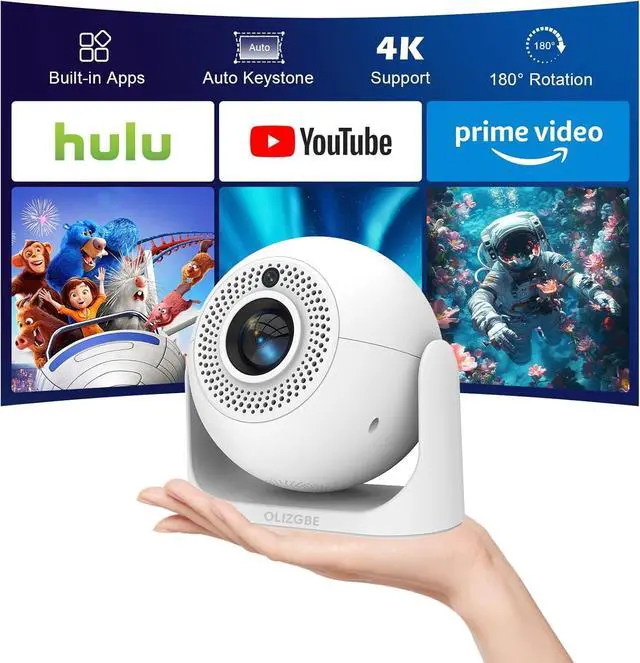
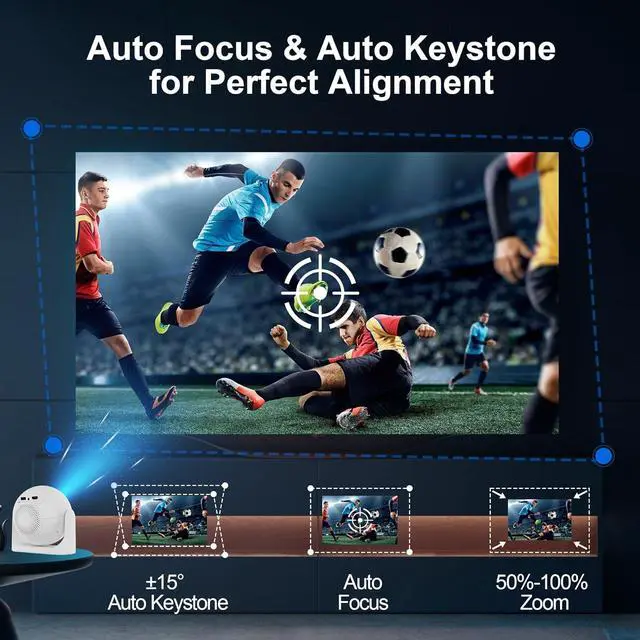
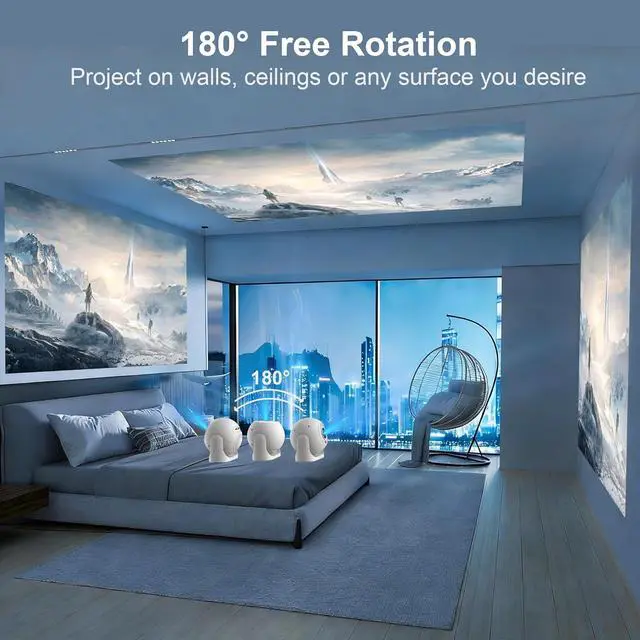


Mini Projector with WiFi and Bluetooth, Built-in Apps Portable Projector 4K Support, Auto Vertical Keystone & Auto Focus, 200 ANSI, 5W Speaker 180° Rotatable Proyector for Bedroom/Home/Outdoor
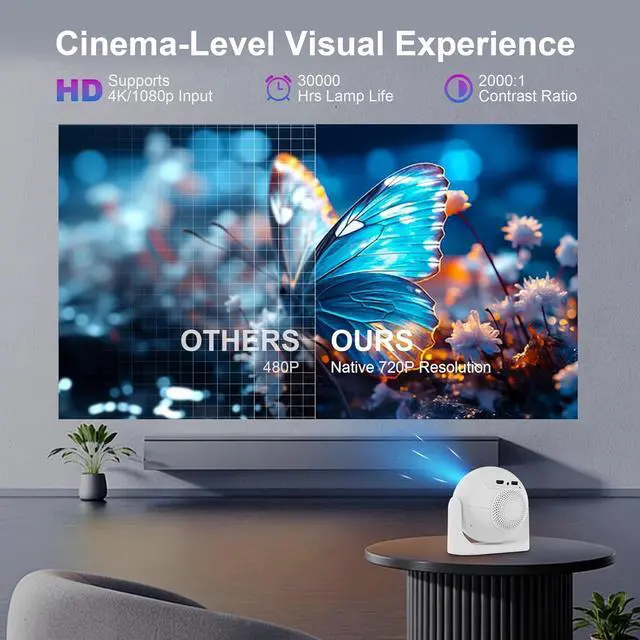
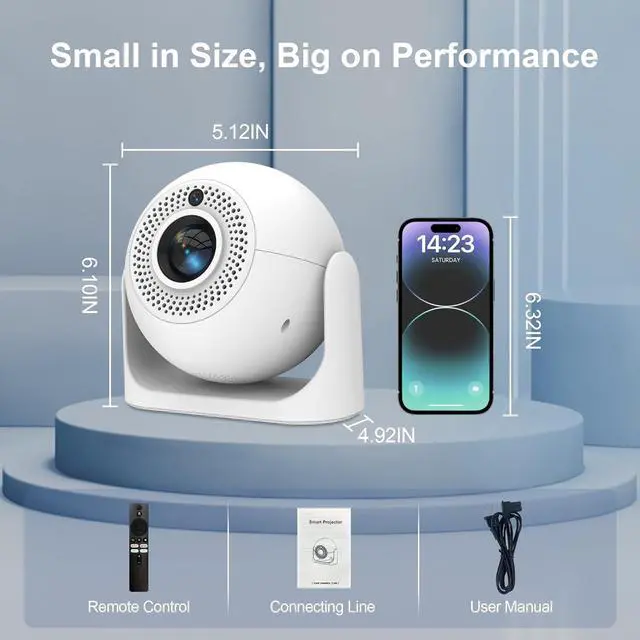
- Innovative Appearance Design & Stunning Clarity: This spherical mini projector features an upgraded LED light source with 200 ANSI lumens for bright, crisp imagery. Supporting 1080p Full HD playback and 4K video decoding, it delivers sharp details and vivid colors for an immersive viewing experience. Thanks to its short throw ratio, you can enjoy a 30200-inch large screen even in compact spaces (5680 inches for optimal viewing)ideal for turning your room into a home theater or boosting game-day excitement
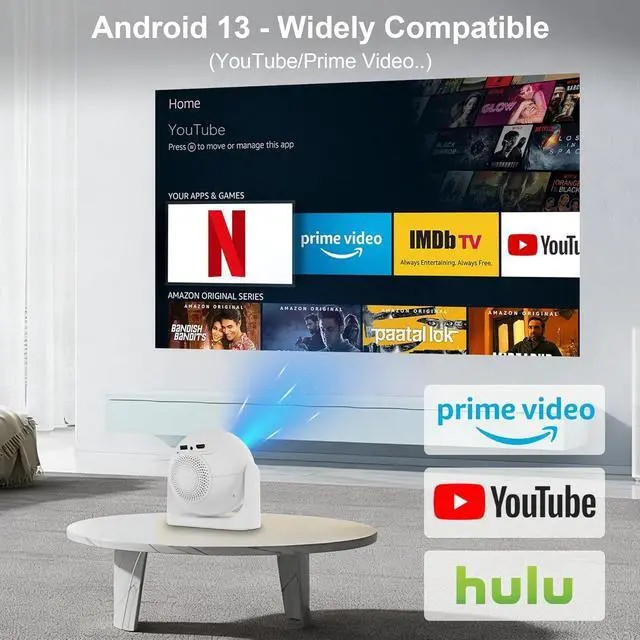
- Android 13 & Multiple Apps: Preloaded with the latest Android 13 OS and a built-in app store, this smart projector operates independently without external devices. You can effortlessly access massive entertainment resourcesmovies, shows, and appswith no extra TV stick required. Build your personal home media center for non-stop marathons and share joyful moments with family and friends at gatherings
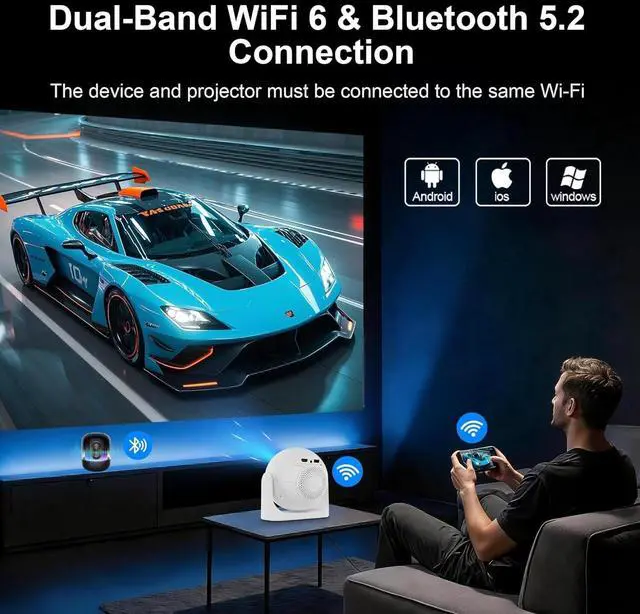
- Seamless WiFi 6 & Bluetooth 5.2 Connectivity: This movie projector features Wi
+
+
Overview
Specs
Reviews

Any questions? Our AI mode will help you find out quickly.
Try me now
How to Screen Mirror Your iOS Device to the Projector?
1. Connect your phone and the projector to the same Wi-Fi. 2. On the projector: Go to QuickShare > AirPlay. 3. On your phone: Swipe to open the Control Center, tap Screen Mirroring, then select your projector from the device list to start casting.
What Is the Optimal Projection Distance?
The recommended projection distance is 1.52 meters. This range produces a clear, well-sized image of 5680 inches.
Can I Stream Netflix, Prime Video, Hulu, and Other Services?
Due to HDCP protocol limitations, screen mirroring may fail to work properly (audio only, no video) when streaming content from certain apps (e.g., Netflix, Prime Video, Hulu). We recommend using a streaming device such as a Fire TV Stick or Roku.
Is It Good for Daytime Use?
Due to its brightness rating, the projector is ideal for dark environments, such as a backyard at night, a campsite after sunset, a living room with closed curtains, or a bedroom with the lights off.
Important Safety Note
Please don't block the projector's air intake and exhaust vents (heat dissipation vents) blockage can cause overheating or screen burn-in. Avoid touching the vents during and after use to prevent burns from high temperatures.
How to Screen Mirror Your iOS Device to the Projector?
What Is the Optimal Projection Distance?
Can I Stream Netflix, Prime Video, Hulu, and Other Services?
Is It Good for Daytime Use?
Important Safety Note
1. Connect your phone and the projector to the same Wi-Fi. 2. On the projector: Go to QuickShare > AirPlay. 3. On your phone: Swipe to open the Control Center, tap Screen Mirroring, then select your projector from the device list to start casting.
What Is the Optimal Projection Distance?
The recommended projection distance is 1.52 meters. This range produces a clear, well-sized image of 5680 inches.
Can I Stream Netflix, Prime Video, Hulu, and Other Services?
Due to HDCP protocol limitations, screen mirroring may fail to work properly (audio only, no video) when streaming content from certain apps (e.g., Netflix, Prime Video, Hulu). We recommend using a streaming device such as a Fire TV Stick or Roku.
Is It Good for Daytime Use?
Due to its brightness rating, the projector is ideal for dark environments, such as a backyard at night, a campsite after sunset, a living room with closed curtains, or a bedroom with the lights off.
Important Safety Note
Please don't block the projector's air intake and exhaust vents (heat dissipation vents) blockage can cause overheating or screen burn-in. Avoid touching the vents during and after use to prevent burns from high temperatures.
How to Screen Mirror Your iOS Device to the Projector?
What Is the Optimal Projection Distance?
Can I Stream Netflix, Prime Video, Hulu, and Other Services?
Is It Good for Daytime Use?
Important Safety Note
Warranty & Returns
Warranty, Returns, And Additional Information
Warranty
- Please contact the Seller directly for warranty information. Warranty information may also be found on the Manufacturer's website.
- CONTACT
Return Policies
- Return for refund within: 30 days
- Return for replacement within: 30 days
- This item is covered by Zhanfu Technology Co., Limited Return Policy
Manufacturer Contact Info
- For a directory of all our manufacturers, please click below.
- Manufacturers Directory
LOADING...