



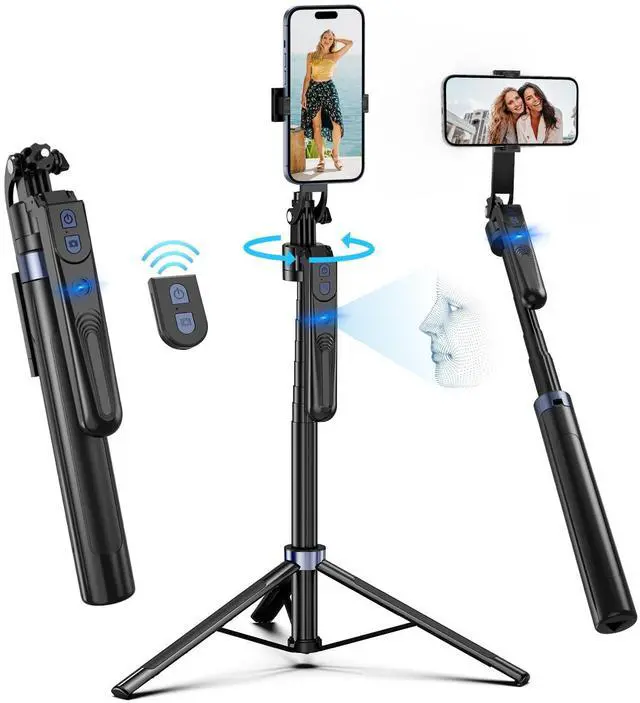


1. How to use the selfie stick tracking function?
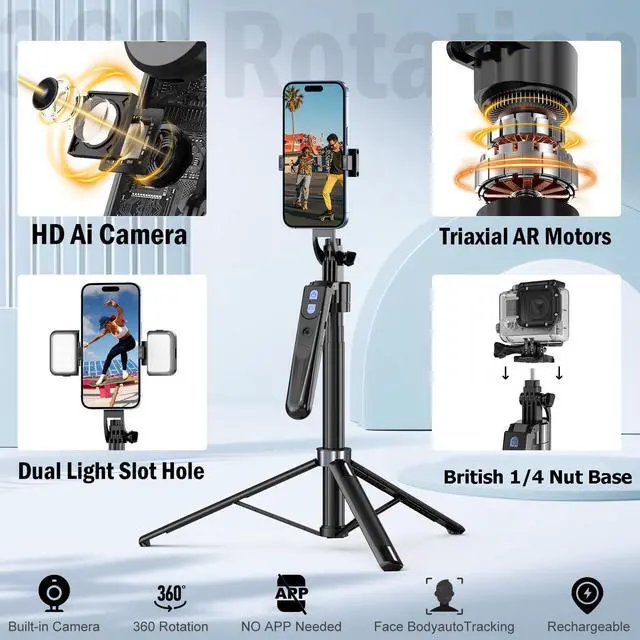
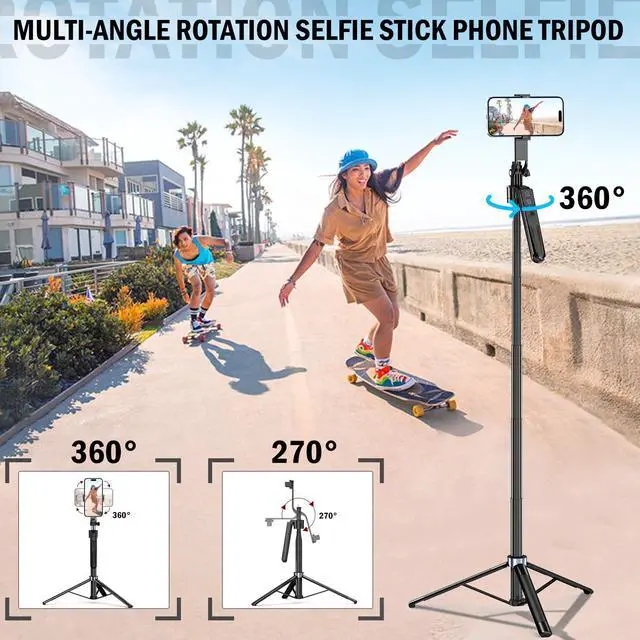
Step 1: First of all, make sure that the 360° rotation axis of the selfie stick is unlocked.The 360° rotation axis of the selfie stick is located on the back of the selfie stick. If you do not want the selfie stick to rotate, you can lock it.
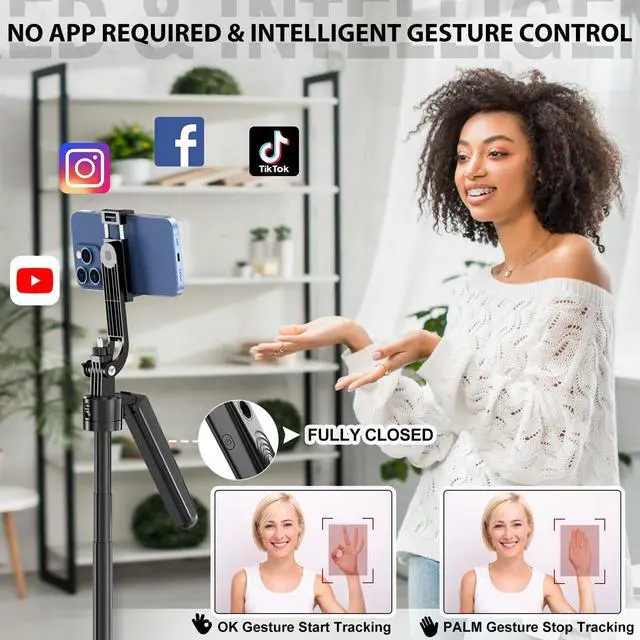
Step 2: Turn on the power switch on the side of the handle of the selfie stick.
Step 3: Use the [OK] gesture to show the camera on the handle of the selfie stick that the camera is starting to recognize the rotation of your face. The [Palm] gesture means that the rotation is stopped.
You can find more information on operating the selfie stick in the Q-R code video tutorial in our instructions!



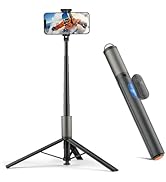
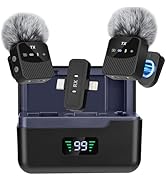
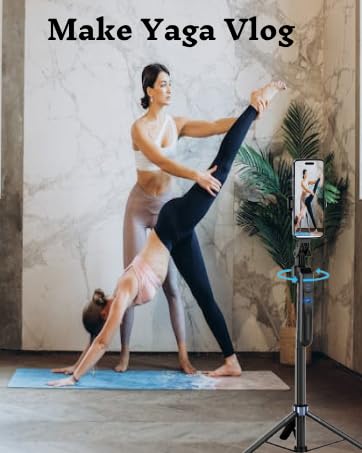
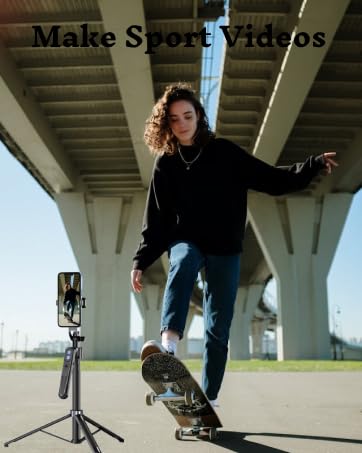



1. How to use the selfie stick tracking function?
Step 1: First of all, make sure that the 360° rotation axis of the selfie stick is unlocked.The 360° rotation axis of the selfie stick is located on the back of the selfie stick. If you do not want the selfie stick to rotate, you can lock it.
Step 2: Turn on the power switch on the side of the handle of the selfie stick.
Step 3: Use the [OK] gesture to show the camera on the handle of the selfie stick that the camera is starting to recognize the rotation of your face. The [Palm] gesture means that the rotation is stopped.
You can find more information on operating the selfie stick in the Q-R code video tutorial in our instructions!


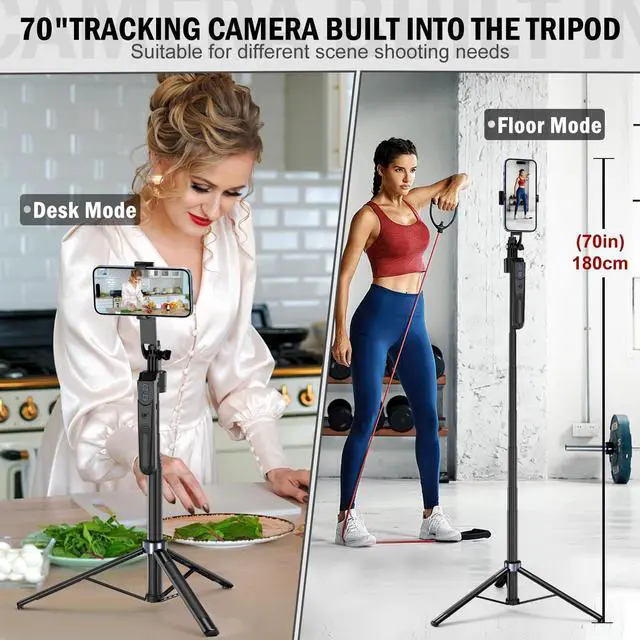
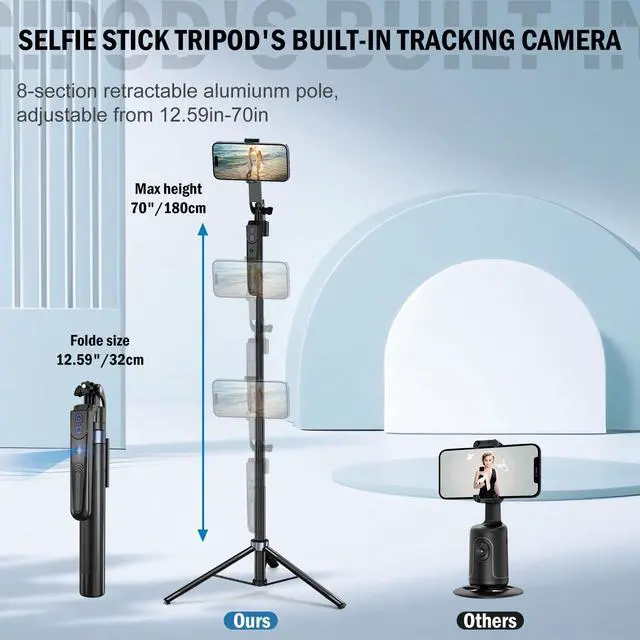
YUANRAN team is a very young and innovative team. The basic idea of the team is to develop products that provide users with more convenient tools for life. This 70-inch automatic face tracking tripod is designed for creators who want to take better quality videos and photos.
Bestsellers
