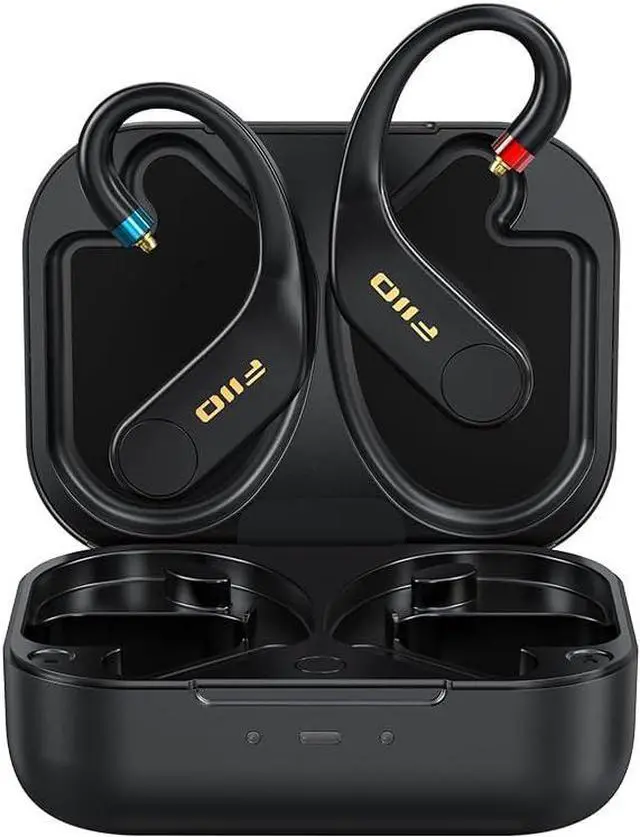
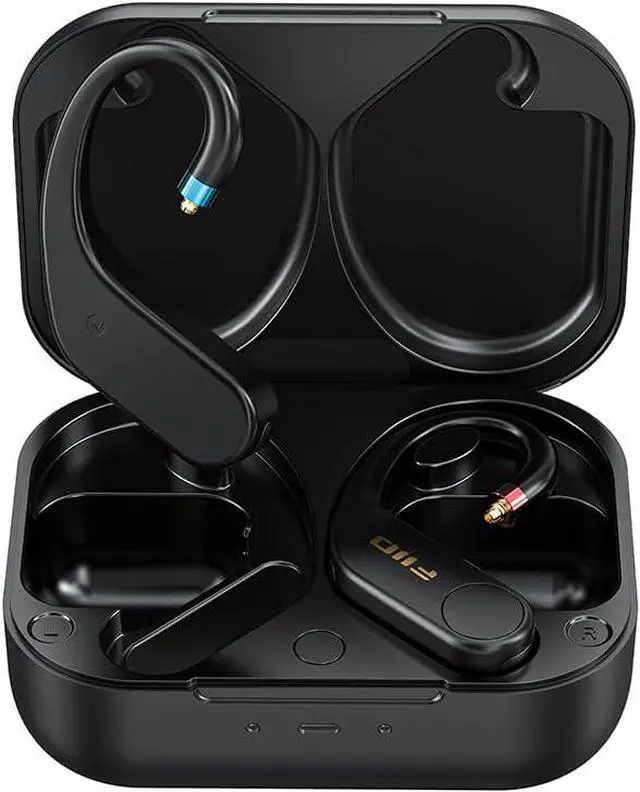
Factory data reset&Clear Bluetooth pairing
1. Long press the buttons of the ear hooks for about 5s to power them off.2. While in the power-off state, long press the ear hook buttons for about 10 seconds to restart them. The ear hooks will turn off and later turn on automatically to start the TWS pairing (i.e. left and right ear hooks pair with each other). Once the TWS pairing succeeds, the indicator light on the ear hooks will flash fast.
3. Under this state, the UTWS5 can be searched for and connected to. In the Bluetooth list of the Bluetooth device, search for FIIO UTWS5 and tap to complete the connection. After the connection succeeds, the ear hooks can be used normally. (Note: First make sure the TWS pairing is successful. Otherwise, the UTWS5 cannot be discovered by any Bluetooth devices.)
Note:1. When long pressing the buttons, the earhook will prompt 'power on', and then prompt 'Paring'. The two earhooks will be paired automatically. The indicator light on the earhook will flash rapidly. The UTWS5 2025 is in the pairing mode now.
2. When reconnecting with the mobile phone, some mobile phones need to delete the original paired UTWS5.
What should I do if I can't turn on the UTWS5 2025 when I open the charging case?
When the earhooks can not be turned on after opening the charging case sometimes, please take the earhook out of the charging case.
Is it normal for the UTWS5 2025 will turn off when two earhooks keep close to each other?
Yes, the earhooks are controlled by Hall switches and there are magnets on the earhooks. So when the earhooks are close to each other, the shutdown may be triggered incorrectly.
Some headphones with strong magnetism may also trigger the UTWS5 to turn off when keeping close to the earhook in some angles. Please try to turn on the UTWS5 2025 again at that time.
FAQ





 here!
here!