








How to Use:
1)Connecting to a Device:
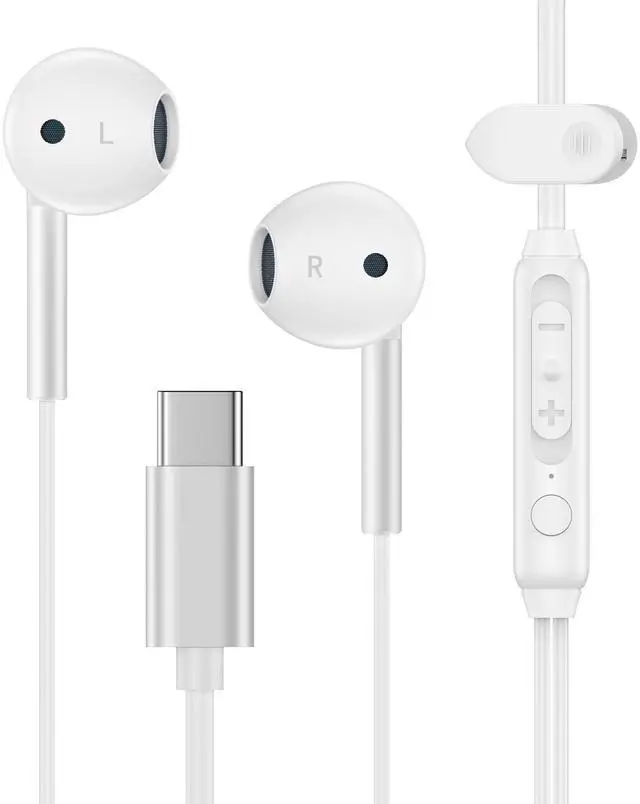
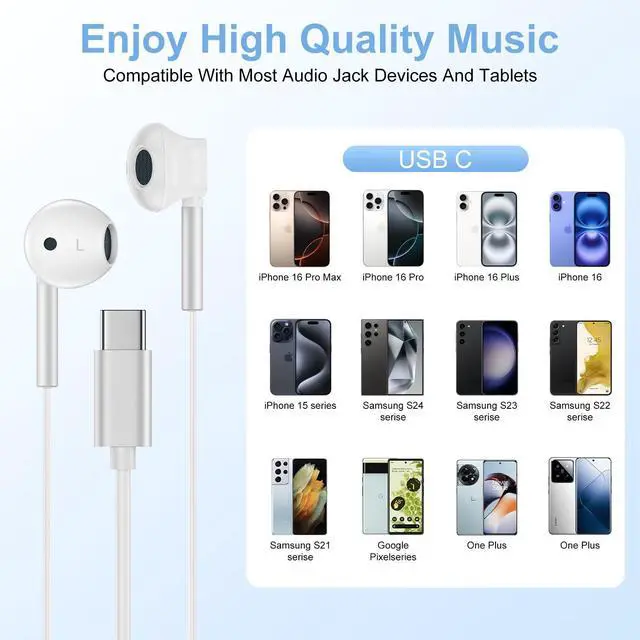
Plug the usb c port into the audio port of your device.
Ensure the connection is secure for optimal sound quality.
2)Adjusting the Ear Tips:
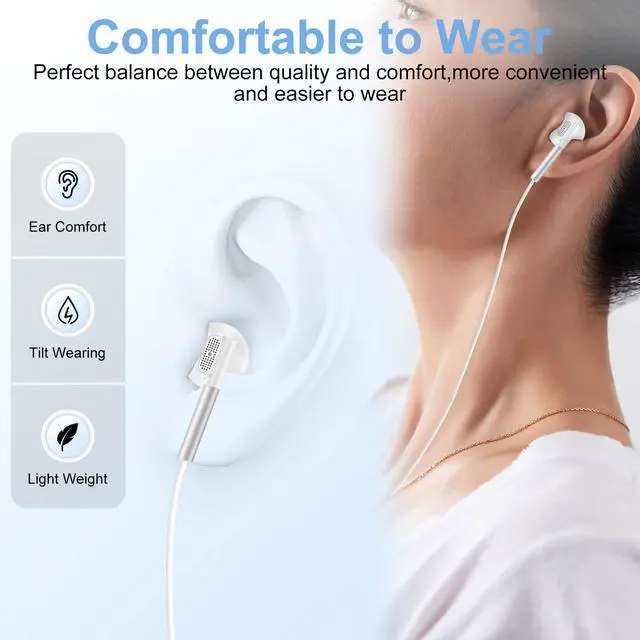
Choose the ear tips that best fit your ears for comfort and noise isolation.
Gently twist the ear tips onto the earbuds.
3)Using the In-line Microphone:
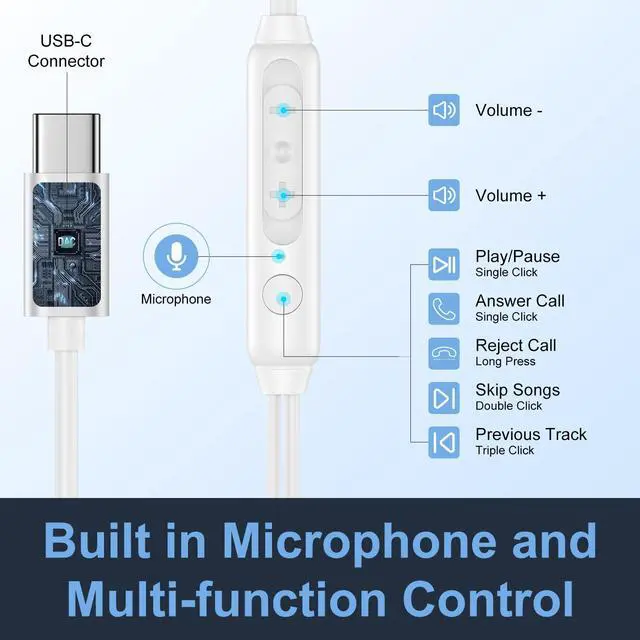
The in-line microphone allows you to make calls and control playback.
Press the button once to answer/end calls or play/pause music.
Press twice to skip to the next track or three times to go back.
4)Volume Control :
Use the volume buttons on the in-line remote to adjust the volume.

Avoid:
Exposing the headphones to extreme temperatures or humidity.
Pulling the cable forcefully to disconnect from the device.
How to Use:
1)Connecting to a Device:
Plug the usb c port into the audio port of your device.
Ensure the connection is secure for optimal sound quality.
2)Adjusting the Ear Tips:
Choose the ear tips that best fit your ears for comfort and noise isolation.
Gently twist the ear tips onto the earbuds.
3)Using the In-line Microphone:
The in-line microphone allows you to make calls and control playback.
Press the button once to answer/end calls or play/pause music.
Press twice to skip to the next track or three times to go back.
4)Volume Control :
Use the volume buttons on the in-line remote to adjust the volume.
Avoid:
Exposing the headphones to extreme temperatures or humidity.
Pulling the cable forcefully to disconnect from the device.