


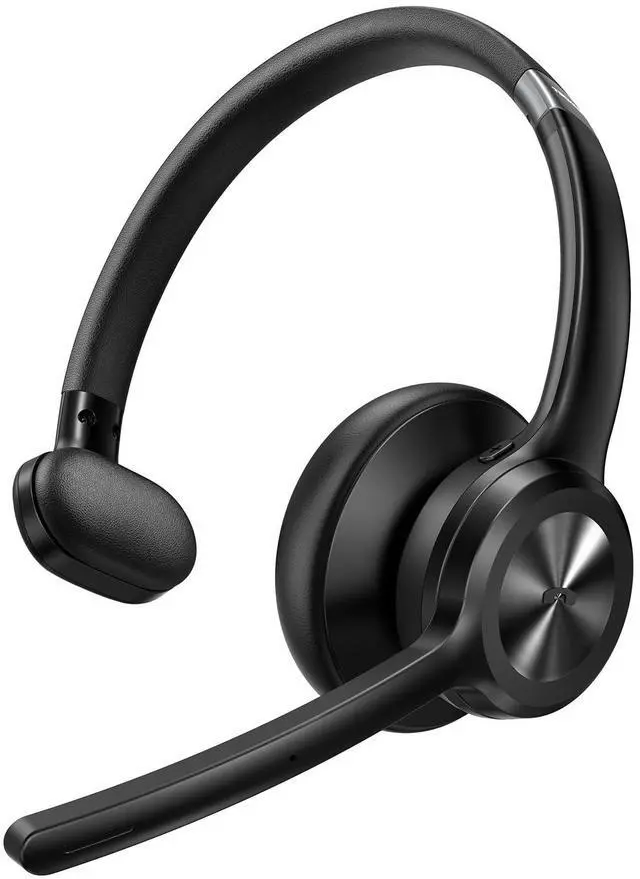





TECKNET Multi-Scenario Single-Ear Wireless Headset with Mic for Work

TECKNET Call Center Headset with Microphone Noise Cancelling


This Wireless Microphone Headset Connects Instantly with All Major Meeting Apps

Note:This headset supports Bluetooth 5.2 connectivity but does not include a USB adapter. If your computer does not have Bluetooth capability, you will not be able to use this product properly.


Does the headset come with a USB dongle for connecting to a PC?
Sorry, this headset supports Bluetooth 5.2 connection but does not include a USB dongle. If your computer does not have Bluetooth capability, you will not be able to use this product properly.
How do I pair the TK-HS017 Bluetooth headset with my device via Bluetooth?
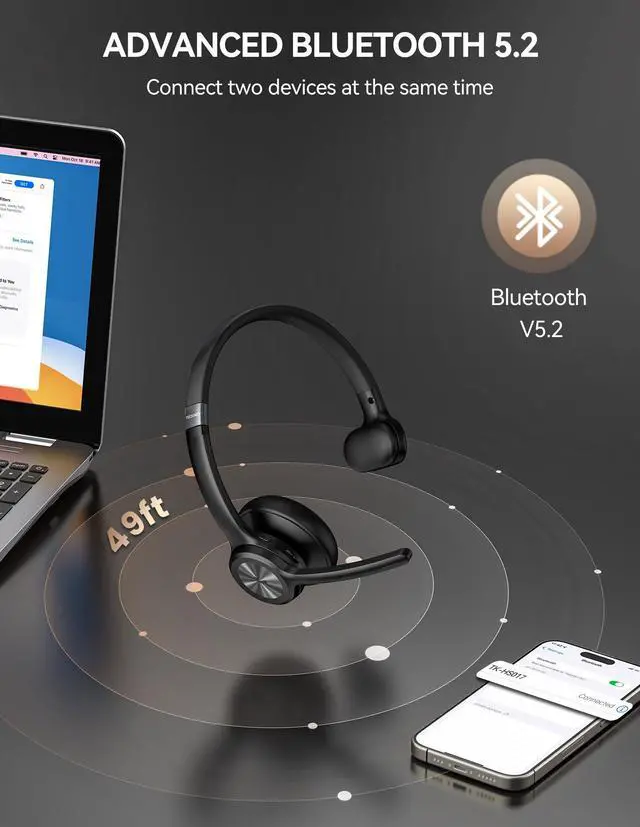
Power on until red/blue light flashes. Select "TK-HS017" in your phone's Bluetooth settings. Connection is successful when you hear "Connected" and the LED slowly flashes blue.
When will the headset automatically shut down?
The headset will automatically shut down after remaining unconnected for more than 10 minutes, or when the battery level is low.
How do I delete Bluetooth pairing records?
Press and hold the “MFB" and "Volume-" buttons for 5-6 seconds to delete the pairing record of the headset.
Can I use the headset while it's charging?
Yes, the headset functions normally during charging.
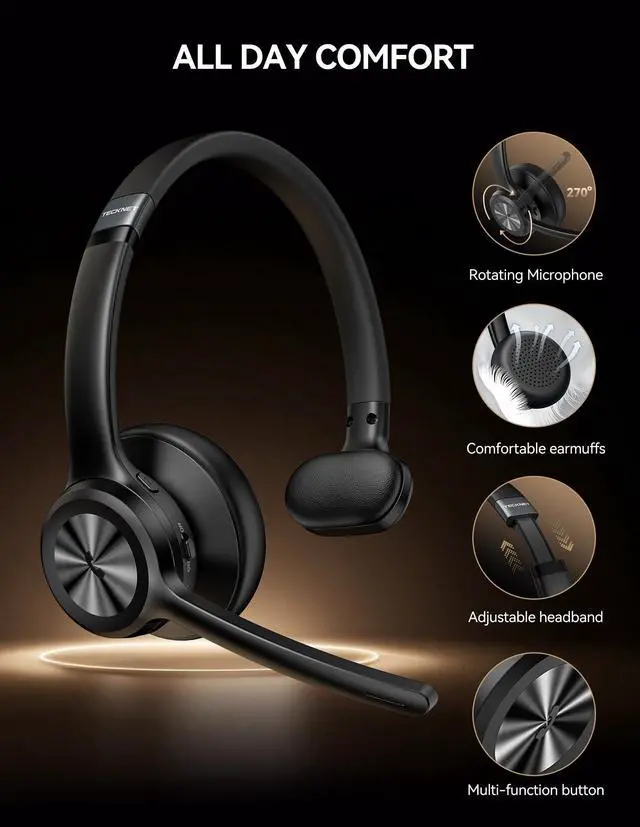
TECKNET Multi-Scenario Single-Ear Wireless Headset with Mic for Work

TECKNET Call Center Headset with Microphone Noise Cancelling

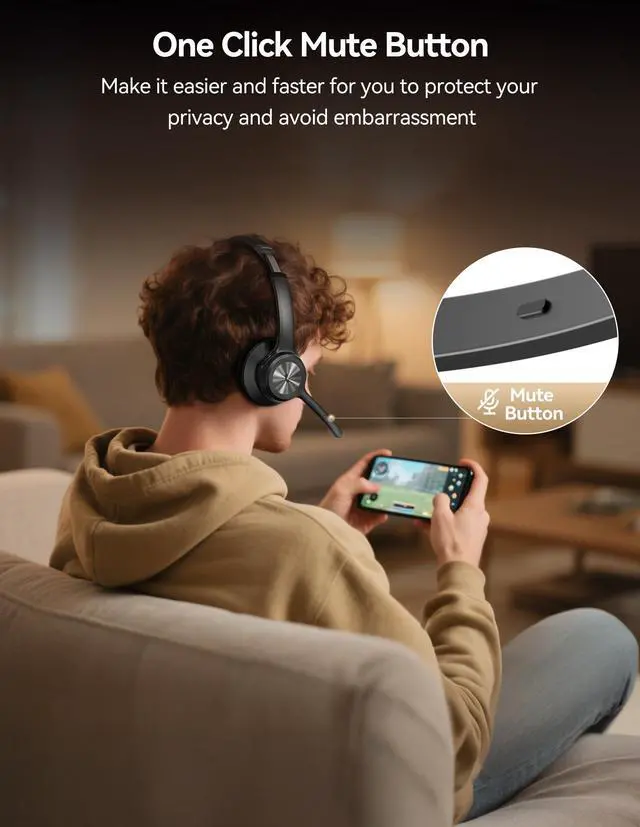
TECKNET Wireless Bluetooth Headphones with Instant Mute & One-Tap Answer/End


The Bluetooth Headset offers dual-device pairing, enabling seamless switching between two devices


This Wireless Microphone Headset Connects Instantly with All Major Meeting Apps

Note:This headset supports Bluetooth 5.2 connectivity but does not include a USB adapter. If your computer does not have Bluetooth capability, you will not be able to use this product properly.


Does the headset come with a USB dongle for connecting to a PC?
Sorry, this headset supports Bluetooth 5.2 connection but does not include a USB dongle. If your computer does not have Bluetooth capability, you will not be able to use this product properly.
How do I pair the TK-HS017 Bluetooth headset with my device via Bluetooth?
Power on until red/blue light flashes. Select "TK-HS017" in your phone's Bluetooth settings. Connection is successful when you hear "Connected" and the LED slowly flashes blue.
When will the headset automatically shut down?
The headset will automatically shut down after remaining unconnected for more than 10 minutes, or when the battery level is low.
How do I delete Bluetooth pairing records?
Press and hold the “MFB" and "Volume-" buttons for 5-6 seconds to delete the pairing record of the headset.
Can I use the headset while it's charging?
Yes, the headset functions normally during charging.