





CVC 8.0 Dual-Mic Noise Cancelling
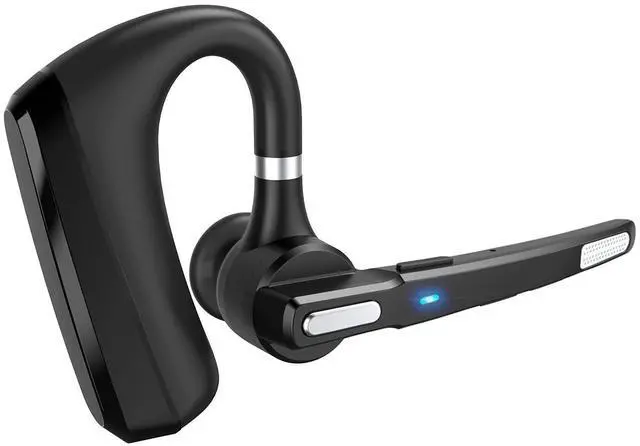
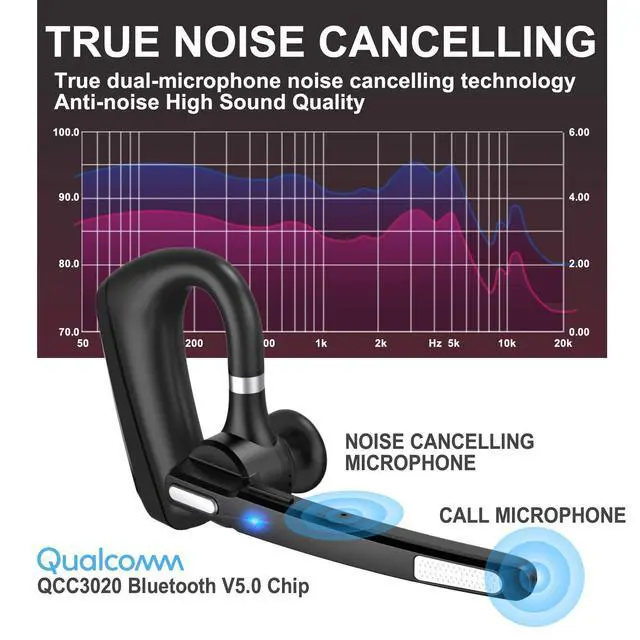
The Bluetooth Earpiece has CVC 8.0 Dual-Mic Noise Cancelling reduction technology. There are two built-in microphones, one for stable and clear calls, and the other to actively eliminate physical noise. After collecting and processing external sounds, it emits sound waves opposite to the noise, and eliminates the noise by using the principle of cancellation.When you are talking to someone in a noisy environment, it can filter external noise so that the other party can hear you clearly.

Specification:
Bluetooth Version: V 5.0
Weight: 0.46 ounces
Support: HFP, HSP, A2DP and AVRCP, etc.
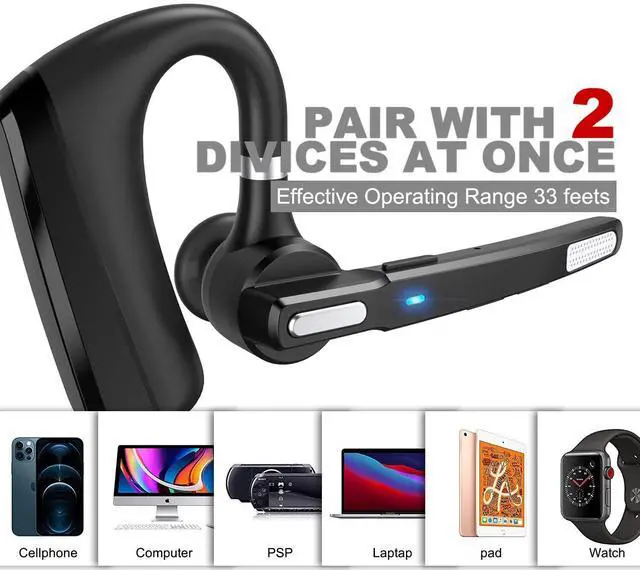
Operating range: up to 33 feet (10 meters accessibility)
Headset battery capacity: 150mAH
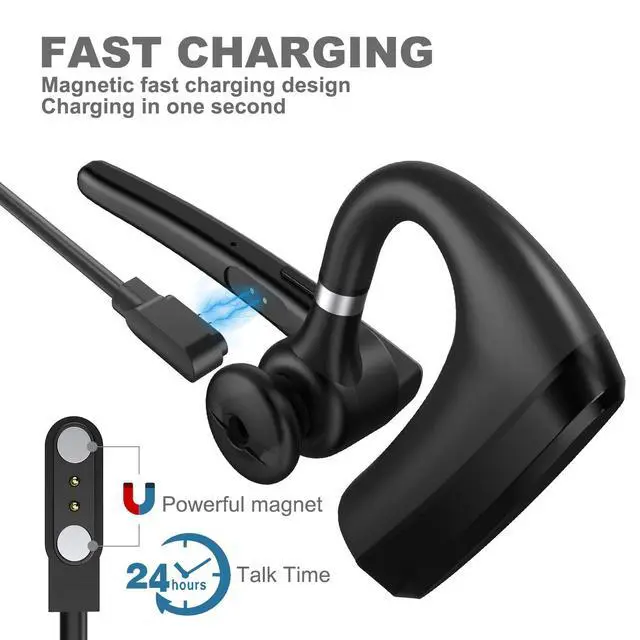
Talk time: 24 hours
Play time: 25 hours
Standby time: 320 hours
Charging time:2.5 hours

Package:
1*Bluetooth Headset
1* Magnetic Charging Cable
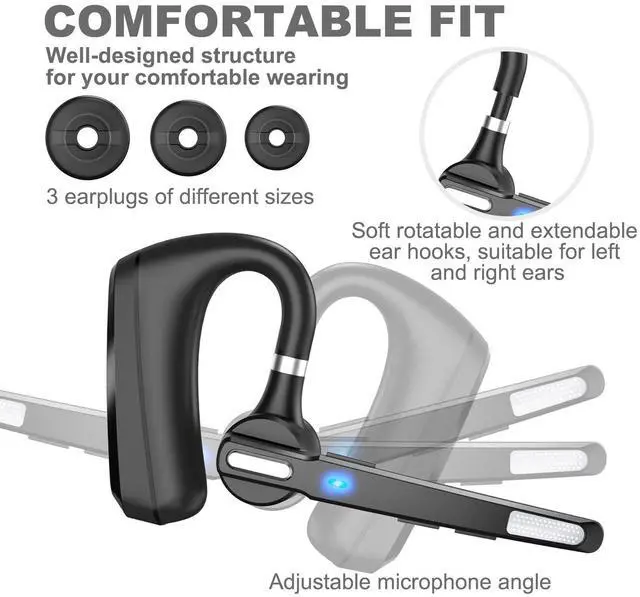
3* Ear Tips
1*User Manual
Tips:
Please do NOT charge your headset with car chargers in the car or fast charging cables to prevent the overload burning of the circuits.

Bluetooth Headset Connection
Step 1:Place the headset within 1 meter with the mobile phone.Ensure that the headset is off , And the mobile phone Bluetooth setting is activated.
Step 2:Hold the" MFB" for 5 seconds,the indicator flashes BLUE and RED.now the headset is under pairing mode.
Step 3:Your phone will find the “S600” headset and press “S600” on the mobile phone, after connected successfully, the headphone will turn to blue light blinking which means the matching is finished. Now you can listen to the phone music and take a phone call.

Pair with 2 devices at the same time:
Step 1:Press and hold the power button for 5 second to power on, the indicator light flashing red and blue alternately. At this time, turn on the Bluetooth on phone A, find "S600" and click to connect.
Step 2: After match the phone A successfully,turn off the Bluetooth of phone A, and then the Bluetooth headset enters the pairing match status.Turn on the Bluetooth on your phone B, find "S600" and click to connect.
Step 3: After connected with phone B successfully. Turn on the Bluetooth on phone A, it will connect automatically. If the device doesn't connect automatically, please go to the Bluetooth list of the device and connect manually.

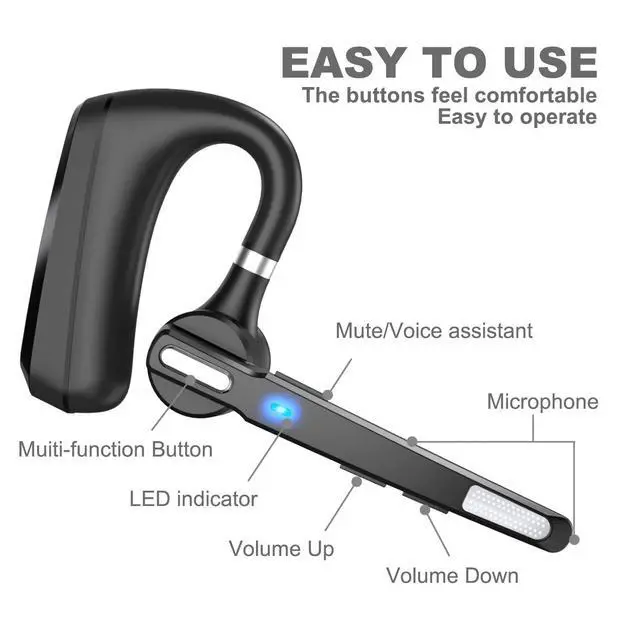
'MFB'(Multi Function Button)
1. Turn on/Turn off.
2. Answer a call (Single press).
3. Reject a call (Press and hold 'MFB' button for 2 seconds.)
4. Redial the last number (Quickly tap the 'MFB' button twice to redial last dialed phone number).
5. Play music.
6.In the standby mode, press and hold the “MFB”for about 2 seconds and hear a “boom” and immediately let go. The voice prompt: voice dail,that is,activate Siri/Voice assistant.


MQQC is an enterprise specializing in the production and sales of digital photo frames and Bluetooth headsets, with decades of production experience and excellent engineering team. Our business headsets sound great, are comfortable to wear, and look stylish, so you can enjoy high-quality music and clear calls anytime, anywhere.
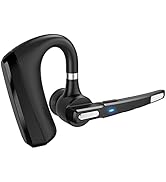
Bluetooth Earphone
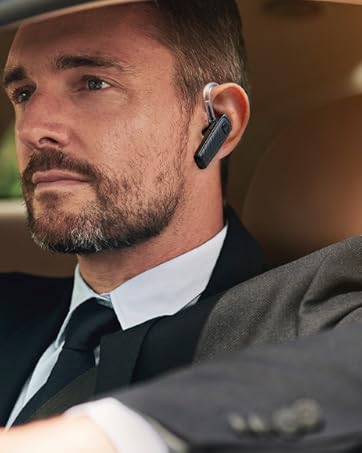
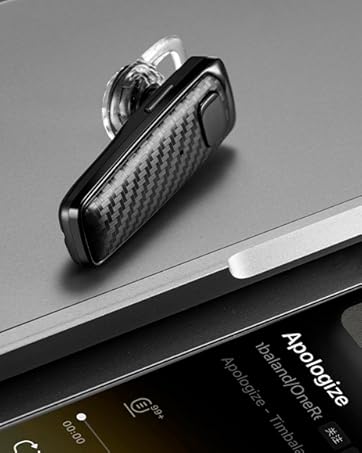
CVC 8.0 Dual-Mic Noise Cancelling
The Bluetooth Earpiece has CVC 8.0 Dual-Mic Noise Cancelling reduction technology. There are two built-in microphones, one for stable and clear calls, and the other to actively eliminate physical noise. After collecting and processing external sounds, it emits sound waves opposite to the noise, and eliminates the noise by using the principle of cancellation.When you are talking to someone in a noisy environment, it can filter external noise so that the other party can hear you clearly.
Specification:
Bluetooth Version: V 5.0
Weight: 0.46 ounces
Support: HFP, HSP, A2DP and AVRCP, etc.
Operating range: up to 33 feet (10 meters accessibility)
Headset battery capacity: 150mAH
Talk time: 24 hours
Play time: 25 hours
Standby time: 320 hours
Charging time:2.5 hours
Package:
1*Bluetooth Headset
1* Magnetic Charging Cable
3* Ear Tips
1*User Manual
Tips:
Please do NOT charge your headset with car chargers in the car or fast charging cables to prevent the overload burning of the circuits.
Bluetooth Headset Connection
Step 1:Place the headset within 1 meter with the mobile phone.Ensure that the headset is off , And the mobile phone Bluetooth setting is activated.
Step 2:Hold the" MFB" for 5 seconds,the indicator flashes BLUE and RED.now the headset is under pairing mode.
Step 3:Your phone will find the “S600” headset and press “S600” on the mobile phone, after connected successfully, the headphone will turn to blue light blinking which means the matching is finished. Now you can listen to the phone music and take a phone call.
Pair with 2 devices at the same time:
Step 1:Press and hold the power button for 5 second to power on, the indicator light flashing red and blue alternately. At this time, turn on the Bluetooth on phone A, find "S600" and click to connect.
Step 2: After match the phone A successfully,turn off the Bluetooth of phone A, and then the Bluetooth headset enters the pairing match status.Turn on the Bluetooth on your phone B, find "S600" and click to connect.
Step 3: After connected with phone B successfully. Turn on the Bluetooth on phone A, it will connect automatically. If the device doesn't connect automatically, please go to the Bluetooth list of the device and connect manually.
'MFB'(Multi Function Button)
1. Turn on/Turn off.
2. Answer a call (Single press).
3. Reject a call (Press and hold 'MFB' button for 2 seconds.)
4. Redial the last number (Quickly tap the 'MFB' button twice to redial last dialed phone number).
5. Play music.
6.In the standby mode, press and hold the “MFB”for about 2 seconds and hear a “boom” and immediately let go. The voice prompt: voice dail,that is,activate Siri/Voice assistant.
MQQC is an enterprise specializing in the production and sales of digital photo frames and Bluetooth headsets, with decades of production experience and excellent engineering team. Our business headsets sound great, are comfortable to wear, and look stylish, so you can enjoy high-quality music and clear calls anytime, anywhere.
Bluetooth Earphone