


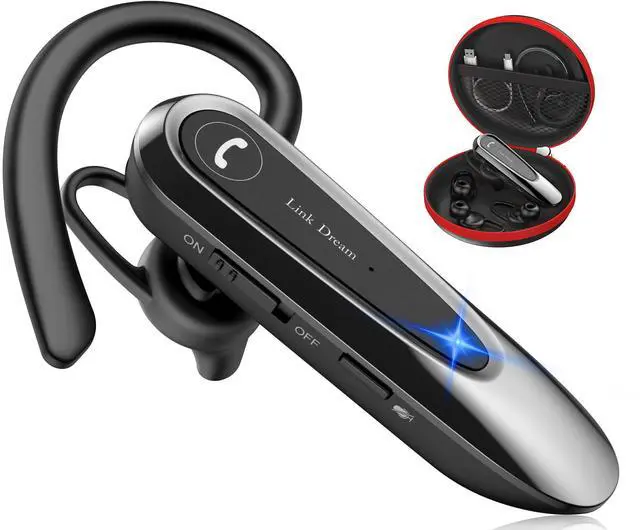

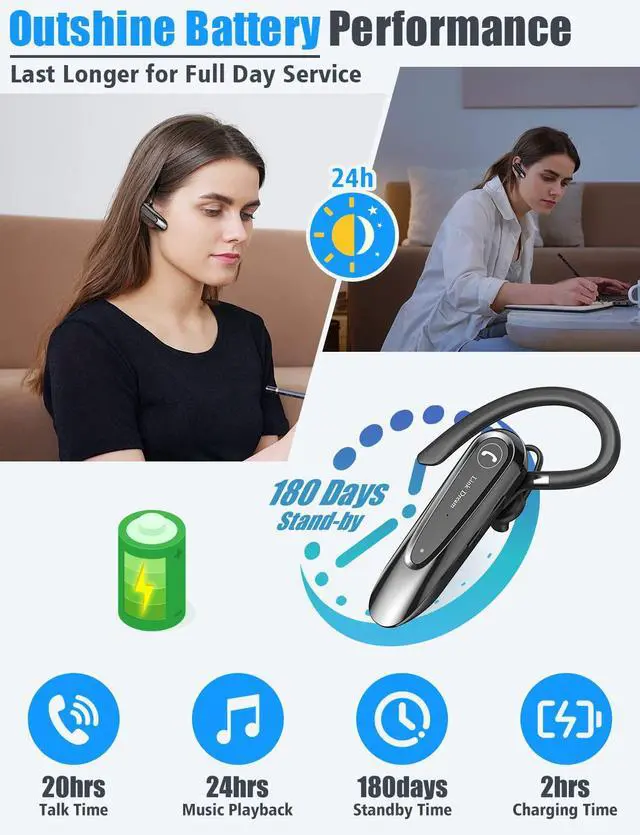

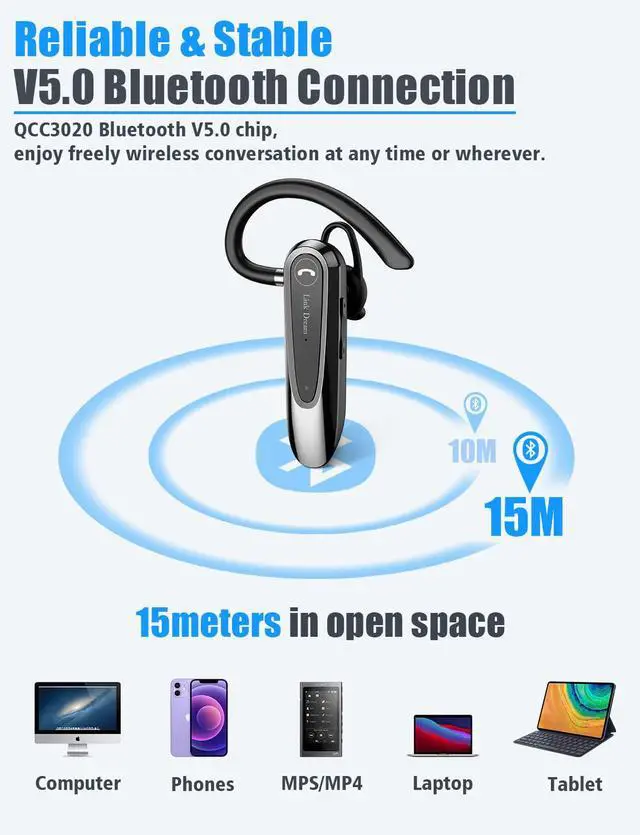
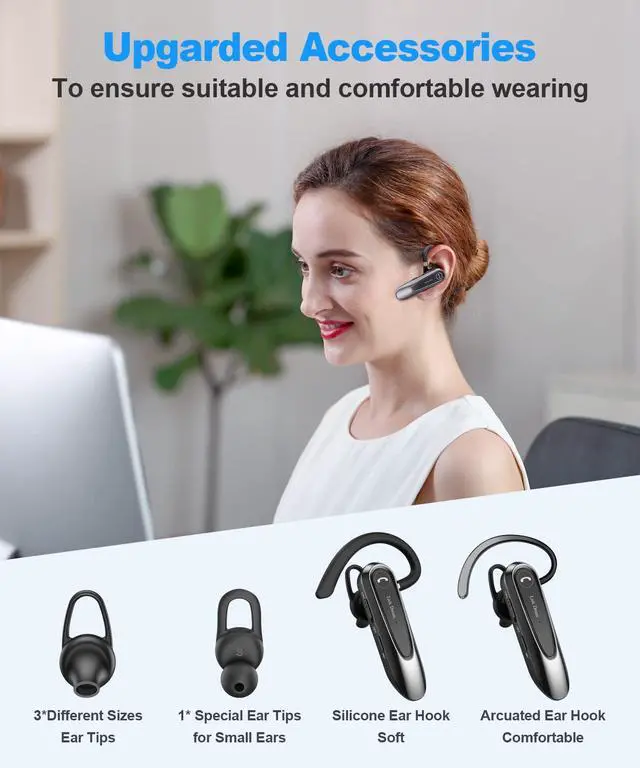
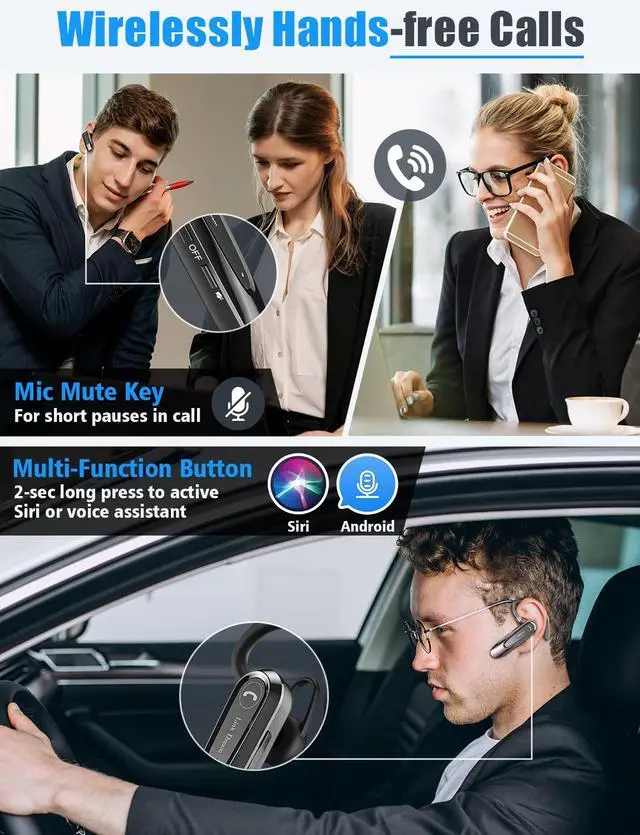


Link Dream Bluetooth Earpiece
Merchant Video


Can I connect two phones at the same time?
Yes, but you can only call on one phone at one time.
Why I couldn't coennect the earpiece to my phone?
Please reset the earpiece. This will allow them to re-enter pairing mode, and you can search for the Bluetooth pairing name again to connect.
the headset volume is too low or too loud and couldn't be adjust
Manually open the "Sync volume with phone" at you mobile phone setting
What factors affect call quality and cause unclear sound?
Weak call signal in your current location can also cause unclear sound. Please try moving to a location with a stable call signal.
What else can I do if I experience unclear sound?
Try resetting the headset. The steps are as follows:
1. Turn on the earpiece
2. Press and hold the multi-function button and the "+" button for 6 seconds
3. Reconnect the earpiece and mobile phone via Bluetooth

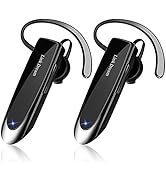

Link Dream Bluetooth Earpiece
Merchant Video


Can I connect two phones at the same time?
Yes, but you can only call on one phone at one time.
Why I couldn't coennect the earpiece to my phone?
Please reset the earpiece. This will allow them to re-enter pairing mode, and you can search for the Bluetooth pairing name again to connect.
the headset volume is too low or too loud and couldn't be adjust
Manually open the "Sync volume with phone" at you mobile phone setting
What factors affect call quality and cause unclear sound?
Weak call signal in your current location can also cause unclear sound. Please try moving to a location with a stable call signal.
What else can I do if I experience unclear sound?
Try resetting the headset. The steps are as follows:
1. Turn on the earpiece
2. Press and hold the multi-function button and the "+" button for 6 seconds
3. Reconnect the earpiece and mobile phone via Bluetooth
Blutooth Earpiece
