here!
here!
I’m your shopping assistant for PC builds, upgrades, and everything tech.
Got questions? Ask away!
Start a conversation
here!
I’m your shopping assistant for PC builds, upgrades, and everything tech.
Got questions? Ask away!
Start a conversation









Any questions? Ask CelesteSM will help you find out quickly.


How should I open hybrid ANC mode / transparency mode?
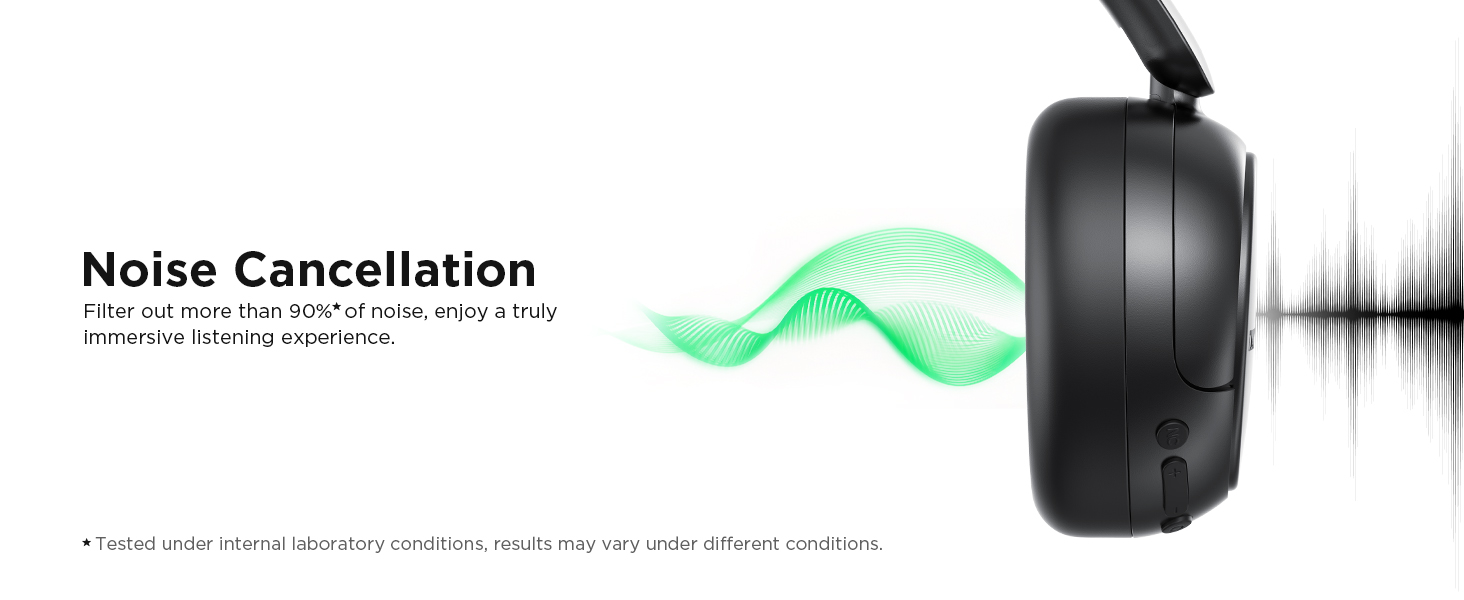
Press the button "NC" to hear a voice prompt, you can switch between hybrid ANC mode, normal mode, and transparency mode.
How should I use TALIX over ear headphones to enjoy crystal-clear experience?
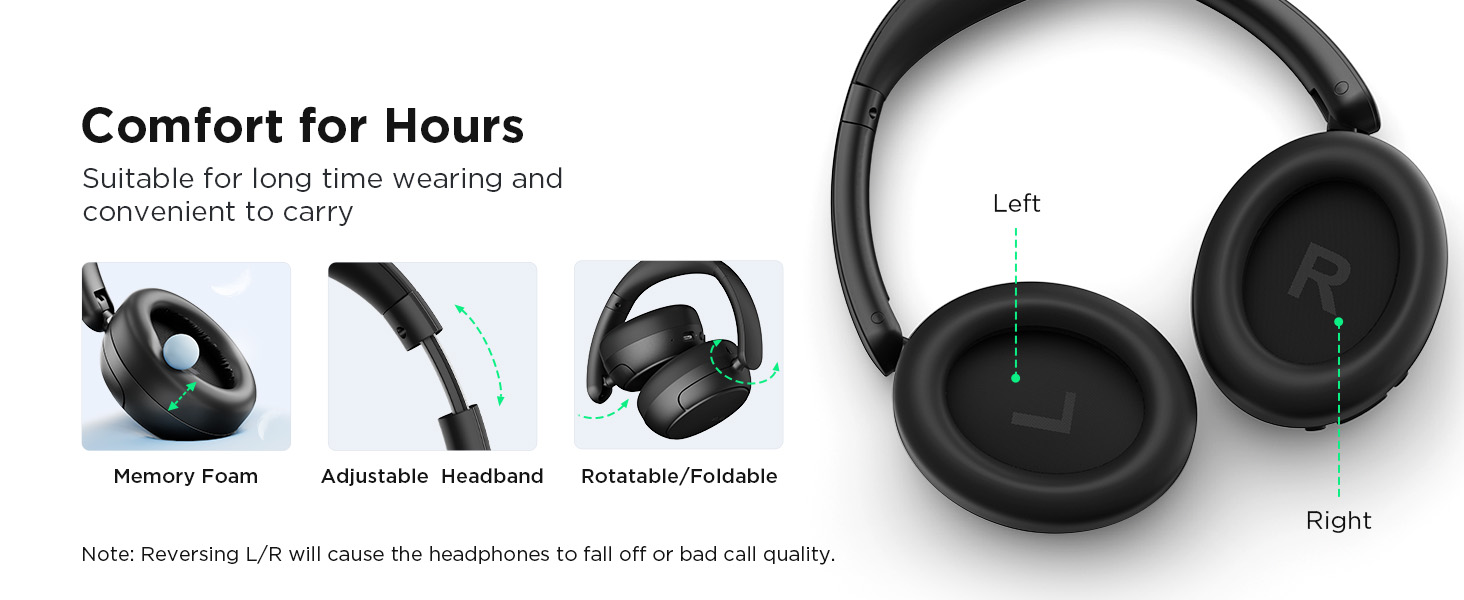
1 Check whether you are wearing the headphones correctly and whether the left and right are reversed.
2 Ensure the earpads completely cover your ears.
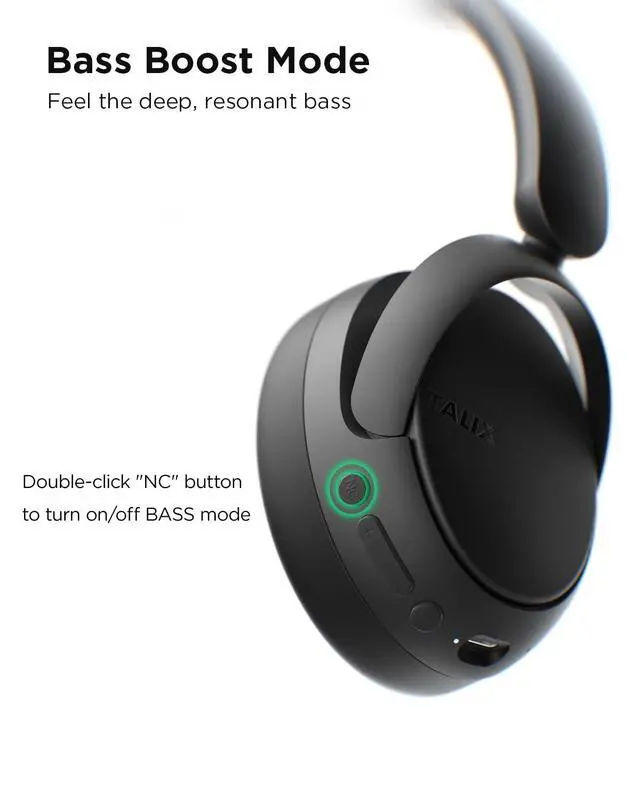
How should I use bass mode?
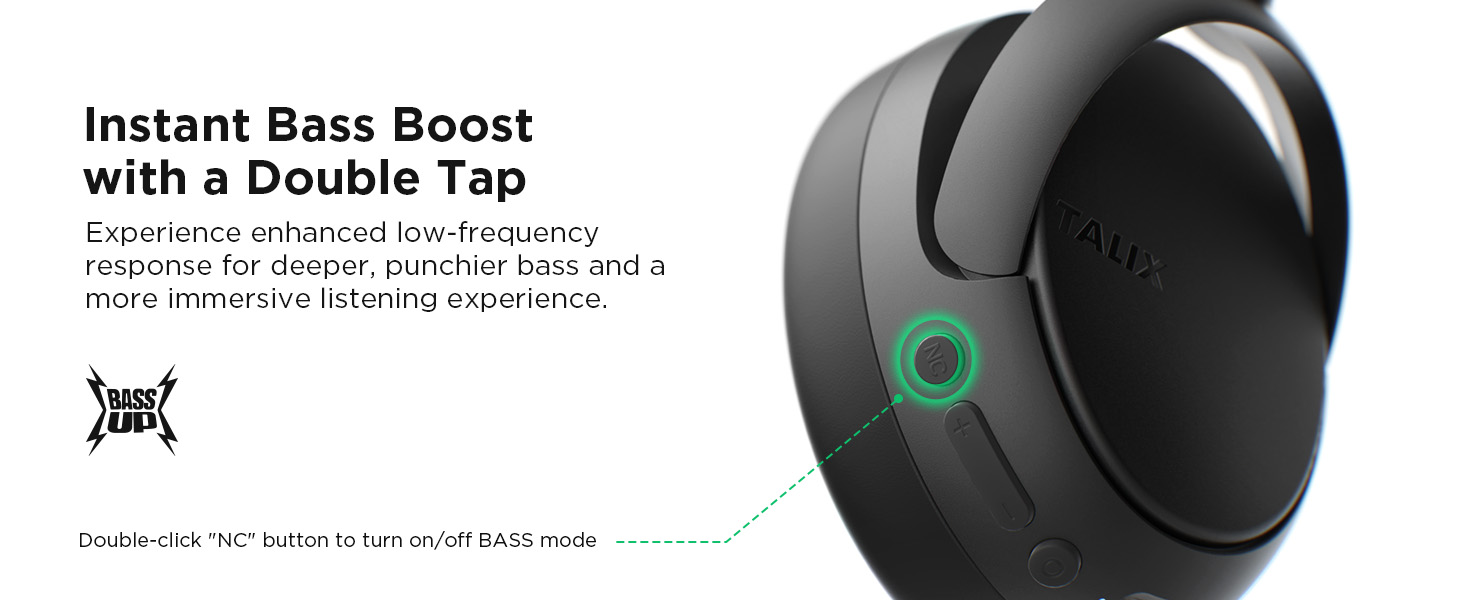
If need a more powerful bass effect, plese double-click the "NC" button to turn on BASS mode, you will hear a bass prompt sound when it is successfully enabled. Double-click again to return to normal mode.
How to connect to two devices at the same time?
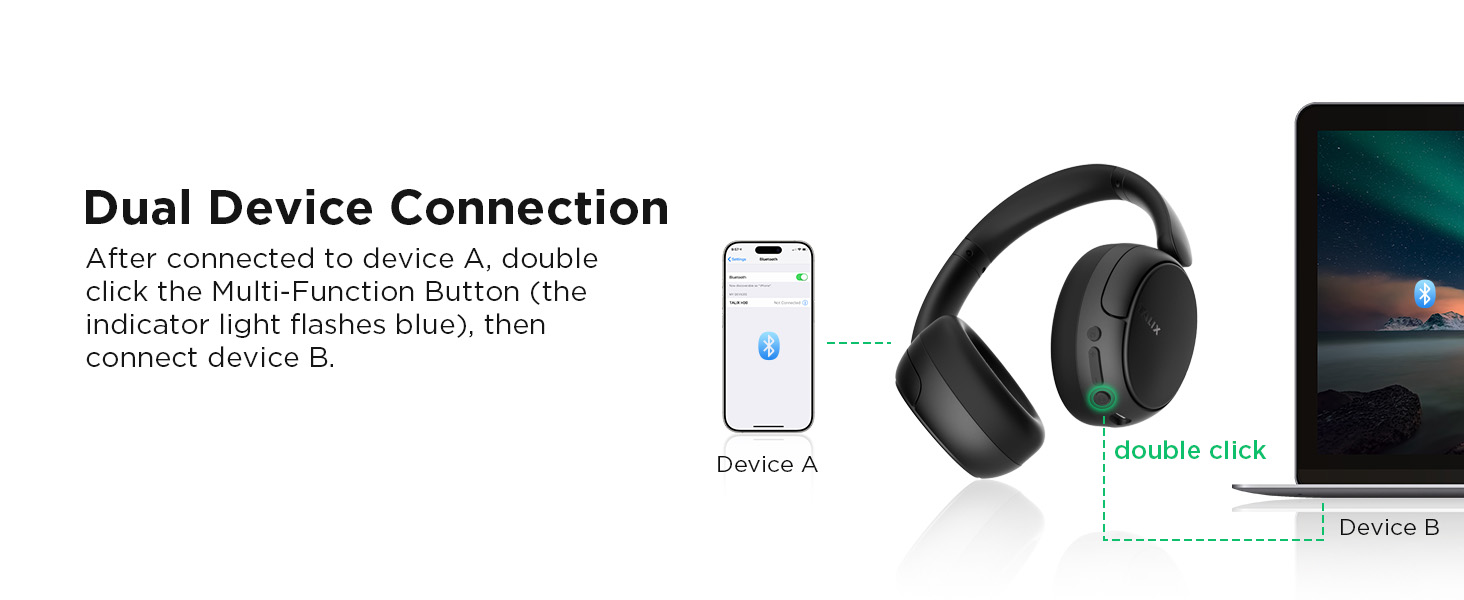
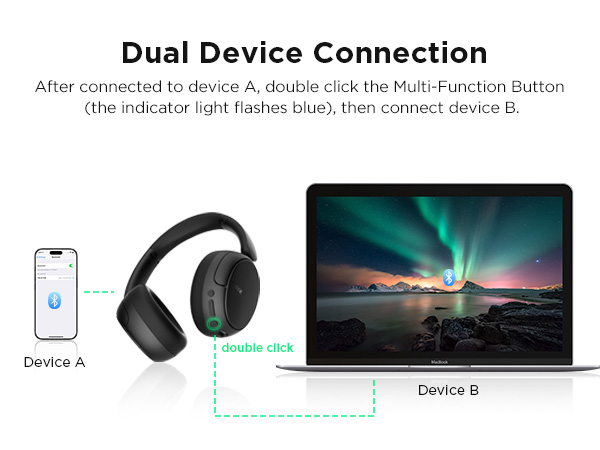
When the over ear headphones are connected to device A, double-click the Multi-Function Button (the indicator light flashes blue). On device B, search for TALIX H30 and click connect.
How do I reset the headphones?
Press and hold the Multi-Function Button and Volume+ together for 5 seconds until the LED flashes red three times to perform a factory reset. After resetting, the headphones will enter pairing mode automatically.


We’re built on “Joy, Passion, Innovation” — making tech feel warm, not cold. A spark for your daily life. Our mission? Help you live joyfully. We mix the latest tech, smooth vibes, and fresh design to create smart stuff you’ll actually love. Whether you’re grinding at work or just chilling, TALIX gives you confidence and style. Come vibe with us — joyful tech, fashionable living.



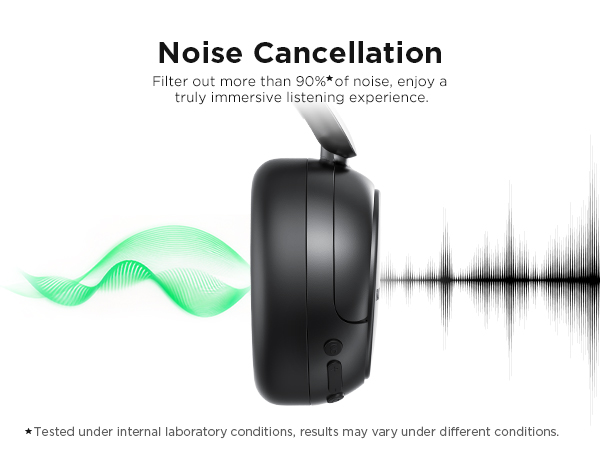




How should I open hybrid ANC mode / transparency mode?
Press the button "NC" to hear a voice prompt, you can switch between hybrid ANC mode, normal mode, and transparency mode.
How should I use TALIX over ear headphones to enjoy crystal-clear experience?
1 Check whether you are wearing the headphones correctly and whether the left and right are reversed.
2 Ensure the earpads completely cover your ears.
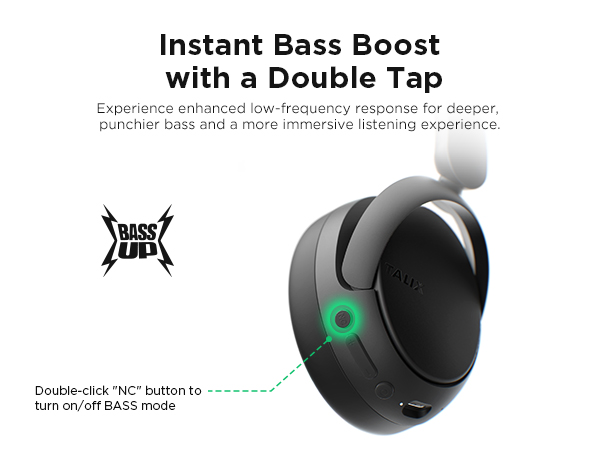
How should I use bass mode?
If need a more powerful bass effect, plese double-click the "NC" button to turn on BASS mode, you will hear a bass prompt sound when it is successfully enabled. Double-click again to return to normal mode.
How to connect to two devices at the same time?
When the over ear headphones are connected to device A, double-click the Multi-Function Button (the indicator light flashes blue). On device B, search for TALIX H30 and click connect.
How do I reset the headphones?
Press and hold the Multi-Function Button and Volume+ together for 5 seconds until the LED flashes red three times to perform a factory reset. After resetting, the headphones will enter pairing mode automatically.
We’re built on “Joy, Passion, Innovation” — making tech feel warm, not cold. A spark for your daily life. Our mission? Help you live joyfully. We mix the latest tech, smooth vibes, and fresh design to create smart stuff you’ll actually love. Whether you’re grinding at work or just chilling, TALIX gives you confidence and style. Come vibe with us — joyful tech, fashionable living.