




 here!
here!
I’m your shopping assistant for PC builds, upgrades, and everything tech.
Got questions? Ask away!
Start a conversation
here!
I’m your shopping assistant for PC builds, upgrades, and everything tech.
Got questions? Ask away!
Start a conversation




Any questions? Ask CelesteSM will help you find out quickly.
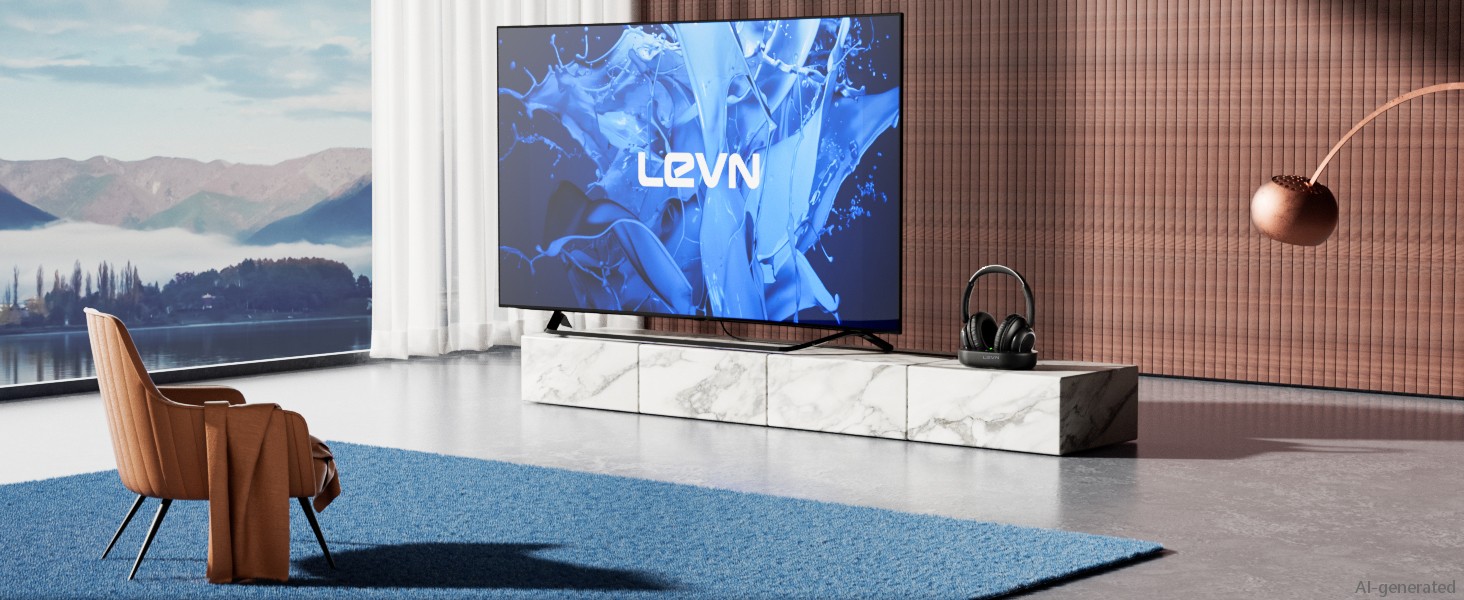
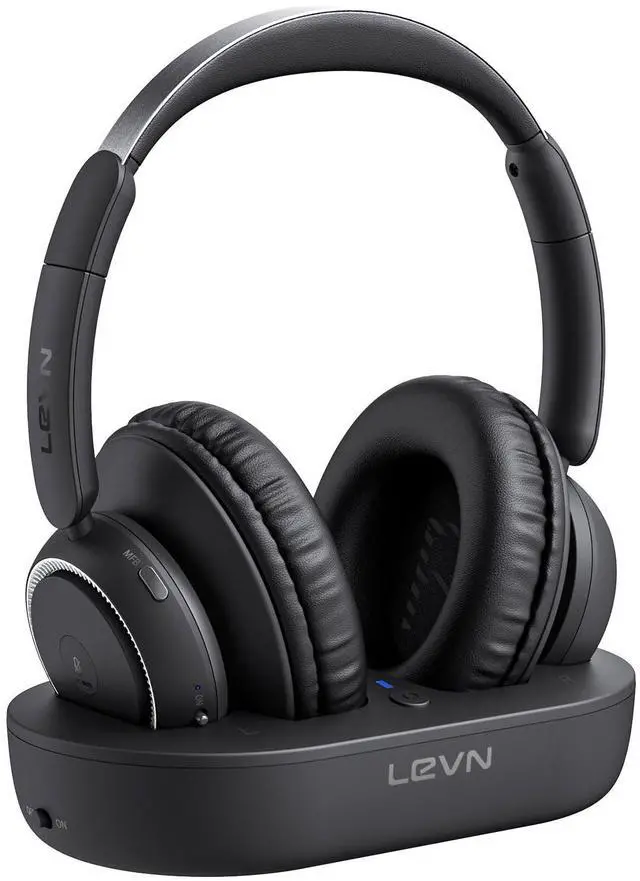
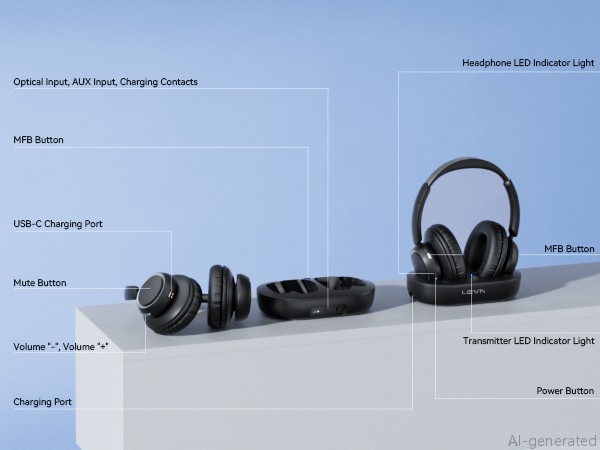
Not only does the TV transmitter charge easily, but it also provides a clever solution for storing your headphones. Enhance your entertainment experience!
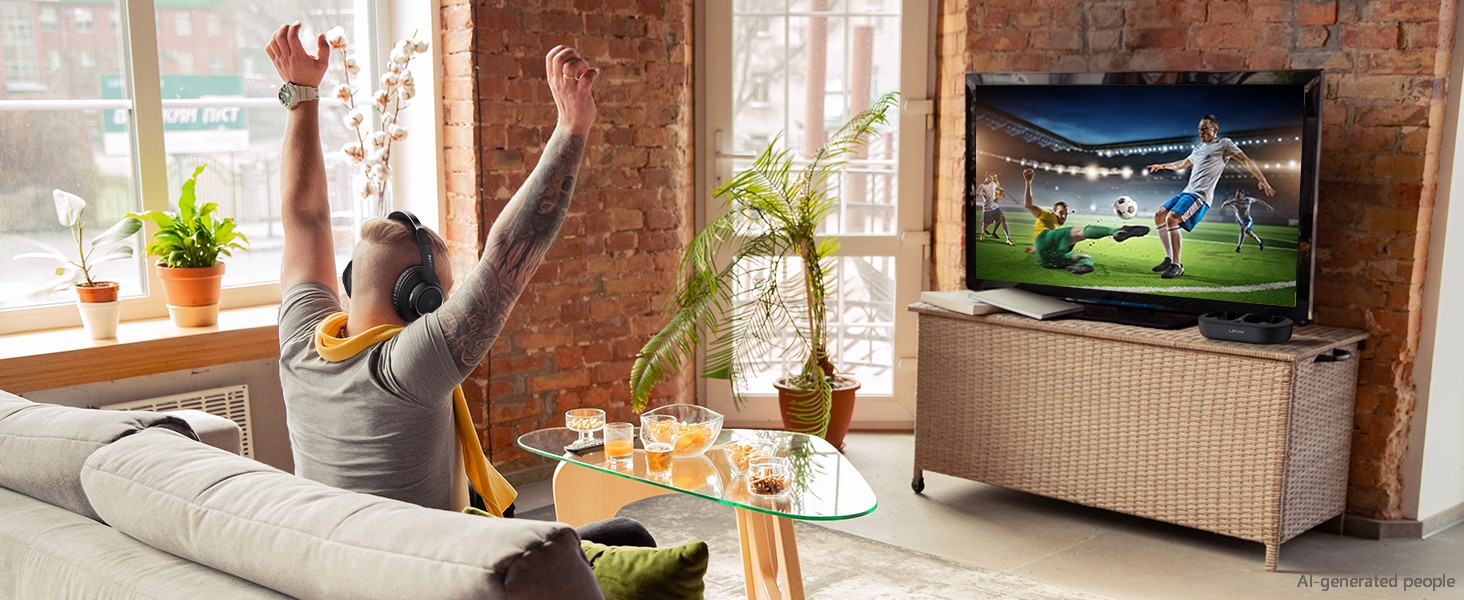
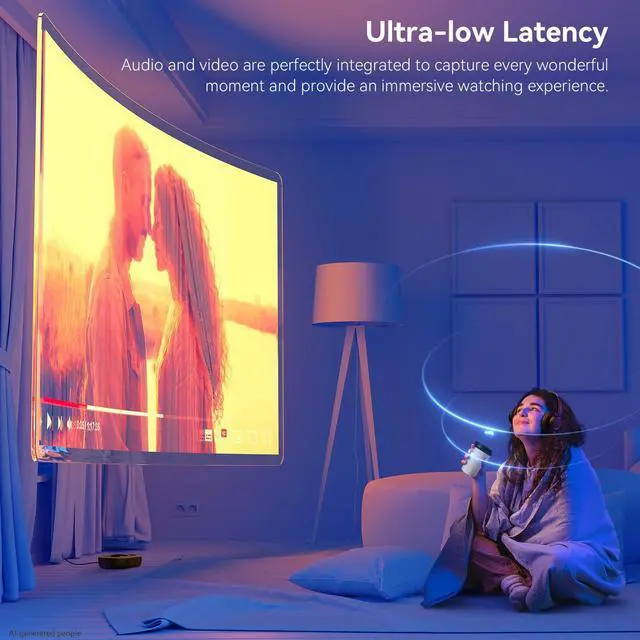
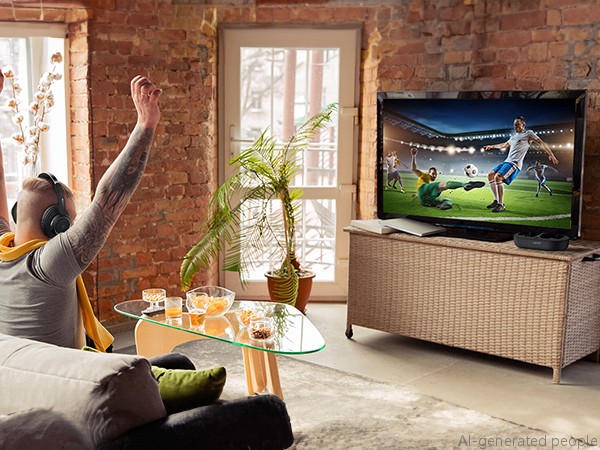
Experience the perfect synchronization of vision and audio with our wireless headphones for TV.
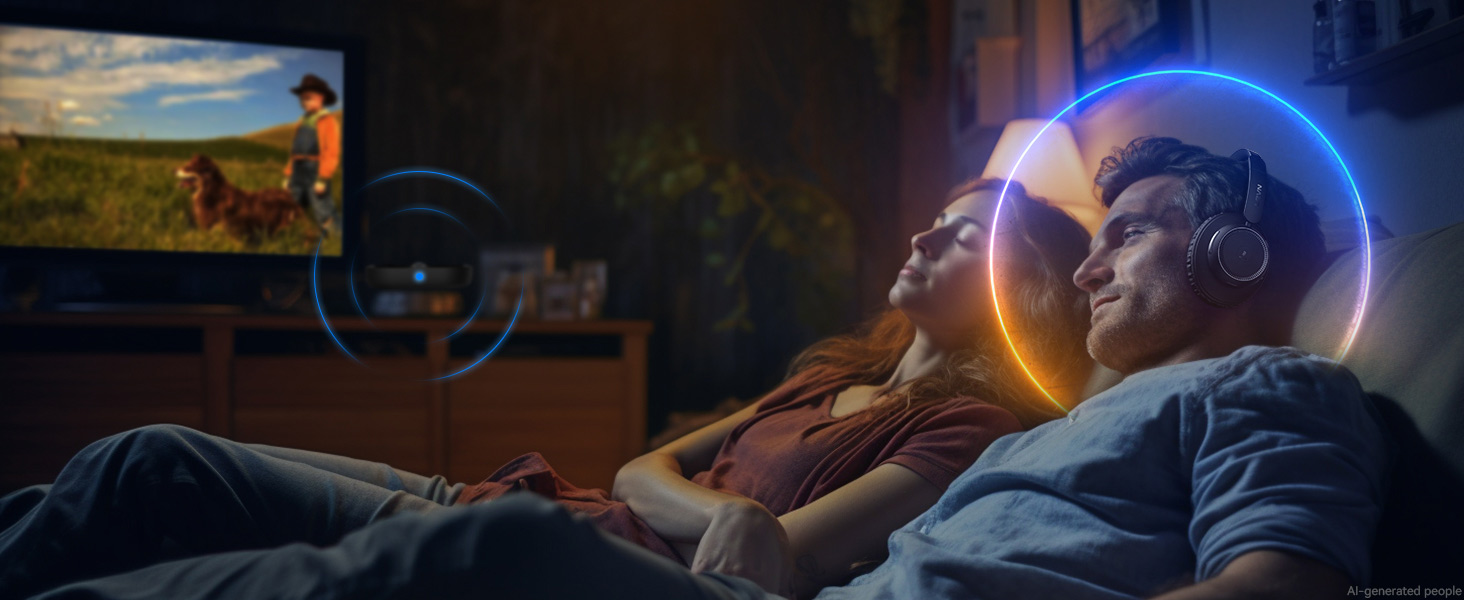
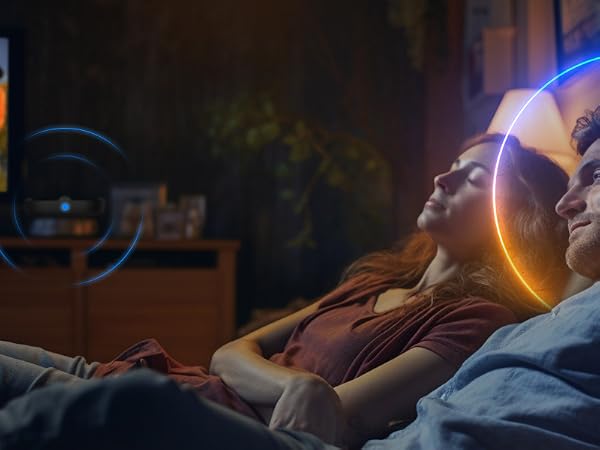
Use TV headphones wireless to enjoy HD original sound without worrying about disturbing your family
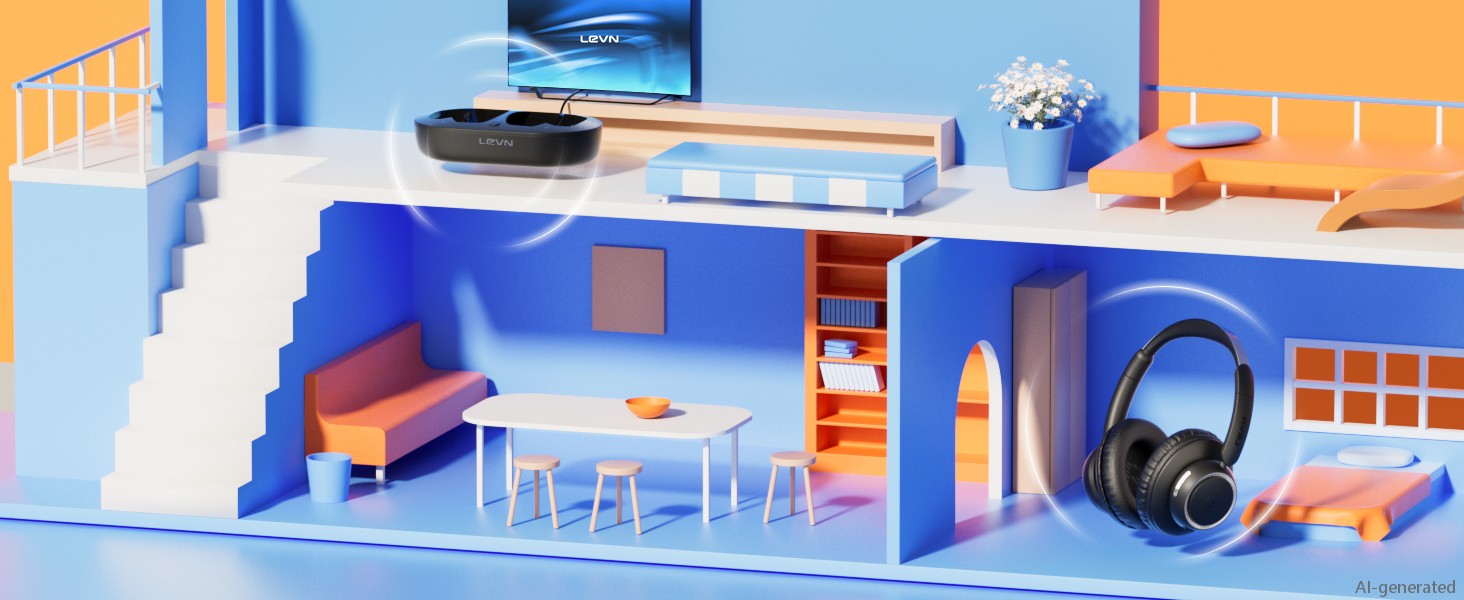
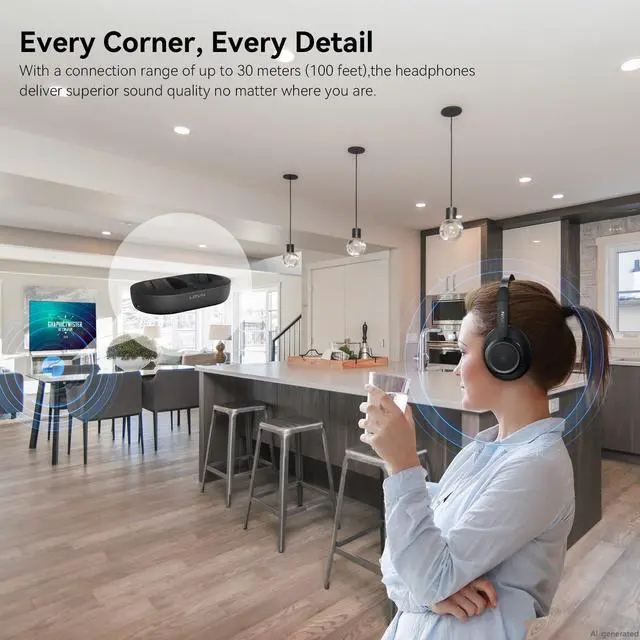
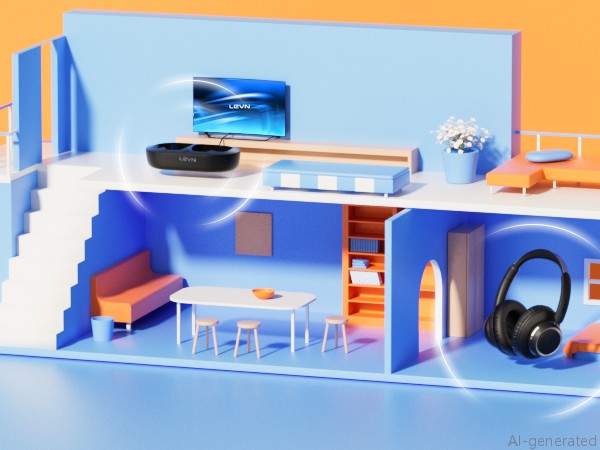
The 30M connection distance ensures audio is always with you, allowing freedom without boundaries
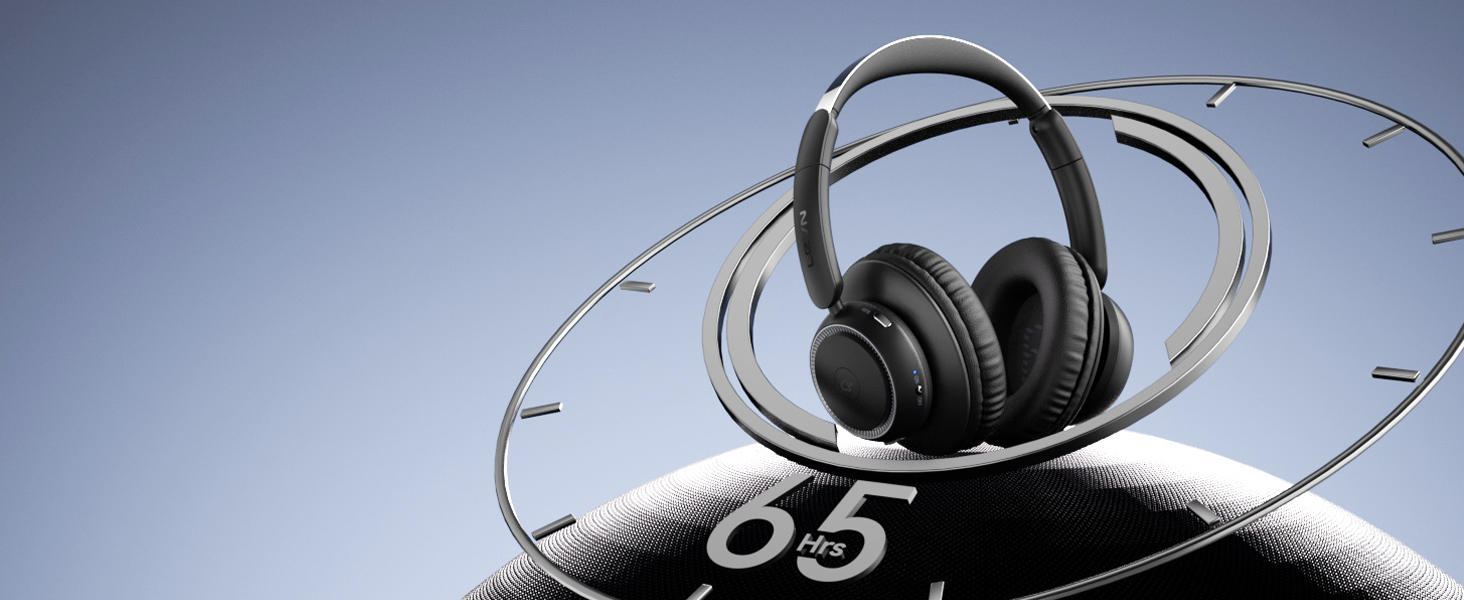
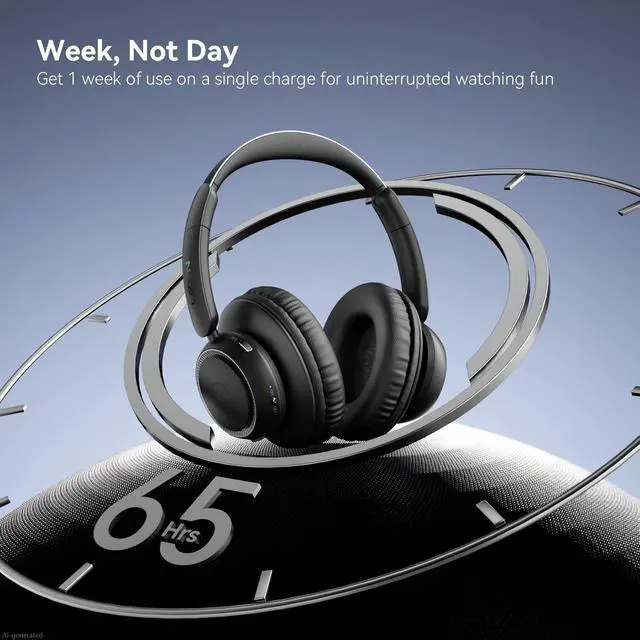
With a battery life of 65 hours on this TV headphones, you can watch your favorite series or movies for a week with confidence knowing there are no limits on your audio journey!
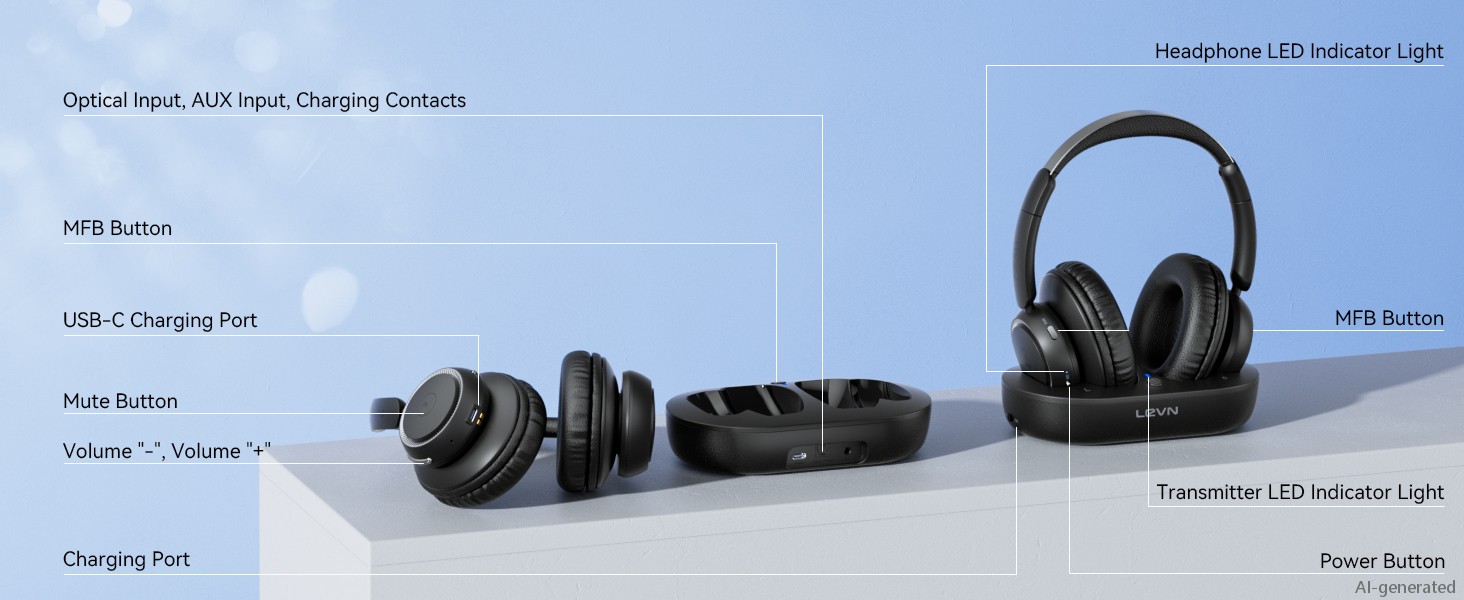
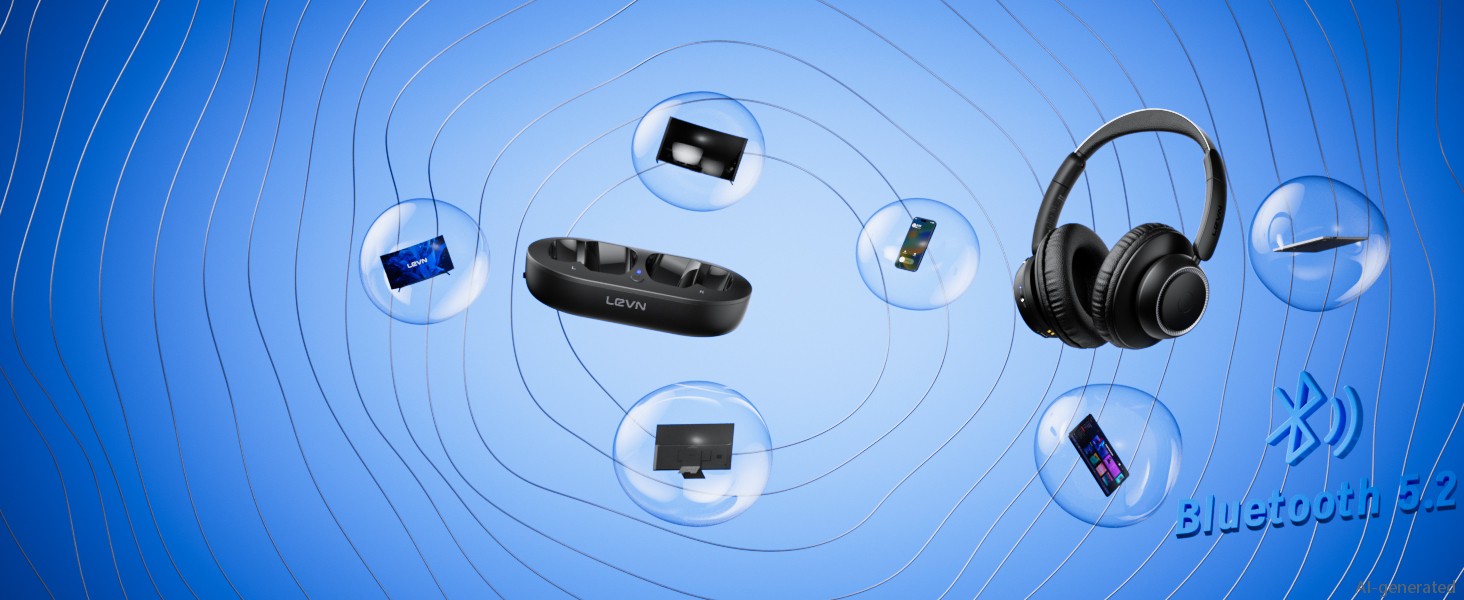
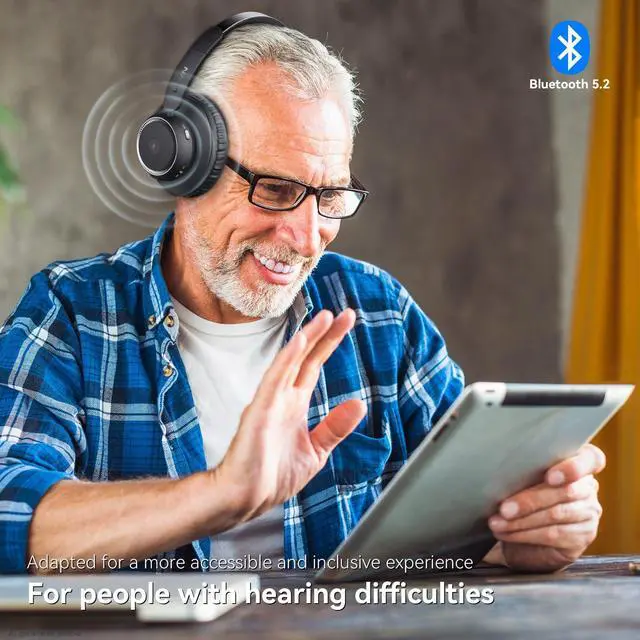
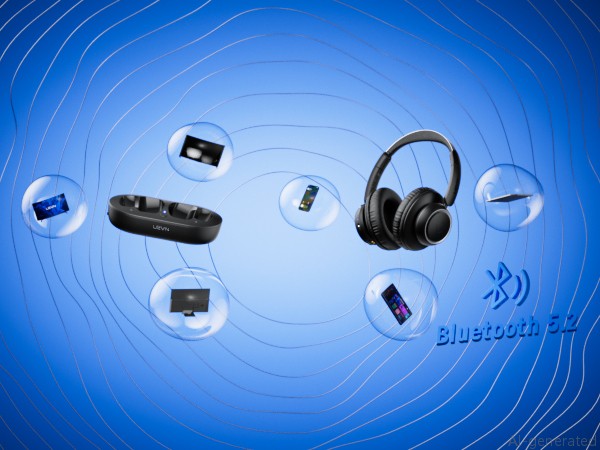
Not only do our wireless headphones for TV connect to your TV via the transmitter, but they can also be easily paired with other devices such as phones and tablets via Bluetooth for standalone use
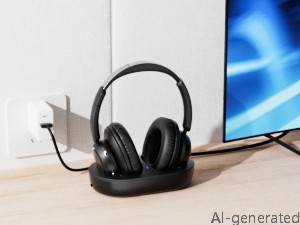
Connect the charging cable and turn the TV transmitter switch to "ON"
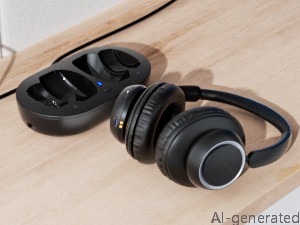
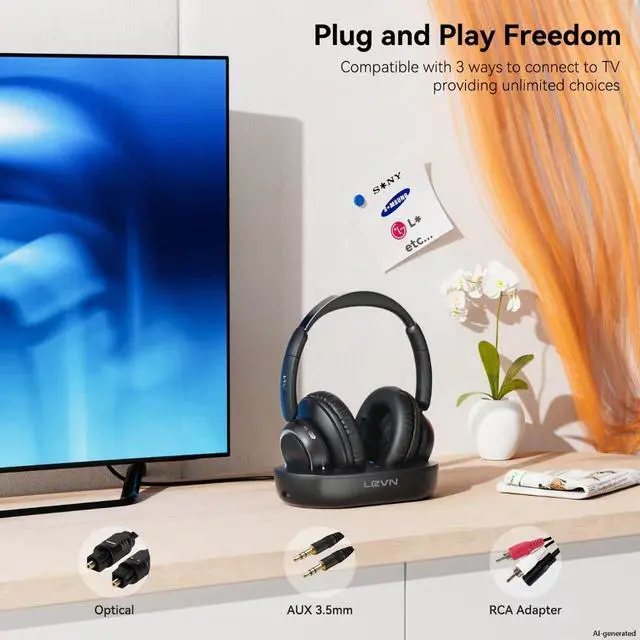
Plug the optical/AUX3.5mm/RCA audio cable into the TV transmitter and TV output port (only one output at a time), then power on the headphones
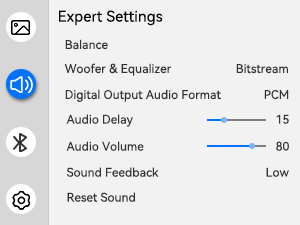
"Settings"> Click "Sound/Audio" > Click "Sound Output/Expert Settings/Advanced" > Click "Audio Digital Output Format" > Select "PCM/Stereo/Optical"
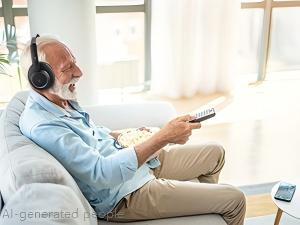
Put on your headphones, sit back and start your journey!

Enhance your family and friends' TV viewing experience with a loving and thoughtful gift
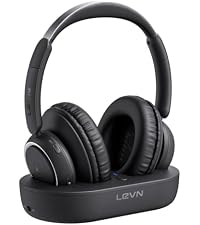 LE-HS018 | 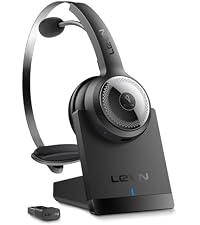 LE-HS010 Superior | 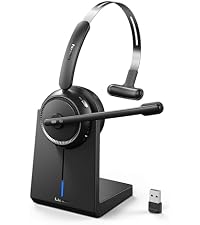 CT001 | 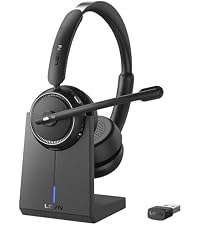 LE-HS013 | 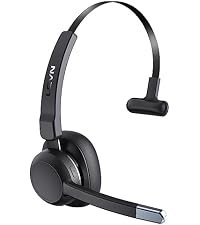 LE-HS015 | |
|---|---|---|---|---|---|
Customer Reviews | — | — | — | — | — |
Price | — | — | — | — | — |
Connection Method | Optical, Bluetooth | USB Dongle,Bluetooth, | Bluetooth, USB Dongle | Bluetooth, USB Dongle | Bluetooth |
Appearance | Large double earmuffs | Single Ear | Single Ear | Binaural | Single Ear |
Charging Method | TV Transmitter Charging Base | Charging Dock, USB Type-C | Charging Dock, USB Type-C | Charging Dock, USB Type-C | USB Type-C |
Scope of Application | TV, Music | Call, Meeting, Remote Work | Call, Music, Remote Work | Call, Music, Remote Work | Call, Meeting, Music |
Noise Canceling Technology | AI Noise Canceling | 99.9% ENC Noise Canceling | 99% ENC Noise Canceling | 99% ENC Noise Canceling | 99% ENC Noise Canceling |
How do I know if my TV headphones are charging?
When you place your headphones on the transmitter, the LED of the headphones and transmitter light up red, indicating that it is charging. When the headset's LED light is blue and the transmitter's LED light is green, it means it is fully charged.
Do I need to pair the headphones with the transmitter when I get them?
No, when the headphones and TV transmitter are turned on, the LED light of the TV transmitter turns blue, indicating that the pairing is successful.
How do I mute my headphones?
Please click the MFB button on the side of the headphones to pause the audio. Kindly note: pressing the MFB button will only pause the audio from the headphones and will not affect the playback of the TV program.
My TV does not have an audio output port. Can I buy these headphones to watch TV?
If your TV has Bluetooth function, you can connect the headphones and TV via Bluetooth. At the same time, please turn off the TV transmitter first, because the headphones will automatically connect to the TV transmitter.
My TV has an optical fiber port and a AUX 3.5 mm port. Can I insert them together?
No, if you use optical cable, please only plug into the optical port, do not plug in the AUX 3.5mm cable.

Eliminating Unwanted Background Noise and Focusing on your Call with LEVN

Established in 2003, LEVN has a two-decade legacy in wireless audio, delivering unmatched expertise, superior quality, and an exceptional user experience. Meticulously crafted headphones ensure superior sound and seamless connectivity. Our goal is to enrich wireless audio with revolutionary features and innovative technology, shaping the future of Bluetooth headsets
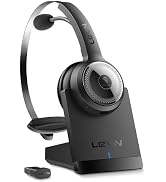

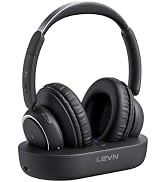
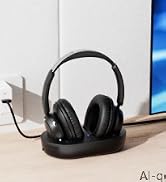
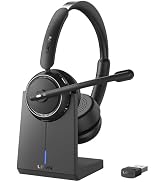
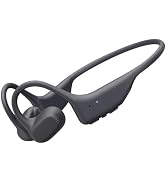
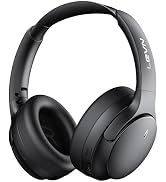
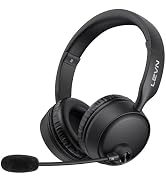
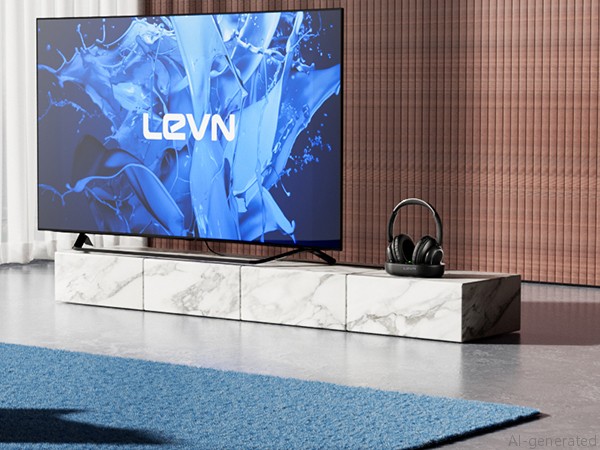
Not only does the TV transmitter charge easily, but it also provides a clever solution for storing your headphones. Enhance your entertainment experience!
Experience the perfect synchronization of vision and audio with our wireless headphones for TV.
Use TV headphones wireless to enjoy HD original sound without worrying about disturbing your family
The 30M connection distance ensures audio is always with you, allowing freedom without boundaries
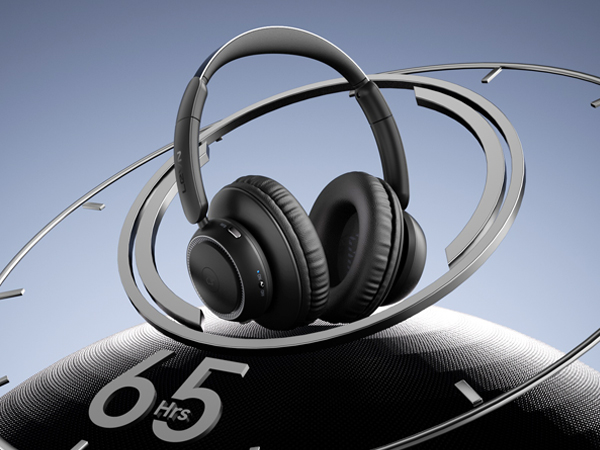
With a battery life of 65 hours on this TV headphones, you can watch your favorite series or movies for a week with confidence knowing there are no limits on your audio journey!
Not only do our wireless headphones for TV connect to your TV via the transmitter, but they can also be easily paired with other devices such as phones and tablets via Bluetooth for standalone use
Connect the charging cable and turn the TV transmitter switch to "ON"
Plug the optical/AUX3.5mm/RCA audio cable into the TV transmitter and TV output port (only one output at a time), then power on the headphones
"Settings"> Click "Sound/Audio" > Click "Sound Output/Expert Settings/Advanced" > Click "Audio Digital Output Format" > Select "PCM/Stereo/Optical"
Put on your headphones, sit back and start your journey!

Enhance your family and friends' TV viewing experience with a loving and thoughtful gift
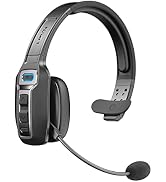
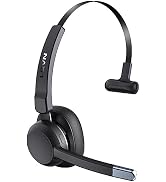
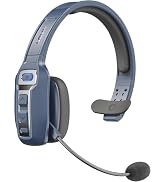
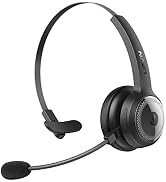
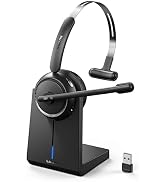
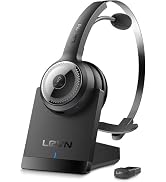
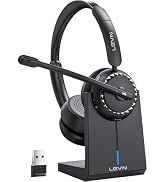
LE-HS018 | LE-HS010 Superior | CT001 | LE-HS013 | LE-HS015 |
|---|---|---|---|---|
| Customer Reviews | ||||
| — | — | — | — | — |
| Price | ||||
| — | — | — | — | — |
| Connection Method | ||||
| Optical, Bluetooth | USB Dongle,Bluetooth, | Bluetooth, USB Dongle | Bluetooth, USB Dongle | Bluetooth |
| Appearance | ||||
| Large double earmuffs | Single Ear | Single Ear | Binaural | Single Ear |
| Charging Method | ||||
| TV Transmitter Charging Base | Charging Dock, USB Type-C | Charging Dock, USB Type-C | Charging Dock, USB Type-C | USB Type-C |
| Scope of Application | ||||
| TV, Music | Call, Meeting, Remote Work | Call, Music, Remote Work | Call, Music, Remote Work | Call, Meeting, Music |
| Noise Canceling Technology | ||||
| AI Noise Canceling | 99.9% ENC Noise Canceling | 99% ENC Noise Canceling | 99% ENC Noise Canceling | 99% ENC Noise Canceling |
How do I know if my TV headphones are charging?
When you place your headphones on the transmitter, the LED of the headphones and transmitter light up red, indicating that it is charging. When the headset's LED light is blue and the transmitter's LED light is green, it means it is fully charged.
Do I need to pair the headphones with the transmitter when I get them?
No, when the headphones and TV transmitter are turned on, the LED light of the TV transmitter turns blue, indicating that the pairing is successful.
How do I mute my headphones?
Please click the MFB button on the side of the headphones to pause the audio. Kindly note: pressing the MFB button will only pause the audio from the headphones and will not affect the playback of the TV program.
My TV does not have an audio output port. Can I buy these headphones to watch TV?
If your TV has Bluetooth function, you can connect the headphones and TV via Bluetooth. At the same time, please turn off the TV transmitter first, because the headphones will automatically connect to the TV transmitter.
My TV has an optical fiber port and a AUX 3.5 mm port. Can I insert them together?
No, if you use optical cable, please only plug into the optical port, do not plug in the AUX 3.5mm cable.
Eliminating Unwanted Background Noise and Focusing on your Call with LEVN
Established in 2003, LEVN has a two-decade legacy in wireless audio, delivering unmatched expertise, superior quality, and an exceptional user experience. Meticulously crafted headphones ensure superior sound and seamless connectivity. Our goal is to enrich wireless audio with revolutionary features and innovative technology, shaping the future of Bluetooth headsets


