here!
here!
I’m your shopping assistant for PC builds, upgrades, and everything tech.
Got questions? Ask away!
Start a conversation
here!
I’m your shopping assistant for PC builds, upgrades, and everything tech.
Got questions? Ask away!
Start a conversation
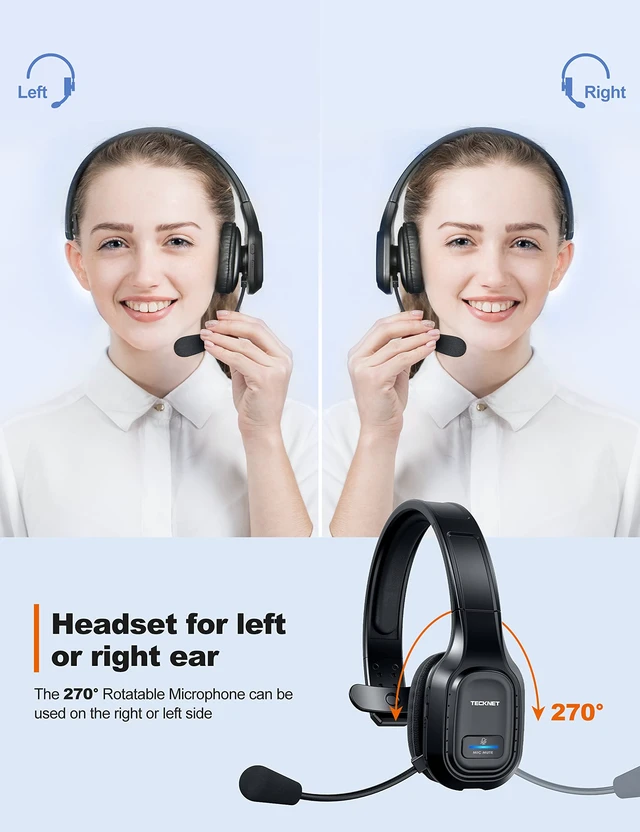
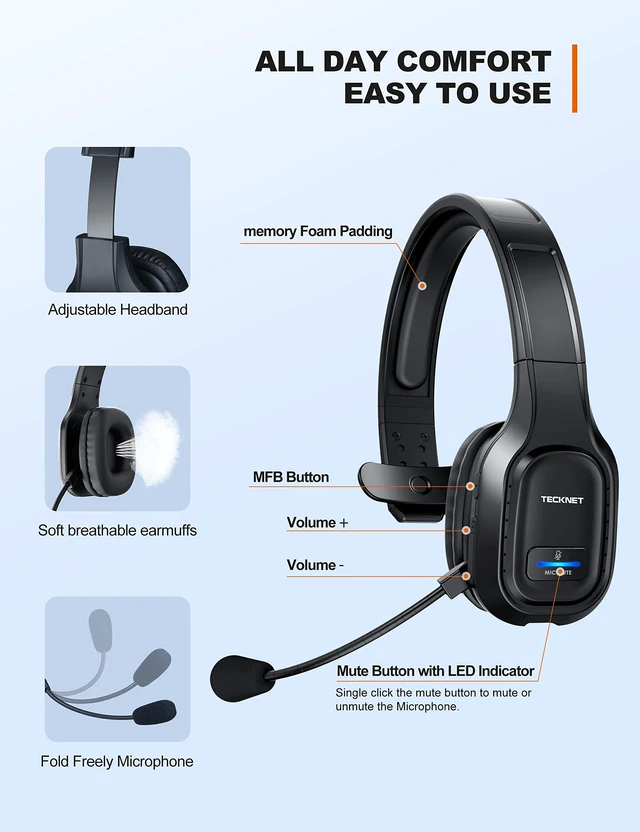
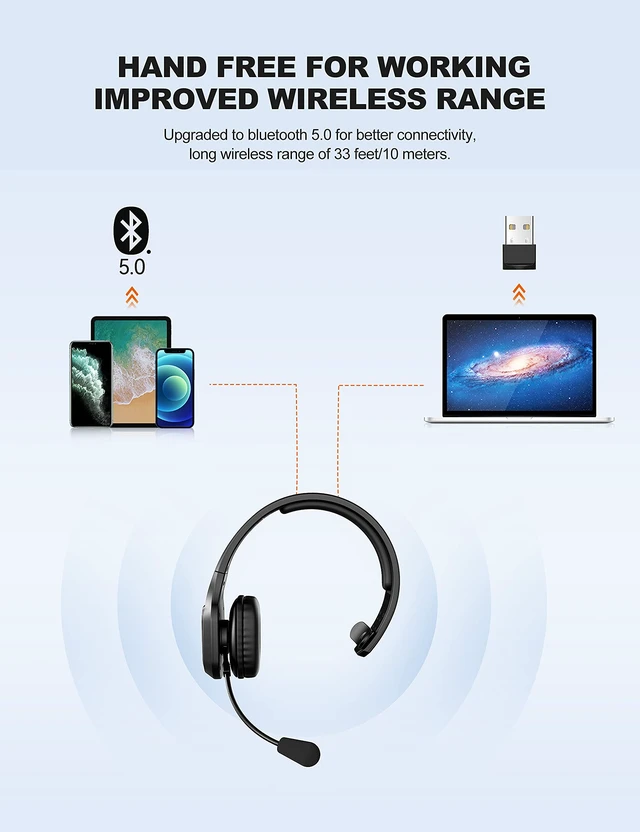





Any questions? Ask CelesteSM will help you find out quickly.
INCOMPATIBLE DEVICE: not compatible with( landline phones with Bluetooth function) Cisco IP Phone, Voip Telephone; TVs with Bluetooth function, car Bluetooth, X-Box, PlayStation 4/5, Bluetooth speakers
MUTE: doesn't mute while off a call, only works on mobile phones, not suitable for laptop, pc
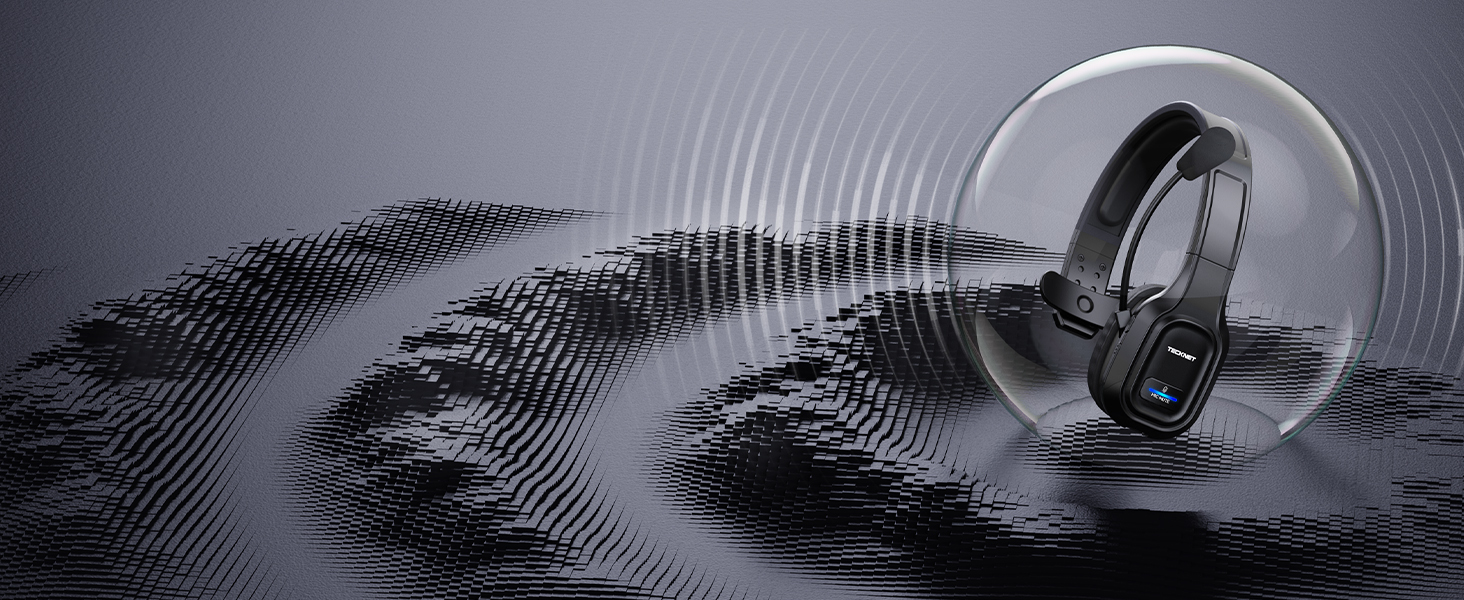
Ideal for business calls
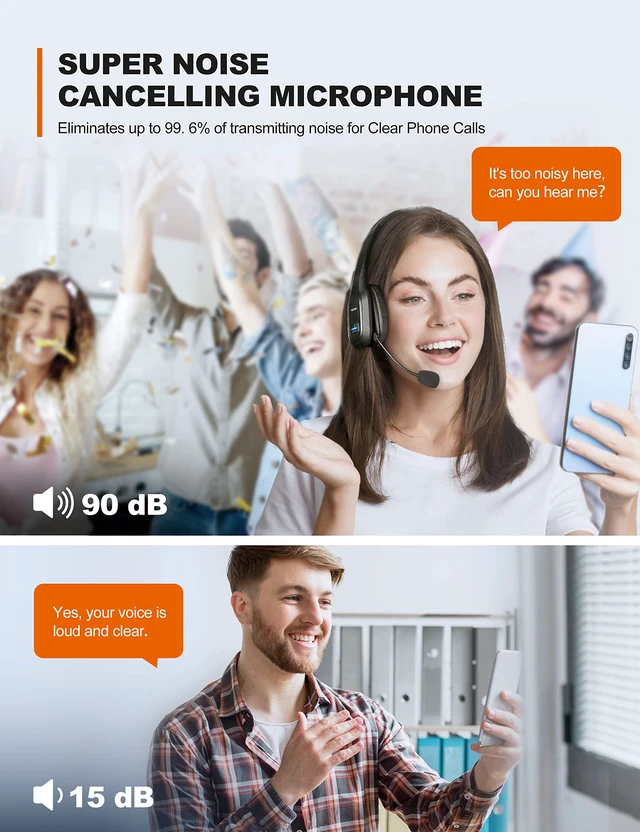
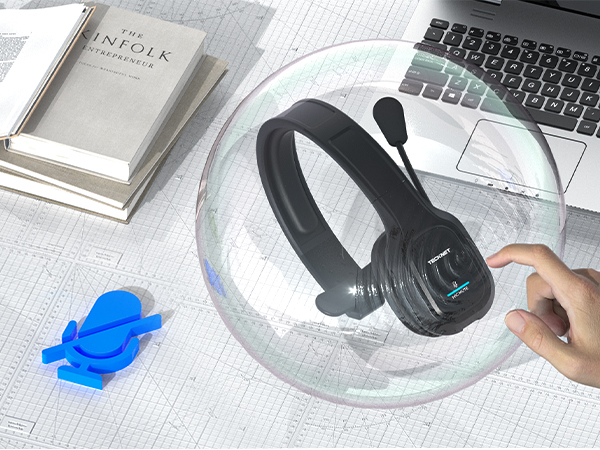
Wireless headset with environmental noise canceling chipset, reduces 99.6% background noise
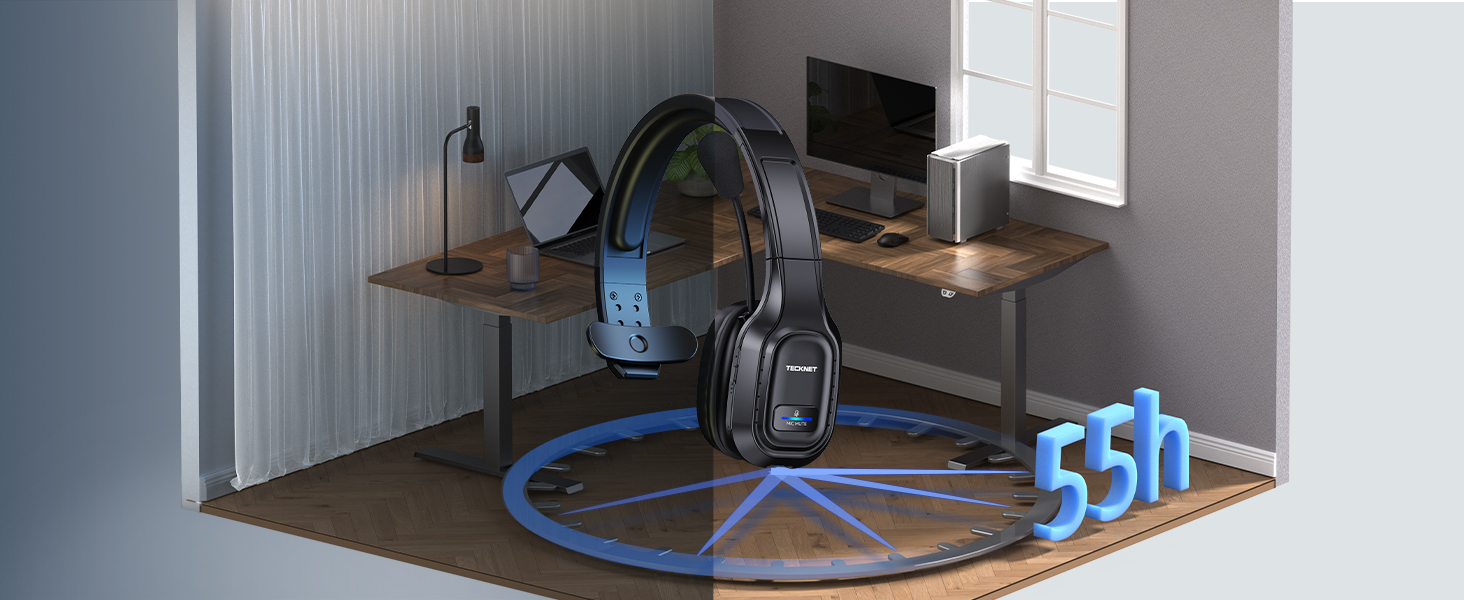
Ideal for long-time use
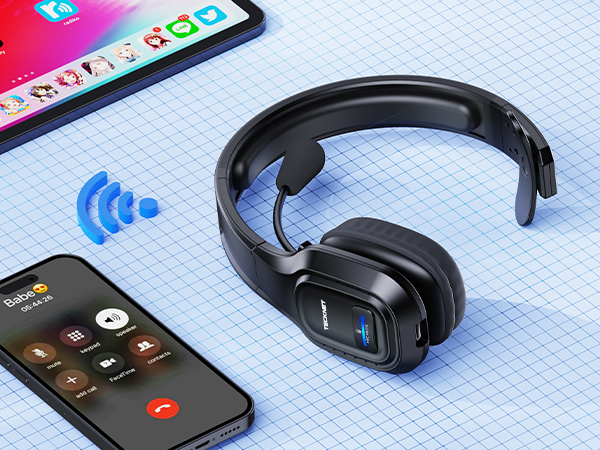
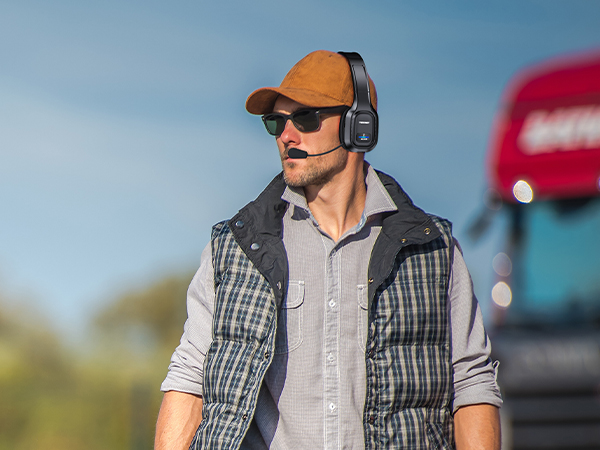
Wireless headset with mic for work, provides talking all day for truckers, call center agent
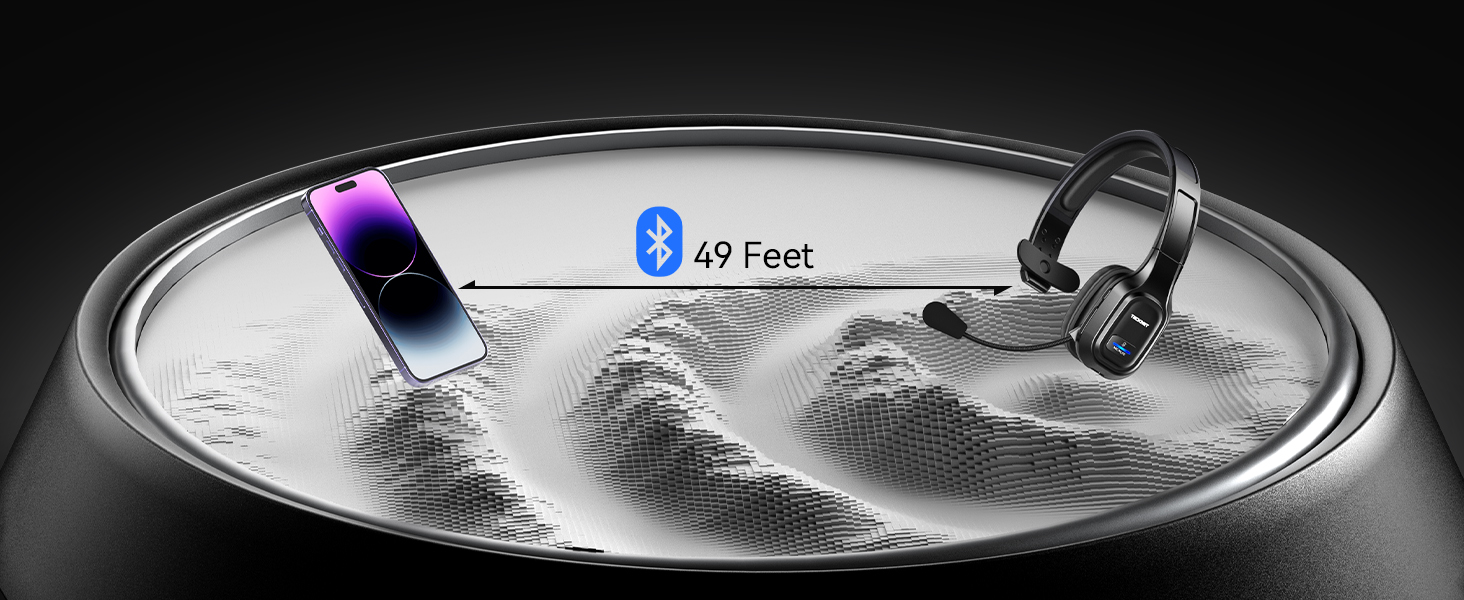
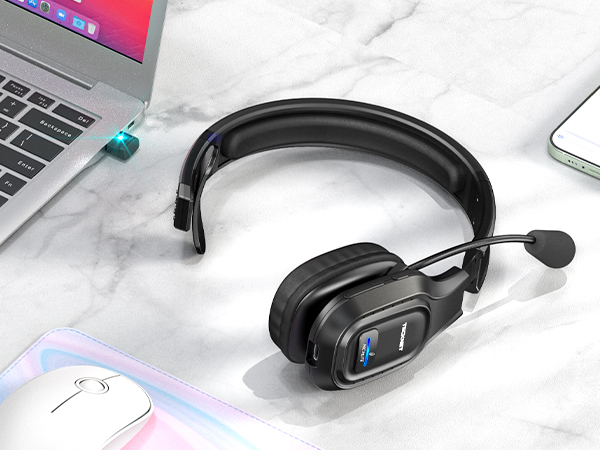
Devices with Bluetooth
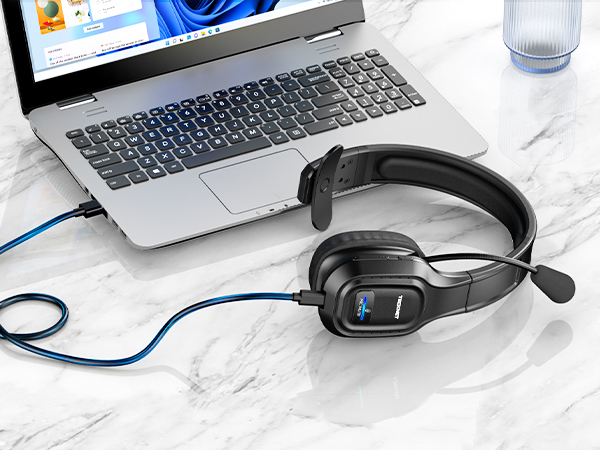
Wide compatible with pc/computer/laptop.NOTE: device bluetooth below 3.0can't connect via Bluetooth
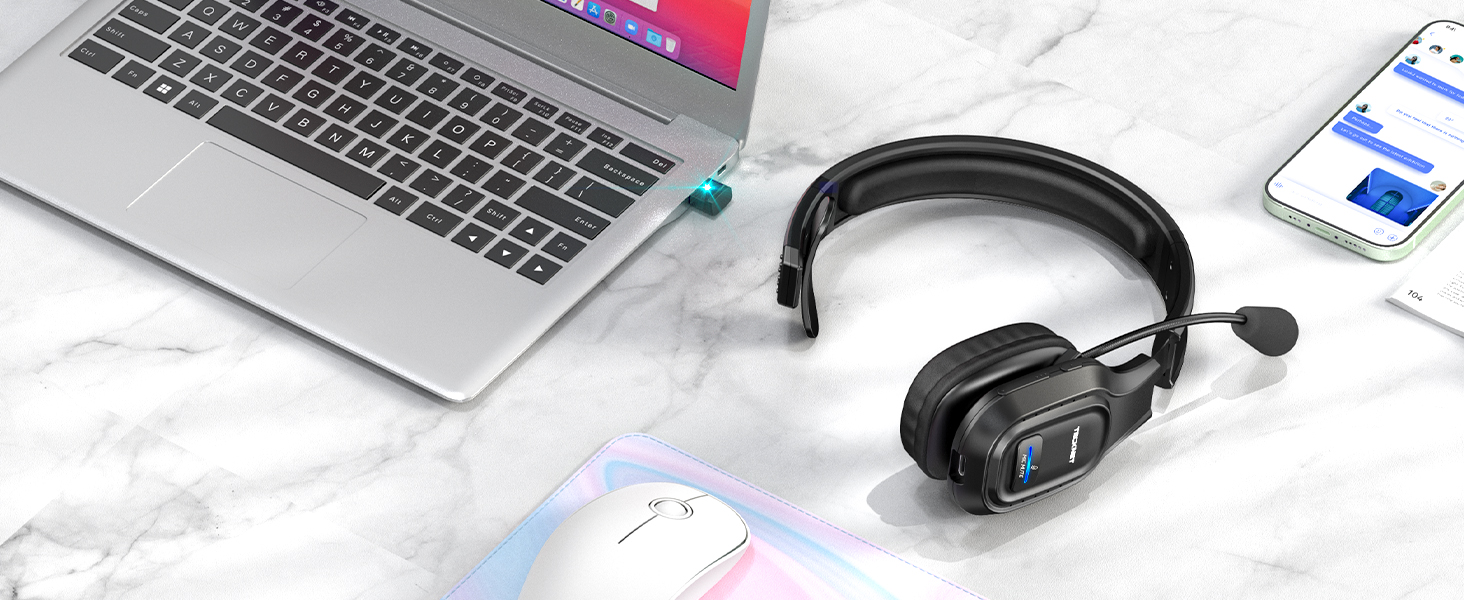
Devices without Bluetooth
Using USB,can't connect to other devices using Bluetooth; If using BT connection,unplug the adapter
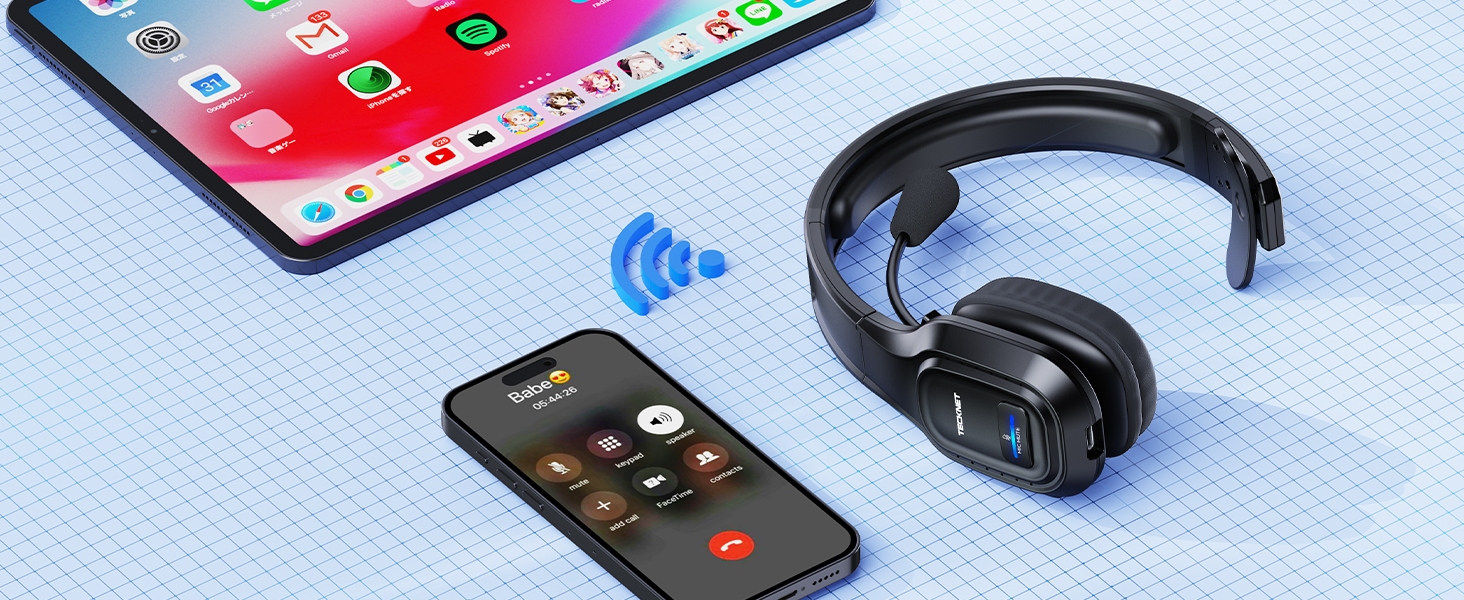
for 2 Bluetooth Devices
Work in bluetooth connect mode, not simultaneous use, not support one USB, one Bluetooth connection
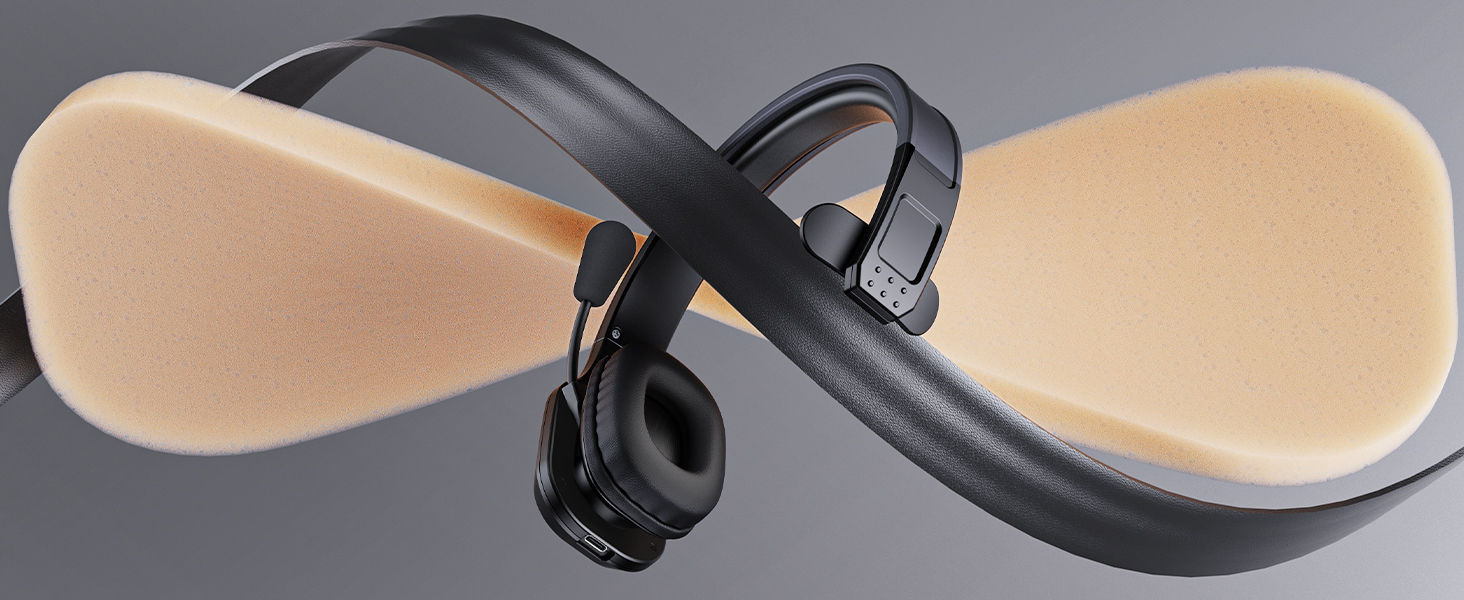
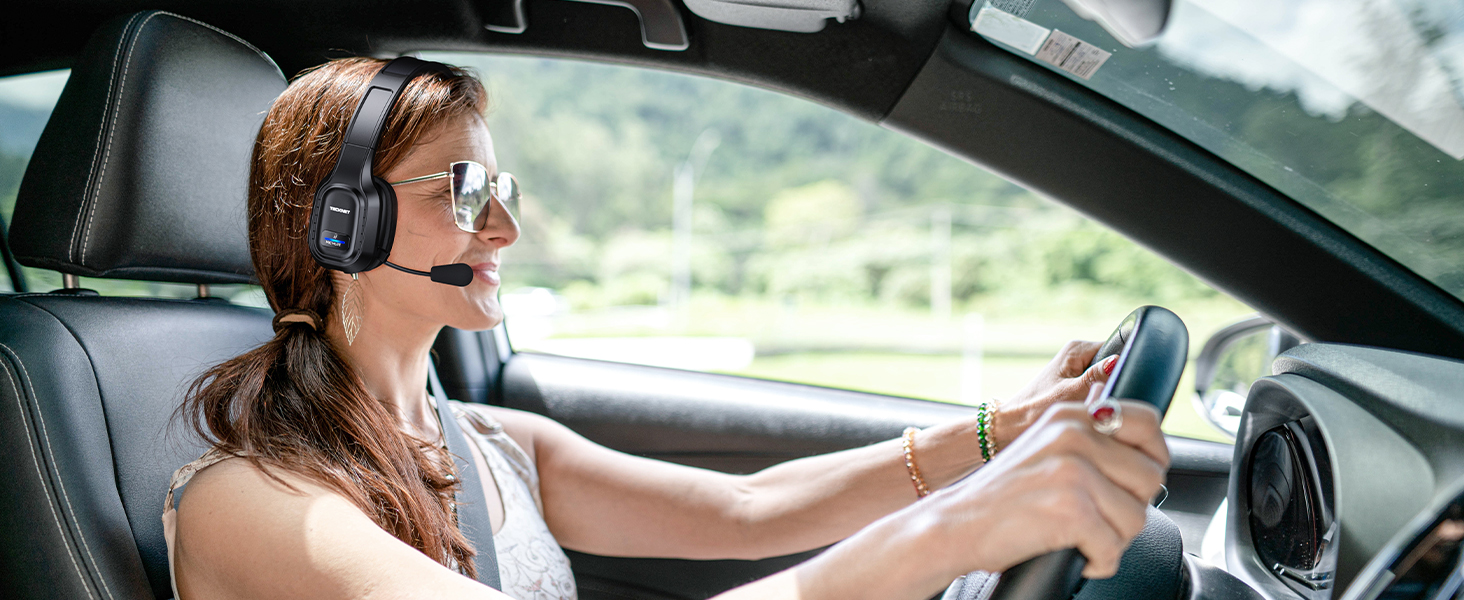
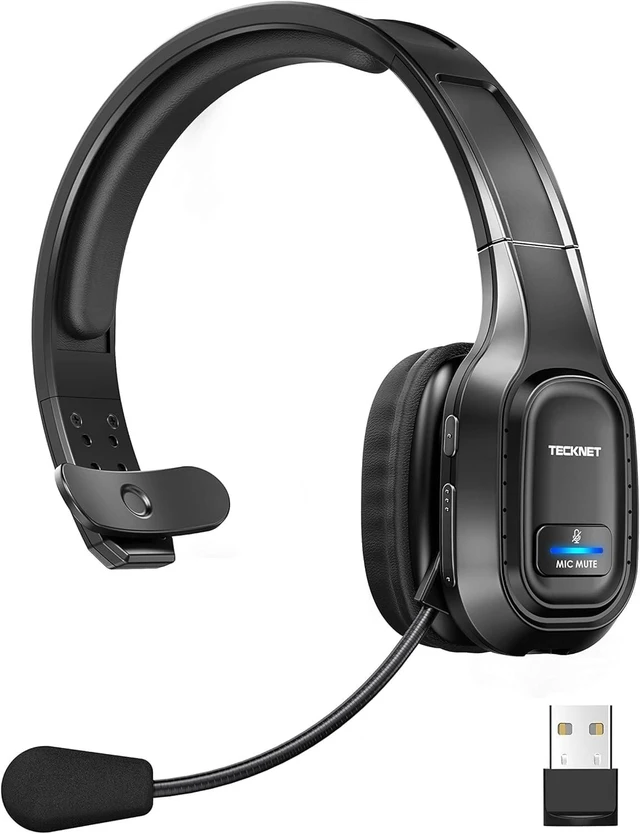
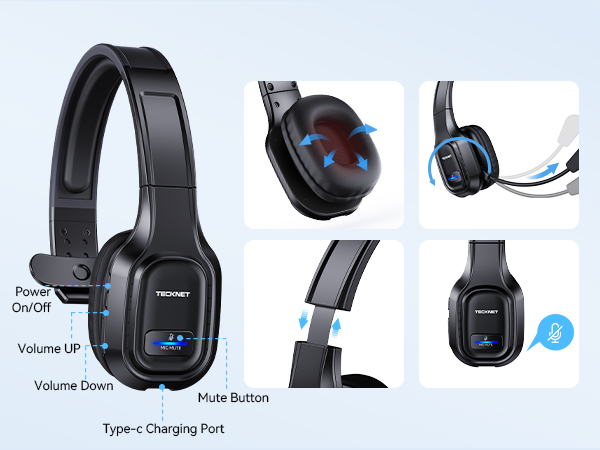
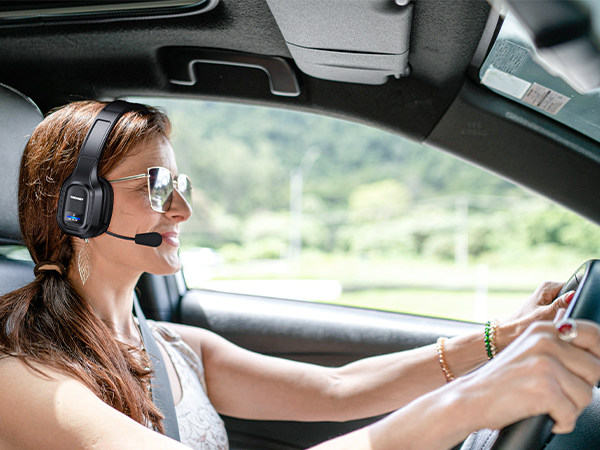
Trucker bluetooth headset equipped with a breathable big ear pad, made from a soft protein leather to reduce the pressure. Wear-resistant materials ensure long-term drive or daily use.
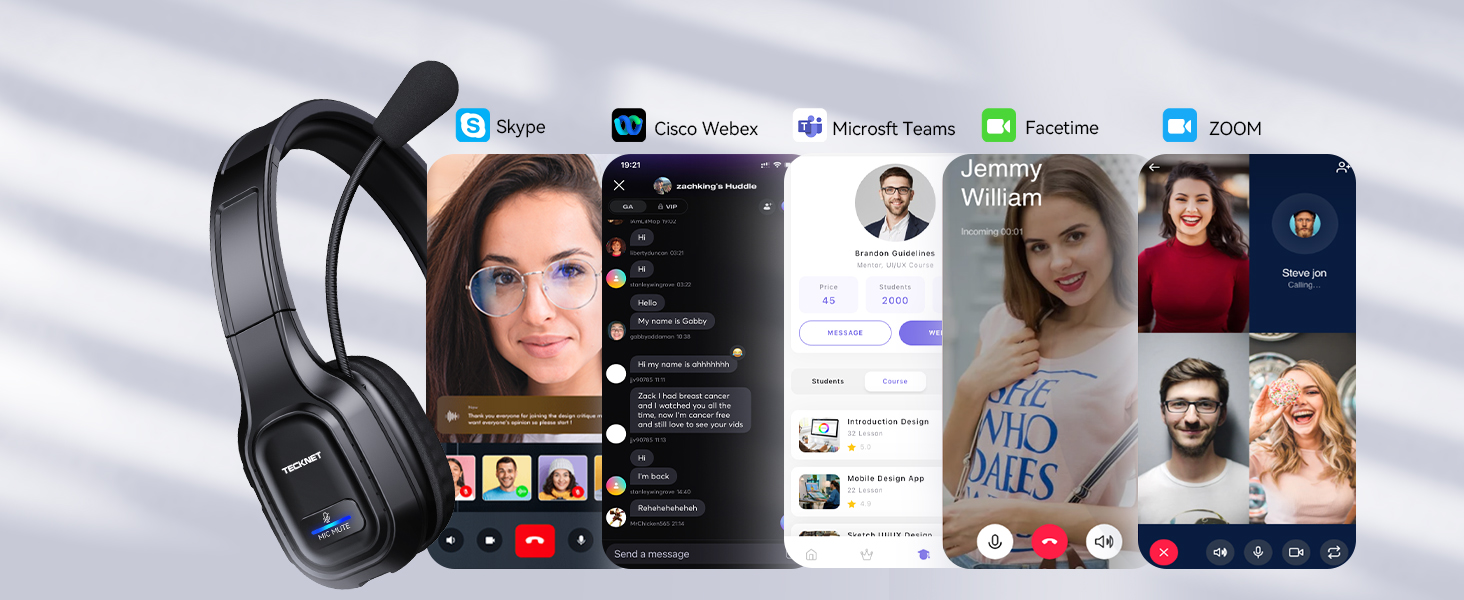
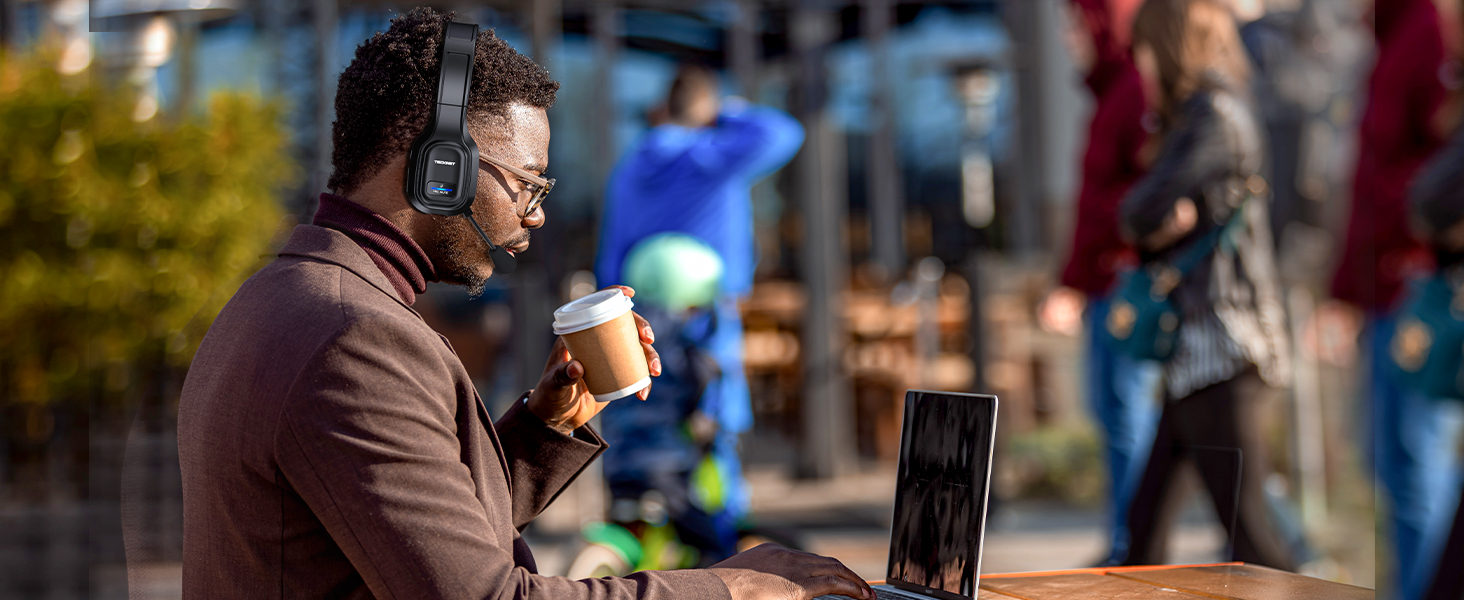
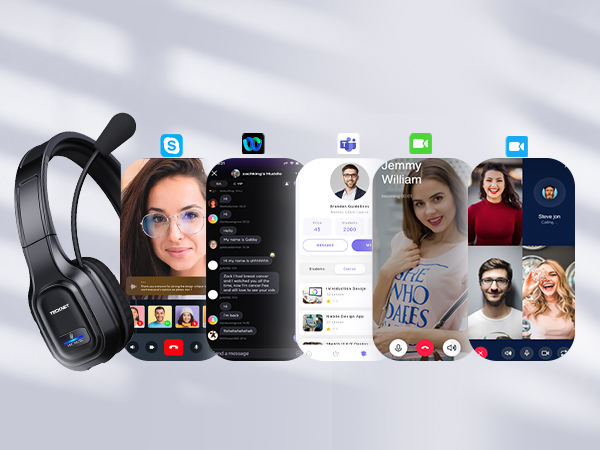
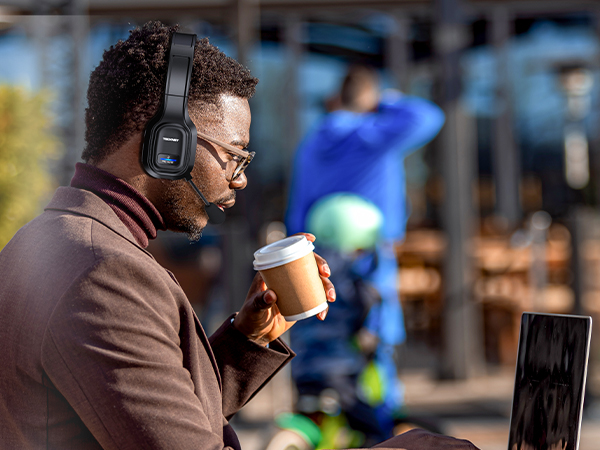
Bluetooth headphones with microphone is designed to work seamlessly with most online classes and meeting software
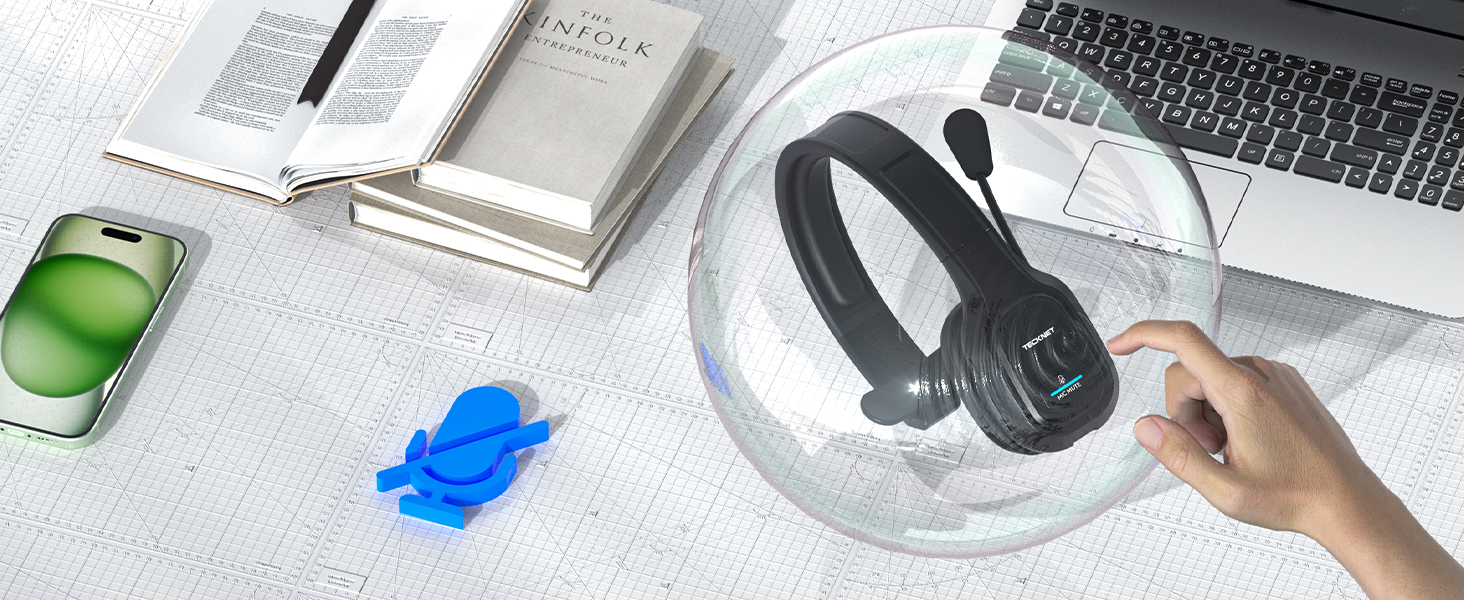
Wireless headphones with mic mute to protect your privacy(doesn't mute while off a phone call), the other party can't hear you
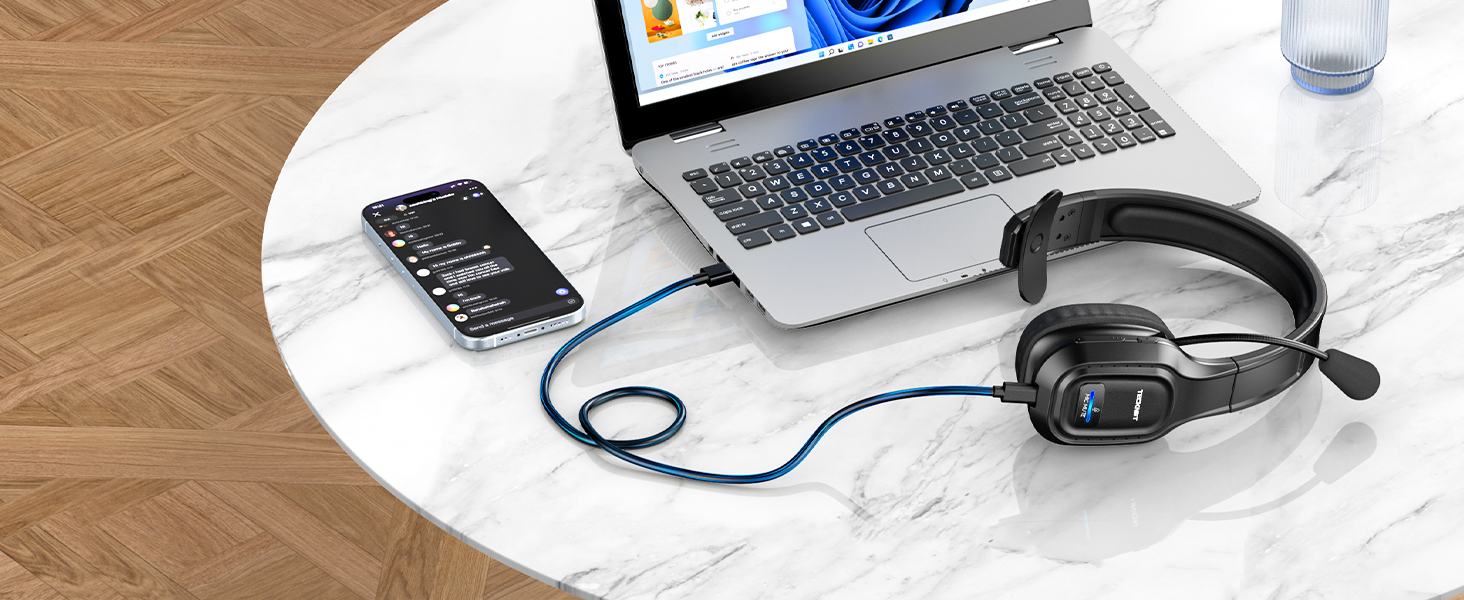
Bluetooth wireless headphones with mic for computer equipped with large capacity battery, provides 55hrs working time within 1.5hrs fast charge
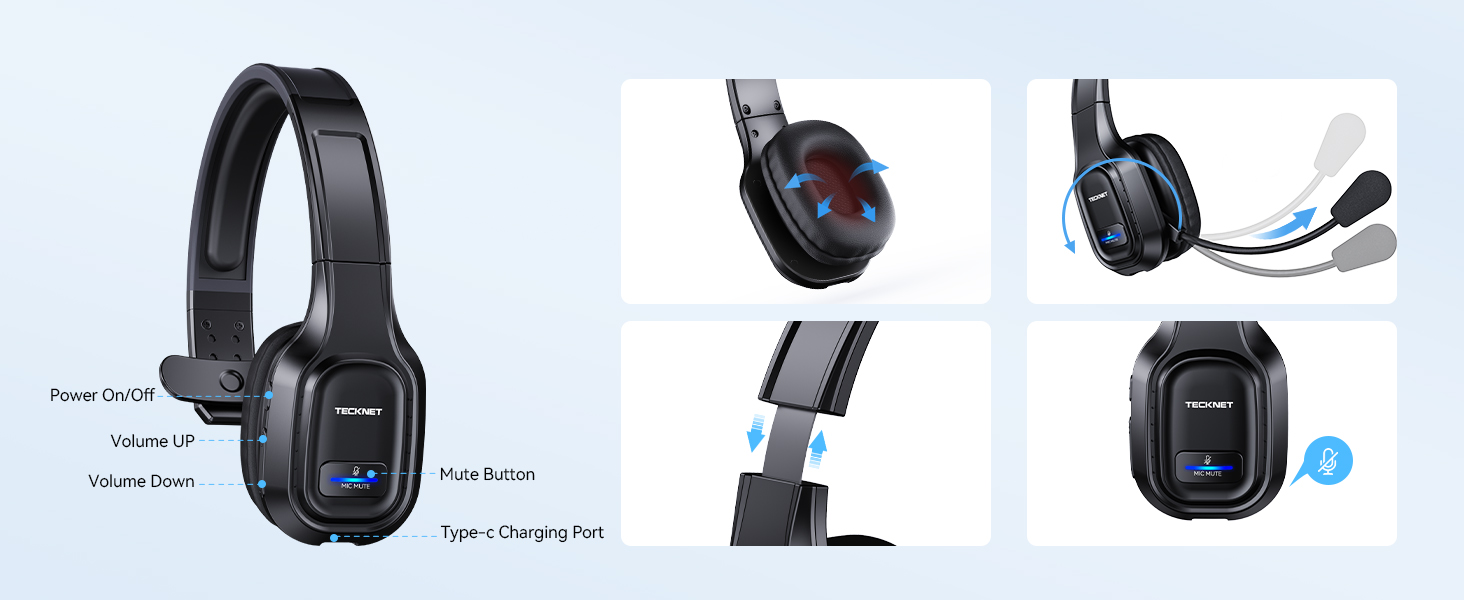
Bluetooth headset with microphone is designed to give you simpler operation
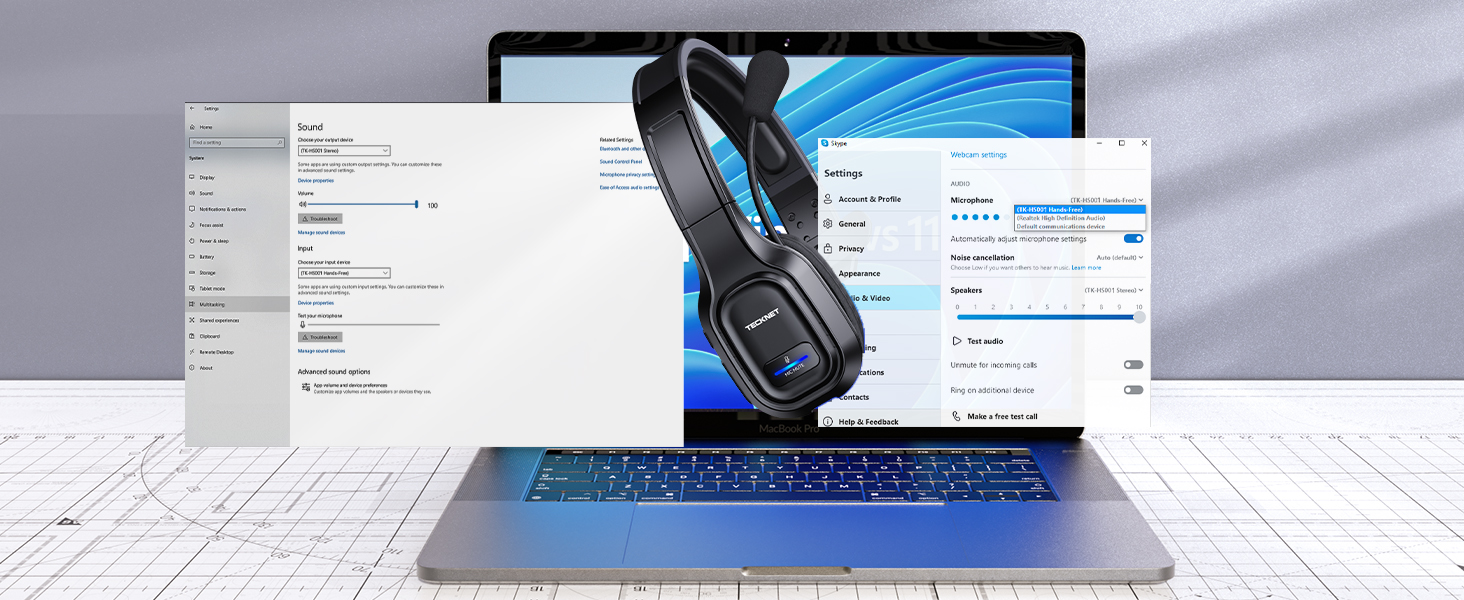
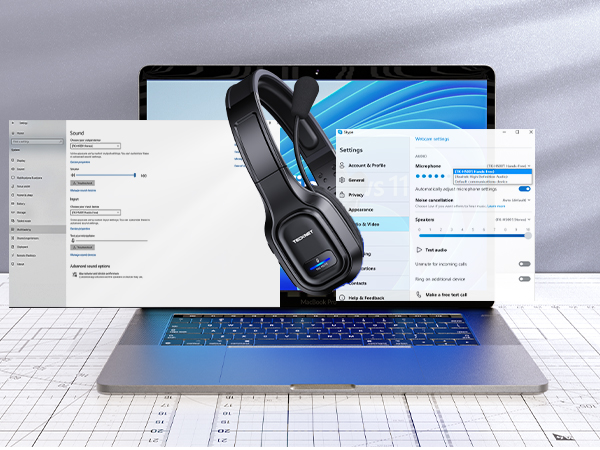
Make sure [TK-HS001] is selected as the default output and input device (speaker/microphone), make sure the headset is in non-silent mode, otherwise headset bluetooth to computer will not work
Unboxing & Troubleshooting
NOTE: Incompatible with: TVs with Bluetooth function, car Bluetooth, X-Box, PlayStation 4/5, Bluetooth speakers, and landline phones with Bluetooth function
 On-ear Wireless Headset |  Wireless Headset for Work |  Over-ear Trucker Headset | 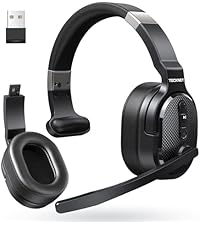 Single & Dual Headset | |
|---|---|---|---|---|
Customer Reviews | — | — | — | — |
Price | — | — | — | — |
Noise Cancecling Technology | ENC Noise Reduction | Chip Noise Reduction | ENC Noise Reduction | ENC Noise Reduction |
Connectivity | BT 5.2 | BT 5.0/USB Adapter/Charging | BT 5.2/USB Adapter | BT 5.0/USB Adapter |
Working Time | Up to 20 hours | Up to 40 hours | Up to 70 hours | Up to 50 hours |
Earcup Size | On-ear | On-ear | On-ear | Over-ear |
Charging Method | USB C Cable | Base or USB C Cable | USB C Cable | USB C Cable |
INCOMPATIBLE DEVICE: not compatible with( landline phones with Bluetooth function) Cisco IP Phone, Voip Telephone; TVs with Bluetooth function, car Bluetooth, X-Box, PlayStation 4/5, Bluetooth speakers
MUTE: doesn't mute while off a call, only works on mobile phones, not suitable for laptop, pc
Wireless headset with environmental noise canceling chipset, reduces 99.6% background noise
Wireless headset with mic for work, provides talking all day for truckers, call center agent
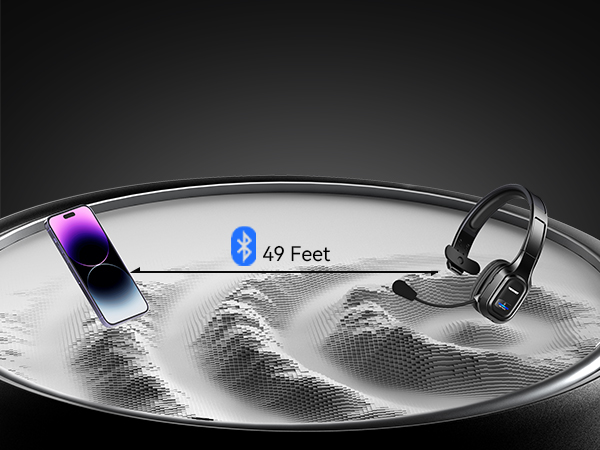
Wide compatible with pc/computer/laptop.NOTE: device bluetooth below 3.0can't connect via Bluetooth
Using USB,can't connect to other devices using Bluetooth; If using BT connection,unplug the adapter
Work in bluetooth connect mode, not simultaneous use, not support one USB, one Bluetooth connection
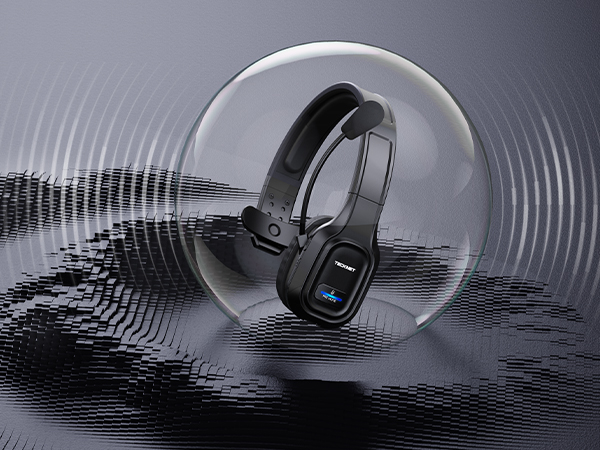
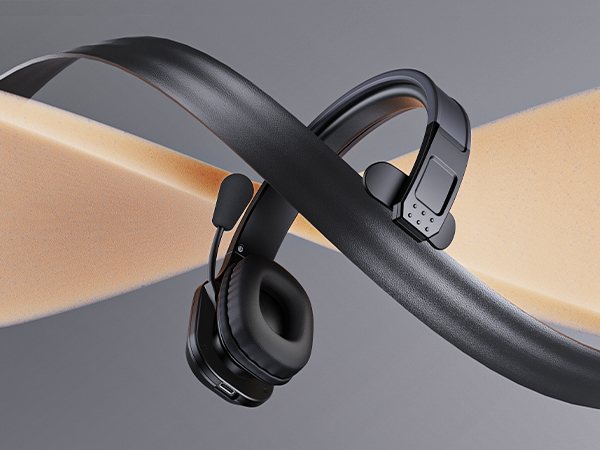
Trucker bluetooth headset equipped with a breathable big ear pad, made from a soft protein leather to reduce the pressure. Wear-resistant materials ensure long-term drive or daily use.
Bluetooth headphones with microphone is designed to work seamlessly with most online classes and meeting software
Wireless headphones with mic mute to protect your privacy(doesn't mute while off a phone call), the other party can't hear you
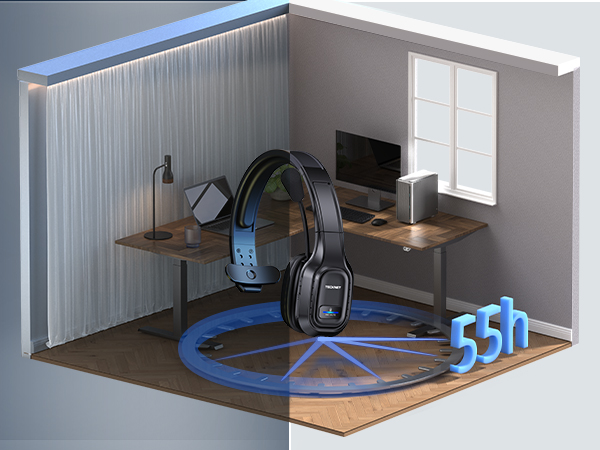
Bluetooth wireless headphones with mic for computer equipped with large capacity battery, provides 55hrs working time within 1.5hrs fast charge
Bluetooth headset with microphone is designed to give you simpler operation
Make sure [TK-HS001] is selected as the default output and input device (speaker/microphone), make sure the headset is in non-silent mode, otherwise headset bluetooth to computer will not work

Unboxing & Troubleshooting
NOTE: Incompatible with: TVs with Bluetooth function, car Bluetooth, X-Box, PlayStation 4/5, Bluetooth speakers, and landline phones with Bluetooth function
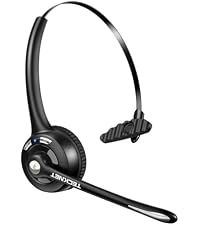 On-ear Wireless Headset | 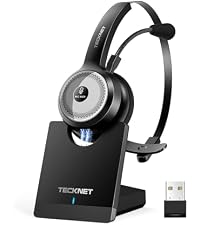 Wireless Headset for Work | 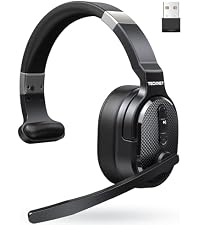 Over-ear Trucker Headset | Single & Dual Headset |
|---|---|---|---|
| Customer Reviews | |||
| — | — | — | — |
| Price | |||
| — | — | — | — |
| Noise Cancecling Technology | |||
| ENC Noise Reduction | Chip Noise Reduction | ENC Noise Reduction | ENC Noise Reduction |
| Connectivity | |||
| BT 5.2 | BT 5.0/USB Adapter/Charging | BT 5.2/USB Adapter | BT 5.0/USB Adapter |
| Working Time | |||
| Up to 20 hours | Up to 40 hours | Up to 70 hours | Up to 50 hours |
| Earcup Size | |||
| On-ear | On-ear | On-ear | Over-ear |
| Charging Method | |||
| USB C Cable | Base or USB C Cable | USB C Cable | USB C Cable |
| Q1 | How to pair TK-HS001 bluetooth headset to phone via blueooth? |
|---|---|
| Answer | Long press MFB 5-7 seconds to turn on the headset and enter pairing mode with LED flashes Blue & Red alternately; Search and click to connect "TK-HS001" in the Bluetooth list of the phone |
| Q2 | How to pair TK-HS001 bluetooth headset to computer via blueooth? |
| Answer | First, press MFB for 2s to enter pairing mode; Then, select Start > Settings > Bluetooth & other devices > Add Bluetooth or other device > Bluetooth > Click on the model number [TK-HS001] of your device > Connect Success |
| Q3 | How to pair TK-HS001 bluetooth headset to computer via USB dongle? |
| Answer | First, plug the dongle to the USB-A port and wait to recognize it. (LED indicator will flash blue) ; Then, press MFB for 2s to enter pairing mode (LED indicator will flash blue and red alternately); Finally, you will hear "Your headset is connected" |
| Q4 | Why bluetooth headset power off automatically?Can check the remaining battery power? How to charge? Whether it can be used during charging? |
| Answer | To save power and prolong battery life, bluetooth Headset will power off automatically when not connected over 10mins after power on or battery voltage is lower than 3.1V; With low battery voice reminders. Connect the type-c interface to bluetooth headset, and connect the USB cable to a booted PC, car charger, or power bank; Not recommended for use when charging |
| Q5 | Headphones don't Bluetooth to computer/cell phone, what should I do? |
| Answer | Confirm that the device has Bluetooth function, and the Bluetooth version is above 3.0 (please update the driver below 3.0); please rule out that the attached USB receiver is not used at the same time, because the priority of USB connection is higher than BT. After using the receiver, the headset Bluetooth can't be found; turn on the headset, long press MFB for 2s to enter pairing, turn on the device's Bluetooth and select (TK-HS001), as the default output and input device (speaker/microphone) |
| Q6 | How to judge whether the wireless headset is muted |
| Answer | When mute, there will be a beep sound every 10 seconds; only when calling on phone, you can mute (others can not hear your voice). Notice: there is no mute function when not talking |
| Q7 | Whether need to download drivers? |
| Answer | Via usb dongle connection, plug and play; via bluetooth connection, some computer models need to download the Bluetooth driver, please contact your computer manufacturer |
| Q8 | What are the conditions for providing replacement? |
| Answer | Accessories (dongle or charging cable) don't work or miss; Earmuffs are worn; Head wear fracture; Incompatible with device. If you encounter connection or compatibility problems, please consult |