here!
here!
I’m your shopping assistant for PC builds, upgrades, and everything tech.
Got questions? Ask away!
Start a conversation
here!
I’m your shopping assistant for PC builds, upgrades, and everything tech.
Got questions? Ask away!
Start a conversation



Any questions? Ask CelesteSM will help you find out quickly.
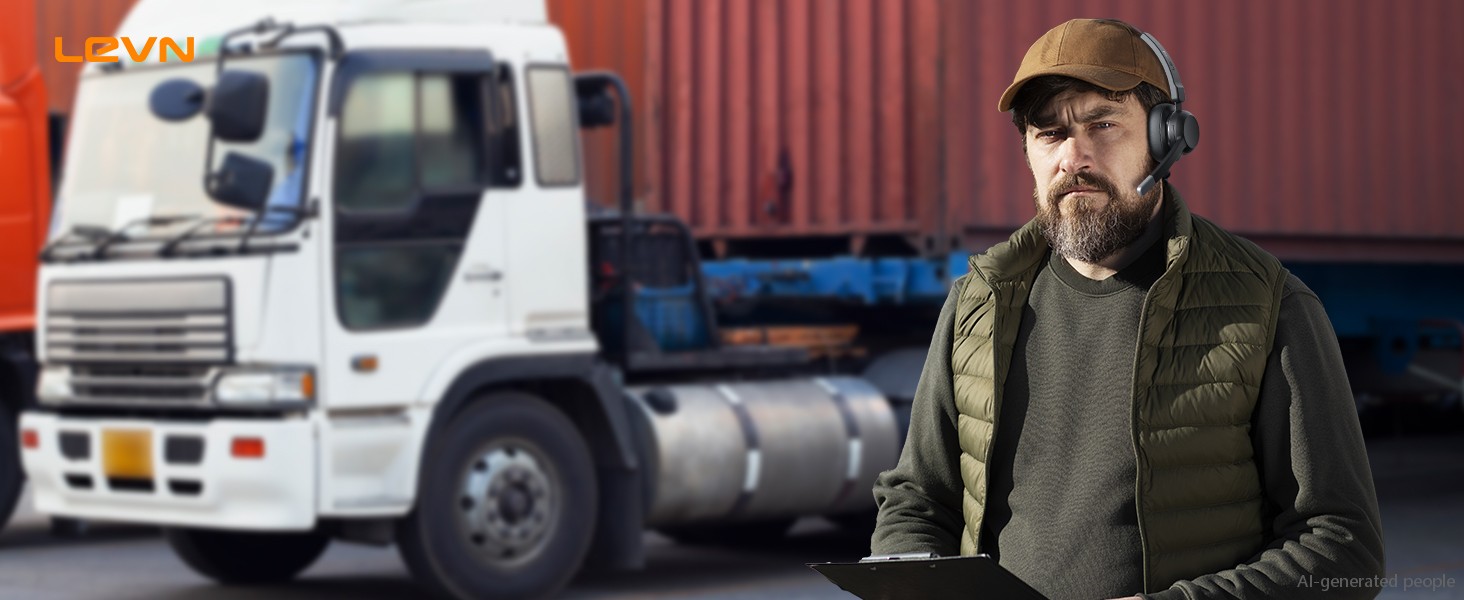
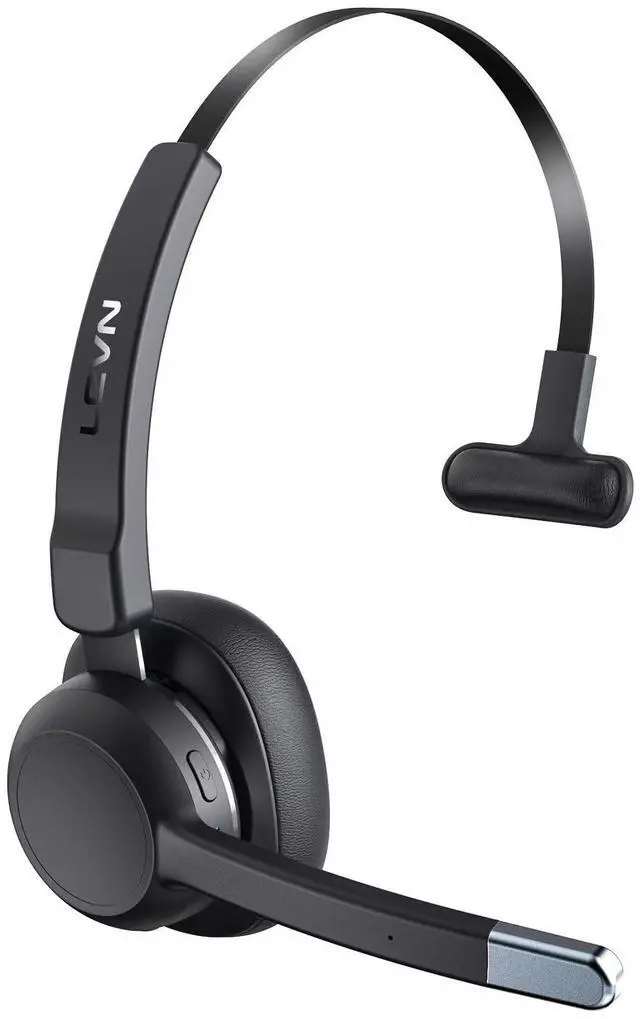
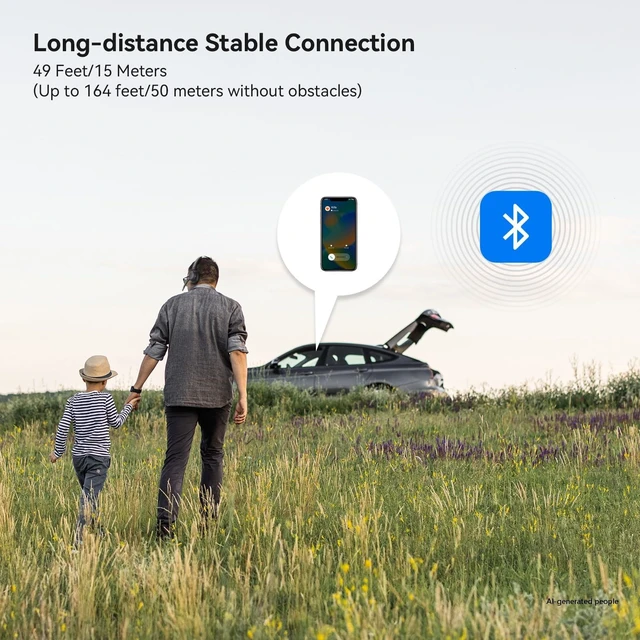
This bluetooth headset with up to 49FT/15M connection distance, keep you connectet anytime, anywhere
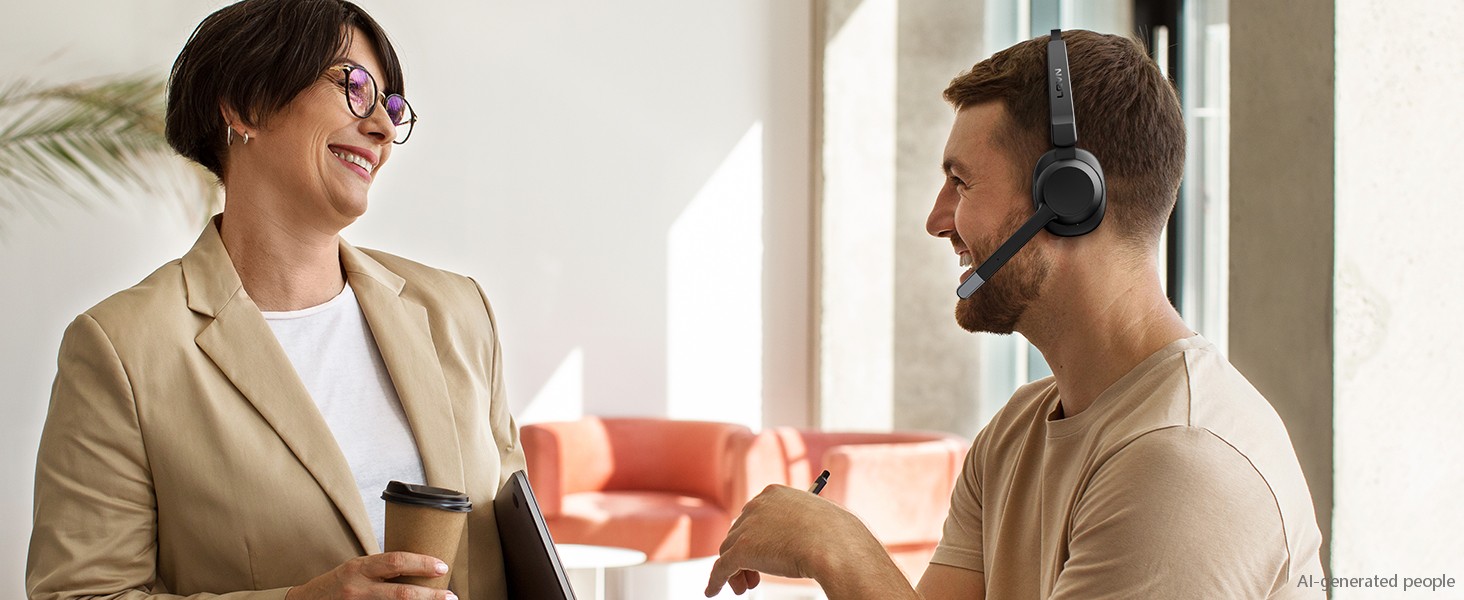
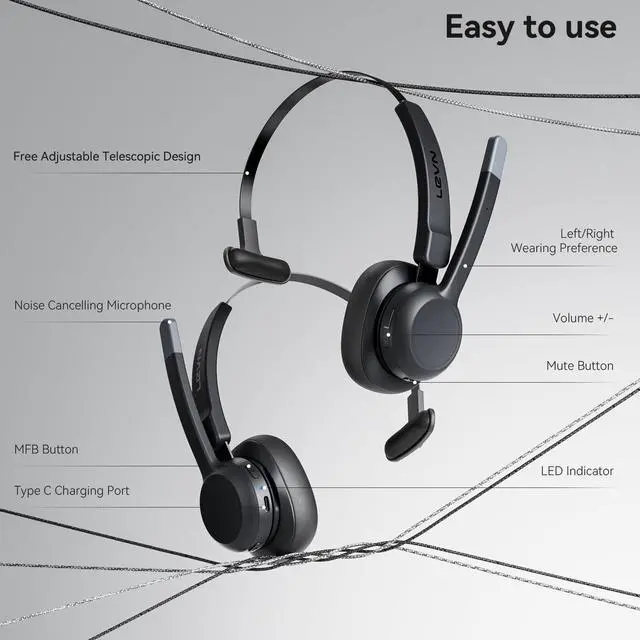
Just click the bluetooth headset's MFB button to answer/end the call, making the call easier
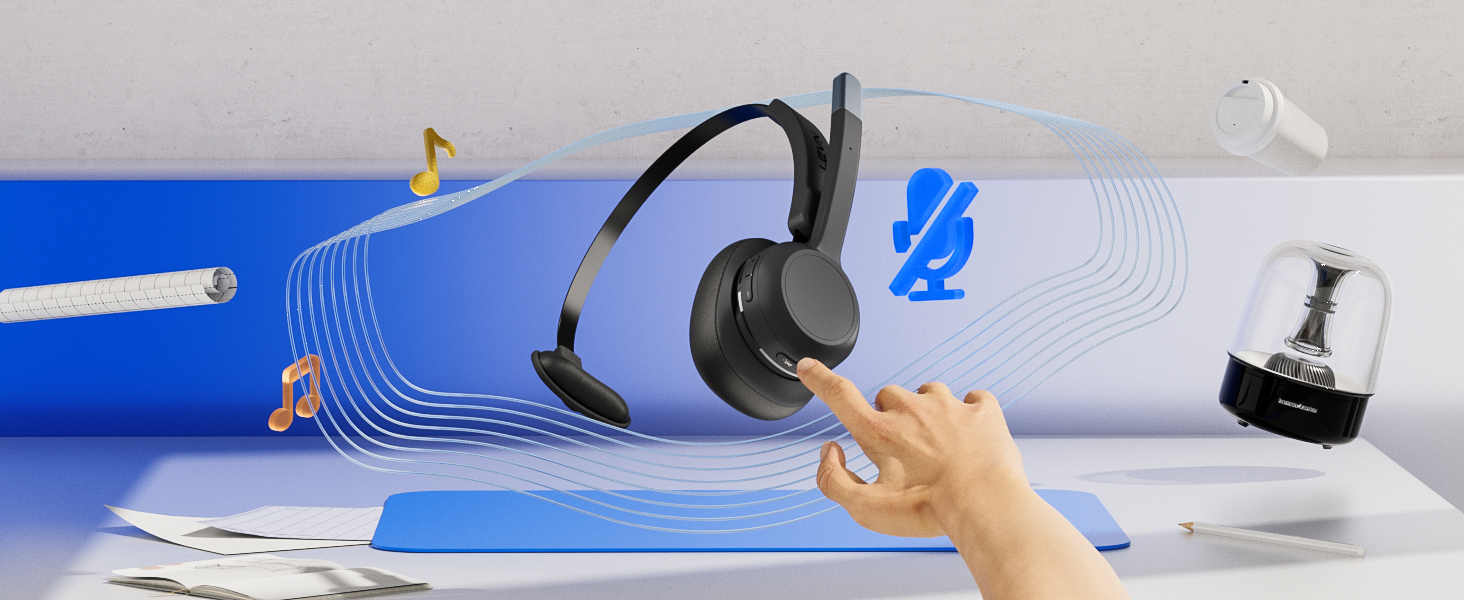
Mute the microphone quickly through the mute button (no pre-mute), make calls without interference
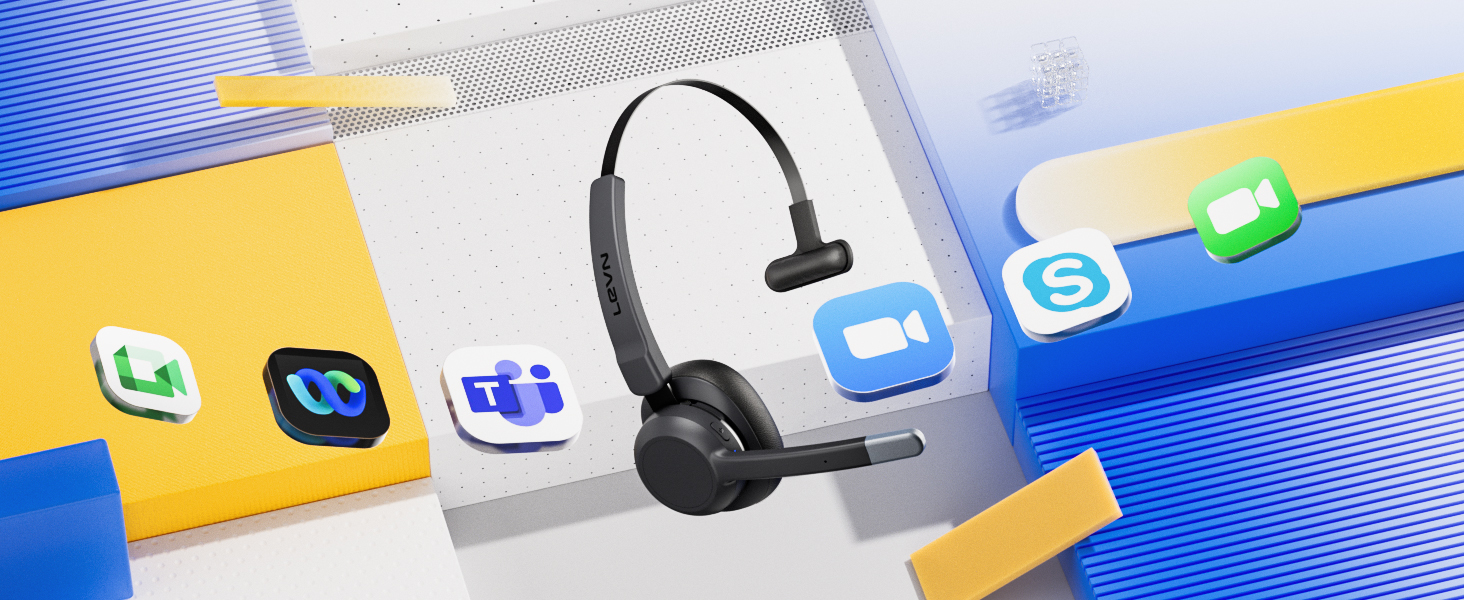
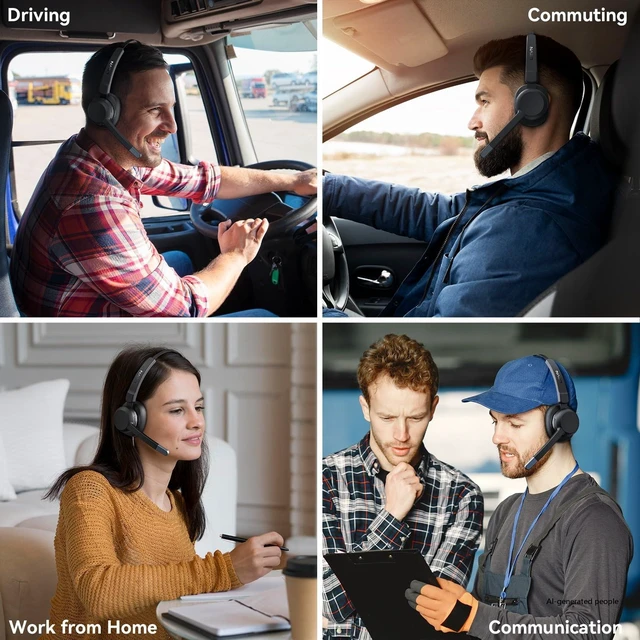
Upgrade your virtual meeting experience, perfect for Teams, Zoom or other productivity platforms
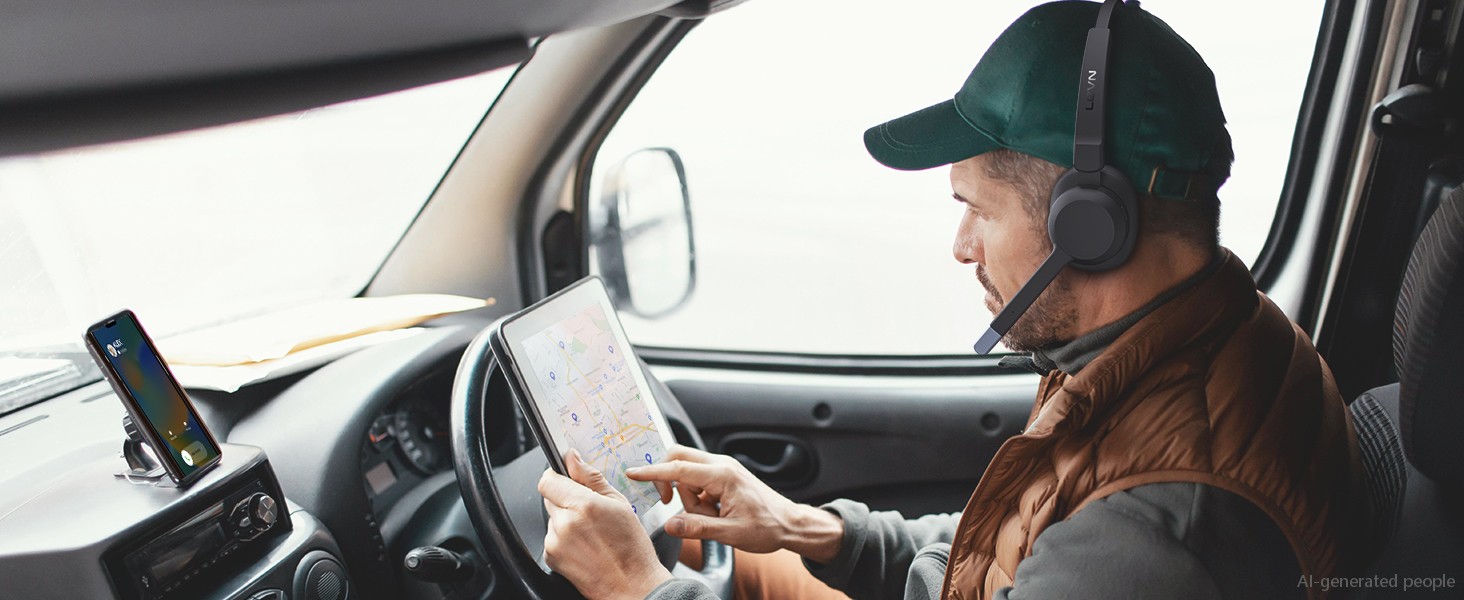
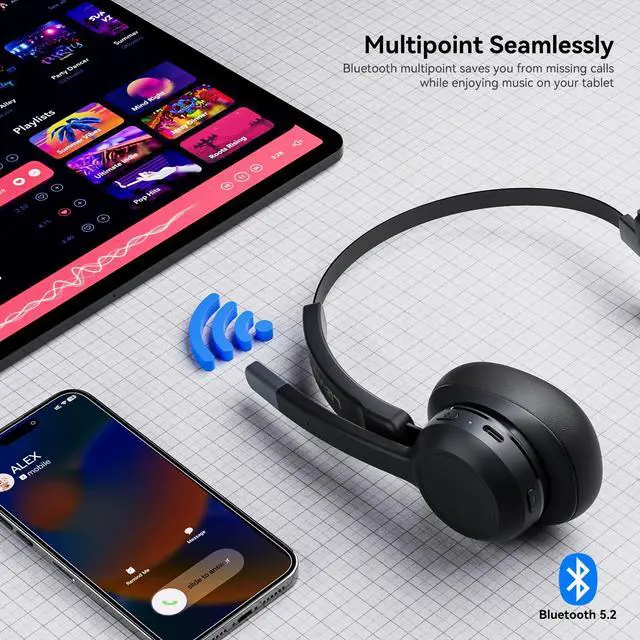
Connect 2 devices simultaneously, click MFB to switch to your calling device, never miss a call
1. Press and hold MFB button for 3-5s to enter pairing mode, the LED indicator light will flash blue and red alternately, and you could hear "Pairing".
2. Turn on the Bluetooth function of device A, search and connect [LEVN LE-HS015] in the Bluetooth device list. When you hear "connected" and the LED indicator turns blue and flashes slowly every 5s, it means the headset is connected to device A.
3. Turn off the Bluetooth function of device A, when you hear "Disconnected", the LED indicator light will flash blue and red alternately, [LEVN LE-HS015] will re-enter the pairing mode.
4. Turn on the Bluetooth function of device B, search and connect "LEVN LE-HS015" in the Bluetooth device list, when you hear "connected" and the LED indicator turns blue and flashes slowly every 5s, it means the headset B-device connected to device B.
5. Turn on the Bluetooth function of device A, and click "Connect" [LEVN LE-HS015] in the Bluetooth device list. When you hear "connected" again, it means that the headset has been successfully connected to device A and device B at the same time.
Note: When you listen to music on device A, and device B has an incoming call, just click the MFB button to answer the call (please check the manual for more details).
99% | ENC | 99.9% |
2 Devices | Bluetooth Multipoint | 1 Device |
Single Ear | Appearance Design | Single Ear |
Bluetooth V5.2 | Connectivity | Bluetooth V5.2 |
99% | ENC | AI Noise Cancelling |
2 Devices | Bluetooth Multipoint | 1 Device |
Single Ear | Appearance Design | Binaural |
Bluetooth V5.2 | Connectivity | Optical/Bluetooth |
99% | ENC | 99.9% |
2 Devices | Bluetooth Multipoint | 1 Device |
Single Ear | Appearance Design | Binaural |
Bluetooth V5.2 | Connectivity | Bluetooth V5.2 |
99% | ENC | 99% |
2 Devices | Bluetooth Multipoint | 1 Device |
Single Ear | Appearance Design | Single Ear |
Bluetooth V5.2 | Connectivity | Bluetooth V5.2 |
My bluetooth headset is connected to 2 cell phones at the same time, how should I switch between them?
When your trucker bluetooth headset headset is successfully connected to your cell phone via Bluetooth, please click the MFB button to switch to your incoming phone exactly.
Can I use this bluetooth headset to connect my mobile phone and computer at the same time?
Sure, LEVN bluetooth headset has bluetooth multipoint function. Supports simultaneous connection of two devices, allowing you to enjoy music without missing any incoming calls.
It is always noisy when I drive, can others still hear the sound around me with this trucker bluetooth headset?
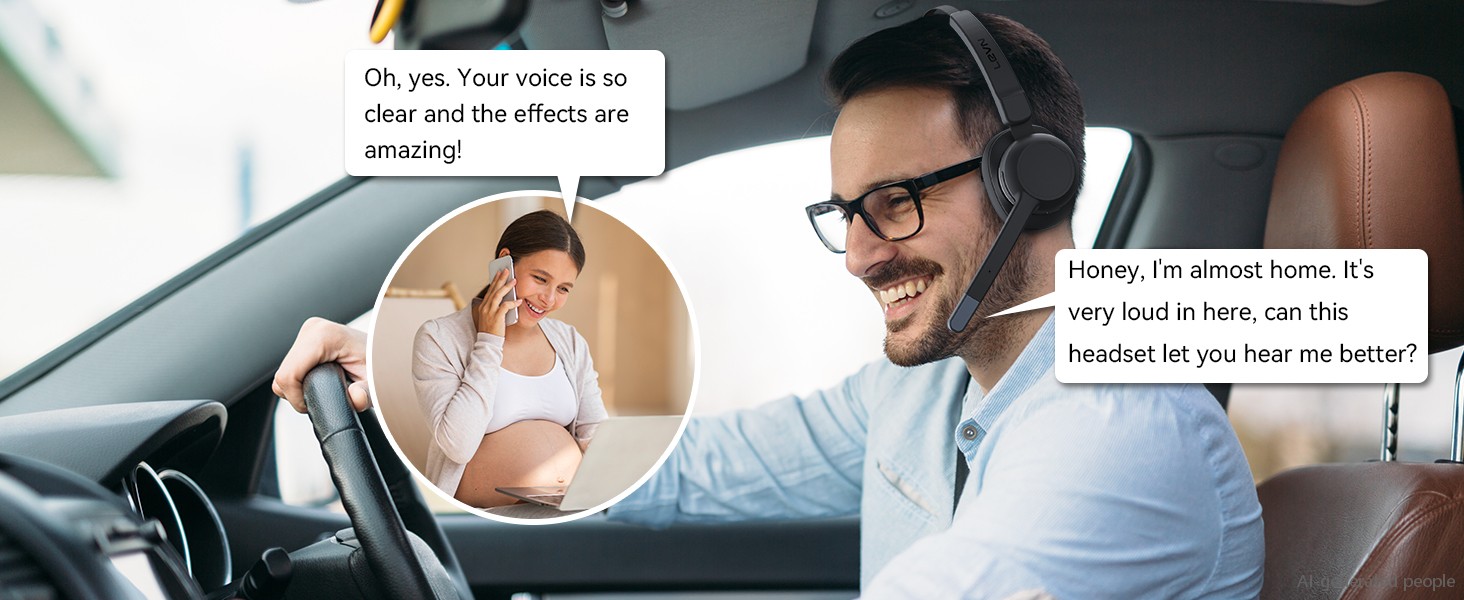
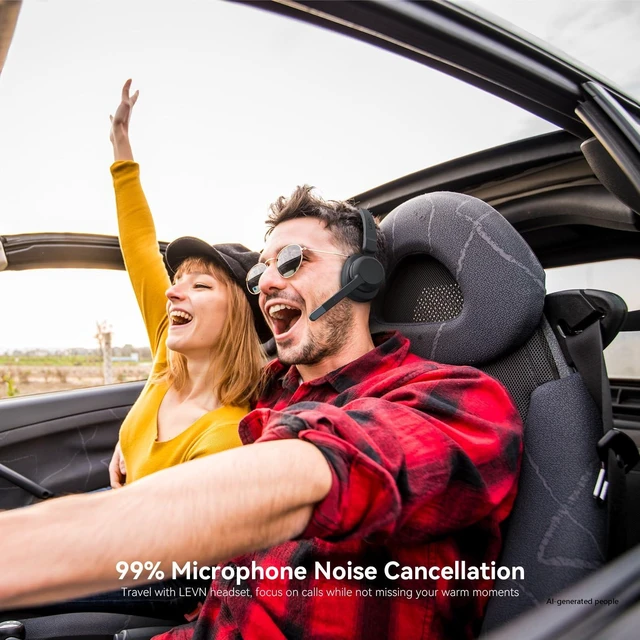
This trucker bluetooth headset with noise canceling microphone can accurately filter your background noise, so callers can only hear your clear voice. Bring you a better call experience.
I often work from home and mute is very important, does this wireless headset have a mute button?
Sure! Our trucker headset has a mute button. You only need to click it to quickly mute the microphone, avoiding disturbance or revealing privacy during calls or meetings, pre-mute is not supported.
Does this Bluetooth headset have a USB Dongle?
This Bluetooth headset doesn't have a USB Dongle. Our brand has more wireless headset with USB Dongles.

Eliminating Unwanted Background Noise and Focusing on your Call with LEVN

Established in 2003, LEVN has a two-decade legacy in wireless audio, delivering unmatched expertise, superior quality, and an exceptional user experience. Meticulously crafted headphones ensure superior sound and seamless connectivity. Our goal is to enrich wireless audio with revolutionary features and innovative technology, shaping the future of Bluetooth headsets
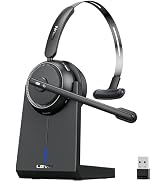
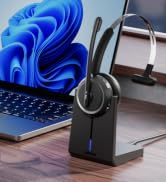
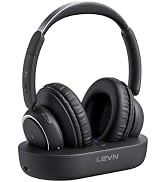
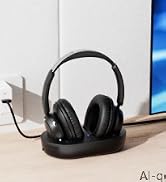
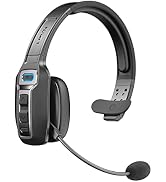
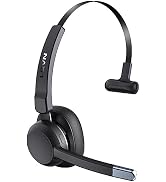
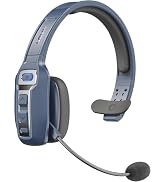
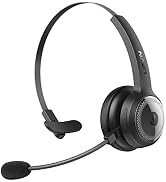
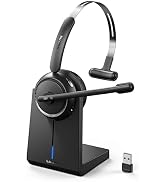
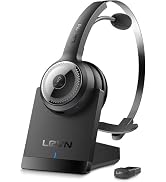
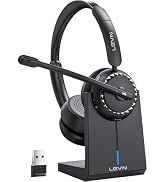
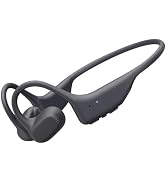
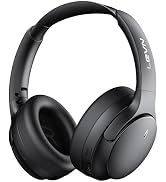
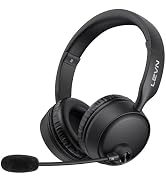

This bluetooth headset with up to 49FT/15M connection distance, keep you connectet anytime, anywhere
Superior noise-canceling microphone technology blocks background noise for crystal-clear calls
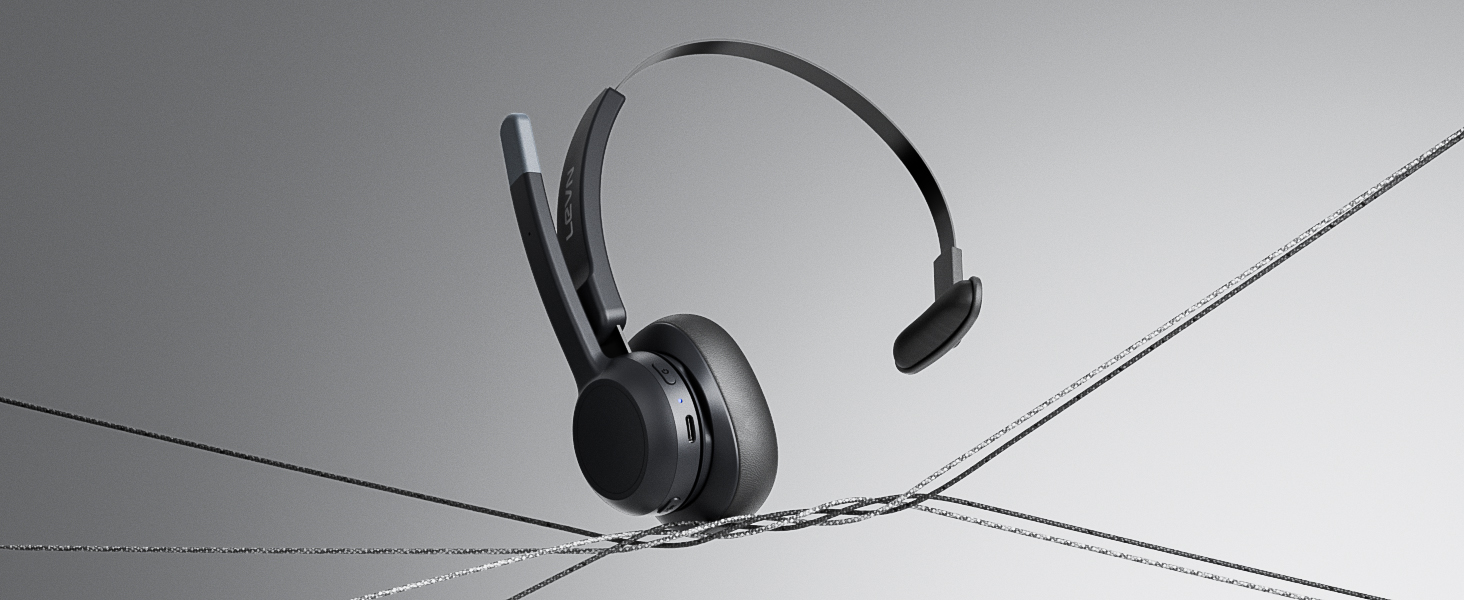
85g weight provides a stress-free fit, it'll keep you comfortable from the first call to the last
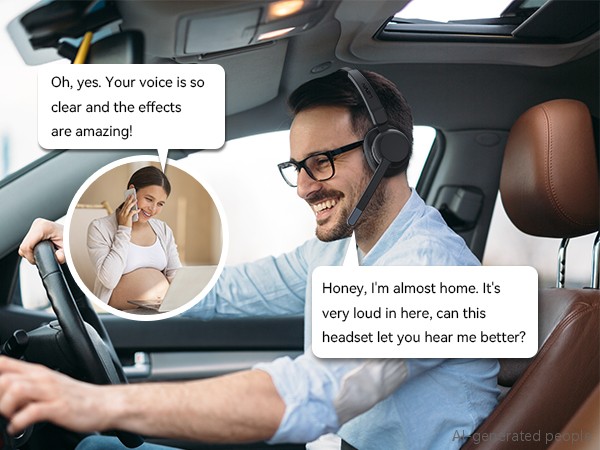
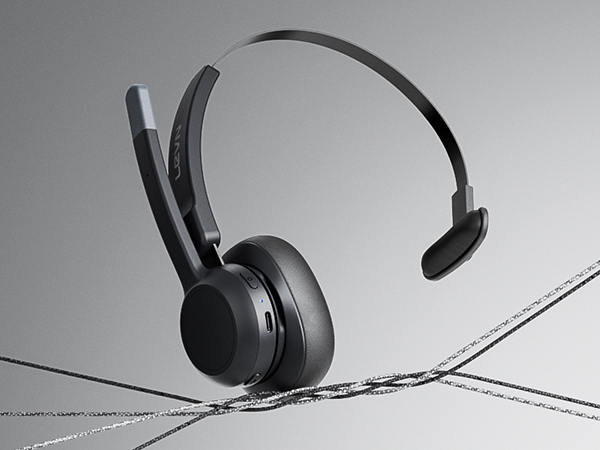
Just click the bluetooth headset's MFB button to answer/end the call, making the call easier
Mute the microphone quickly through the mute button (no pre-mute), make calls without interference
Upgrade your virtual meeting experience, perfect for Teams, Zoom or other productivity platforms

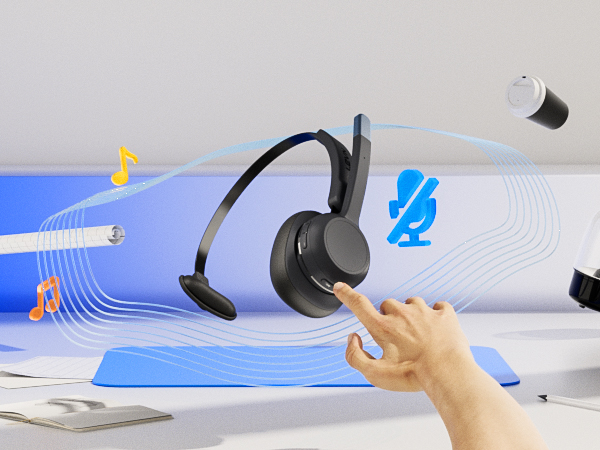
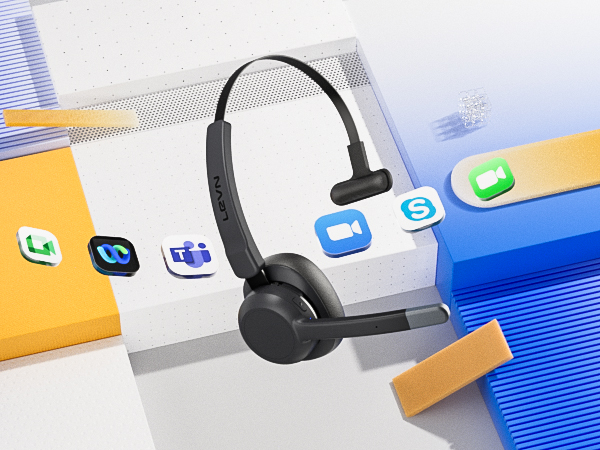
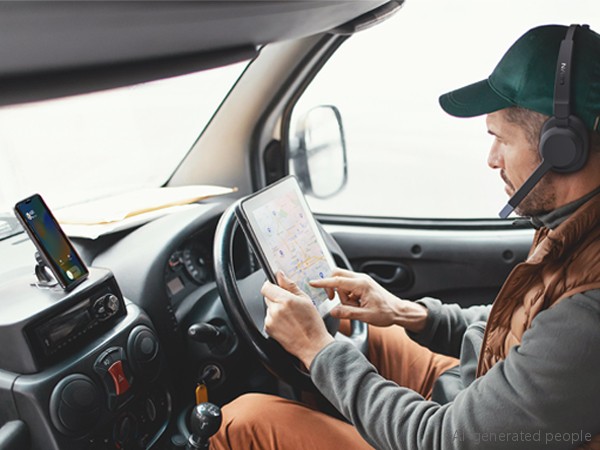
Connect 2 devices simultaneously, click MFB to switch to your calling device, never miss a call
1. Press and hold MFB button for 3-5s to enter pairing mode, the LED indicator light will flash blue and red alternately, and you could hear "Pairing".
2. Turn on the Bluetooth function of device A, search and connect [LEVN LE-HS015] in the Bluetooth device list. When you hear "connected" and the LED indicator turns blue and flashes slowly every 5s, it means the headset is connected to device A.
3. Turn off the Bluetooth function of device A, when you hear "Disconnected", the LED indicator light will flash blue and red alternately, [LEVN LE-HS015] will re-enter the pairing mode.
4. Turn on the Bluetooth function of device B, search and connect "LEVN LE-HS015" in the Bluetooth device list, when you hear "connected" and the LED indicator turns blue and flashes slowly every 5s, it means the headset B-device connected to device B.
5. Turn on the Bluetooth function of device A, and click "Connect" [LEVN LE-HS015] in the Bluetooth device list. When you hear "connected" again, it means that the headset has been successfully connected to device A and device B at the same time.
Note: When you listen to music on device A, and device B has an incoming call, just click the MFB button to answer the call (please check the manual for more details).
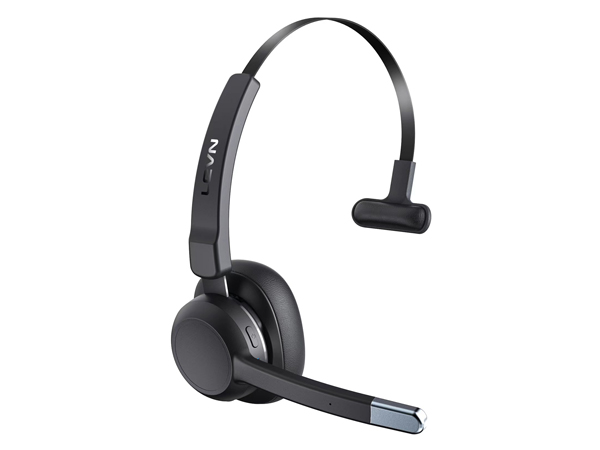
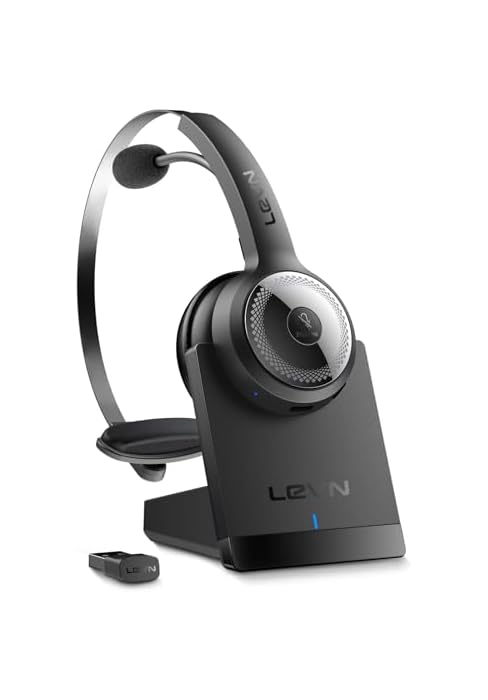
ENC | 99% |
Bluetooth Multipoint | 2 Devices |
Appearance Design | Single Ear |
Connectivity | Bluetooth V5.2 |
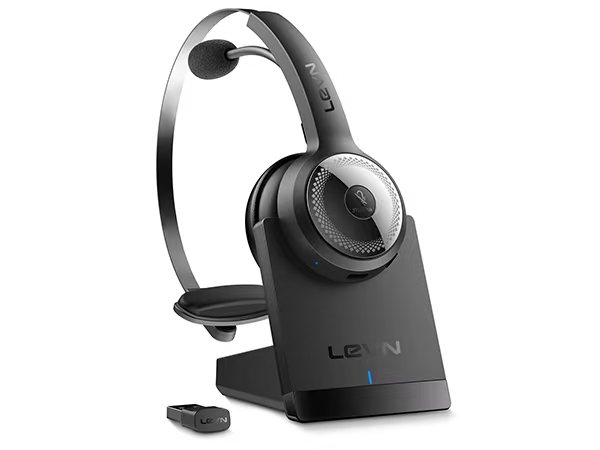
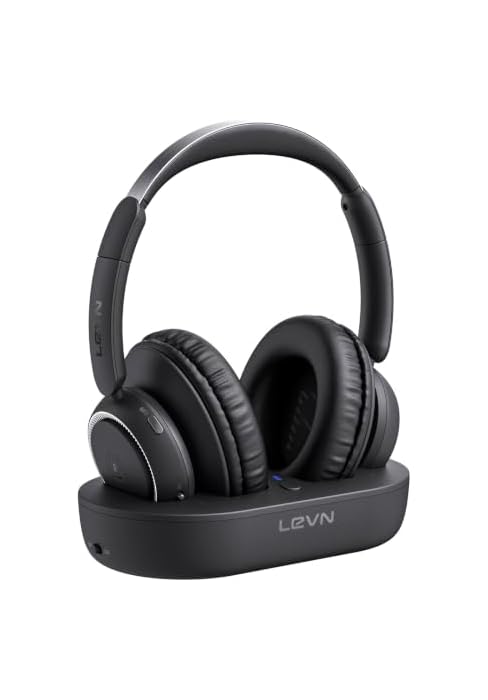
ENC | 99.9% |
Bluetooth Multipoint | 1 Device |
Appearance Design | Single Ear |
Connectivity | Bluetooth V5.2 |
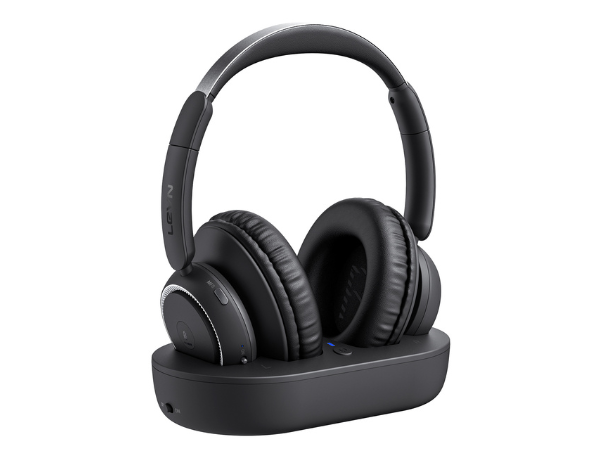
ENC | AI Noise Cancelling |
Bluetooth Multipoint | 1 Device |
Appearance Design | Binaural |
Connectivity | Optical/Bluetooth |
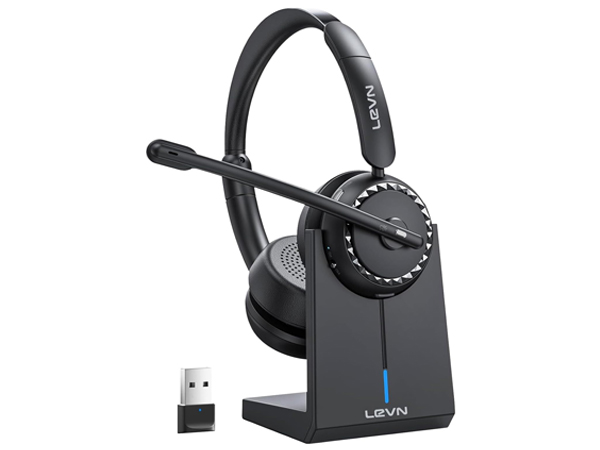
ENC | 99.9% |
Bluetooth Multipoint | 1 Device |
Appearance Design | Binaural |
Connectivity | Bluetooth V5.2 |
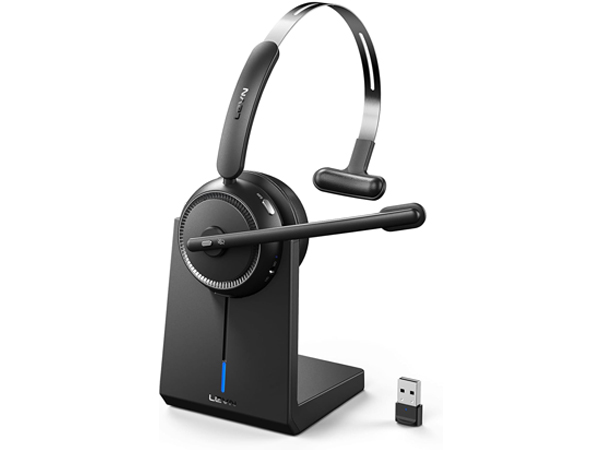
ENC | 99% |
Bluetooth Multipoint | 1 Device |
Appearance Design | Single Ear |
Connectivity | Bluetooth V5.2 |
My bluetooth headset is connected to 2 cell phones at the same time, how should I switch between them?
When your trucker bluetooth headset headset is successfully connected to your cell phone via Bluetooth, please click the MFB button to switch to your incoming phone exactly.
Can I use this bluetooth headset to connect my mobile phone and computer at the same time?
Sure, LEVN bluetooth headset has bluetooth multipoint function. Supports simultaneous connection of two devices, allowing you to enjoy music without missing any incoming calls.
It is always noisy when I drive, can others still hear the sound around me with this trucker bluetooth headset?
This trucker bluetooth headset with noise canceling microphone can accurately filter your background noise, so callers can only hear your clear voice. Bring you a better call experience.
I often work from home and mute is very important, does this wireless headset have a mute button?
Sure! Our trucker headset has a mute button. You only need to click it to quickly mute the microphone, avoiding disturbance or revealing privacy during calls or meetings, pre-mute is not supported.
Does this Bluetooth headset have a USB Dongle?
This Bluetooth headset doesn't have a USB Dongle. Our brand has more wireless headset with USB Dongles.
Eliminating Unwanted Background Noise and Focusing on your Call with LEVN
Established in 2003, LEVN has a two-decade legacy in wireless audio, delivering unmatched expertise, superior quality, and an exceptional user experience. Meticulously crafted headphones ensure superior sound and seamless connectivity. Our goal is to enrich wireless audio with revolutionary features and innovative technology, shaping the future of Bluetooth headsets