here!
here!
I’m your shopping assistant for PC builds, upgrades, and everything tech.
Got questions? Ask away!
Start a conversation
here!
I’m your shopping assistant for PC builds, upgrades, and everything tech.
Got questions? Ask away!
Start a conversation
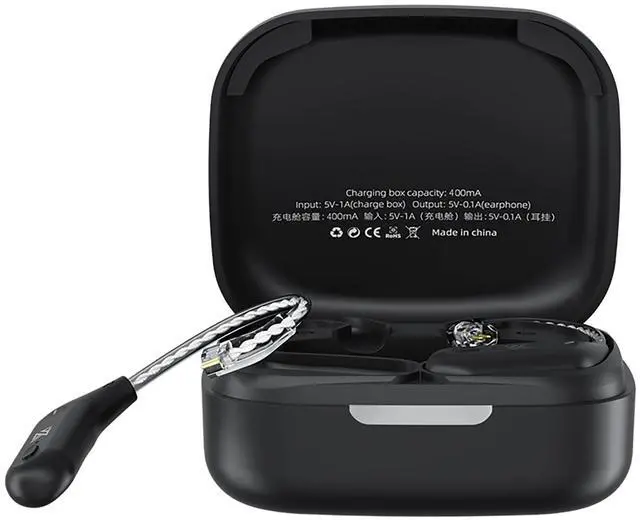
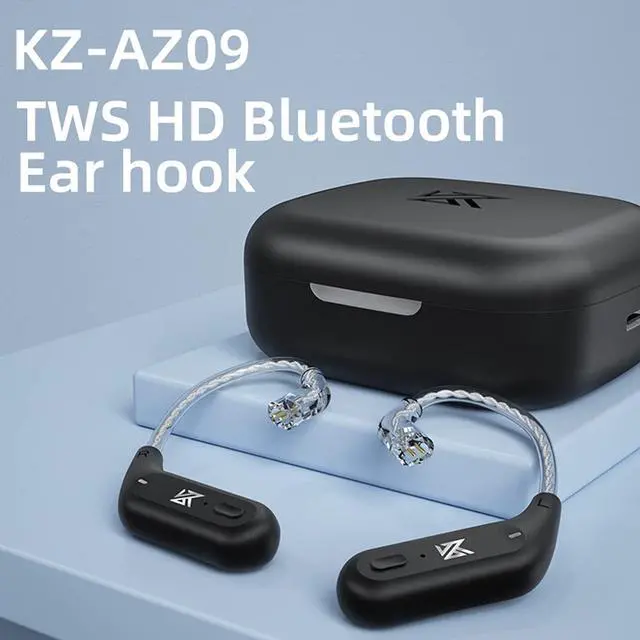
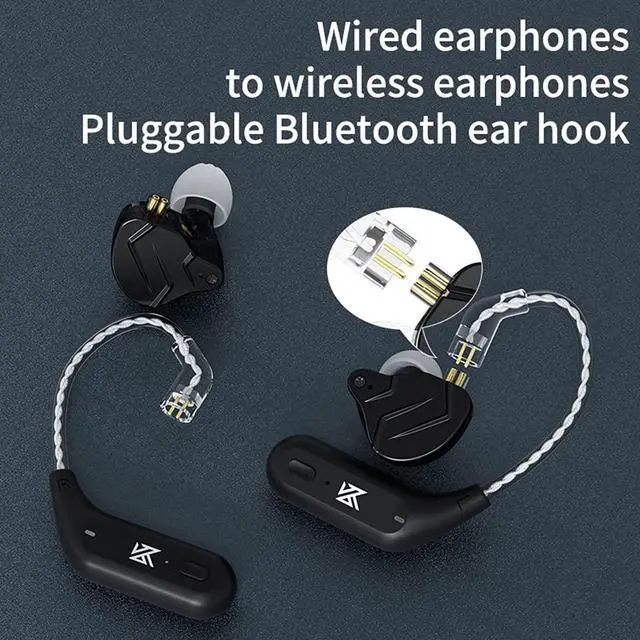



Any questions? Ask CelesteSM will help you find out quickly.
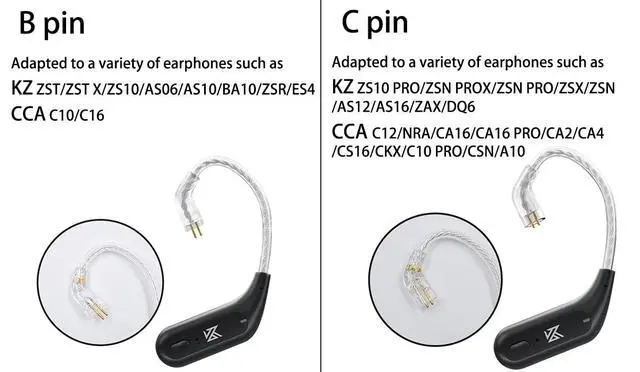
Size:C / B Pin
SPECIFICATIONS
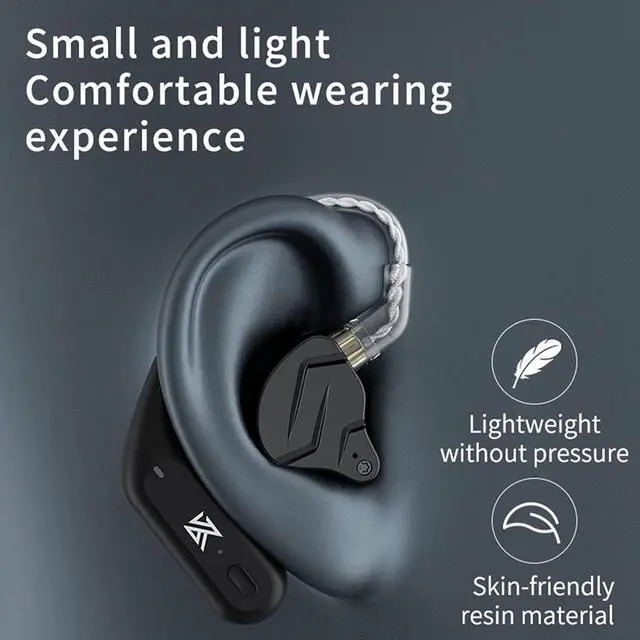
Product name: KZ-AZ09 bluetooth earhook
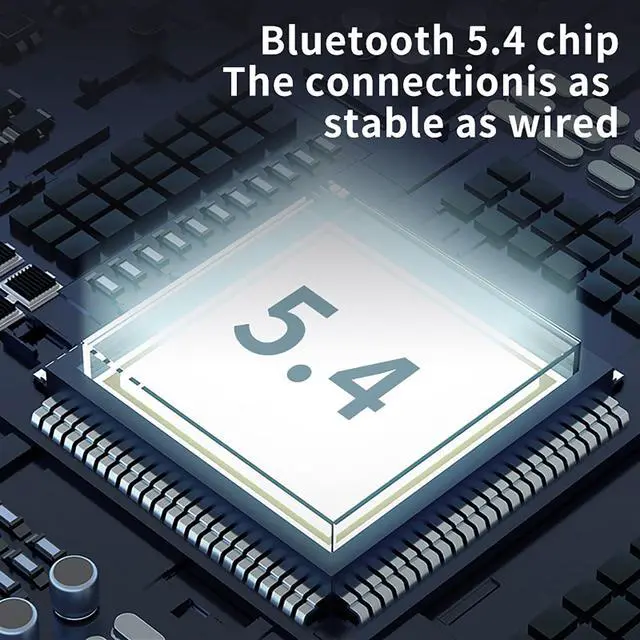
Bluetooth version: V5.2
Bluetooth range: 15m
Ear hook weight: 4.5g(single)
Weight of charging case: 85g
Ear hook battery capacity: 50mA
Charging case battery capacity: 800mA
Note: This product is only for Bluetooth upgrade earhook, without earphones.
Step 1: Power On Remove the earbuds from the charging case they will power on automatically. If not, press and hold the multifunction button for 35 seconds until the indicator light starts flashing. Step 2: Enter Pairing Mode When both earbuds are taken out, they will connect to each other automatically. The flashing indicator light means the earbuds are now in Bluetooth pairing mode. Step 3: Connect to Your Phone Turn on Bluetooth in your phones settings. Find the earbuds name in the device list. Tap to connect. Once you hear a voice prompt or see the indicator turn solid, the pairing is successful. Step 4: Usage Notes After the first pairing, the earbuds will automatically reconnect to your device when powered on. To pair with a new device, delete/forget the old record from your Bluetooth list and repeat the pairing steps. Step 5: Important Tips When charging, gently press the earbuds into the case to ensure proper contact with the charging pins. For first-time use or after long storage, fully charge the earbuds before pairing. If connection issues occur, press and hold both earbuds for about 10 seconds to reset them, then try pairing again.
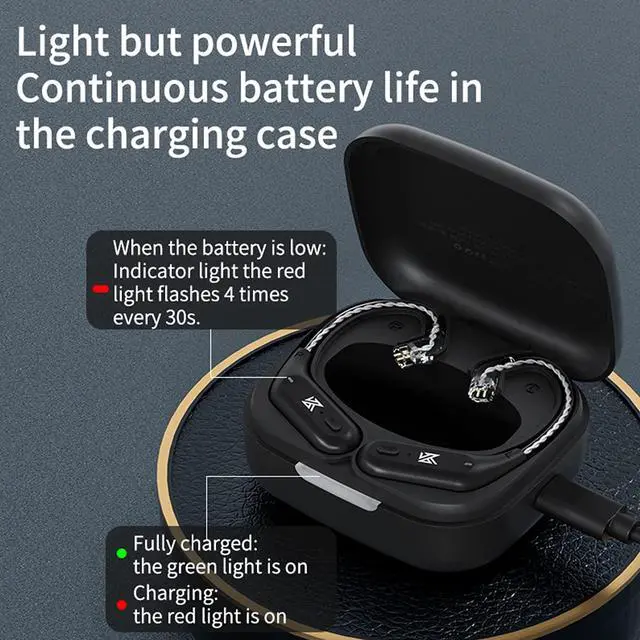
Prior to the first use, charge the charging case with the ear hooks inside for a full 30 minutes. During the charging process, gently press down on the ear hooks to ensure the electrical contacts are properly aligned and secured.
IMPORTANT CHARGING NOTE: DO NOT use a fast charger (Quick Charge/Power Delivery) for the AZ09. Use a standard 5V/1A USB charger only.
Troubleshooting Tip: Over time, the charging contacts may become soiled, leading to connection issues. If charging problems occur, please clean the electrical contacts on both the ear hooks and the charging case before attempting to charge again.