here!
here!
I’m your shopping assistant for PC builds, upgrades, and everything tech.
Got questions? Ask away!
Start a conversation
here!
I’m your shopping assistant for PC builds, upgrades, and everything tech.
Got questions? Ask away!
Start a conversation




Any questions? Ask CelesteSM will help you find out quickly.


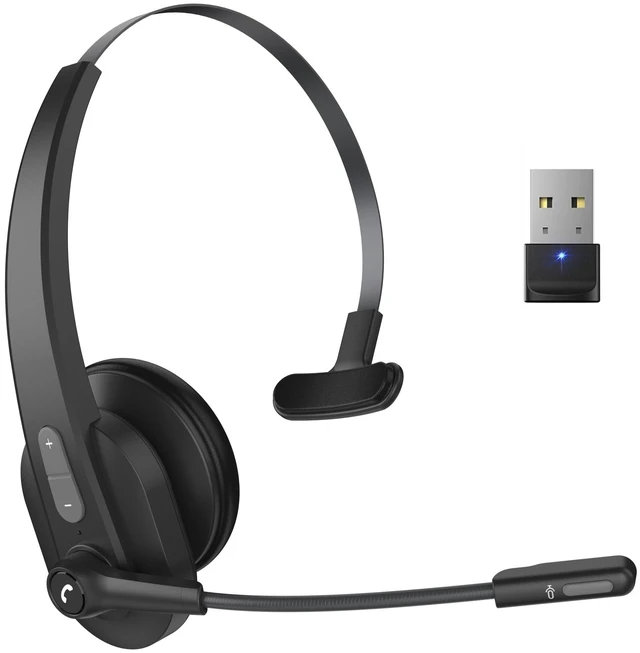
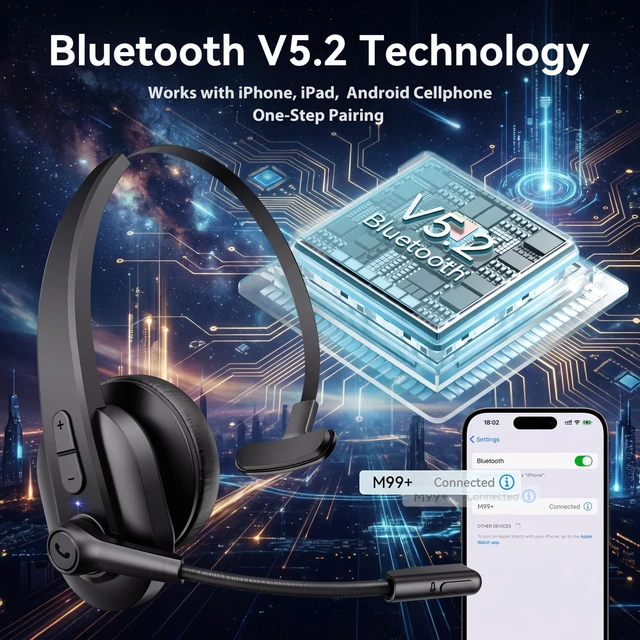
How to connect with the headset M99+ & Bluetooth device?
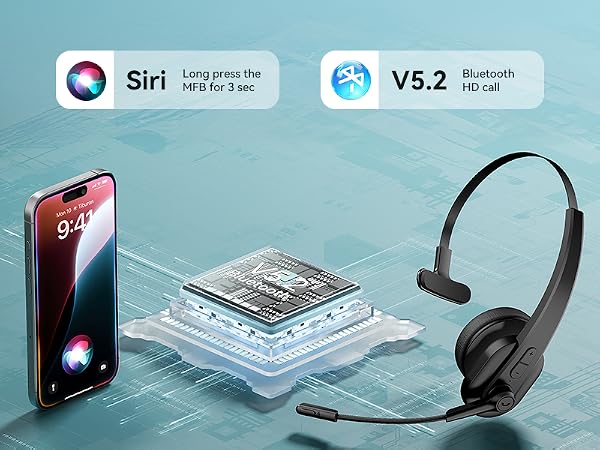
1) Press and hold the MFB for 3s power on the headset.
2) Activate Bluetooth on your device & search for nearby Bluetooth connections.
3) Find "M99+ " in the search results.Tap on the name to connect.
How to connect with the headset M99+ & Dongle?
1) Clear the pairing history by pressing and holding the MFB and Volume - Buttons simultaneously for 5s when the headset is on.
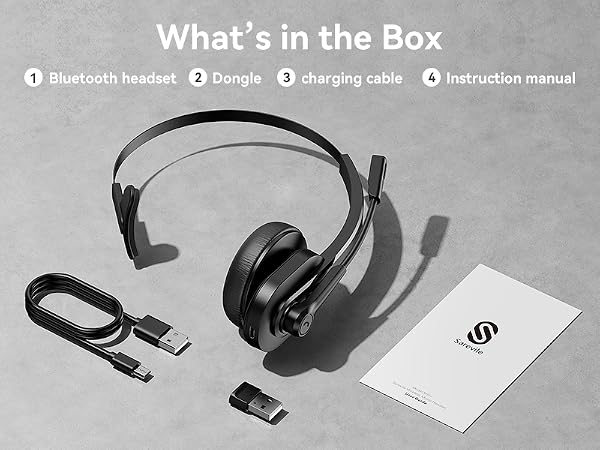
2) Insert the dongle into the computer,then it will connect with the headset automatically.
There is no sound when answering the calls and playing music or video after paring with M99+ & computer.
1) Make sure that your headset is connected with computer through Dongle or Bluetooth.
2) Open sound settings on computer, and choose M99+ as the sound input and output device.
I can’t pick up calls through the headset when it’s connecting with computer.
The headset MFB only work on mobile phone calls, not compatible with computer on voice calls or social Apps. You need pick up the calls on your computer then talk though the headset.
Can the headset connect multiple devices at the same time?
The headset can only connect to one device at a time.

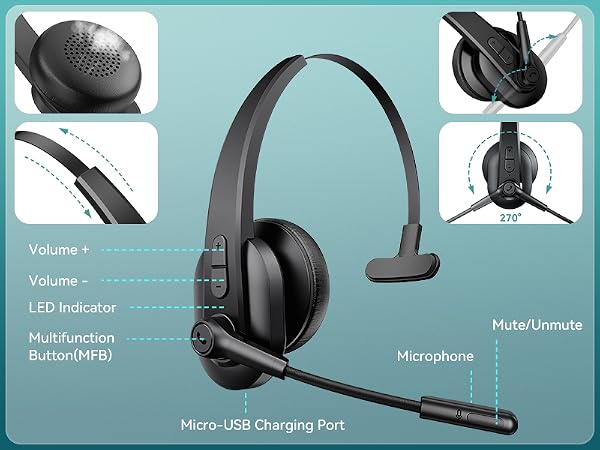

How to connect with the headset M99+ & Bluetooth device?
1) Press and hold the MFB for 3s power on the headset.
2) Activate Bluetooth on your device & search for nearby Bluetooth connections.
3) Find "M99+ " in the search results.Tap on the name to connect.
How to connect with the headset M99+ & Dongle?
1) Clear the pairing history by pressing and holding the MFB and Volume - Buttons simultaneously for 5s when the headset is on.
2) Insert the dongle into the computer,then it will connect with the headset automatically.
There is no sound when answering the calls and playing music or video after paring with M99+ & computer.
1) Make sure that your headset is connected with computer through Dongle or Bluetooth.
2) Open sound settings on computer, and choose M99+ as the sound input and output device.
I can’t pick up calls through the headset when it’s connecting with computer.
The headset MFB only work on mobile phone calls, not compatible with computer on voice calls or social Apps. You need pick up the calls on your computer then talk though the headset.
Can the headset connect multiple devices at the same time?
The headset can only connect to one device at a time.