

Your Browsing History

Meet Your Seller

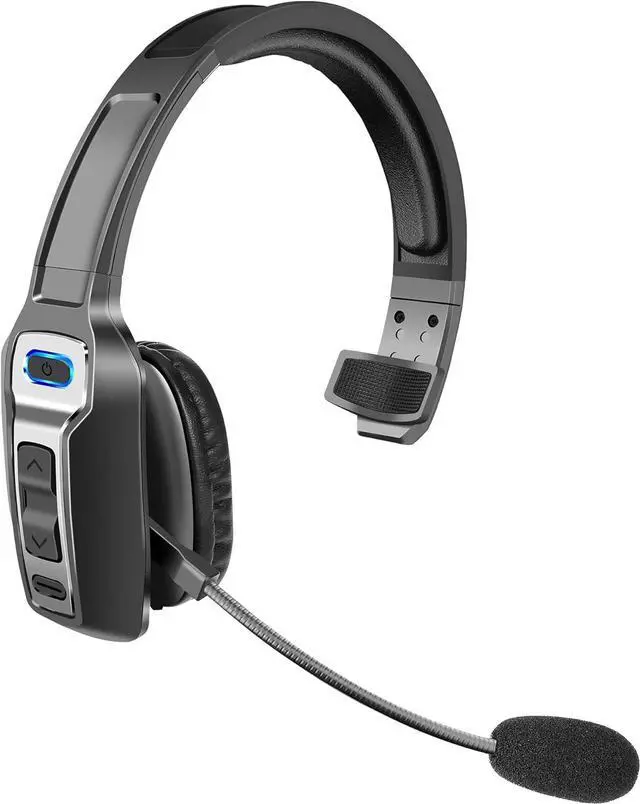
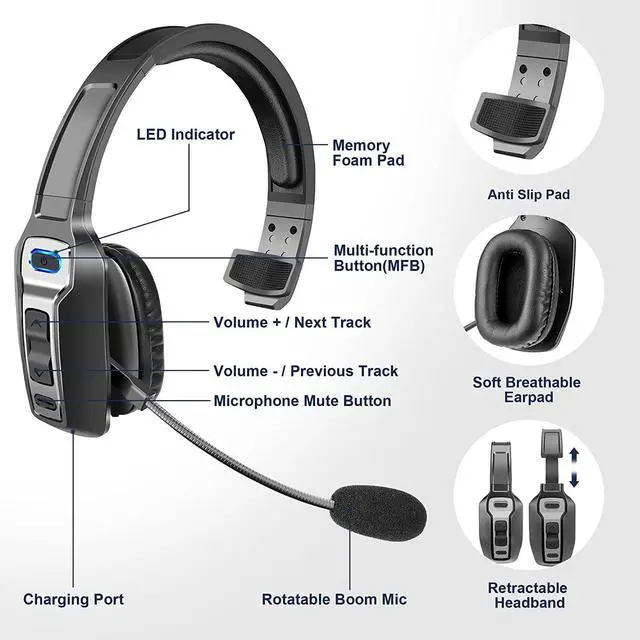
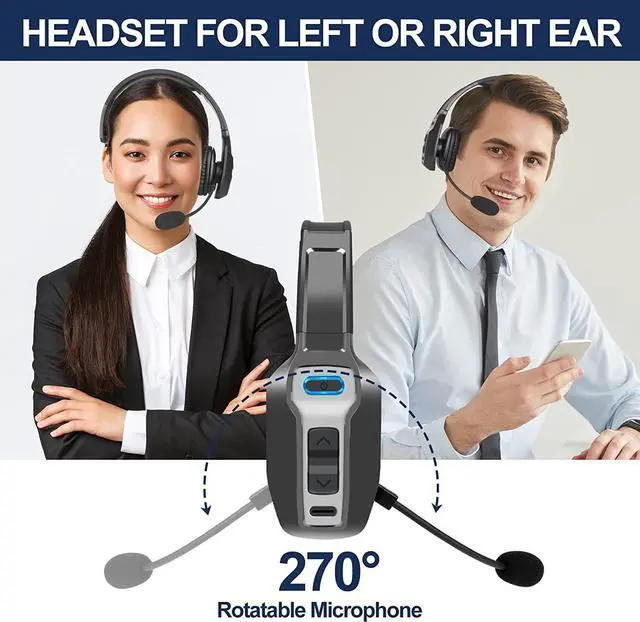



Trucker Bluetooth Headset, V5.2 Wireless Headset with Upgraded Microphone AI Noise Canceling, On Ear Bluetooth Headphone with Mute for Driver Office Call Center
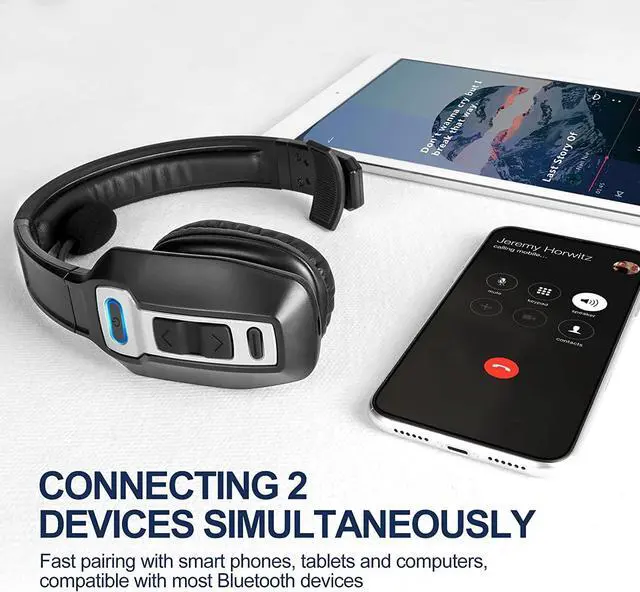
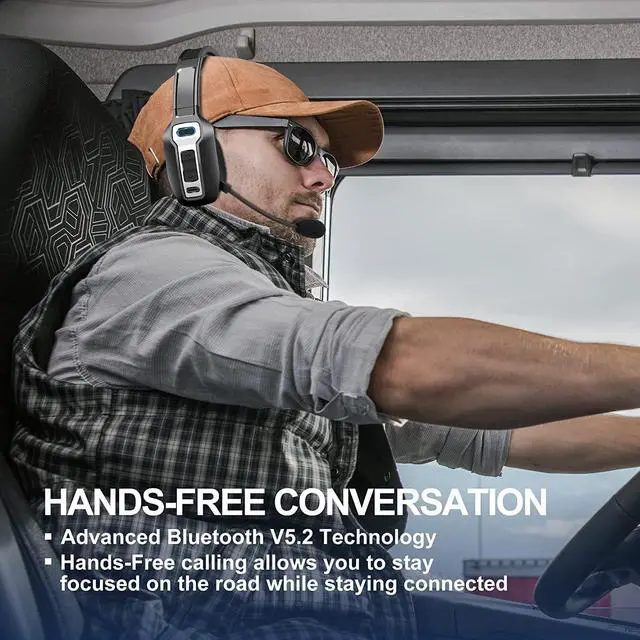
- UNIVERSAL COMPATIBLE: The Sarevile Bluetooth headset adapts the latest Bluetooth 5.2 technology. This Bluetooth headset with microphone supports two device connections. On ear wireless headphone is compatible with cell phones, tablets, computers, telephones and other Bluetooth devices.
- HANDS FREE CALLING: Sarevile Bluetooth Headset supports Siri voice assistant and mute switch. One key(MFB) to power on the Bluetooth headset and enter pairing mode. Voice prompt connection status, mute status and battery low. One click to answer and end a call, double click to redial the last number. Easy to adjust the volume and switch to the previous/next track. Please Note: The MFB can only answer calls on cell phones.
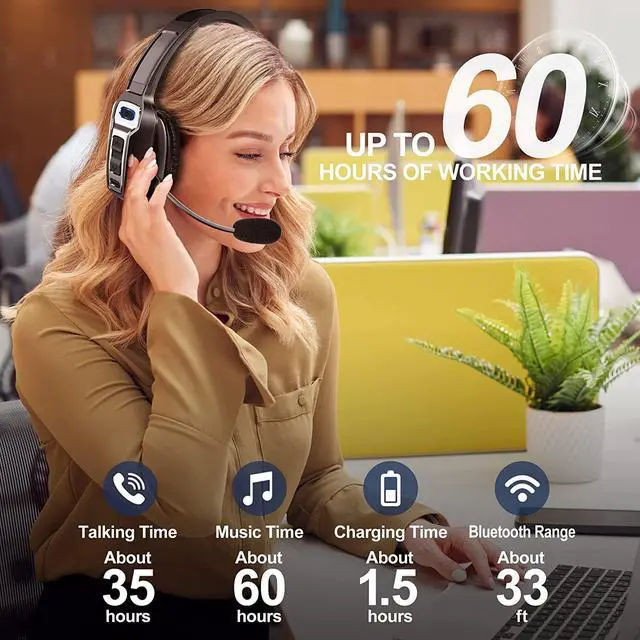
- LONG BATTERY LIFE: Super long battery life. This wireless headset can be fully charged in 2 hours, offers up to 35 hours of talking time or 60 hours of music playing time(70% volume) after full charge.
- CRYSTAL CLEAR AUDIO: This wireless headset with directional microphone provides c
+
+
Overview
Specs
Reviews

Any questions? Our AI beta will help you find out quickly.
Try me now
How to pair the Bluetooth headset to computer?
Power on the Bluetooth headset, and turn on the Bluetooth on your computer: Select Computer Settings > Bluetooth & other devices > Add Bluetooth or other device > Bluetooth > Find KH-23 and click to connect.
How to activate voice assistant?
Press and hold MFB for 1 second to wake up the voice assistant.
How to delete paired records
In standby status, press and hold volume + and MFB at the same time for 5 seconds to clear the pairing record, now KH-23 will not connect to previous devices automatically.
How to reconnect and operation when failed to reconnect
How to pair the Bluetooth headset to computer?
How to activate voice assistant?
How to delete paired records
Power on the Bluetooth headset, and turn on the Bluetooth on your computer: Select Computer Settings > Bluetooth & other devices > Add Bluetooth or other device > Bluetooth > Find KH-23 and click to connect.
How to activate voice assistant?
Press and hold MFB for 1 second to wake up the voice assistant.
How to delete paired records
In standby status, press and hold volume + and MFB at the same time for 5 seconds to clear the pairing record, now KH-23 will not connect to previous devices automatically.
How to reconnect and operation when failed to reconnect
How to pair the Bluetooth headset to computer?
How to activate voice assistant?
How to delete paired records
Warranty & Returns
Warranty, Returns, And Additional Information
Warranty
- Please contact the Seller directly for warranty information. Warranty information may also be found on the Manufacturer's website.
- CONTACT
Return Policies
- Return for refund within: 30 days
- Return for replacement within: 30 days
- This item is covered by XXZHKYLY Return Policy
Manufacturer Contact Info
- For a directory of all our manufacturers, please click below.
- Manufacturers Directory
LOADING...