1Application Context2Wearing Guide3How to Use It How to Switch to English Mode?
When the headphones is powered on, click the volume "+" and "-" buttons at the same time.
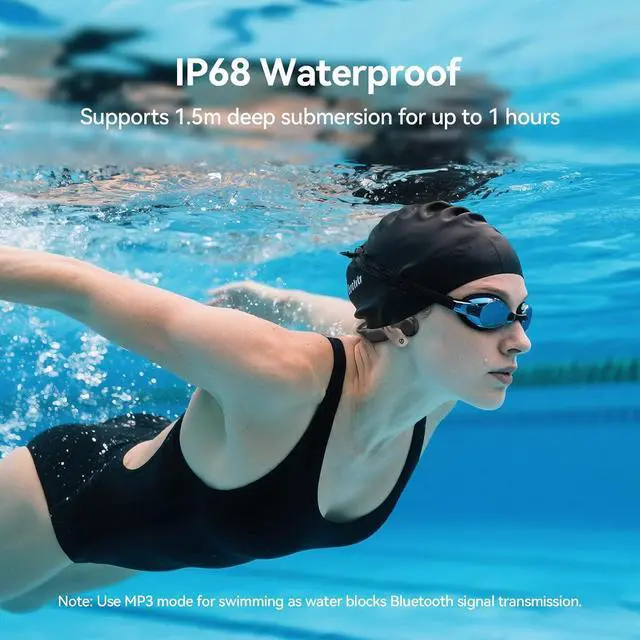
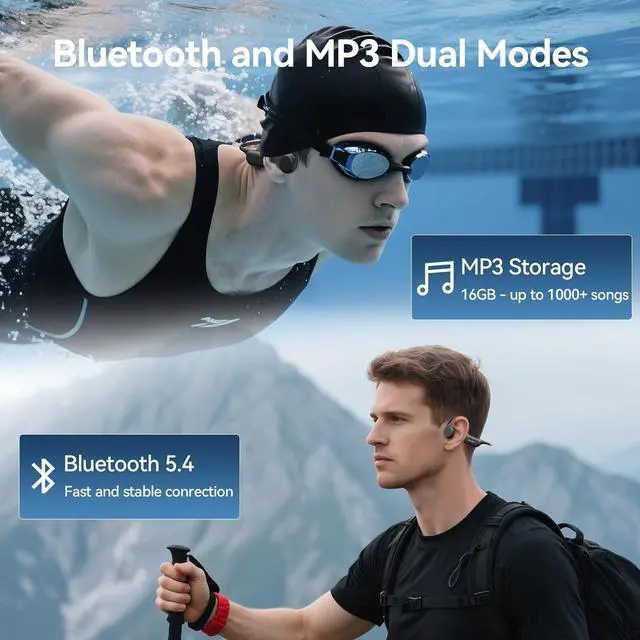
Why Do You Need to Use MP3 Mode of Bone Conduction Headphones When Swimming?
Because bluetooth signals cannot be transmitted under water, MP3 mode allows you to enjoy music while swimming.
How to Manage the MP3 Files in the Headphones?
Connect the original charging cable to computer and headphone. The headphone will be a USB stick, then you can copy the songs from the computer to the USB stick to complete the song download. (Music format: MP3/M4A/WAV/APE/FLAC)
Does Using a Swim Cap and Goggles Hinder the Wearing Of Headphones?
No, the headphones are fully compatible with most swim caps and goggles.
What Devices is the Runner4 Compatible With?
Runner4 supports most bluetooth electronic devices, such as iPhone and Android devices, as well as PC/MAC with Bluetooth function.
How to Switch to English Mode?
Why Do You Need to Use MP3 Mode of Bone Conduction Headphones When Swimming?
How to Manage the MP3 Files in the Headphones?
Does Using a Swim Cap and Goggles Hinder the Wearing Of Headphones?
What Devices is the Runner4 Compatible With?



 Holiday Shipping Details & Extended Holiday Returns


