Q: With only one button, how do I adjust the volume?
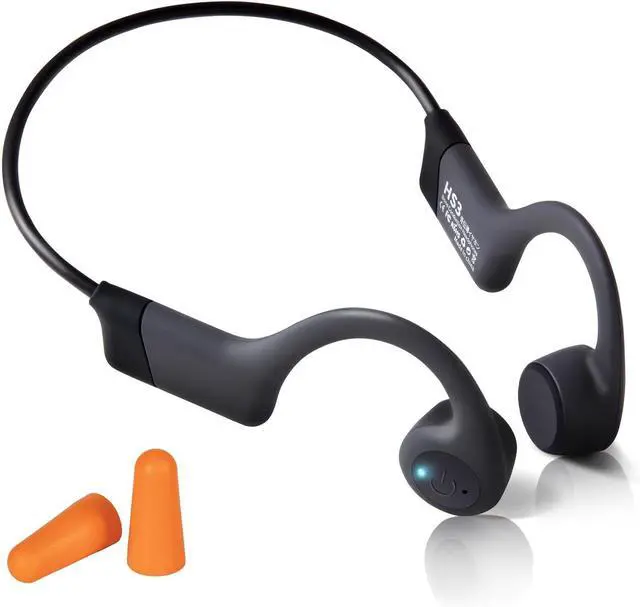
A: Please adjust the volume on your phone. Alternatively, you can triple-click the button and adjust the volume with voice control.
Q: With only one button, how do I switch tracks?
A: When listening to music, double-click the button, you can skip to the next song. If you want to select another song, please do so directly on your phone.
Q: With only one usb-c cable, how do I charge this headphones?
A: Connect a phone charging block and you can use our cable to charge your headphones. Other type-c phone charging cables are also available. However, some fast chargers may not be compatible.
Q:With this Bluetooth headset, how do I answer or hang up a phone call?
A:When a call comes in, click the button to answer the call, double-click the button to reject the call,and click the button to hang up during a call.
Q:I have a large head. Is this headset suitable for me?
A:It's designed for regular-sized heads, typically fitting those with a head circumference of 21 to 23.5 inches. If your head is too big, it may not fit well.
Q:How to use voice control?
A:Triple-click the button, then speak voice commands and wait for the phone's response, for example, after triple-clicking, say 'Adjust volume to 80%', 'Previous track' etc. Tips: The phone's voice assistant must be available.
Q&As