Features: Multiple
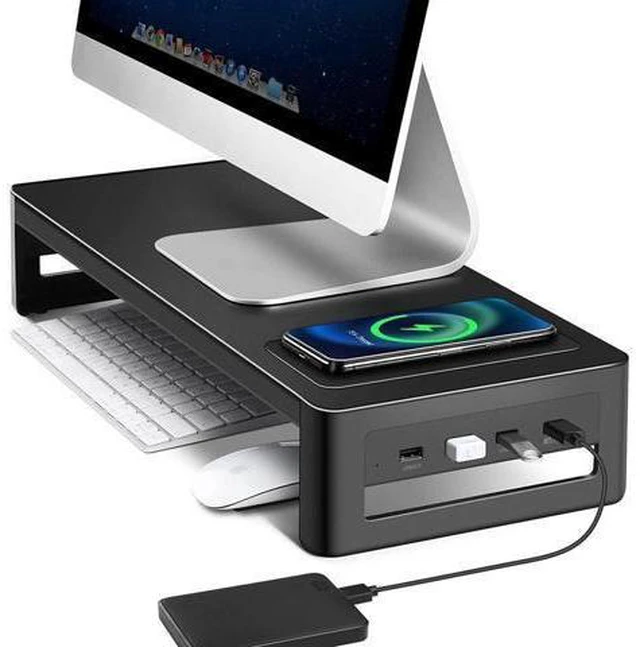
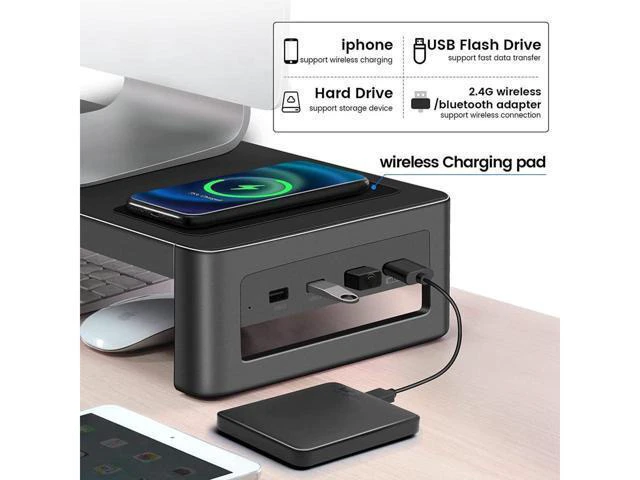
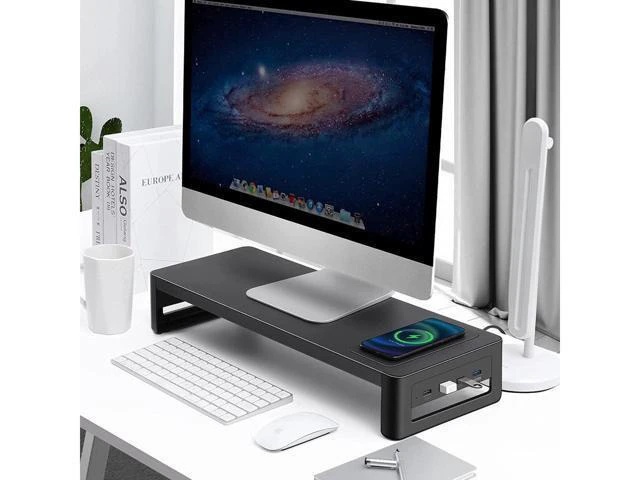
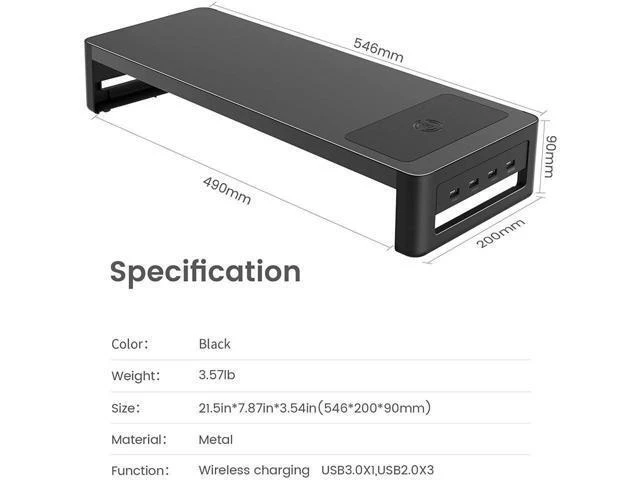
USB Ports: Equipped with 1x USB 3.0 port and 3x USB 2.0 ports, the monitor riser maximizes the connectivity of your PC and type-c-only laptop. Connecting multiple devices at the same time is of no difficulty for Macbook or Matebook
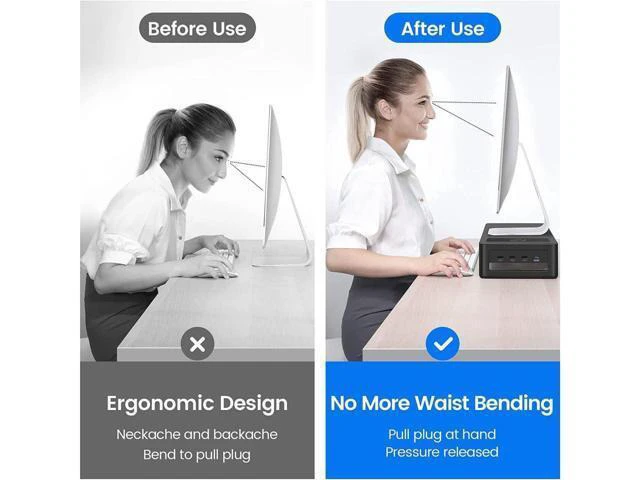
Ergonomic Design: This monitor riser lifts your monitor to a higher position which makes you change your posture in a proper and healthy way reducing neck and eye pressure
Durable Material: This monitor stand riser is made of high quality galvanized steel and capable of holding up monitors up to 27 inches and 66 pounds. Most monitors are supported
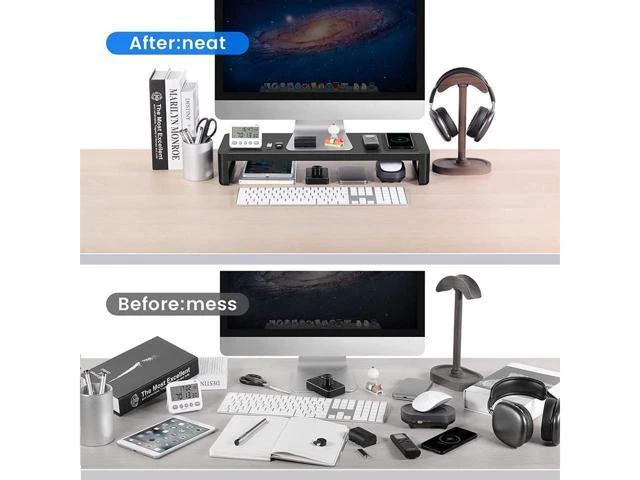
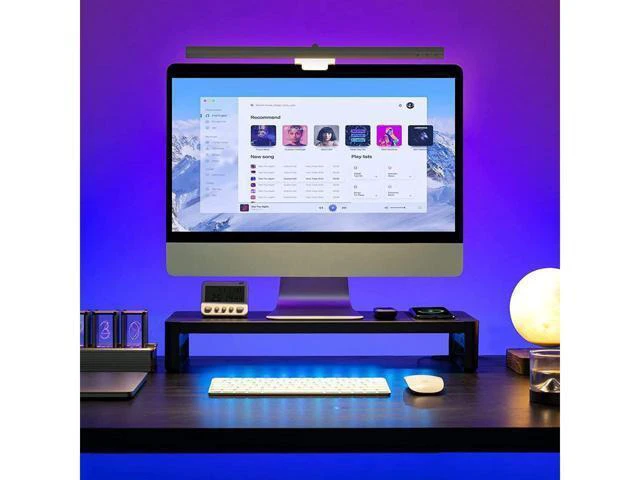
Space-saving: There are more space available on the desk using the monitor stand riser. You can put frequently used stuff under the monitor riser to save more space on your desktop
Warranty: We offers a 1-year warranty, you can contact us if you have any problem Why Choose Us? Are you suffering from neck pain sitting in front of your computer when working? Have you struggled with the mess of twisted cables on your desk due to limited space? With the USB 3.0 hub monitor stand riser, the problem above will be solved. The monitor riser aims to correct your sitting posture, protect your eyes and save you extra space on your desk. Choose this monitor riser, choose a healthy life. Less Wire, More Convenience Most people have struggled with the twisted cables on a small desk when there are multiple devices need to be connected to your PC at the same time. It's time-consuming and annoying




 here!