Your Browsing History
- Free 30-day Returns
$98.97
Ships from China.
Meet Your Seller
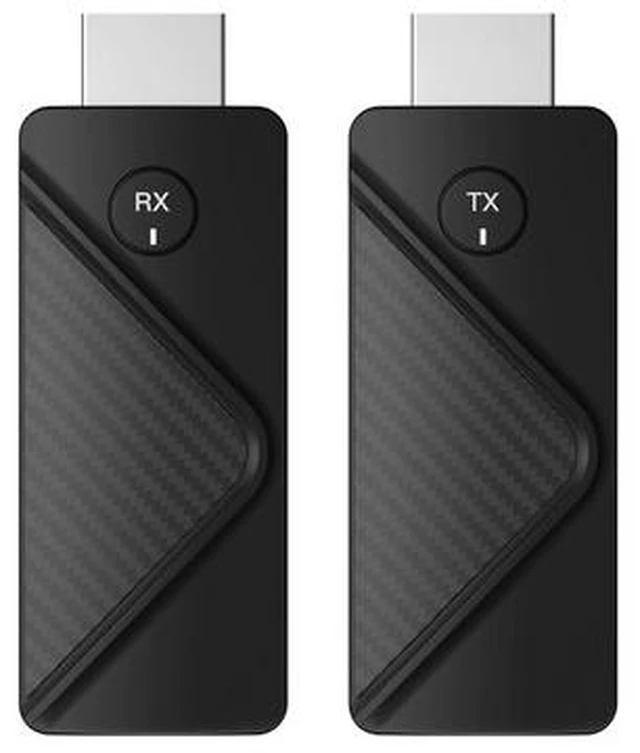
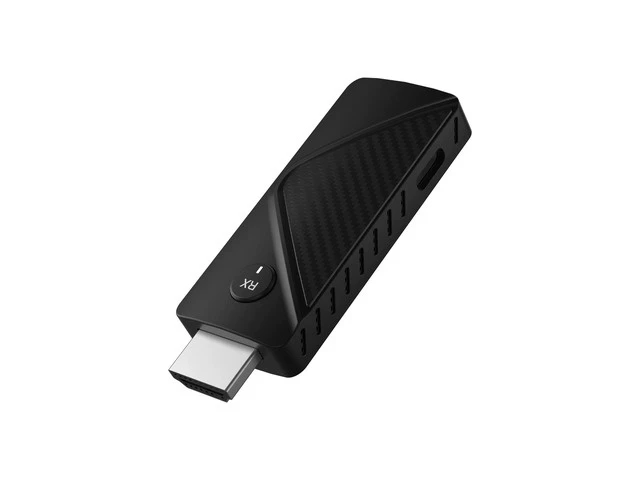
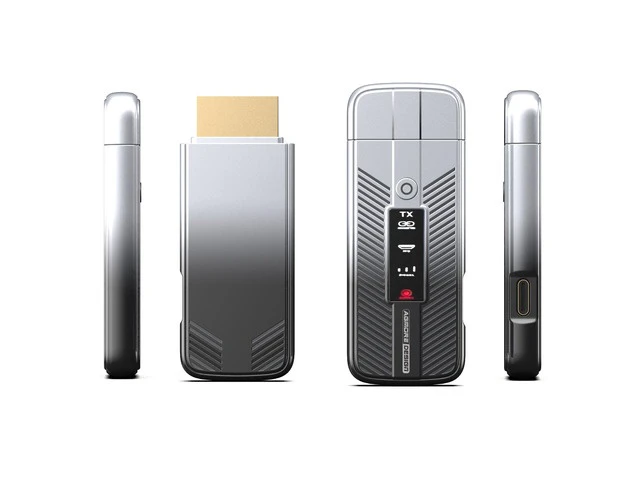
HDMI Wireless Transmitter Point-to-Point Laptop Screen Projection Shared Screen Meeting Long-Distance Wireless HDMI Transmission
- 11080P/60Hz high-definition screen projection; Plug it in and it works. Stable even at a long distance.; 2.Supports 1080P high-definition resolution, achieving high-definitionsimultaneous display without jagged edges, color distortion or screenflickering. Every character is clear, presenting high-fidelity picture details.; 3.Through mirror projection, files, PPTs or images on the laptop can be directlysynchronized to the projection screen or conference tablet for viewing.; 4.No wiring required. Easily achieve stable transmission over adistance of 50 meters. Even large conference halls and lecturehalls can be easily managed.
+
+
Overview
Specs
Reviews
Any questions? Ask CelesteSM will help you find out quickly.
Try me now
ireless connectionon the same screenof the mobile phone No complicated operations required - just plug it in and it'sready to use. For online classes, watching live streams, andvideo chatting, the large screen provides clearer viewing. Protect privacy -one-click disconnect /reconnect During the meeting or during class, simply click once toachieve disconnection or reconnection, which is convenientand fast, and protects privacy. Powerful core, high speed, stability The high-performance chips installed here have powerful performance and ensure more stable signal transmission duringuse. The screen is more smooth; it avoids issues such as screen flickering and lagging.
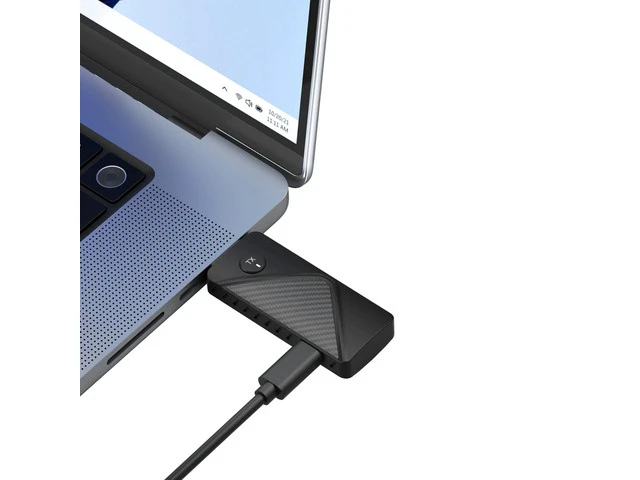
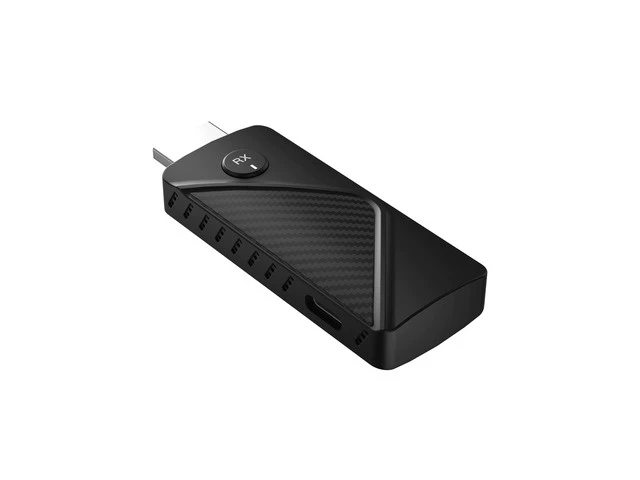
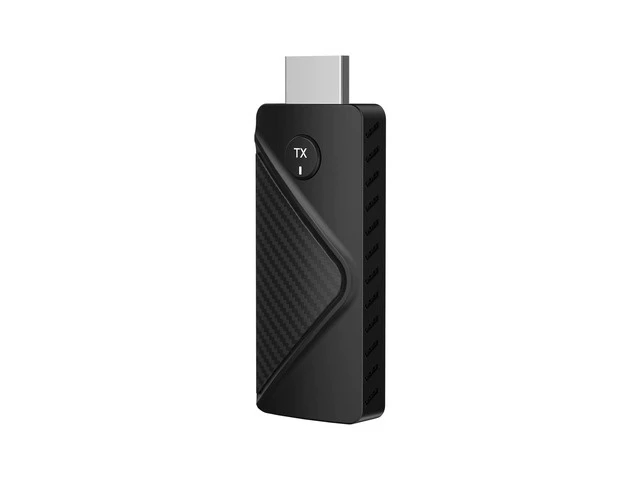
Broad compatibility Support dual systems Compatible with both Windows systems and MacOS systems Highly compatible andadaptable for moredevices The signals from devices such as laptops or desktop computers can bewirelessly transmitted to large-screen devices like televisions orprojectors. Connect the HDMI interface of the receiving end (RX) tothe display device, then connect the Type-C interface tothe power supply and adjust the signal source. Insert the transmitting end (TX) into the Type-C interface of the transmitter, and you can displaysimultaneously.
Warranty & Returns
Warranty, Returns, And Additional Information
Warranty
- Please contact the Seller directly for warranty information. Warranty information may also be found on the Manufacturer's website.
- CONTACT
Return Policies
- Return for refund within: 30 days
- Return for replacement within: 30 days
- This item is covered by Wire Hub Return Policy
Manufacturer Contact Info
- For a directory of all our manufacturers, please click below.
- Manufacturers Directory
LOADING...