





Why Choose Yoton MP3 Music Player?
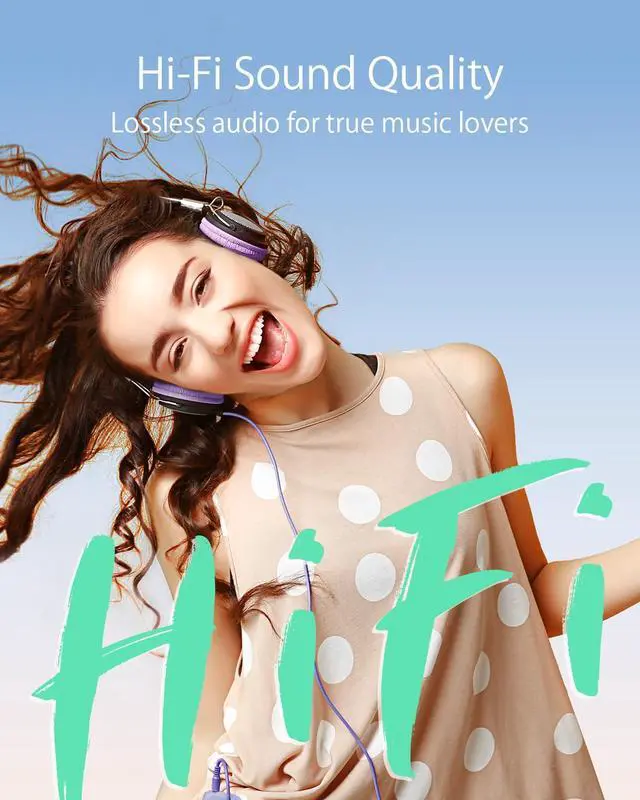
HIFI lossless sound quality, true restoration of the soundtrack disc structure.
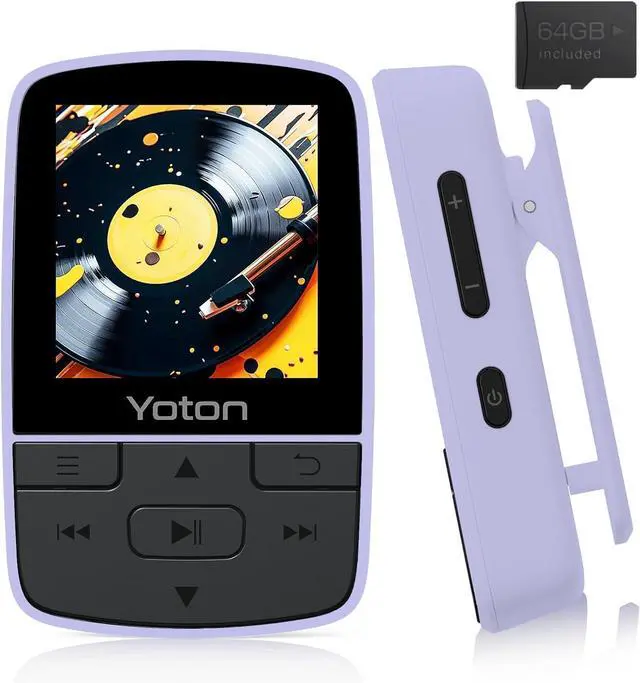
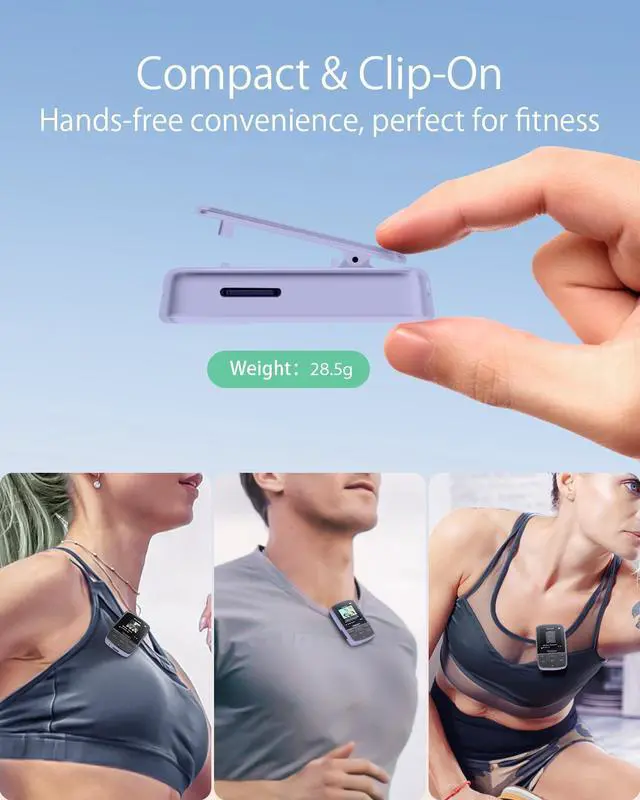
Back clip design, enjoy the music world while freeing your hands, suitable for jogging, walking, street dance and other kinds of sports.
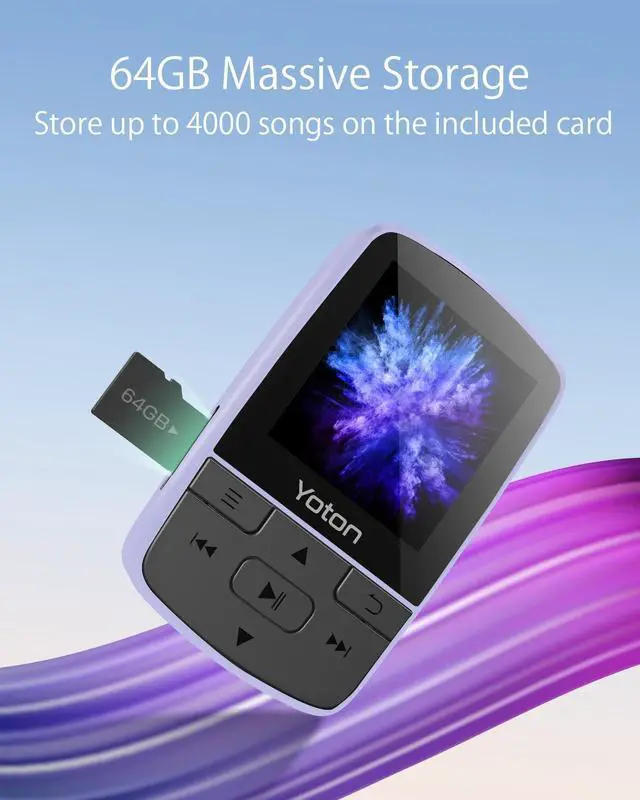
A superb 64GB TF card with storage space for approximately 4,000 songs, allowing you to diversify your song list.
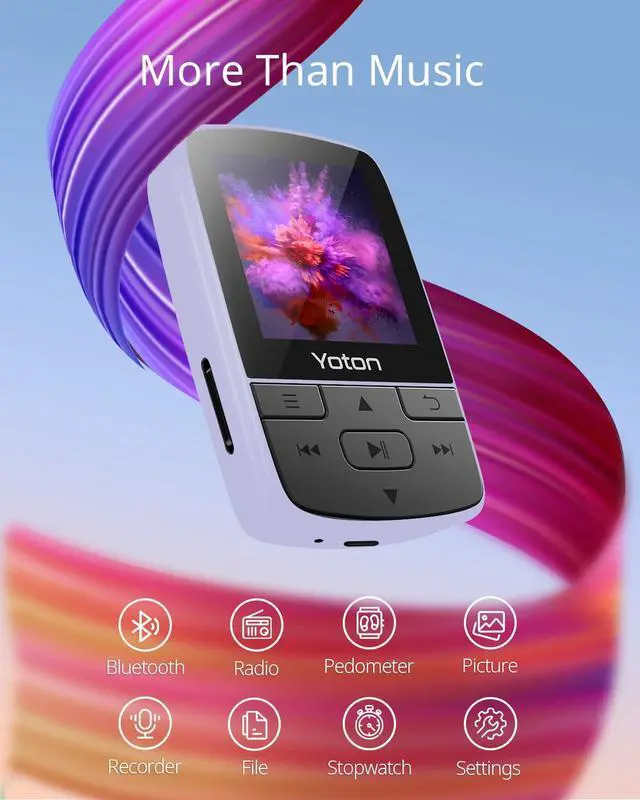
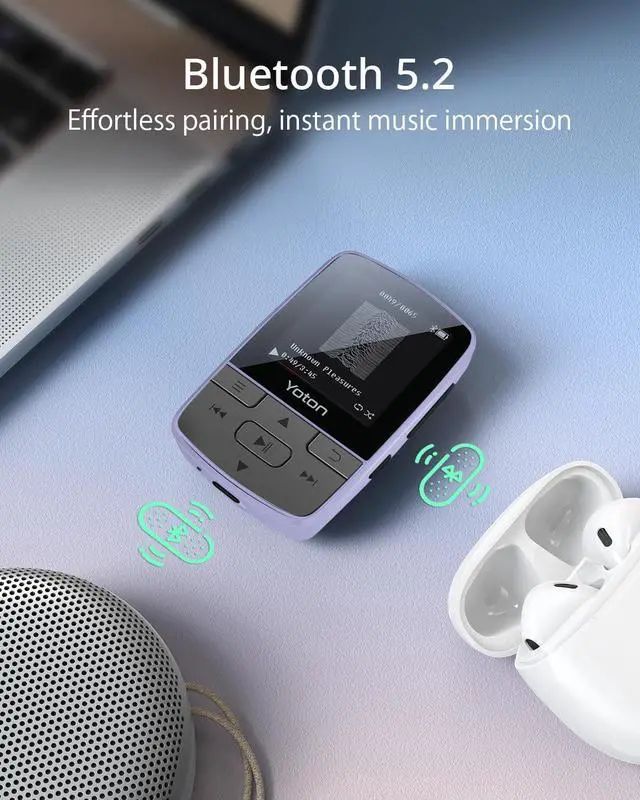
Bluetooth connection technology, you can connect Bluetooth audio and Bluetooth headphones, making your music life more convenient.
TIPS:
1.Fully charge before use.
2.Supports 2.0-5.2 Bluetooth headsets and Bluetooth speakers.
3.Bluetooth needs to be activated again after the player is turned off.
4.To use FM Radio, you must have wired earphones plugged into the MP3 player.
5.In Bluetooth Mode, YM03 supports Music in MP3/WMA/WAVE/FLAC/APE format.
6.To avoid blocking the Bluetooth Signal, we advise you to use the back clip on the MP3 while listening.

Yoton MP3 Bluetooth music player with a professional intelligent noise reduction microchip opens up a whole new world of music.
In the shade of the campus, in the alleys of the park, in the quiet library, the Yoton YM03 music player immerses you in the real world of music, undisturbed by noise.
Music formats supported: MP3/APE/FLAC/WAV/DRM/ACELP
Tuning Type: Rock, Funk, Hip-hop, Jazz, Classical, Electronic, Custom (B/L/M/H/T)
Play Mode: Single Loop / Playlist Loop / Random Play / Sequential Play Browse Play (go to next song after 10 seconds) / Repeat Mode (A-B)

YM03 Music Player Upgrade Bluetooth 5.3
Connects to more Bluetooth headsets/Bluetooth speakers
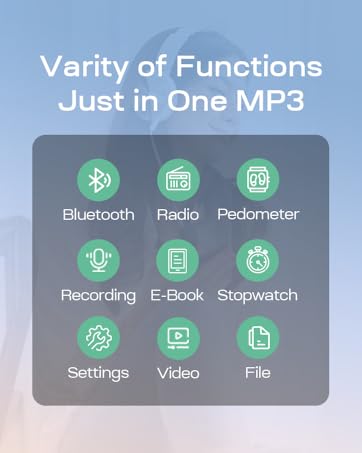
Click "Bluetooth" in the main interface - "Turn on Bluetooth" to connect, easy to operate.
Friendly Tip:
Bluetooth transmitters such as Bluetooth mobile phones/Bluetooth computers cannot connect through MP3.
When connecting Bluetooth headset/Bluetooth speaker and MP3, please try to minimise the obstacles between them.
Tip: If your car Bluetooth requires a passcode to connect, the Yoton MP3 music player is not suitable for car Bluetooth.

The Yoton MP3 music player comes with a 64GB Micro SD card giving you access to a huge amount of large memory space to store around 4,000 songs.
The Yoton MP3 music player supports Micro SD cards of up to 128GB and can be used as portable storage, allowing it to carry your records and pleasures.
Package list:
- 1x MP3 player
- 1 x 64GB Micro SD Card
- 1x wired headset
- 1x USB cable
- 1x User Manual

Specific:
- Material: Plastic
- Weight: 28.5g
- Dimensions: 5.93 X 3.80 X 1.81cm
- Battery: Built-in 370 mHA Li-ion battery
- TF card: 64GB (maximum support 128GB)
- Other Tools: Pedometer/Stopwatch/Recorder
- Image format: JPG/BMP
- Compatible System: XP (Home, Pro, with SP1, SP2, SP3), 32bit / Windows 7-10 64bit
FAQ
Q: How do I set up shuffle play?
A: Shuffle setting path: in the interface of playing music click on the upper left corner of the button (with three horizontal lines), click on Repeat, select Shuffle.
Q: What is the maximum number of playlists that can be created?
A: 3.
Q: Does Bluetooth remain permanently enabled by default?
A: No.
Q: Can Bluetooth connect to a mobile phone or car audio system?
A: No.
Q: Is there after-sales support available when the machine malfunctions and cannot operate?
A: Yes, regardless of the factors causing the machine to malfunction, our after-sales team will provide a solution.

Yoton MP3 Player
Let you immerse in your music wolrd.

Yoton is a brand specializing in audio and imaging. We are committed to providing customers with high-quality and affordable products.
Yoton products range from music to video and users range from infants to the elderly. You can always choose a suitable Yoton product for your family or yourself.
Look forward that Yoton products bringing you and your family joy and ease, and leaving you more lovely moments and precious memories.
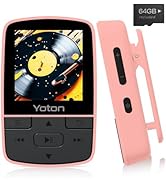

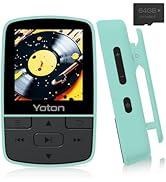
YOTON MP3 Players
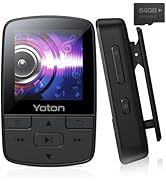
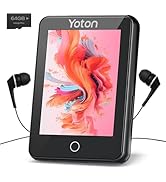
Yoton MP3 Players

What is the return policy?
's return window is one month. All products purchased from Yoton are covered by a 1-year war-ran-ty. Any concerns about using or any accessories in need, please feel free to reach out at any time. Our professional team will offer you 100% technology support in 24 hours.
Where can I get more detailed operation instructions?
You can download the detailed instructions on the product page or find us via .


Why Choose Yoton MP3 Music Player?
HIFI lossless sound quality, true restoration of the soundtrack disc structure.
Back clip design, enjoy the music world while freeing your hands, suitable for jogging, walking, street dance and other kinds of sports.
A superb 64GB TF card with storage space for approximately 4,000 songs, allowing you to diversify your song list.
Bluetooth connection technology, you can connect Bluetooth audio and Bluetooth headphones, making your music life more convenient.
TIPS:
1.Fully charge before use.
2.Supports 2.0-5.2 Bluetooth headsets and Bluetooth speakers.
3.Bluetooth needs to be activated again after the player is turned off.
4.To use FM Radio, you must have wired earphones plugged into the MP3 player.
5.In Bluetooth Mode, YM03 supports Music in MP3/WMA/WAVE/FLAC/APE format.
6.To avoid blocking the Bluetooth Signal, we advise you to use the back clip on the MP3 while listening.
Yoton MP3 Bluetooth music player with a professional intelligent noise reduction microchip opens up a whole new world of music.
In the shade of the campus, in the alleys of the park, in the quiet library, the Yoton YM03 music player immerses you in the real world of music, undisturbed by noise.
Music formats supported: MP3/APE/FLAC/WAV/DRM/ACELP
Tuning Type: Rock, Funk, Hip-hop, Jazz, Classical, Electronic, Custom (B/L/M/H/T)
Play Mode: Single Loop / Playlist Loop / Random Play / Sequential Play Browse Play (go to next song after 10 seconds) / Repeat Mode (A-B)
YM03 Music Player Upgrade Bluetooth 5.3
Connects to more Bluetooth headsets/Bluetooth speakers
Click "Bluetooth" in the main interface - "Turn on Bluetooth" to connect, easy to operate.
Friendly Tip:
Bluetooth transmitters such as Bluetooth mobile phones/Bluetooth computers cannot connect through MP3.
When connecting Bluetooth headset/Bluetooth speaker and MP3, please try to minimise the obstacles between them.
Tip: If your car Bluetooth requires a passcode to connect, the Yoton MP3 music player is not suitable for car Bluetooth.
The Yoton MP3 music player comes with a 64GB Micro SD card giving you access to a huge amount of large memory space to store around 4,000 songs.
The Yoton MP3 music player supports Micro SD cards of up to 128GB and can be used as portable storage, allowing it to carry your records and pleasures.
Package list:
- 1x MP3 player
- 1 x 64GB Micro SD Card
- 1x wired headset
- 1x USB cable
- 1x User Manual
Specific:
- Material: Plastic
- Weight: 28.5g
- Dimensions: 5.93 X 3.80 X 1.81cm
- Battery: Built-in 370 mHA Li-ion battery
- TF card: 64GB (maximum support 128GB)
- Other Tools: Pedometer/Stopwatch/Recorder
- Image format: JPG/BMP
- Compatible System: XP (Home, Pro, with SP1, SP2, SP3), 32bit / Windows 7-10 64bit
FAQ
Q: How do I set up shuffle play?
A: Shuffle setting path: in the interface of playing music click on the upper left corner of the button (with three horizontal lines), click on Repeat, select Shuffle.
Q: What is the maximum number of playlists that can be created?
A: 3.
Q: Does Bluetooth remain permanently enabled by default?
A: No.
Q: Can Bluetooth connect to a mobile phone or car audio system?
A: No.
Q: Is there after-sales support available when the machine malfunctions and cannot operate?
A: Yes, regardless of the factors causing the machine to malfunction, our after-sales team will provide a solution.
Yoton MP3 Player
Let you immerse in your music wolrd.
Yoton is a brand specializing in audio and imaging. We are committed to providing customers with high-quality and affordable products.
Yoton products range from music to video and users range from infants to the elderly. You can always choose a suitable Yoton product for your family or yourself.
Look forward that Yoton products bringing you and your family joy and ease, and leaving you more lovely moments and precious memories.
YOTON MP3 Players
Yoton MP3 Players
What is the return policy?
's return window is one month. All products purchased from Yoton are covered by a 1-year war-ran-ty. Any concerns about using or any accessories in need, please feel free to reach out at any time. Our professional team will offer you 100% technology support in 24 hours.
Where can I get more detailed operation instructions?
You can download the detailed instructions on the product page or find us via .