


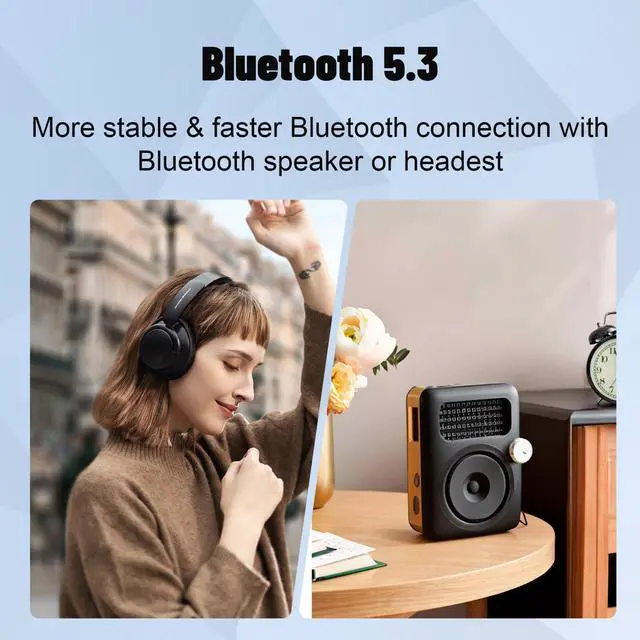







Q:MP3 player cannot be connected with bluetooth headset/speaker.
1. First confirm whether there are other players and Bluetooth headphones/speakers around. (eg your phone) you need to erase these devices in bluetooth and turn off the bluetooth switch. Enter the Bluetooth function of the phone, set all the devices under 'MY DEVICES' to 'Forget This Device'. Then turn off the bluetooth function of the phone .
2. Reset your bluetooth headset/speaker, then put it next to MP3 to search and connect.
Q:MP3 player Bluetooth searches for the device, but cannot connect successfully.
1.Enter the Bluetooth function-Select the 'Paired Device'-select your Bluetooth device and select 'Unpair'.
2.Turn off the MP3's Bluetooth, wait a few seconds, and then turn it on again.
3.Put your bluetooth earphone/speaker next to the MP3 player and search on the MP3 again. Multiple searches are possible.
Q:(a)MP3 player doesn't turn on? (b)Experiencing an 'SD card error'?
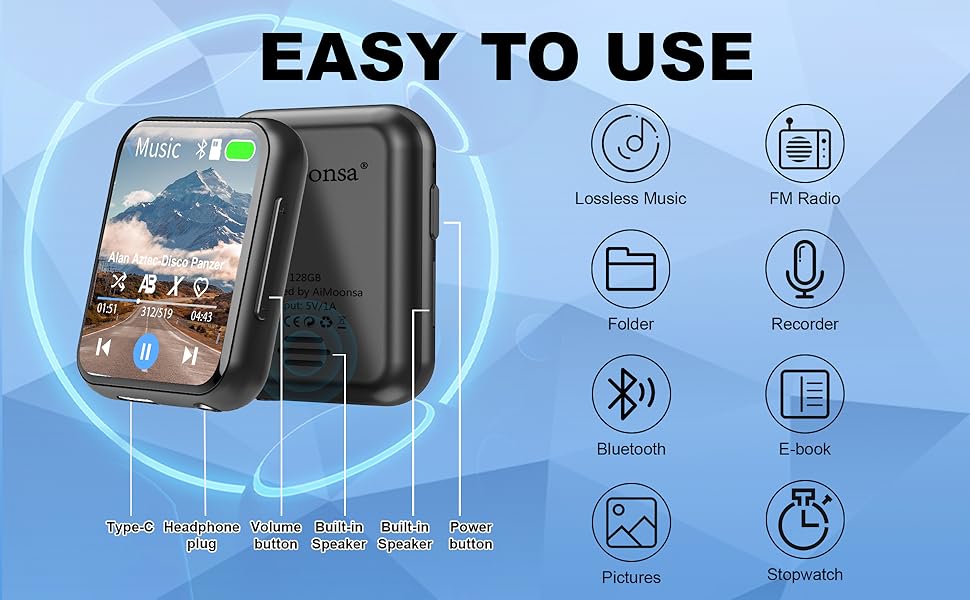
(a)Please make sure the device has power. You can charge the MP3 for half an hour, then press and hold the power button for 15 seconds.
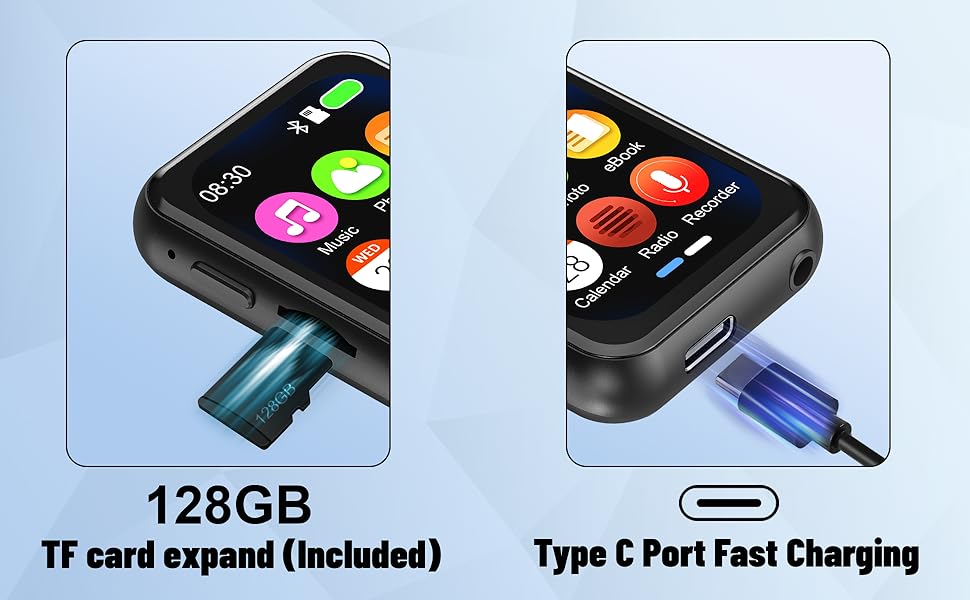
(b)Connect the MP3 player to your computer, then format the SD card on your computer. Select "exFAT" as the file system for formatting. After formatting is complete, transfer the music to the SD card again.
Q:MP3 player screen frozen, unable to operate?
Please ensure not to remove the SD card while playing music. You can long-press the power button for 15 seconds to power on/off. (Note: If it still can't be fixed, we can do a firmware update for you.)

Q:MP3 player cannot be connected with bluetooth headset/speaker.
1. First confirm whether there are other players and Bluetooth headphones/speakers around. (eg your phone) you need to erase these devices in bluetooth and turn off the bluetooth switch. Enter the Bluetooth function of the phone, set all the devices under 'MY DEVICES' to 'Forget This Device'. Then turn off the bluetooth function of the phone .
2. Reset your bluetooth headset/speaker, then put it next to MP3 to search and connect.
Q:MP3 player Bluetooth searches for the device, but cannot connect successfully.
1.Enter the Bluetooth function-Select the 'Paired Device'-select your Bluetooth device and select 'Unpair'.
2.Turn off the MP3's Bluetooth, wait a few seconds, and then turn it on again.
3.Put your bluetooth earphone/speaker next to the MP3 player and search on the MP3 again. Multiple searches are possible.
Q:(a)MP3 player doesn't turn on? (b)Experiencing an 'SD card error'?
(a)Please make sure the device has power. You can charge the MP3 for half an hour, then press and hold the power button for 15 seconds.
(b)Connect the MP3 player to your computer, then format the SD card on your computer. Select "exFAT" as the file system for formatting. After formatting is complete, transfer the music to the SD card again.
Q:MP3 player screen frozen, unable to operate?
Please ensure not to remove the SD card while playing music. You can long-press the power button for 15 seconds to power on/off. (Note: If it still can't be fixed, we can do a firmware update for you.)