




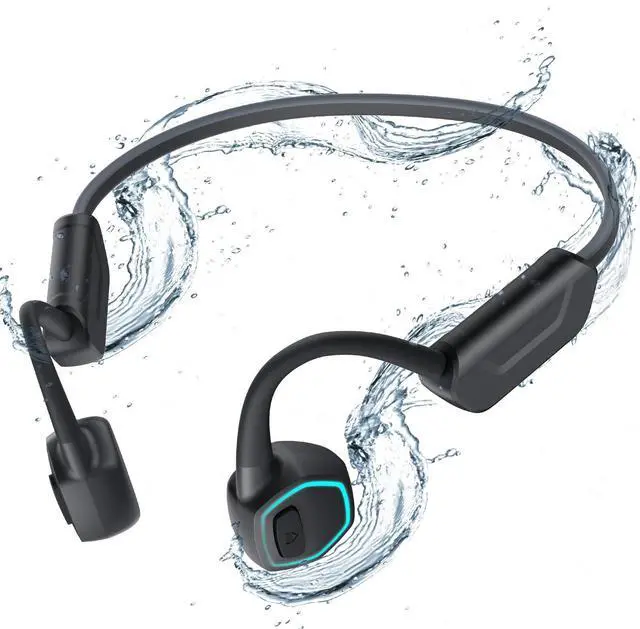
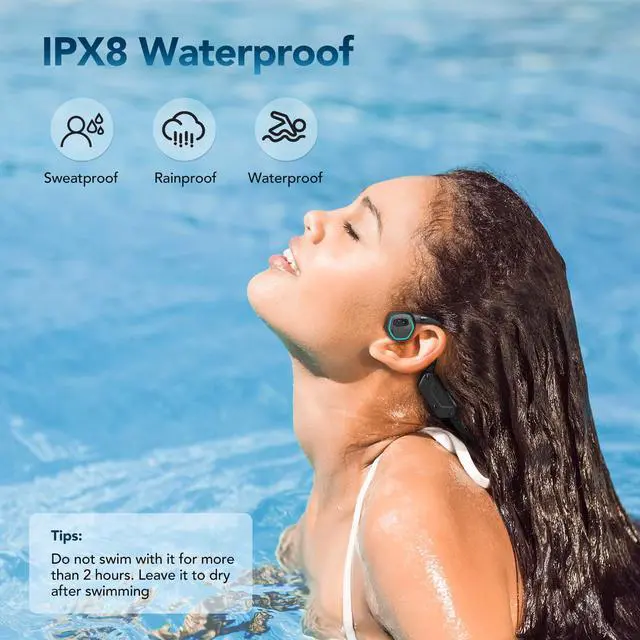
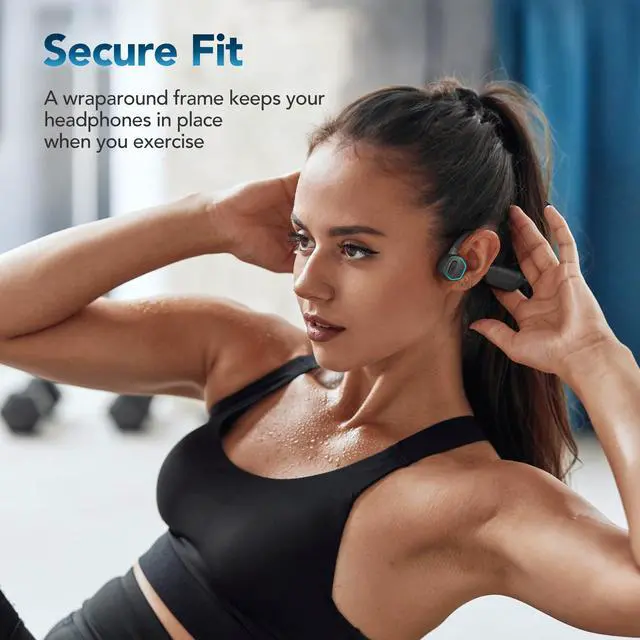
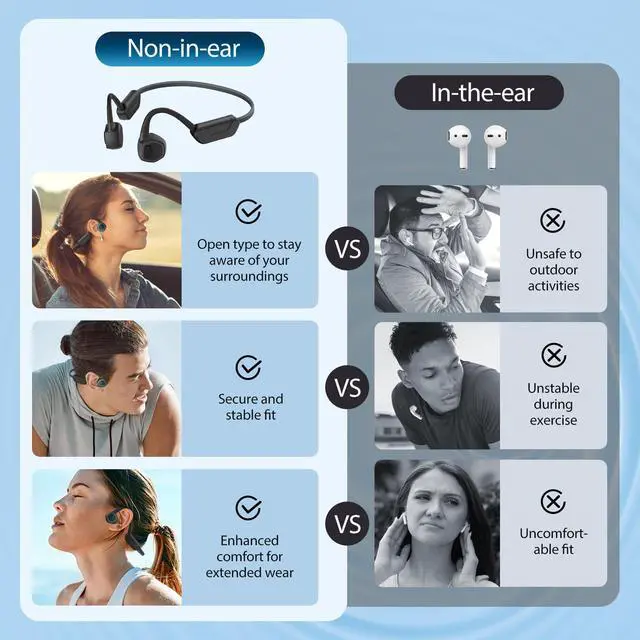
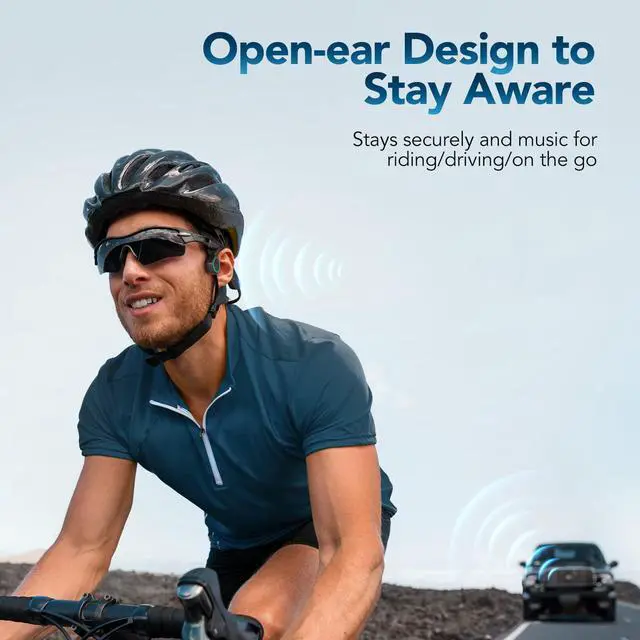
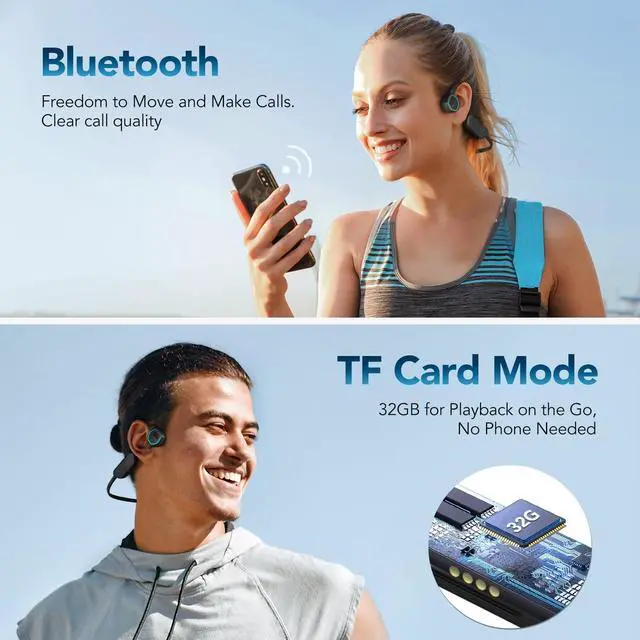
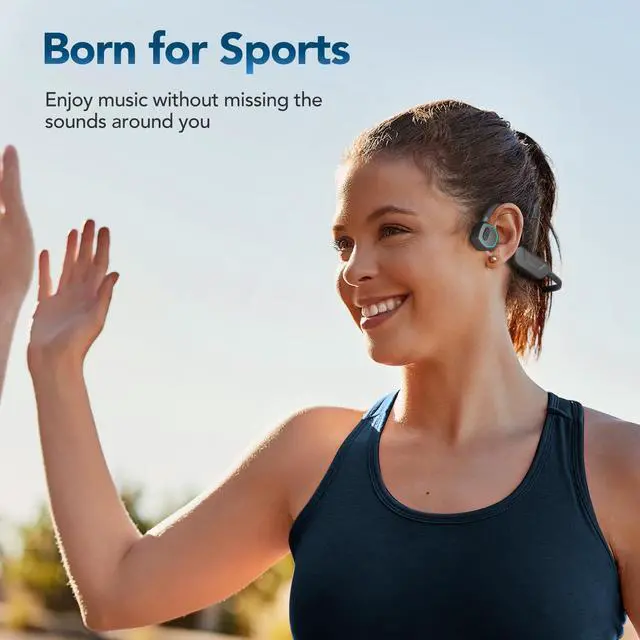


Latest Bone Conduction Technology


How to connect the Bluetooth of X15 with mobile phone?
When the device is turned off, press and hold the right button for 3-5 seconds. The LED light will flash to enter the pairing state. Open the Bluetooth of your phone or computer and search for the device name "AGP-X15" and click to pair and connect.
How to switch between Bluetooth mode and TF card mode?
Double-click the left and right buttons at the same time(default Bluetooth mode state at startup).
How to download songs?
Connect the original data cable to the computer and X15 to read the USB flash drive and copy the computer songs to the USB flash drive.
How to switch to shuffle?
Play in order by default, click the left and right buttons once at the same time to switch to shuffle (with memory function).

AGPTEK MP3 PLAYER
Made for Lovin' Music

What makes our products unique?
Music is our soul. Quality is our quest. Style is our attitude.
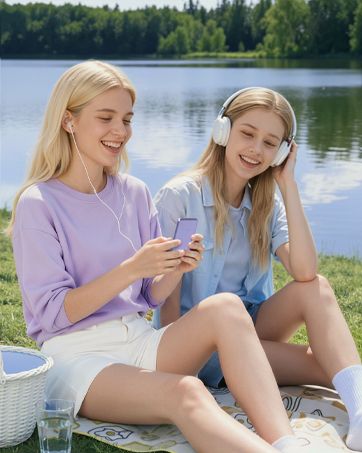
At AGPTEK, an MP3 player is more than just music—it's a way to express yourself and enjoy life.
We stay ahead in design, creating players that not only look good but feel right.
Your feedback drives our innovation. Every AGPTEK MP3 player undergoes rigorous testing.
Live Like Music, Play with AGPTEK.
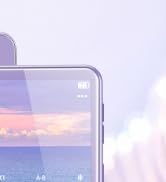
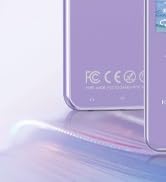
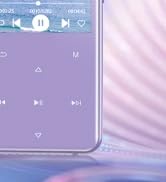
High Rating Model - M3
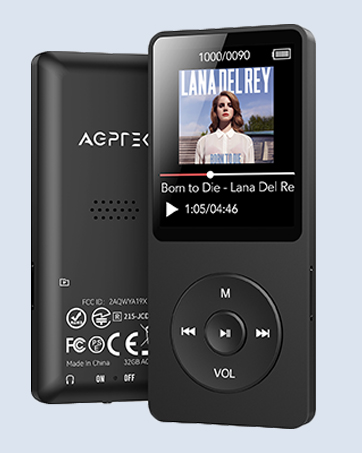
Classic Physical Buttons - A02
Classic appearance & simple operation
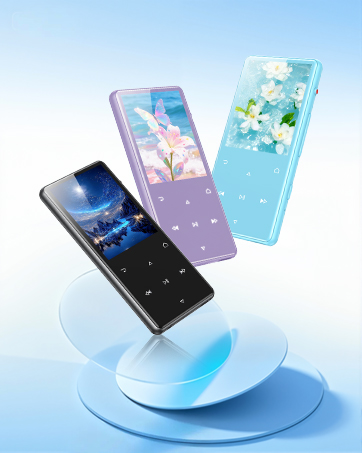
New 128GB MP3 Player - M6
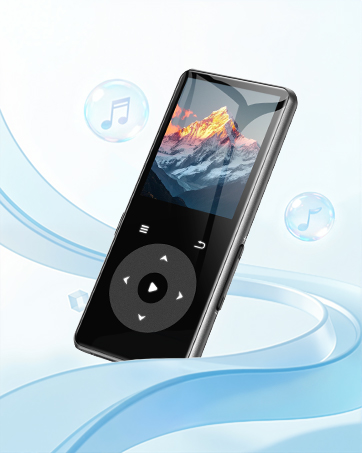
New Model - M7
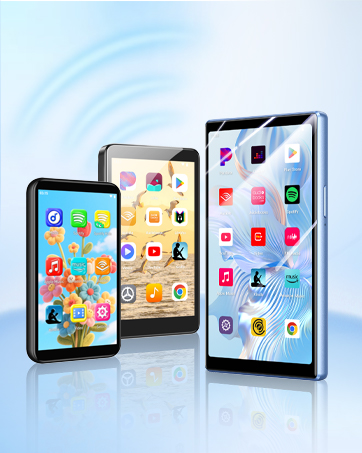
WiFi MP3 Player with Bluetooth
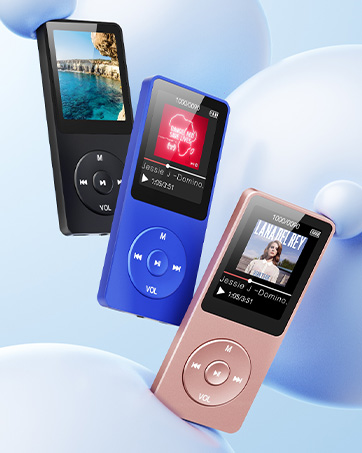
Classic Model - A02
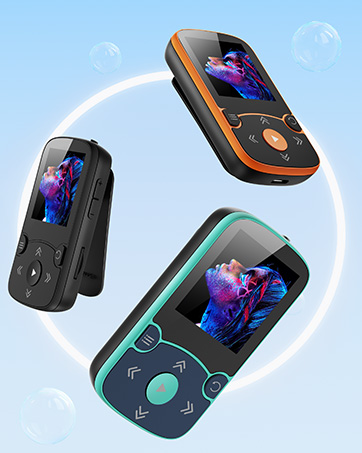
Born for Sports - A65
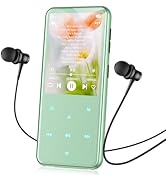
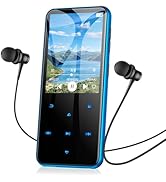
M3 model more colors to choose
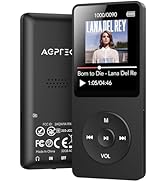
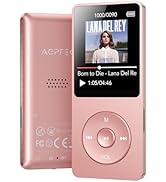
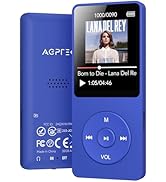
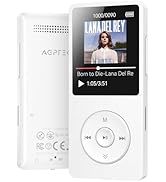
With Bluetooth 32G to 64G
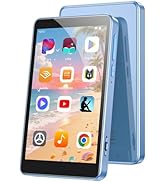
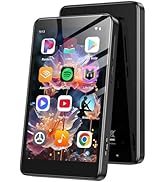
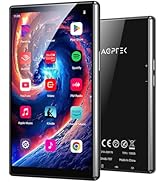
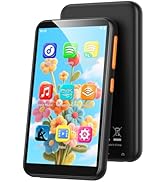
WiFi MP3 Player
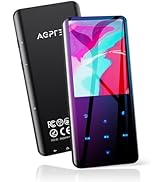
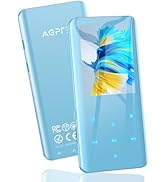
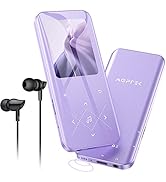
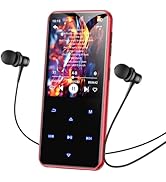
MP3 Player
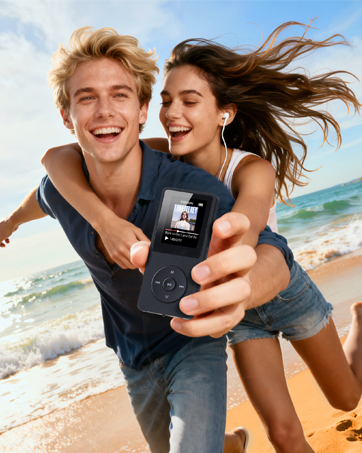
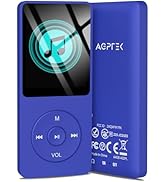
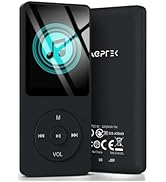
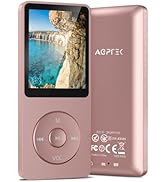
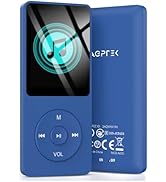
No Bluetooth 16G to 64G
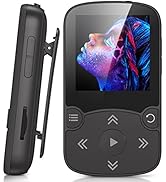
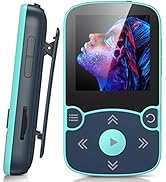
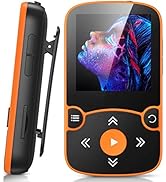
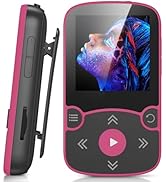
Clip Design for Sports
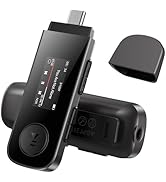
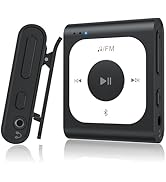
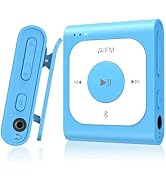
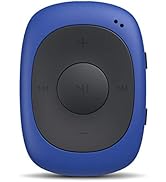
Portable MP3 Player



Latest Bone Conduction Technology
How to connect the Bluetooth of X15 with mobile phone?
When the device is turned off, press and hold the right button for 3-5 seconds. The LED light will flash to enter the pairing state. Open the Bluetooth of your phone or computer and search for the device name "AGP-X15" and click to pair and connect.
How to switch between Bluetooth mode and TF card mode?
Double-click the left and right buttons at the same time(default Bluetooth mode state at startup).
How to download songs?
Connect the original data cable to the computer and X15 to read the USB flash drive and copy the computer songs to the USB flash drive.
How to switch to shuffle?
Play in order by default, click the left and right buttons once at the same time to switch to shuffle (with memory function).
AGPTEK MP3 PLAYER
Made for Lovin' Music
What makes our products unique?
Music is our soul. Quality is our quest. Style is our attitude.
At AGPTEK, an MP3 player is more than just music—it's a way to express yourself and enjoy life.
We stay ahead in design, creating players that not only look good but feel right.
Your feedback drives our innovation. Every AGPTEK MP3 player undergoes rigorous testing.
Live Like Music, Play with AGPTEK.
High Rating Model - M3
Classic Physical Buttons - A02
Classic appearance & simple operation
New 128GB MP3 Player - M6
New Model - M7
WiFi MP3 Player with Bluetooth
Classic Model - A02
Born for Sports - A65
M3 model more colors to choose
With Bluetooth 32G to 64G
WiFi MP3 Player
MP3 Player
No Bluetooth 16G to 64G
Clip Design for Sports
Portable MP3 Player