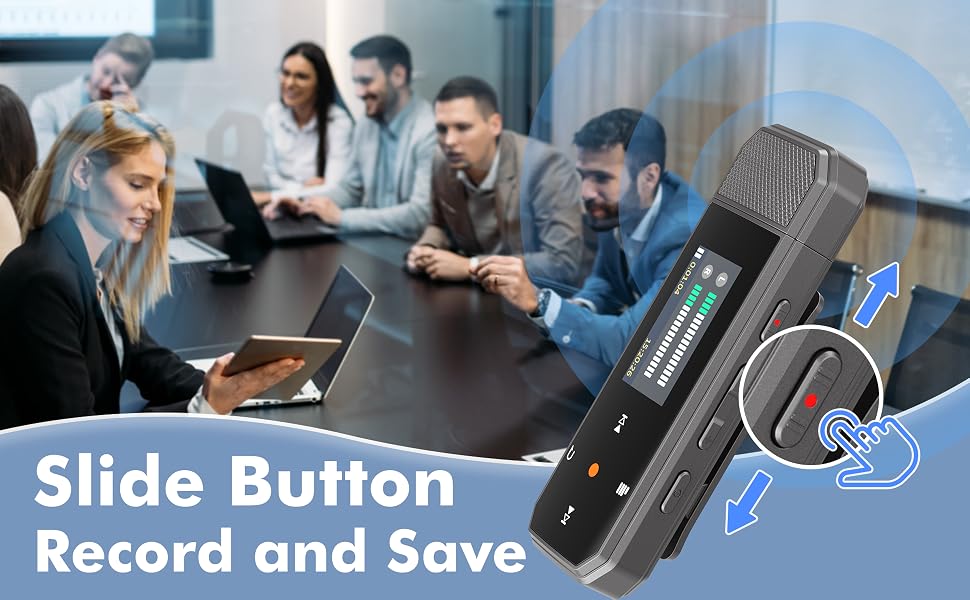
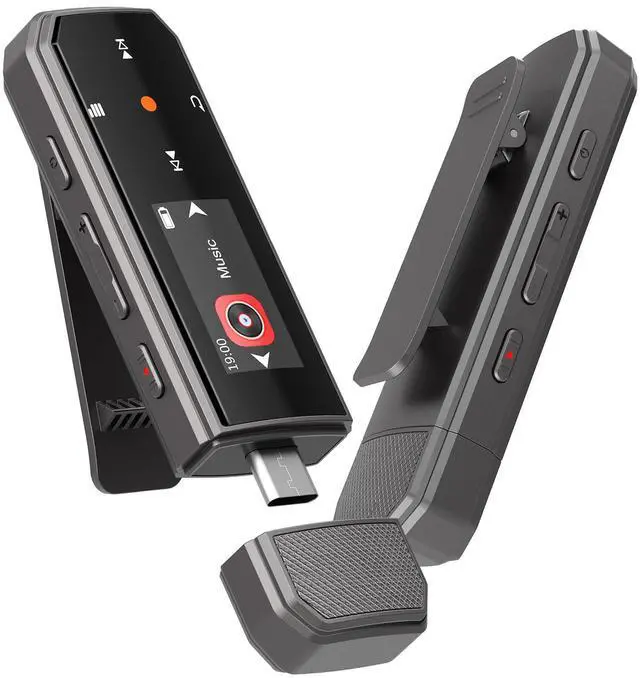
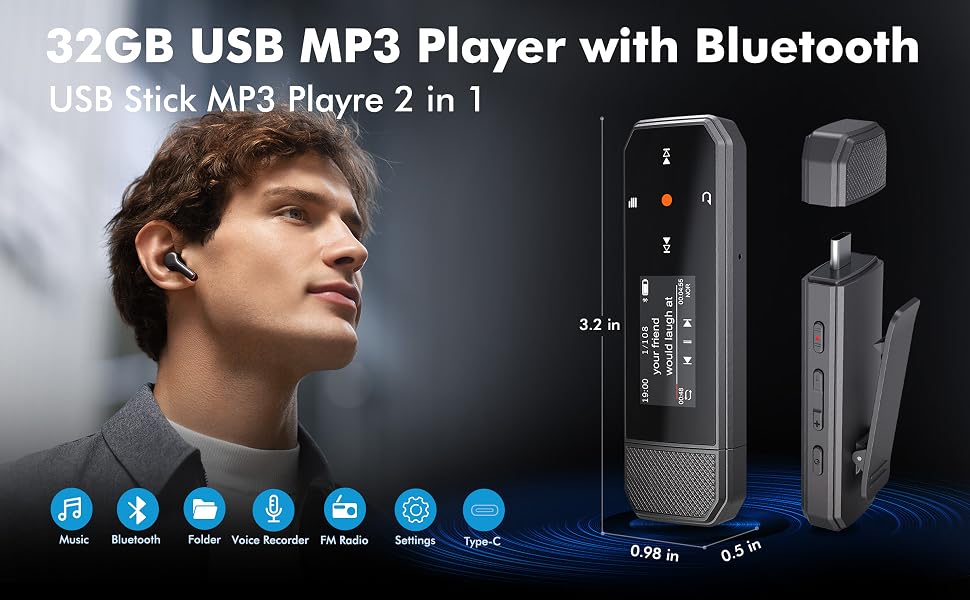
MP3 Player USB Flash Drive, Resume Playback
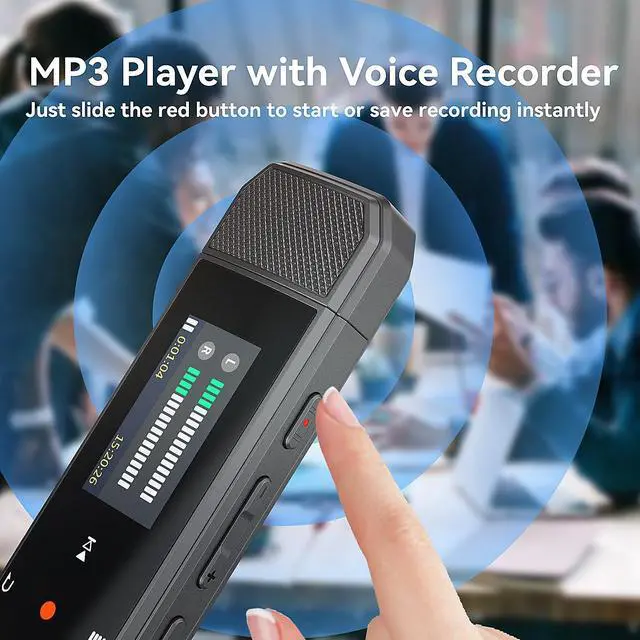
- 2 in 1 MP3 Player USB Stick: Not only a USB music player, but also a flash drive to store your music!
- Resume Playback: Start to play the music from where you left out last time

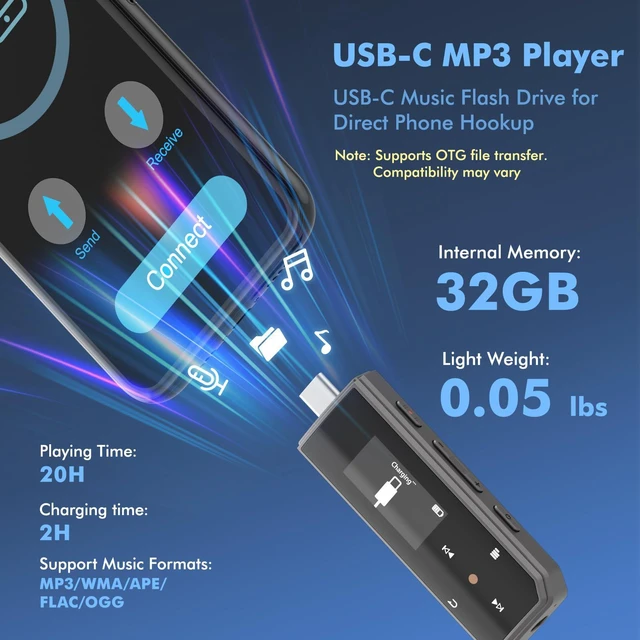
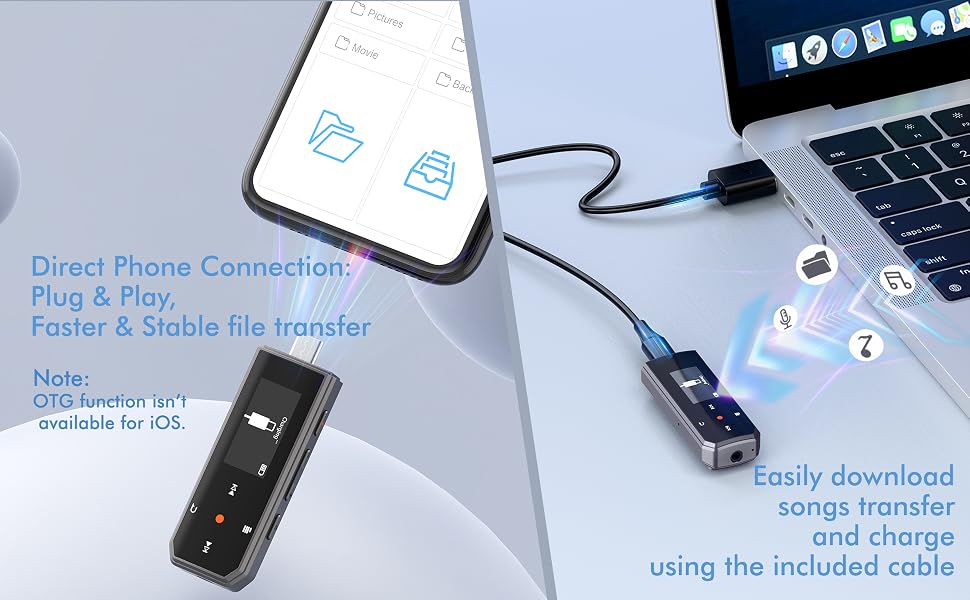
Type-C and USB 2 in 1 Music Transfer Methods
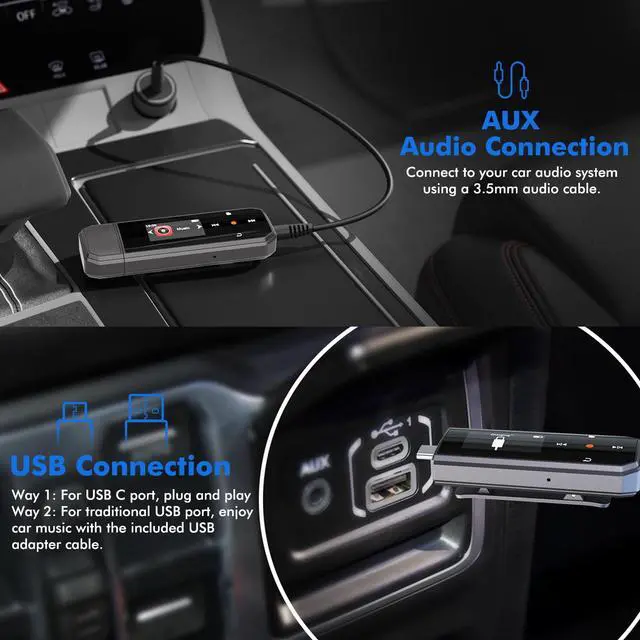
- Method 1: Plug directly into a USB-C computer or OTG-compatible phone. No cable needed.
- Method 2: For computers with a USB-A port, use the included USB-C to USB-A adapter.
---Charge the MP3 player through a computer, phone, or USB power adapter.
---Note: OTG compatibility may vary by device and OS. For best performance, transfer files in batches of up to 1GB.
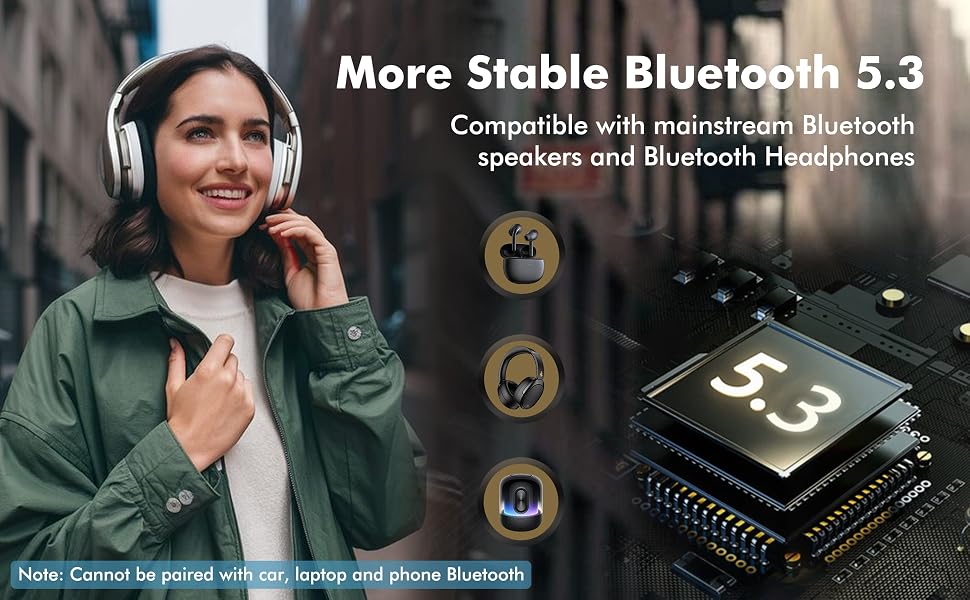
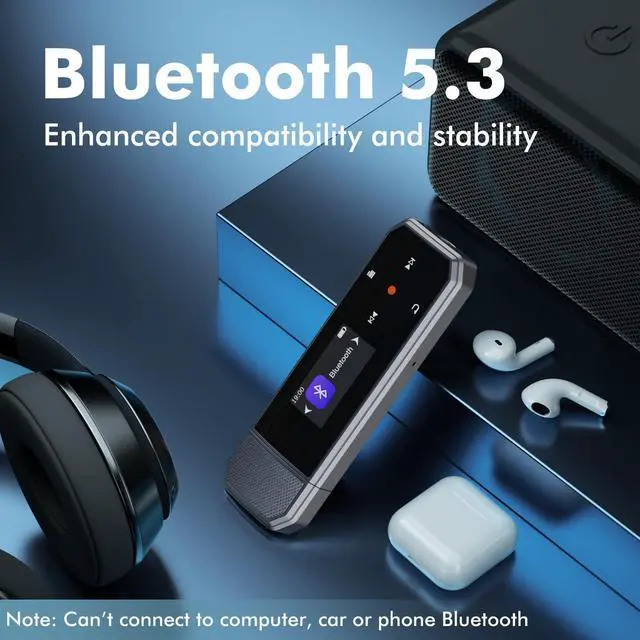
RUIZU HiFi Lossless USB MP3 Player with Bluetooth 5.3
Warm Tips:
- The USB MP3 Player Bluetooth connects ONLY to Bluetooth headphones and Bluetooth speaker
- The Clip on MP3 Player Bleutooth DOESN'T support Bluetooth connections to cars, computers, laptops, or smartphones
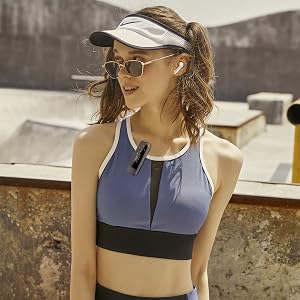
The USB MP3 Player with Bluetooth is ideal for sports running, workouts, cycling, hiking, road trips, travel, commuting, and everyday use.
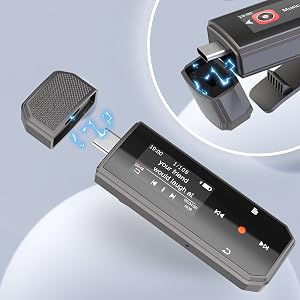
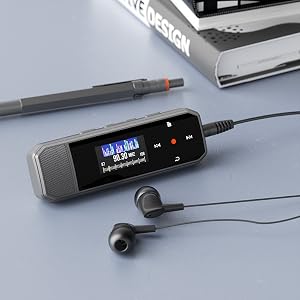
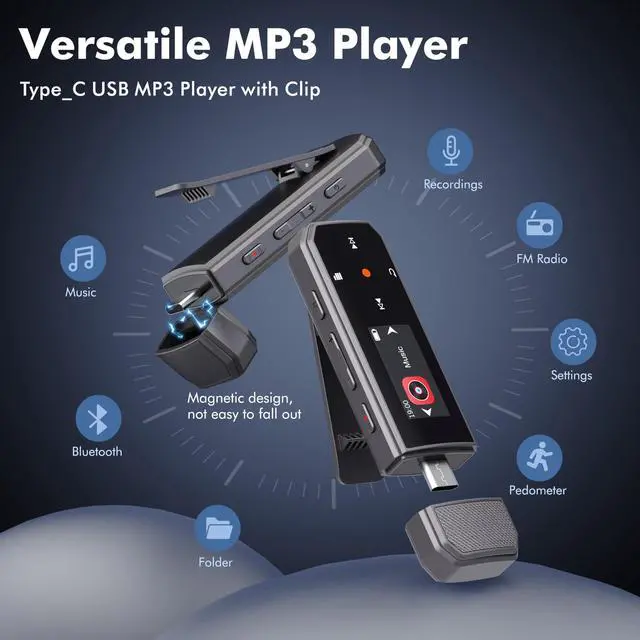
MP3 USB Stick with Magnetic Cap
- Secure magnetic cover won’t easily loosen or fall off the usb mp3 player stick.
- Screen Display: TFT display/glass touch control panel
- Power Supply: Built-in Rechargeable Lithium polymer battery/??????-?? charging

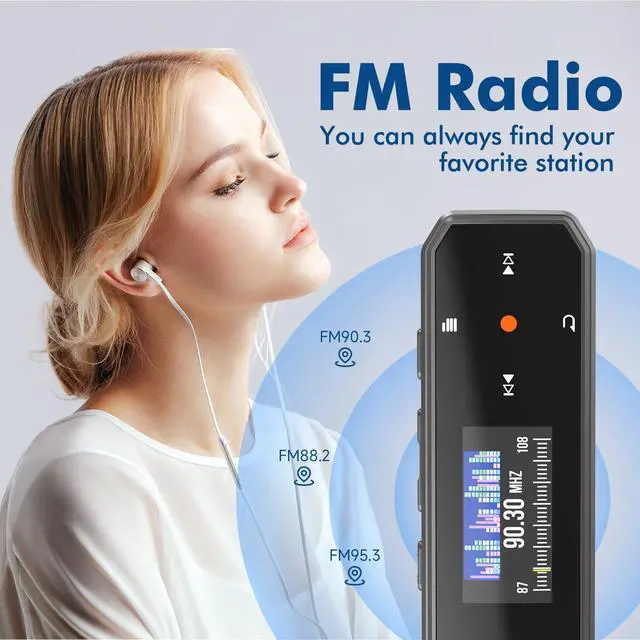
USB MP3 Player with FM Radio
FM Radio doesn't work?
- Check whether you have chosen the right region
- Insert a wired earphone as an antenna. If not work, replace the earphone
- The signal may be poor, try manual FM and automatic FM, and walk around the house or outside to search for radio stations

USB MP3 Player with Clip Jam
Enjoy music while exercising
---My computer cannot recognize the MP3 USB player?
Please try other date cable, computer USB port or computer
-Supported music formats:
MP3, APE, FLAC, WMA, M4A, WAV, AAC

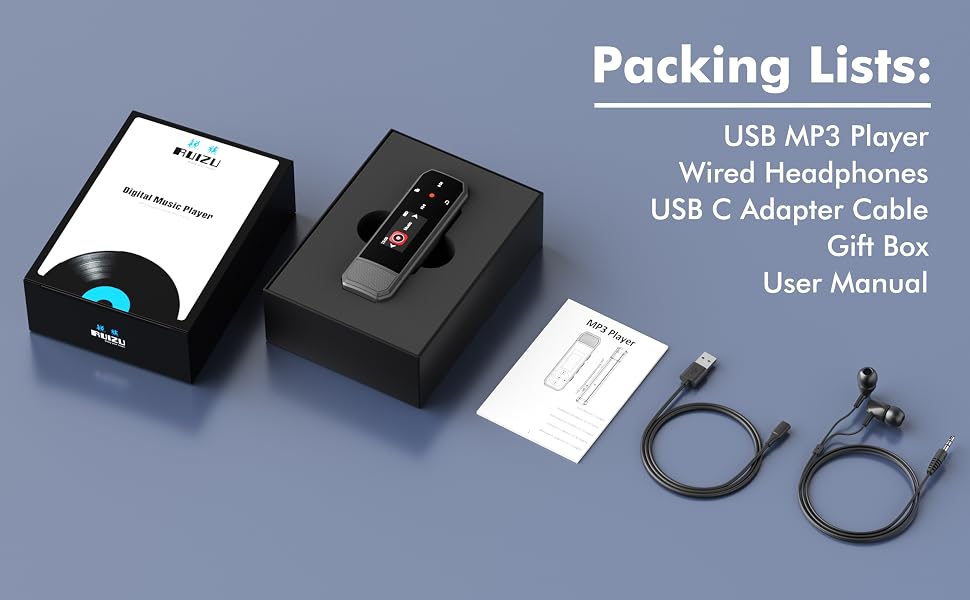

MP3 Player USB Flash Drive, Resume Playback
- 2 in 1 MP3 Player USB Stick: Not only a USB music player, but also a flash drive to store your music!
- Resume Playback: Start to play the music from where you left out last time

Type-C and USB 2 in 1 Music Transfer Methods
- Method 1: Plug directly into a USB-C computer or OTG-compatible phone. No cable needed.
- Method 2: For computers with a USB-A port, use the included USB-C to USB-A adapter.
---Charge the MP3 player through a computer, phone, or USB power adapter.
---Note: OTG compatibility may vary by device and OS. For best performance, transfer files in batches of up to 1GB.

RUIZU HiFi Lossless USB MP3 Player with Bluetooth 5.3
Warm Tips:
- The USB MP3 Player Bluetooth connects ONLY to Bluetooth headphones and Bluetooth speaker
- The Clip on MP3 Player Bleutooth DOESN'T support Bluetooth connections to cars, computers, laptops, or smartphones
The USB MP3 Player with Bluetooth is ideal for sports running, workouts, cycling, hiking, road trips, travel, commuting, and everyday use.

MP3 USB Stick with Magnetic Cap
- Secure magnetic cover won’t easily loosen or fall off the usb mp3 player stick.
- Screen Display: TFT display/glass touch control panel
- Power Supply: Built-in Rechargeable Lithium polymer battery/??????-?? charging

USB MP3 Player with FM Radio
FM Radio doesn't work?
- Check whether you have chosen the right region
- Insert a wired earphone as an antenna. If not work, replace the earphone
- The signal may be poor, try manual FM and automatic FM, and walk around the house or outside to search for radio stations

USB MP3 Player with Clip Jam
Enjoy music while exercising
---My computer cannot recognize the MP3 USB player?
Please try other date cable, computer USB port or computer
-Supported music formats:
MP3, APE, FLAC, WMA, M4A, WAV, AAC