




 here!
I’m your shopping assistant for PC builds, upgrades, and everything tech.
Got questions? Ask away!
Start a conversation
here!
I’m your shopping assistant for PC builds, upgrades, and everything tech.
Got questions? Ask away!
Start a conversation
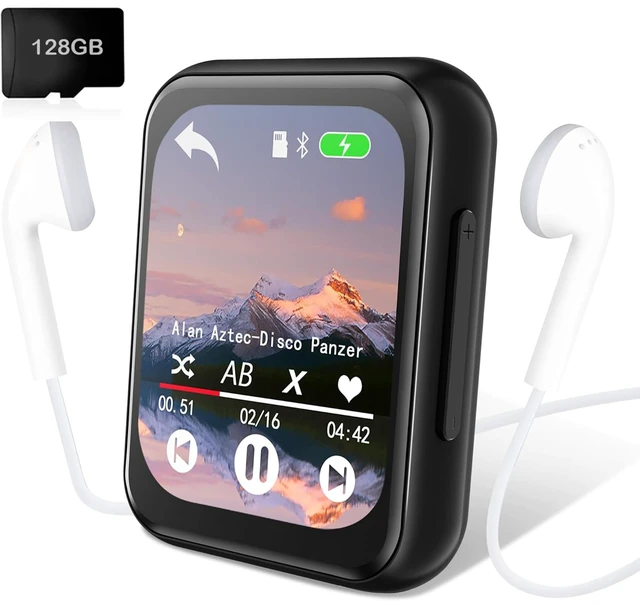
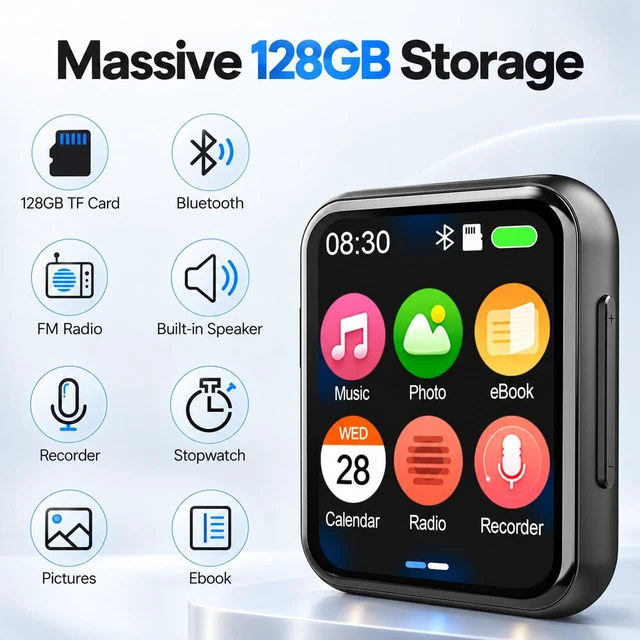

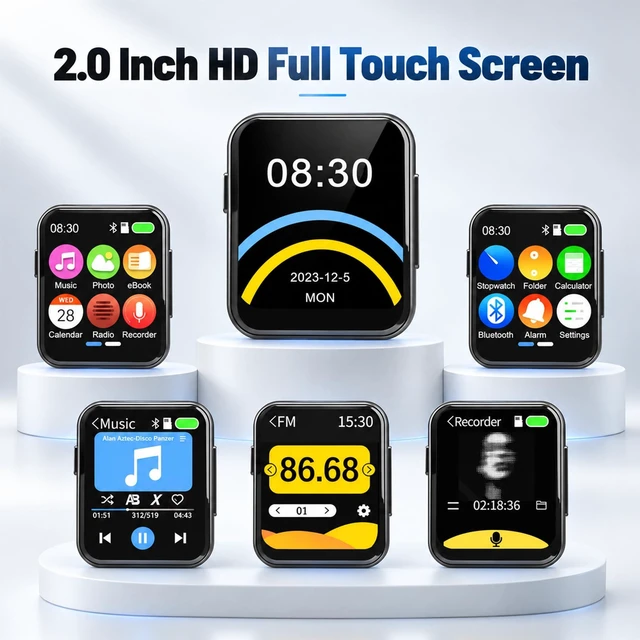
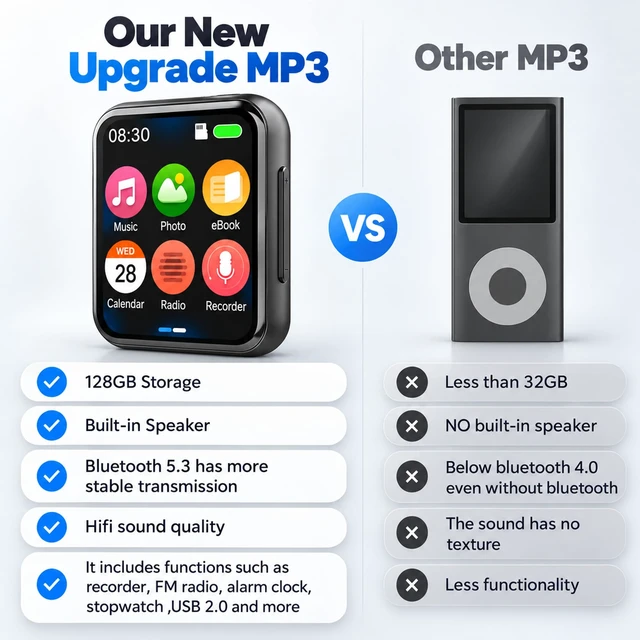
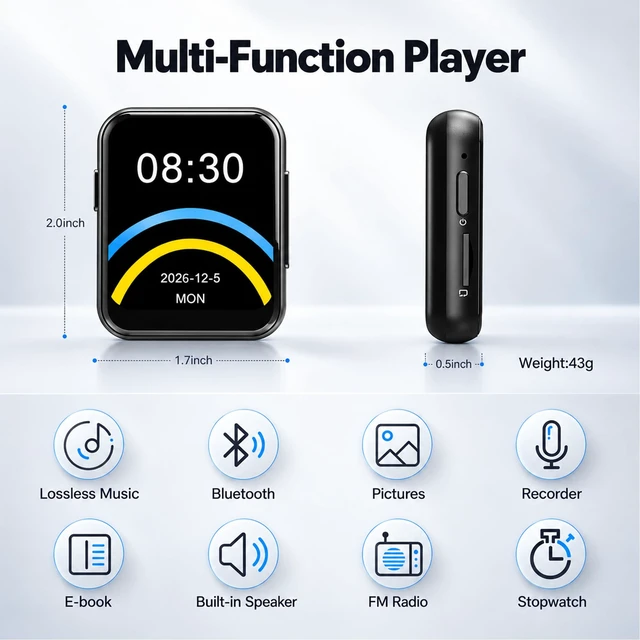



Any questions? Ask CelesteSM will help you find out quickly.

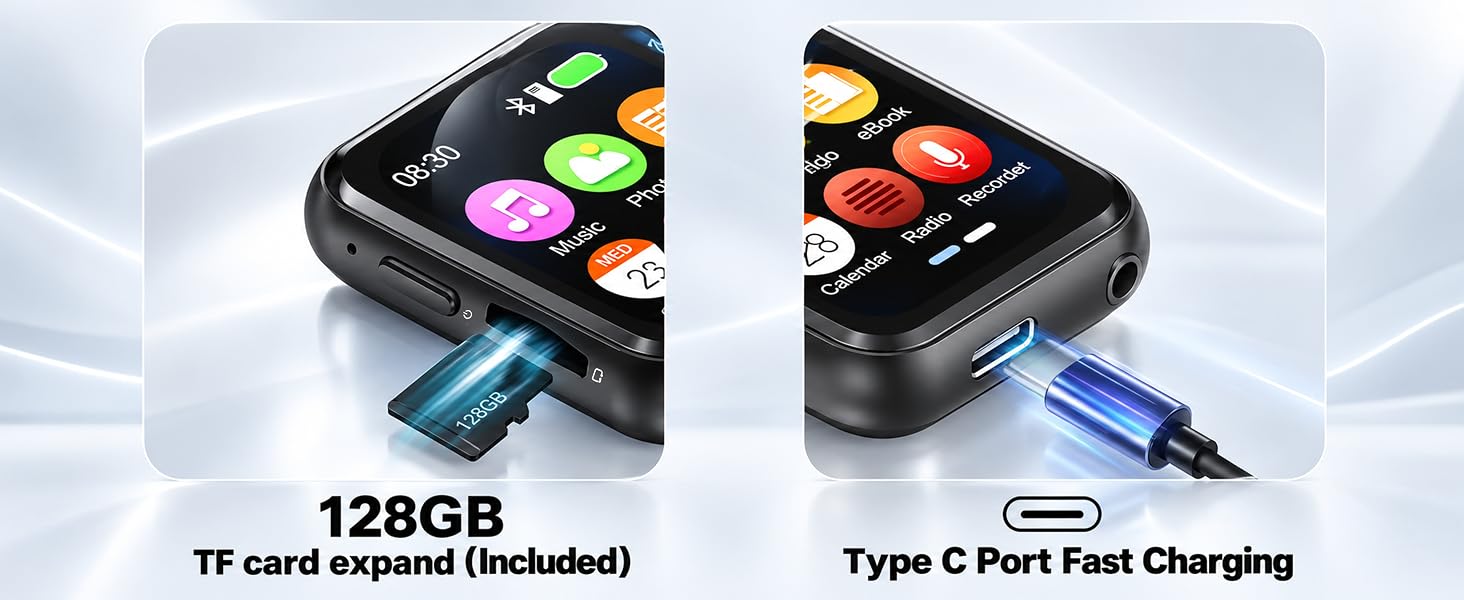

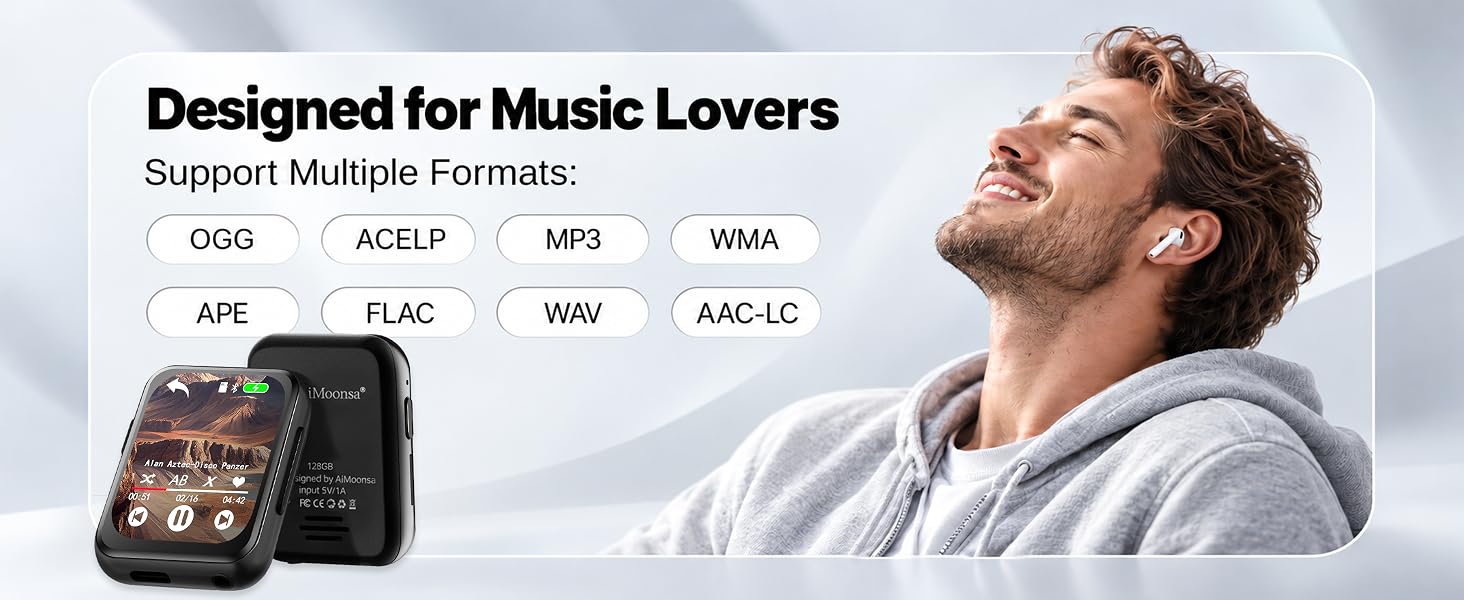
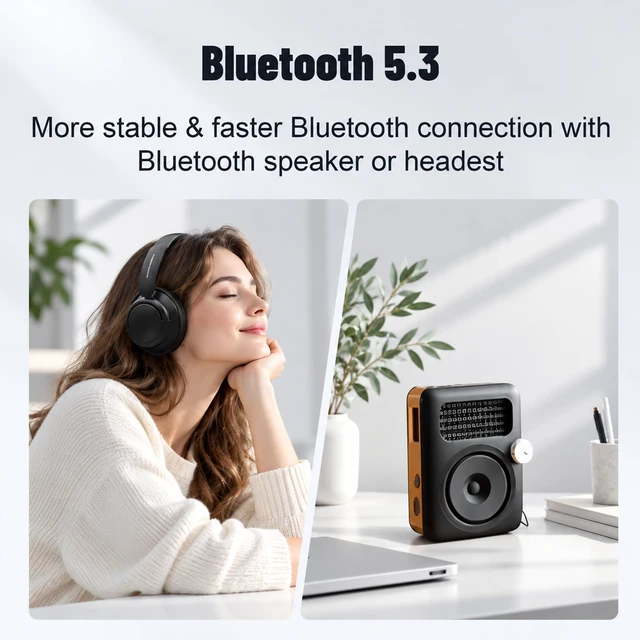
MP3 player cannot be connected with bluetooth headset/speaker.
Confirm no other Bluetooth devices nearby (e.g. your phone). In Bluetooth settings, forget all devices under “MY DEVICES,” then turn off Bluetooth. Reset your Bluetooth headset/speaker, place it near the MP3 player, then search and connect again.
MP3 player Bluetooth searches for the device, but cannot connect successfully.
1. Go to Bluetooth > Paired Devices, select your device, and choose Unpair.
2. Turn Bluetooth off, wait a few seconds, then turn it on.
3. Place your headset/speaker near the MP3 and search again. Repeat if needed.
(a)MP3 player doesn't turn on? (b)Experiencing an 'SD card error'?
(a) Charge the MP3 for 30 minutes, then hold the power button for 15 seconds.
(b) Connect the MP3 to your computer, format the SD card as exFAT, then transfer your music again.
MP3 player screen frozen, unable to operate?
Please ensure not to remove the SD card while playing music. You can long-press the power button for 15 seconds to power on/off. (Note: If it still can't be fixed, we can do a firmware update for you.)


MP3 player cannot be connected with bluetooth headset/speaker.
Confirm no other Bluetooth devices nearby (e.g. your phone). In Bluetooth settings, forget all devices under “MY DEVICES,” then turn off Bluetooth. Reset your Bluetooth headset/speaker, place it near the MP3 player, then search and connect again.
MP3 player Bluetooth searches for the device, but cannot connect successfully.
1. Go to Bluetooth > Paired Devices, select your device, and choose Unpair.
2. Turn Bluetooth off, wait a few seconds, then turn it on.
3. Place your headset/speaker near the MP3 and search again. Repeat if needed.
(a)MP3 player doesn't turn on? (b)Experiencing an 'SD card error'?
(a) Charge the MP3 for 30 minutes, then hold the power button for 15 seconds.
(b) Connect the MP3 to your computer, format the SD card as exFAT, then transfer your music again.
MP3 player screen frozen, unable to operate?
Please ensure not to remove the SD card while playing music. You can long-press the power button for 15 seconds to power on/off. (Note: If it still can't be fixed, we can do a firmware update for you.)


