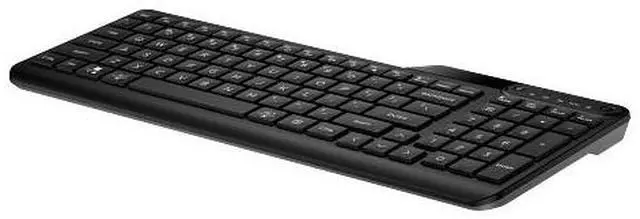
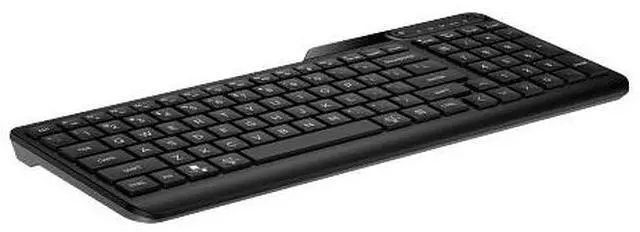
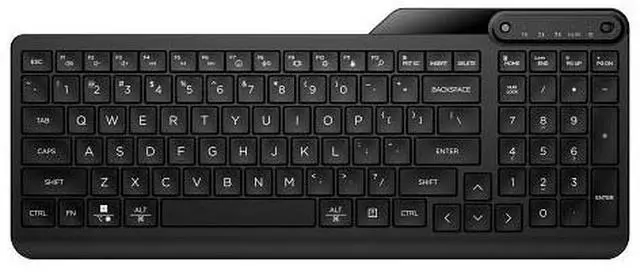
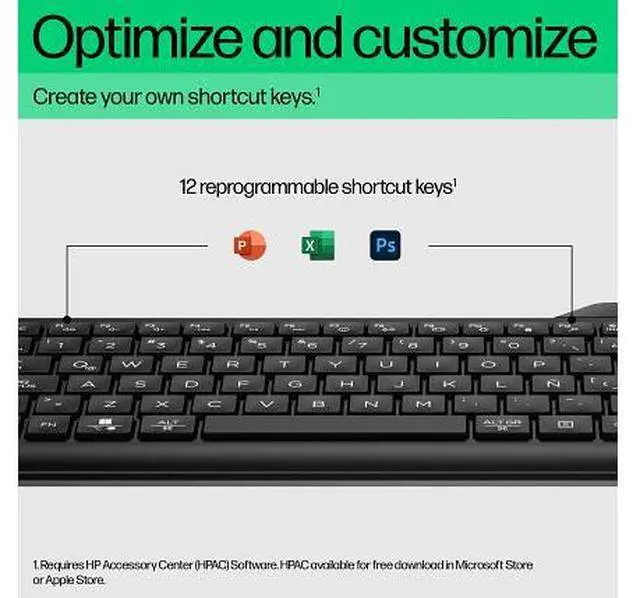
The HP 460 Multi-Device Bluetooth Keyboard is a compact black keyboard with a numpad, Bluetooth pairing for up to three devices, and 12 programmable keys—well suited to people who work across multiple devices and want shortcuts in a portable setup.
Recommended For
- People who regularly switch between a computer, tablet, and phone and want one Bluetooth keyboard that can pair with up to three devices.
- Mobile workers who bring a keyboard between workspaces and still need a number pad and directional keys for everyday office tasks.
- Office or shared-workspace users who prefer quiet, low-profile typing and want programmable function-key shortcuts for recurring tasks.
- Users who want a portable Bluetooth keyboard with a full number pad for spreadsheet entry or other number-heavy work away from a permanent desk.
Real-World Use Scenarios
- When moving between a work computer, tablet, and phone, a user can switch the keyboard among paired devices instead of re-pairing it each time; the result is a more consistent typing setup across devices.
- For working in a café, classroom, or shared office, a user can pack the keyboard and set it up with a compatible Bluetooth device; its compact design keeps a number pad available without requiring a full-size desktop keyboard.
- When entering figures in spreadsheets, forms, or budgets, a user can work from the built-in number pad rather than relying on the keyboard’s top number row; this can make frequent numeric entry more convenient.
- In a quiet home or shared workspace, a user can type messages and documents on the keyboard’s quiet-typing design, which is intended to reduce typing noise compared with louder keyboards.
- For repetitive office tasks, a user can assign shortcuts to the function keys with HP Accessory Center; once configured, common commands or keystroke combinations can take fewer manual steps.




 here!