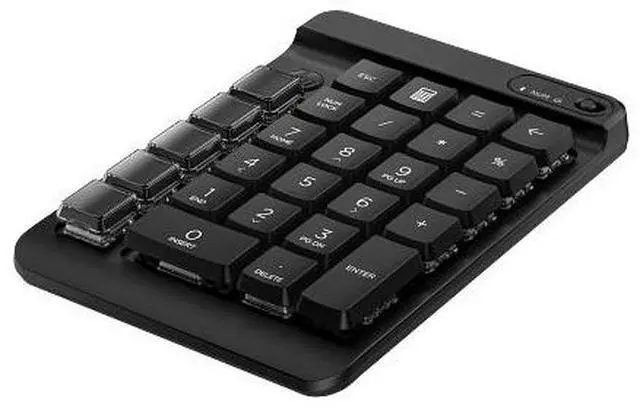
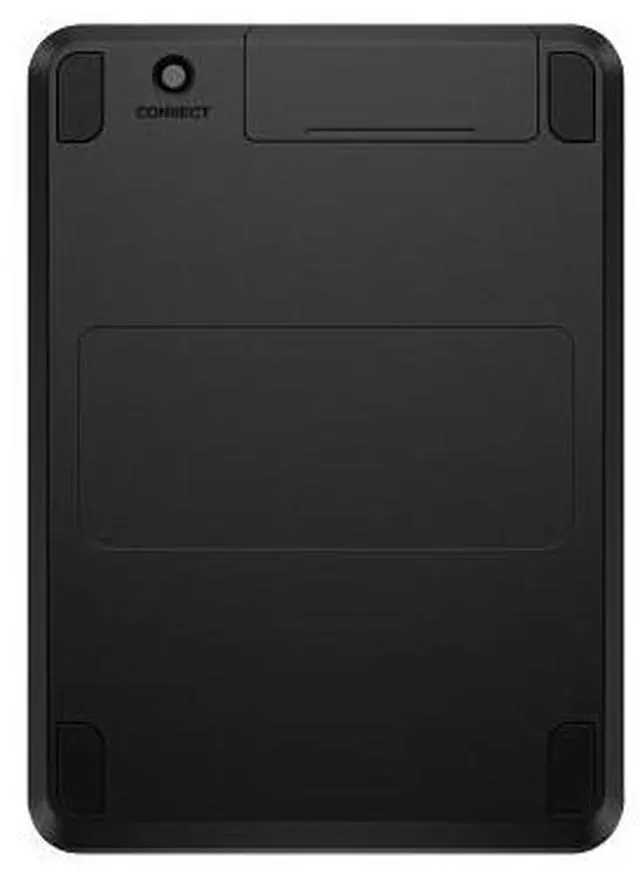
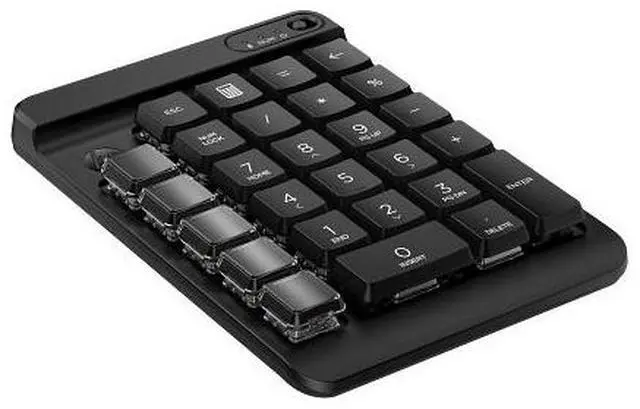
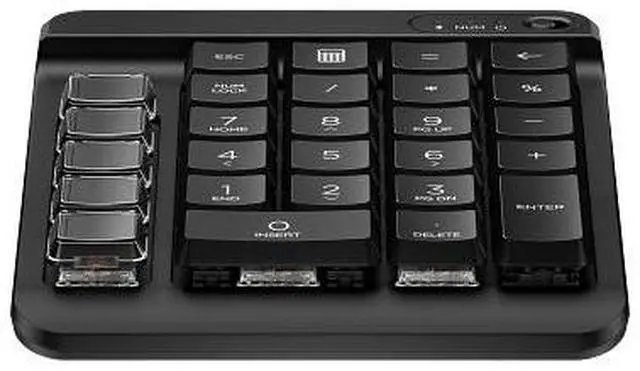
The HP 430 Programmable Wireless Keypad is a black wireless number pad with nine programmable keys and swappable keycaps, suited to people who want numeric-keypad functions plus customizable shortcuts for everyday work.
Recommended For
- Laptop users who regularly enter figures in spreadsheets or forms and want a separate numeric keypad without replacing their compact keyboard.
- Desk-based workers who want a wireless number pad plus extra programmable keys for frequently used shortcuts, provided their workflow fits HP Accessory Center’s options.
- People who want a standalone Bluetooth keypad for a computer and prefer avoiding a separate wireless receiver.
- Users with a fixed workstation who can leave the keypad set up and benefit from dedicated number-entry keys alongside their main keyboard.
Real-World Use Scenarios
- Entering figures in spreadsheets or finance forms on a laptop without a dedicated number pad: the separate keypad provides a numeric layout for entering numbers without relying on the keyboard’s top row.
- Repeating spreadsheet or presentation actions: users can assign programmable keys to tasks such as moving between sheets or inserting pictures and shapes, reducing repeated menu navigation.
- Joining video meetings or managing calls: users can assign keys to supported actions such as mute, unmute, or camera on/off in Zoom or Microsoft Teams, keeping those controls within reach.
- Automating a frequently repeated keystroke combination: after configuring a programmable key in HP Accessory Center, users can trigger that sequence with one press instead of entering it each time.
- Adding shortcuts to a compact desk or laptop setup: the wireless keypad can sit separately from the main keyboard, giving users a dedicated number pad and configurable keys without replacing their existing keyboard.




 here!