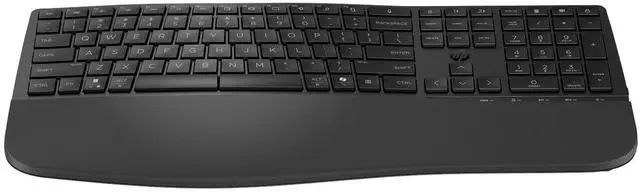
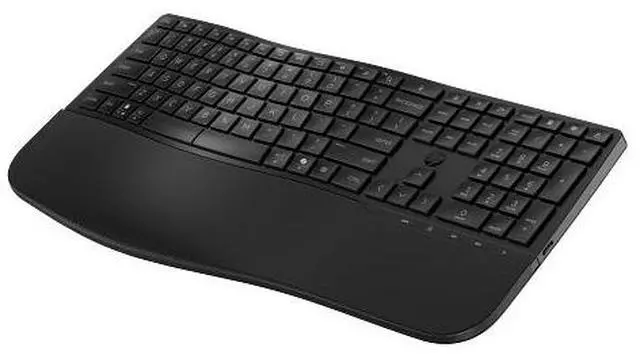
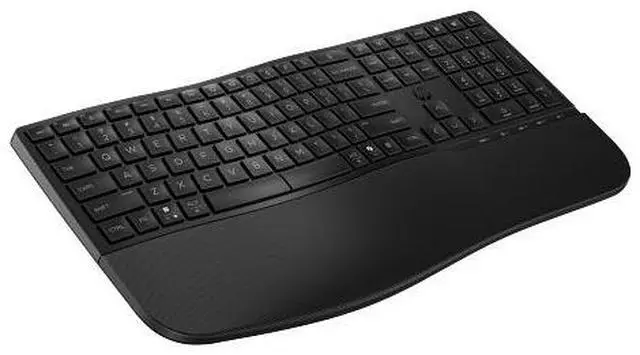
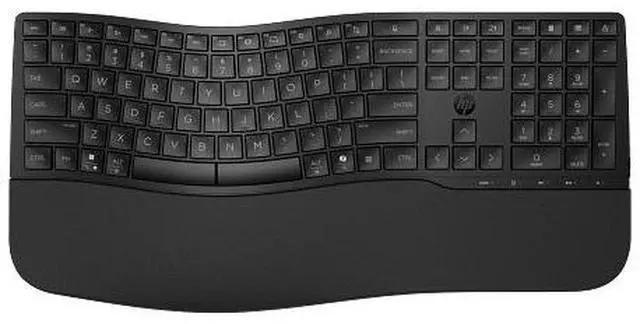
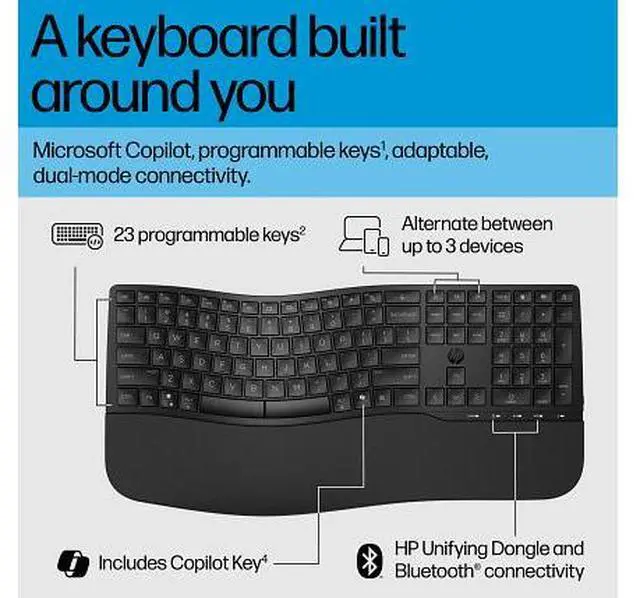
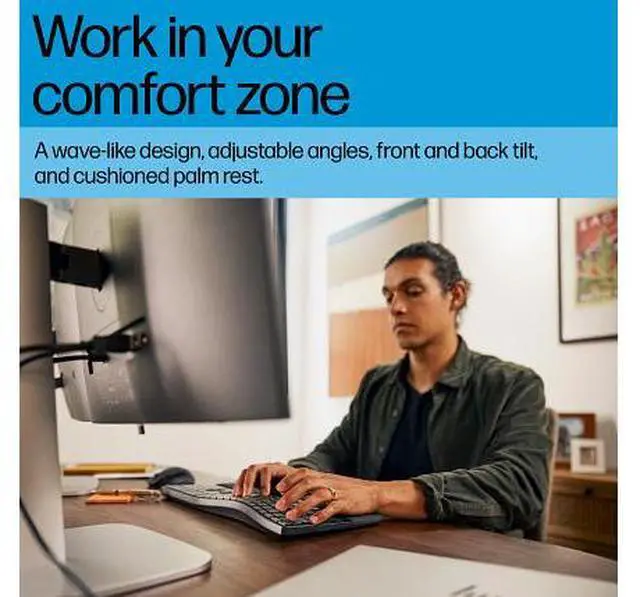
The HP 680 Comfort Dual-Mode Keyboard is a full-size keyboard with a wave-like shape, cushioned palm rest, and adjustable typing positions, making it suitable for people who spend long hours typing and want a comfort-focused desktop setup.
Recommended For
- Desk-based writers and office workers who type for long stretches and want a wave-shaped, full-size keyboard with a cushioned palm rest and adjustable typing angles.
- People who alternate between a work computer and another device and want to connect by Bluetooth or the HP Unifying Dongle across supported operating systems.
- Office users who prefer quieter key presses and want programmable shortcuts for frequently used commands; shortcut customization requires HP Accessory Center software.
- Users replacing a conventional full-size keyboard who want a comfort-oriented shape without switching to a split keyboard; an HP customer specifically compared its shape favorably with the Microsoft Sculpt Comfort.
Real-World Use Scenarios
- For a workday spent writing emails, reports, or spreadsheets, the wave-like layout, cushioned palm rest, and adjustable typing angles provide several ways to set up the keyboard for a more comfortable-feeling typing position.
- When moving between a personal laptop and a work computer, users can pair the keyboard over Bluetooth or use the included HP Unifying Dongle, then switch among connected devices instead of reconnecting from scratch.
- In a shared office or quiet home workspace, the quiet keycaps are intended to reduce typing noise, making routine writing and data entry less intrusive to nearby people.
- For repetitive computer tasks, users can assign shortcuts to programmable keys through HP Accessory Center, reducing the need to repeatedly navigate menus or remember multi-key commands.
- At a desk where accidental splashes are a concern, the spill-resistant design can help protect the keyboard during everyday use; it should not be treated as waterproof or submerged.




 here!