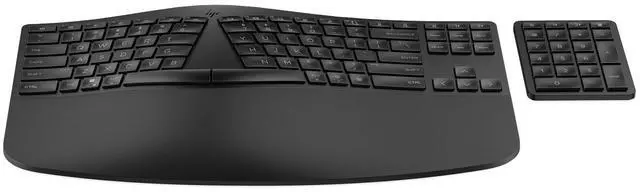
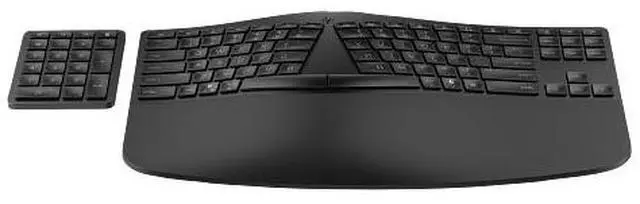
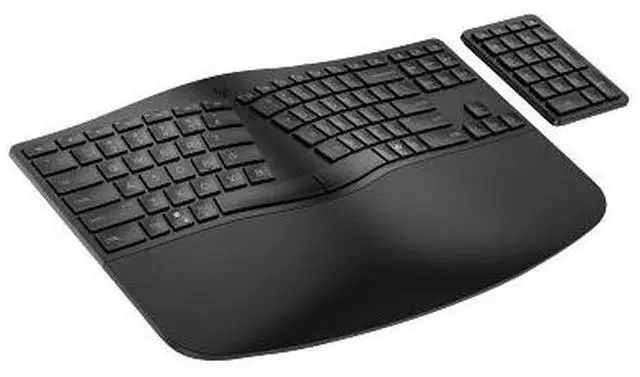
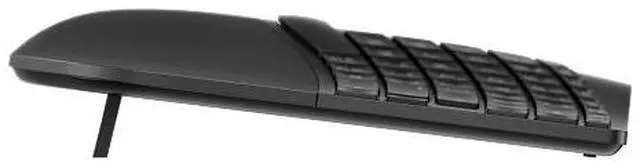
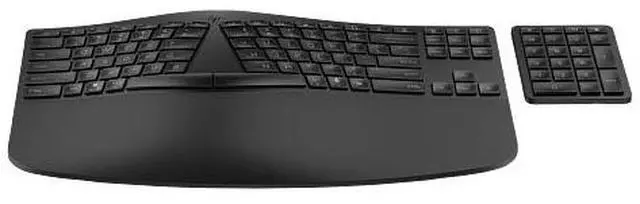
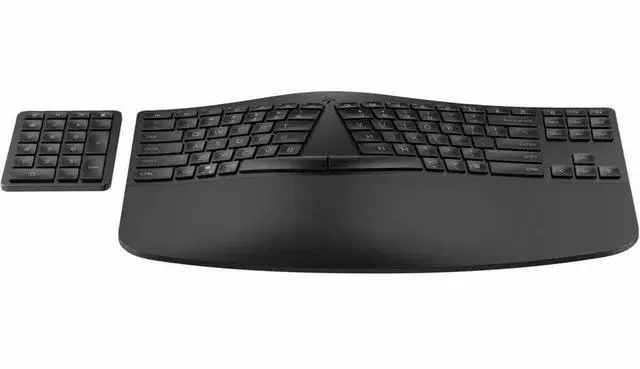
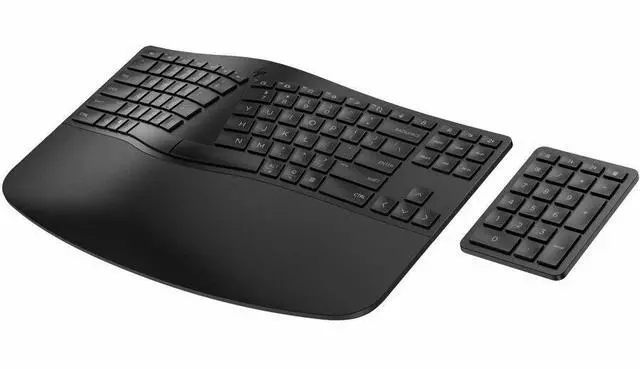
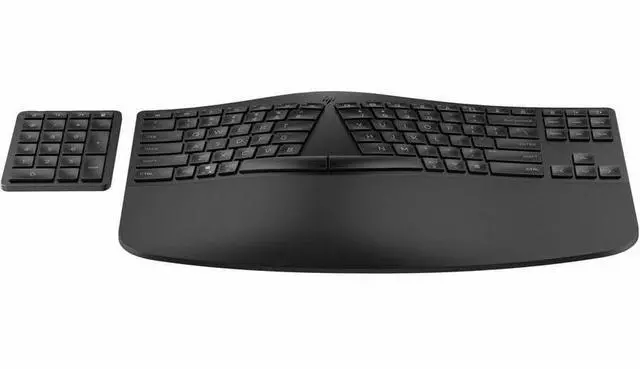
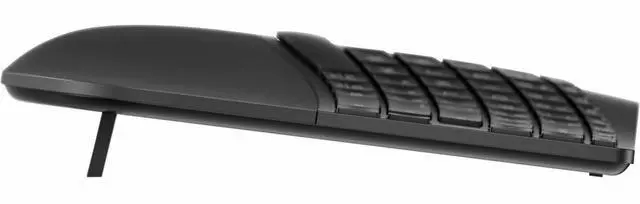
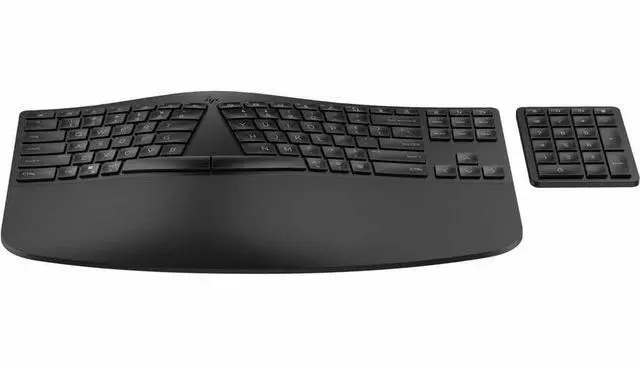
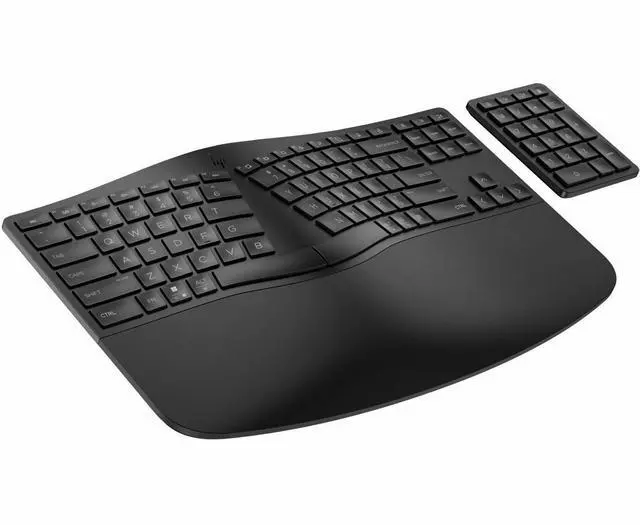
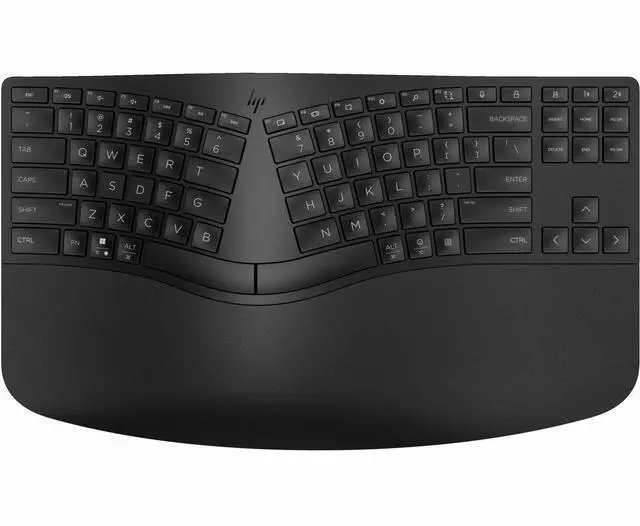
The HP 965 Ergonomic Wireless Keyboard for business is a wireless keyboard with a split-zone ergonomic layout and separate numeric keypad, suited to office users who want an adaptable typing setup.
Recommended For
- Office and home-office workers who type for long stretches and want a gentler ergonomic transition than a fully split keyboard; HP describes the 965’s wave layout and cushioned palm rest as suited to preventive comfort.
- People who regularly enter numbers but want flexibility in desk layout: the separate wireless numpad can be positioned where it is convenient or moved aside when not needed.
- Desk-based users who switch among a work computer and other devices; the keyboard supports Bluetooth and wireless-dongle connections and can connect to up to three devices.
- Quiet-office users who prefer low-profile, quiet typing and want to customize shortcuts for recurring work tasks; HP lists quiet keys and up to 20 programmable keys.
Real-World Use Scenarios
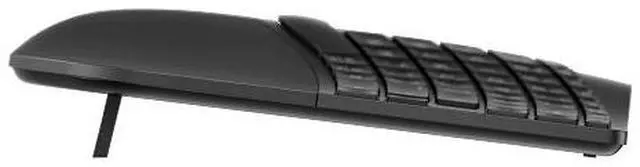
- For a workday with frequent emails, documents, and messaging, the split-zone layout, negative tilt, and cushioned palm rest are designed to support a more natural typing position; comfort will still depend on the user’s setup and adjustment to the layout.
- When entering figures in spreadsheets or business forms, users can bring the separate numeric keypad close for data entry, then move it aside when they need more room for the mouse or other desk tasks.
- For recurring office tasks, users can program supported keys as shortcuts in HP Accessory Center, reducing the need to repeatedly navigate menus or remember multi-key commands.
- For someone alternating between a work computer and another compatible device, multi-device wireless support lets them switch the keyboard between up to three paired devices instead of keeping a separate keyboard at each desk.
- On a desk where mouse position or available space changes, the detached keypad can be placed on either side of the keyboard or put away when numeric entry is not needed.
- In a shared or quiet office, the keyboard’s quiet-key positioning is intended to make routine typing less disruptive to nearby coworkers.




 here!