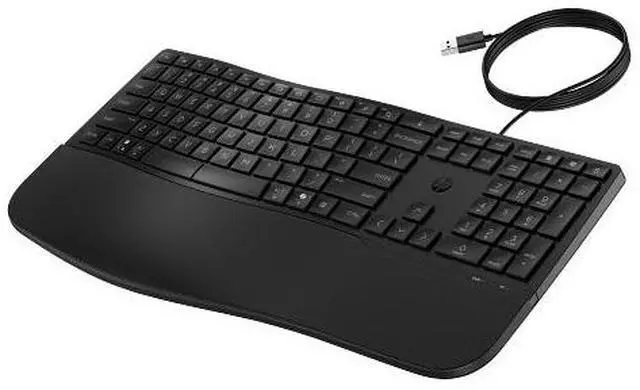
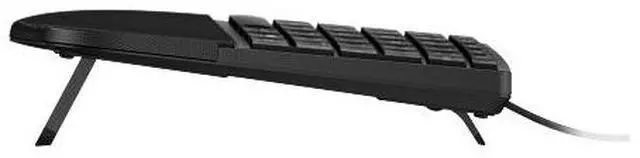
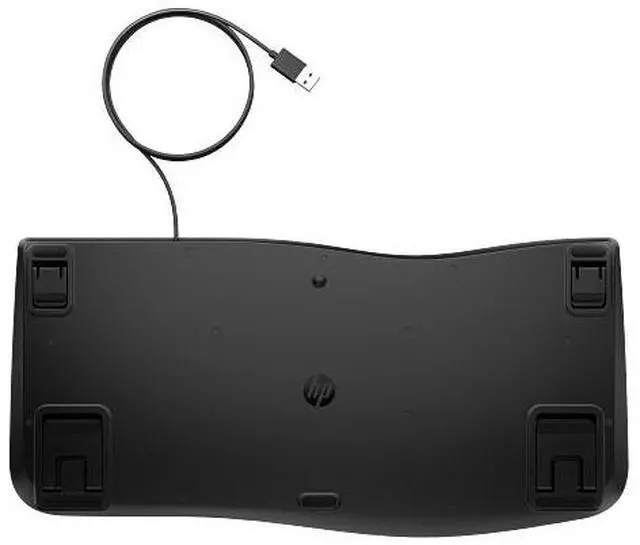
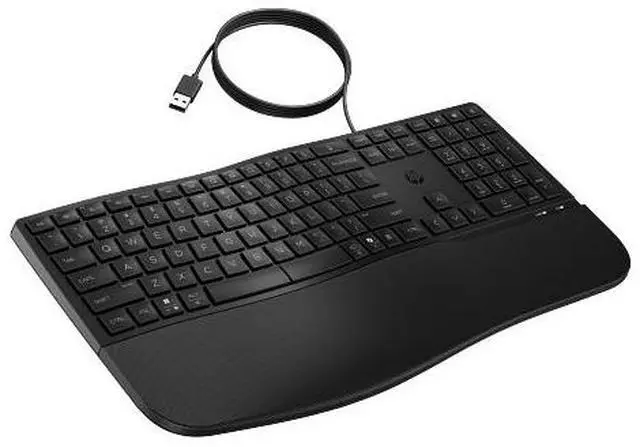
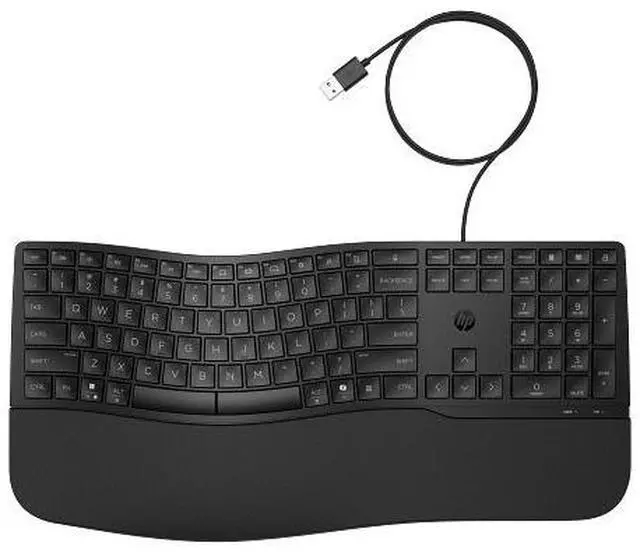
The HP 480 Comfort Wired Keyboard is a full-size wired keyboard with a wave-like shape, soft palm rest, and adjustable typing angle, suited to people who type for long periods at a desk and want added comfort.
Recommended For
- People who spend much of the workday writing, coding, or doing other sustained typing and want a wave-shaped keyboard, cushioned palm rest, and adjustable typing angle.
- Desk-based workers who want a dependable USB connection and programmable keys for frequently used work shortcuts, rather than a wireless setup.
- People typing in shared or quieter work areas who prefer the keyboard’s quiet keycaps over louder typing sounds.
- Users with a USB-A-equipped Windows, macOS, or ChromeOS computer who want a wired keyboard that supports multiple operating systems.
Real-World Use Scenarios
- For a workday spent writing, editing documents, or coding, the wave-shaped layout, cushioned palm rest, and quiet keycaps are designed to support extended typing with a more comfortable, quieter feel.
- When a desk setup needs a keyboard that is ready without wireless pairing or charging, connect its USB-A cable to a compatible computer and use it for everyday typing.
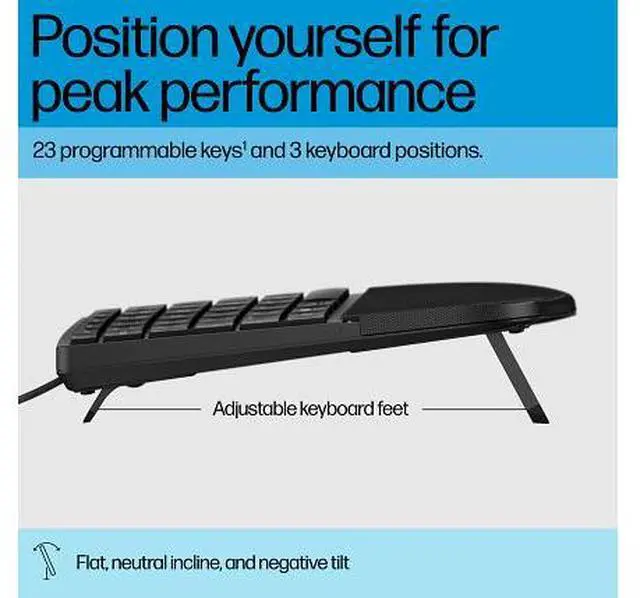
- For users who find standard keyboard angles uncomfortable, switch among the flat, neutral-incline, and negative-tilt positions to find a typing angle that better suits their desk and posture.
- For repetitive office tasks, configure programmable keys for frequently used shortcuts or actions; this can reduce the need to repeat multi-key shortcuts, with setup handled through HP Accessory Center software.
- For a desk used with different operating systems, connect the keyboard to a compatible USB-A port; HP lists support for Windows, macOS, iOS, and ChromeOS, though available functions can vary by system.
- At a desk where small spills are a concern, the spill-resistant design offers some added protection, but it should not be treated as waterproof or submerged.




 here!