Weather Alert: Severe winter storms may impact delivery times in some regions. We appreciate your patience as carriers work to deliver orders as quickly as possible. UPS Service Alerts.
  • $64.99
  • Free 30-day Returns
  • Price alert
    Shop it at NeweggBusiness.

    Meet Your Seller

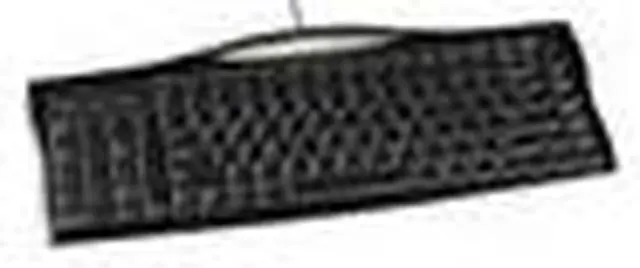
    EVOLUENT R3K Evoluent Keyboard R3K Reduced Reach Right-Hand Keyboard

    +
    +
    Overview
    Specs
    Reviews
    avatar

    Any questions? Our AI beta will help you find out quickly.

    Features:

    • The Evoluent keyboardâ??s numeric keypad is uniquely on the left side to let you put the mouse much closer.
    • A conventional keyboard forces you to frequently move your right hand from the mouse to the keyboard to press Enter Del Page Up Page Down Backspace Home and End.
    • Positions often-used keys duplicated on both sides.
    • The left side navigation and numeric keys may be operated with your left hand to reduce reaching for them while using a right-hand mouse.
    • Offers dedicated Windows shortcut keys that are accessed with one touch.
    • Full size arrows Del F keys Ctrl Alt Page Up Page Down Home and End keys.
    • Tactile bumps on often used keys such as Ctrl Del Home Page Down and down arrow to aid operation by touch.
    • High quality scissor key mechanisms with crisp action and no key cap wobble.
    • Connectivity: Wired USB
    • Dimensions: 15.9â?³ / 40.3 cm W x 6.7â?³ / 17.1 cm D x 0.8â?³ / 2.0 cm H
    • Weight â?? 24.8 oz / 704 g
    • Compatibility: No driver download necessary. Windows XP or newer is required for top row hot keys. Works with other operating systems such as Mac Linux and Unix except for the hot keys.

    The Evoluent R3K Reduced Reach Left-Hand Keyboard allows the user who mouses with the right hand to balance the load between the left and right sides of the upper body reducing the stress on the shoulder muscles of the mousing side. Having the number pad to the left side of the keyboard the Evoluent Reduced Reach Left-Hand Keyboard makes it possible to input numbers with the left hand and to mouse with the right. With only a single column of navigation keys along the right edge the keyboard allows the mouse to be placed in a comfortable position more directly in line with the right shoulder.

    Warranty & Returns

    Warranty, Returns, And Additional Information

    Warranty

    • Please contact the Seller directly for warranty information. Warranty information may also be found on the Manufacturer's website.
    • Read full details
    • CONTACT

    Return Policies

    • Return for refund within: 30 days
    • Return for replacement within: 60 days
    • This item is covered by ErgoWorks Return Policy

    Manufacturer Contact Info

    LOADING...