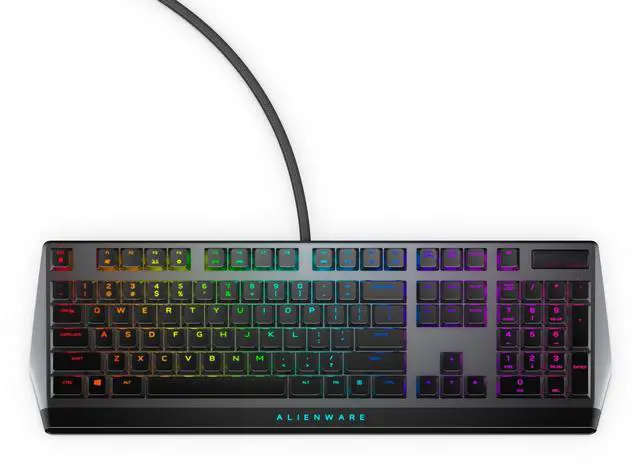
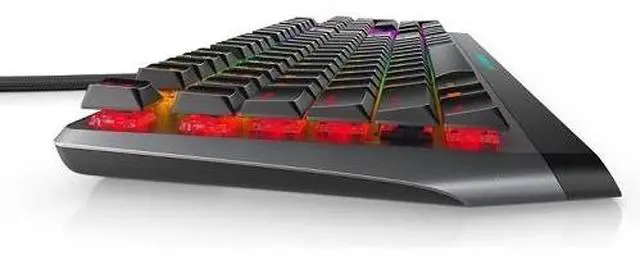
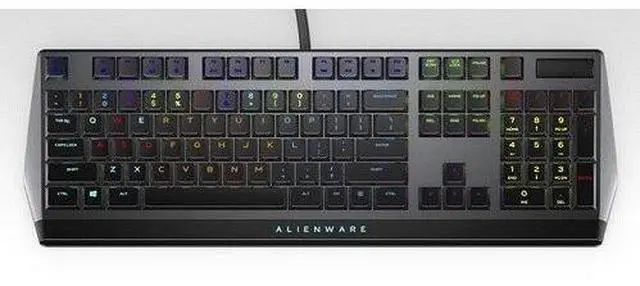
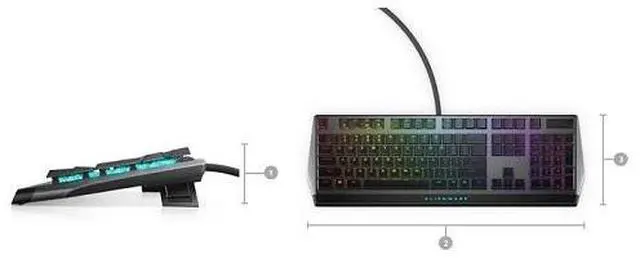
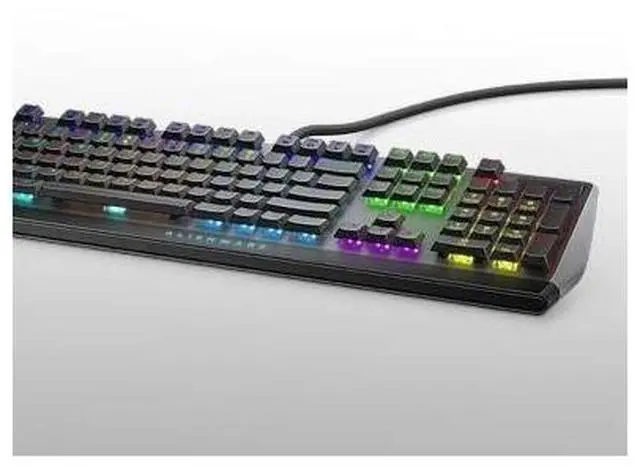
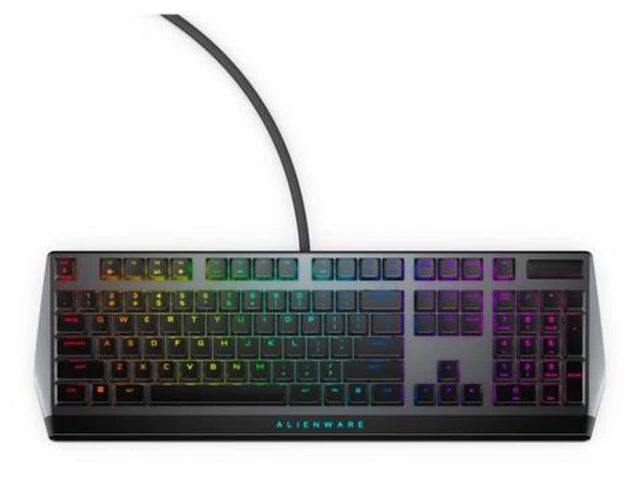
The Alienware 510K AW510K is a low-profile RGB mechanical gaming keyboard in English-US layout, suited to PC gamers who want mechanical keys and customizable-looking RGB lighting in a slimmer-profile design.
Recommended For
- PC gamers playing fast-paced shooters, MOBAs, or MMOs who prefer smooth, linear keypresses and shorter travel for rapid repeated inputs.
- Desk-based users who move between gaming and everyday typing and want a low-profile mechanical feel; GamesRadar+ also found it comfortable for office typing.
- Alienware PC owners who want per-key RGB, programmable macros, and settings managed through Alienware Command Center.
- Users with a permanent desk setup who want a full-size keyboard with a number pad, dedicated media controls, and a USB passthrough for a wired accessory.
Real-World Use Scenarios
- In fast-paced action games, a player can make repeated movement and ability inputs with the low-profile keys; a review describes their shorter travel and responsive feel as suited to quick play.
- When switching between gaming and everyday typing, users get a mechanical keyboard experience with a low-profile layout; a reviewer found it comfortable for both gaming and office typing.
- For games or workflows that use custom key assignments, users can program keys for preferred commands, helping keep frequently used actions within reach.
- At a desk shared between gaming and other computer tasks, the dedicated volume control lets users adjust or mute audio without reaching for on-screen controls.
- For a setup where users want to connect a nearby USB accessory, the keyboard’s USB passthrough can provide a convenient connection point at the desk.




 here!