




 here!
I’m your shopping assistant for PC builds, upgrades, and everything tech.
Got questions? Ask away!
Start a conversation
here!
I’m your shopping assistant for PC builds, upgrades, and everything tech.
Got questions? Ask away!
Start a conversation Top Rated







Any questions? Ask CelesteSM will help you find out quickly.
We want to ensure your holiday shopping this year is hassle-free. That’s why we’re automatically extending our return policies on almost every product! For purchases placed between November 1st, 2026 and December 31, 2026 you will have until January 31, 2027 to return your product.
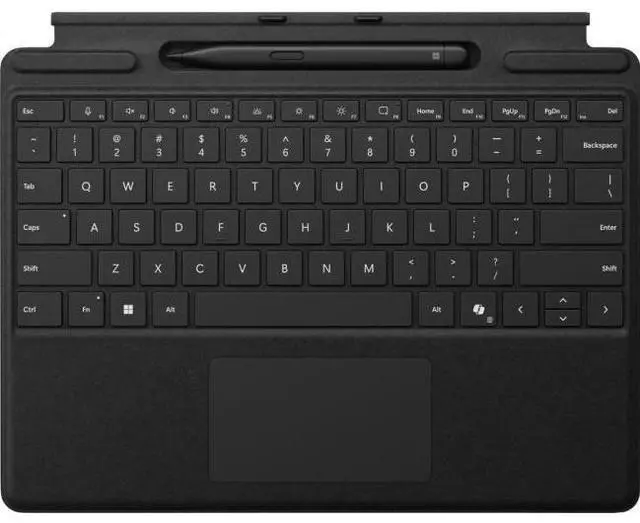
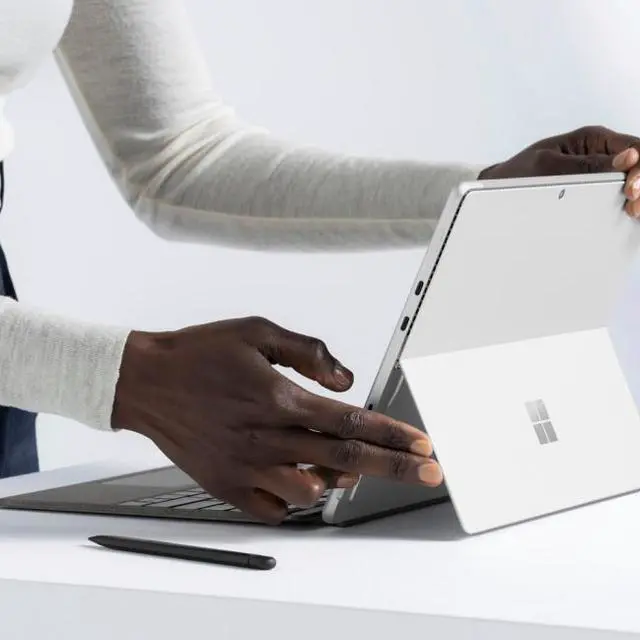
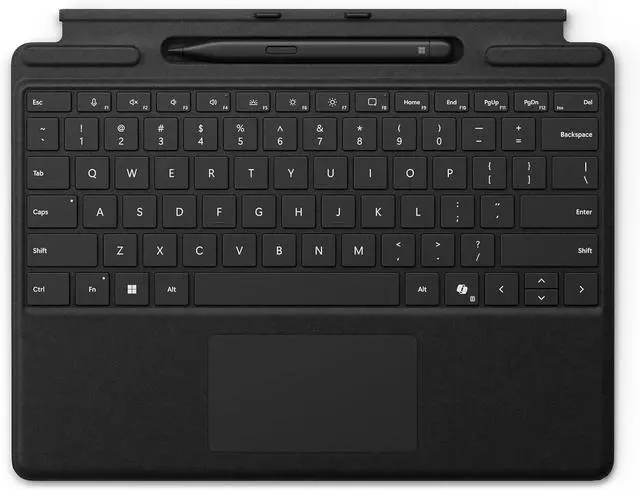
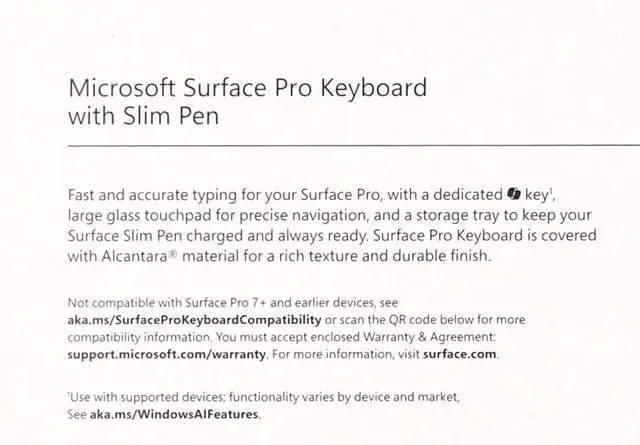
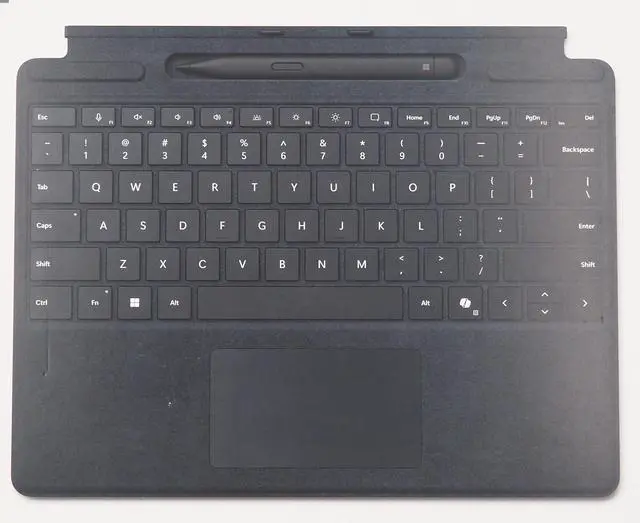
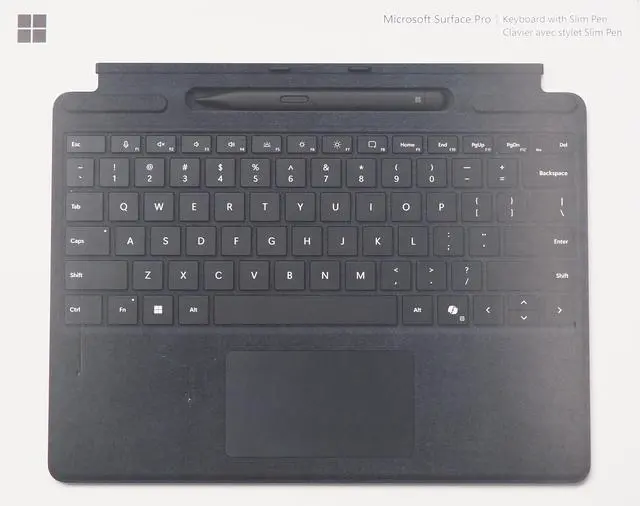
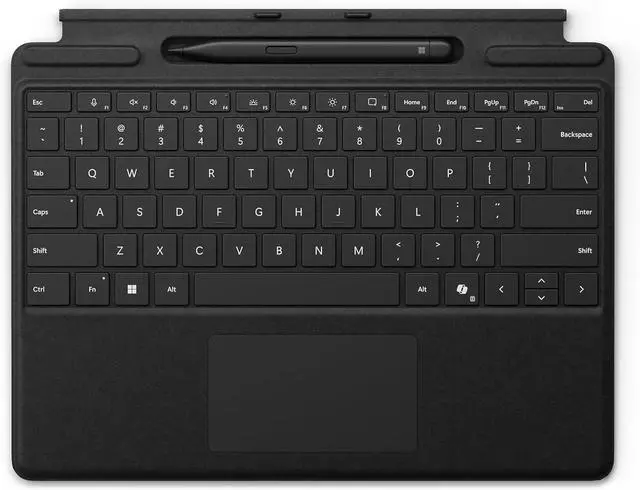
Microsoft Surface Slim Pen (2nd Edition) and Pro Keyboard is a keyboard-and-stylus bundle for Surface Pro 11th Edition, Surface Pro 9, and Surface Pro 8, designed for users who want laptop-style typing and natural on-screen writing in one portable setup.
| Attribute | Value |
|---|---|
| Best For | Users of Microsoft Surface Pro (11th Edition/Copilot+), Surface Pro 9 and Surface Pro 8 who want a combined keyboard and Slim Pen solution for typing and on‑screen writing |
| Compatibility And Platform | Compatible with Microsoft Surface Pro (11th Edition/Copilot+), Surface Pro 9 and Pro 8; hardware platform and OS family: Windows (minimum required version Windows 10); platform for display: Surface |
| Bundle Contents | Keyboard + Surface Slim Pen (2nd Edition) bundle; sold as a single unit (unit count 1, package quantity 1) |
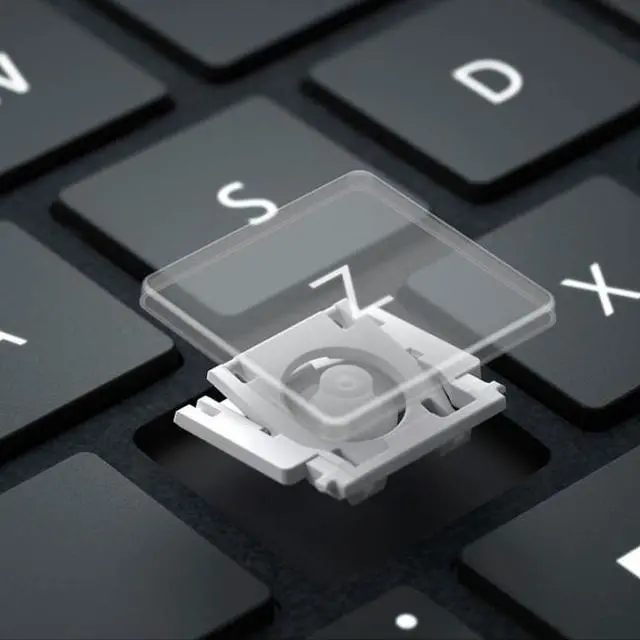
| Keyboard Specifications | QWERTY mechanical keyboard with 78 buttons/keys, switch type listed as "Linear or Clicky or Tactile", single‑color backlighting, ambidextrous orientation |
| Materials And Color | Alcantara-covered keyboard surface in Black |
| Power And Batteries | Power source: battery powered; contains one lithium‑ion cell (1 Watt hour) and lists lithium batteries as "contained in equipment"; listings indicate batteries are not required and not included (number of batteries entries present) |
| Dimensions And Weight | Item dimensions 12.5 x 10 x 0.75 inches with item weight 0.6 pounds; package dimensions 1.7018 x 25.2984 x 31.8008 centimeters with package weight 0.63 kilograms |
| Connectivity And Controls | Connectivity listed as "Surface"; pattern field indicates no Bluetooth connectivity |
| Model Identifiers | Microsoft model number 8X6-00168, model name "Surface Accessories", brand/manufacturer Microsoft |
| Additional Features | Marketed as portable; style name Direct; edition: Pro; language: English |
Q: Should I get this Surface Pro Keyboard bundle with Slim Pen 2 or the Surface Pro Flex Keyboard?
A: Choose this bundle if you want the core Surface Pro setup: a first-party keyboard, built-in pen storage and charging, and the Slim Pen 2 included in one package. Choose the Surface Pro Flex Keyboard if detached wireless typing matters to you, because Microsoft positions Flex as the model that works both attached and detached and supports wireless use away from the tablet. The trade-off is that Flex is the more premium option, while this bundle is the more straightforward keyboard-and-pen purchase for Surface Pro 11, Pro 9, or Pro 8 owners.
Q: Is this bundle better than buying a separate Bluetooth keyboard for a Surface Pro?
A: This bundle is the better fit if you want your Surface Pro to behave like a 2-in-1 rather than a tablet with separate accessories. It attaches directly to the device, includes a large trackpad, and stores and charges the Slim Pen 2 in the keyboard. A separate Bluetooth keyboard makes more sense if you mainly use your Surface Pro docked at a desk and do not need pen storage integrated into the keyboard.
Q: Should I buy this keyboard-and-pen bundle or just get the keyboard and add a pen later?
A: Buy this bundle if you already expect to take notes, mark up PDFs, sketch, or use handwriting in OneNote and Windows apps. The bundle gives you the Slim Pen 2 from day one and keeps charging and storage integrated into the keyboard. If your use is mostly typing and trackpad navigation, buying only the keyboard can be the simpler choice and leaves the pen as a later add-on.
Q: Is this a meaningful upgrade from an older Surface Pro Signature Keyboard setup?
A: It is usually a practical upgrade if you are moving to Surface Pro 11, Pro 9, or Pro 8 and want current compatibility with pen storage and charging in a keyboard made for those models. It is less of an upgrade if your existing Signature Keyboard already meets your needs, because the main buying decision is usually compatibility and whether you need the included Slim Pen 2 now, not a major change in basic keyboard function.
Q: Does the keyboard store and charge the included Slim Pen 2, or do I need a separate charger?
A: Yes. For this Surface Pro keyboard family, the Slim Pen 2 sits in the built-in storage tray and charges there. For most buyers, that means the bundle is the simplest way to get both typing and pen support without needing a separate pen charger.
Q: Will this keyboard and pen bundle work with older Surface models like Surface Pro 7 or Pro X?
A: No. Based on the product listing, this bundle is for Surface Pro (11th Edition), Surface Pro 9, and Surface Pro 8. Buyers with older models such as Surface Pro 7 should not assume compatibility. If you need Pro X support, that is a different keyboard bundle generation.
Q: Is this a good setup for note-taking, meetings, and office work?
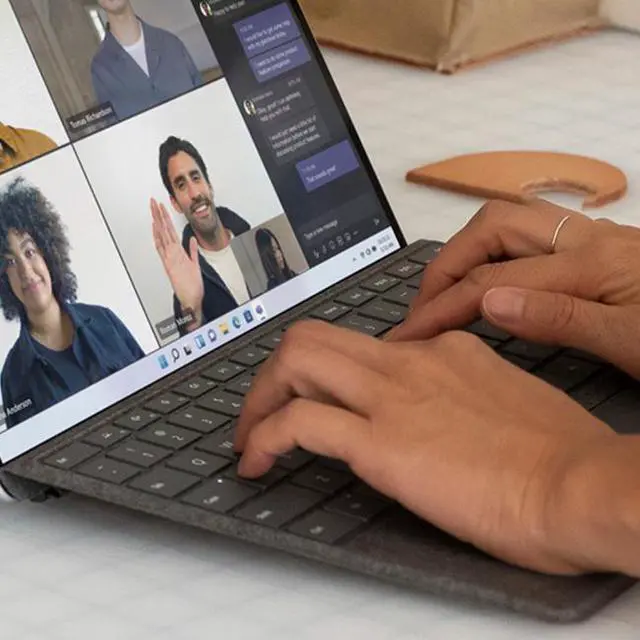
A: Yes, if you want both laptop-style typing and handwritten input. The bundle is well suited to meetings, document markup, note-taking, and general office work because it combines a full keyboard, large trackpad, and a rechargeable Slim Pen 2 in one accessory set. The main trade-off is cost: it makes the Surface Pro more useful, but it is an added premium accessory rather than a basic keyboard.
Q: Is it worth buying for travel or hybrid work?
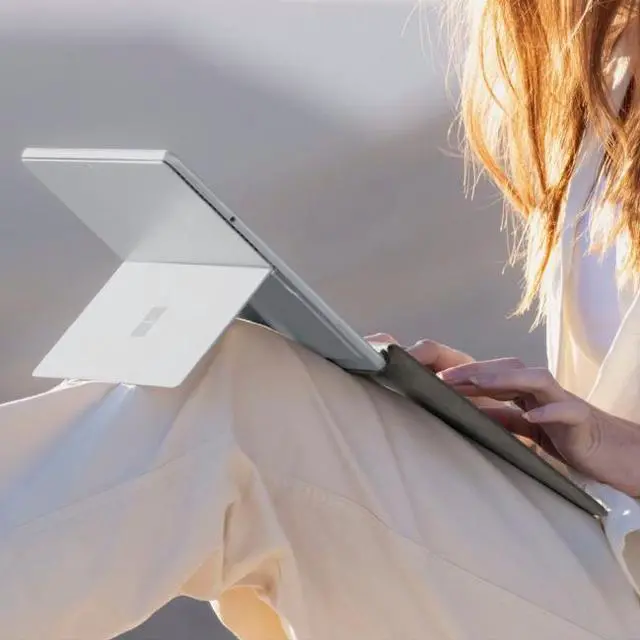
A: For frequent travelers and hybrid workers, it is a practical add-on because it gives the Surface Pro a more complete laptop-like setup while keeping the pen stored with the device. It is a better fit for people who work in email, documents, web apps, and meetings than for buyers who mainly use the Surface Pro as a tablet. The trade-off is that Alcantara-covered keyboards are premium accessories and not the cheapest option.
Q: Should I buy this bundle instead of the keyboard-only version or the Flex Keyboard?
A: Buy this bundle if you know you will use pen input for note-taking, markup, or sketching, because it includes the Slim Pen 2 and keeps charging simple. Choose the keyboard-only version if you mainly type and do not need a pen. Consider the Flex Keyboard if you specifically want the higher-end detachable workflow and accessibility-focused touchpad features, but it costs more.
Q: Is the Surface Pro Keyboard with Slim Pen 2 worth buying if you plan to type and handwrite regularly?
A: Usually yes for mixed typing and note-taking. This bundle combines a keyboard, large trackpad, and included Slim Pen in one accessory, so it is most suitable for Surface Pro users who switch often between laptop-style work and handwriting. The main trade-off is price versus buying a keyboard and pen separately or choosing a cheaper third-party keyboard.
Q: Who is this bundle best suited for?
A: It is best for Surface Pro 8, Pro 9, and Pro 11 users who want one first-party accessory for typing, navigation, and on-screen writing. It fits buyers who value pen storage and charging in the keyboard, and who want a setup designed specifically for those Surface Pro models rather than a generic keyboard case.
Q: Is this a good choice for note-taking and work on the go?
A: Yes, if you want a single travel-friendly accessory that supports both typing and handwritten notes. The included Slim Pen and integrated keyboard reduce the need to carry separate accessories, which makes it practical for meetings, classes, and mobile work. It is less compelling if you mostly type and rarely use a pen.
Q: What are the main trade-offs of choosing this Microsoft keyboard and pen bundle instead of cheaper alternatives?
A: The main advantage is integration: official compatibility with Surface Pro 8, Pro 9, and Pro 11, plus built-in pen inclusion and a large trackpad. The main trade-offs are higher cost and some user concern in discussions about long-term keyboard or pen-charging reliability. If you mainly need typing, a lower-cost keyboard may be enough.


