




 here!
here!
I’m your shopping assistant for PC builds, upgrades, and everything tech.
Got questions? Ask away!
Start a conversation
here!
I’m your shopping assistant for PC builds, upgrades, and everything tech.
Got questions? Ask away!
Start a conversation Top Rated




Any questions? Ask CelesteSM will help you find out quickly.
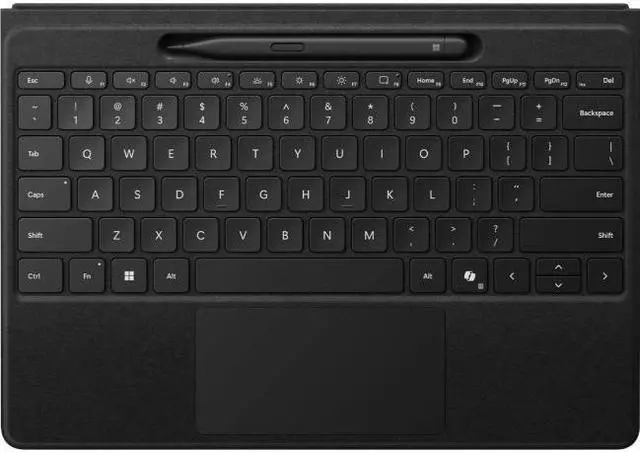
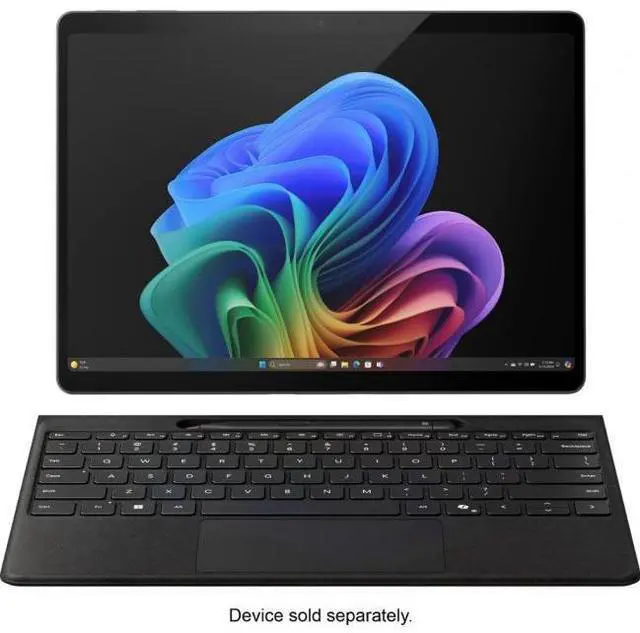
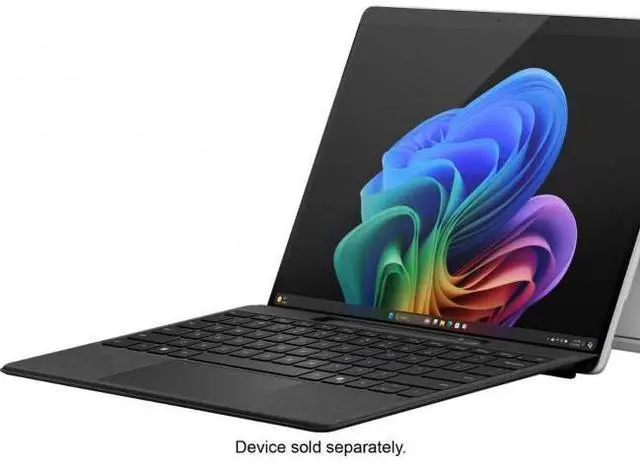
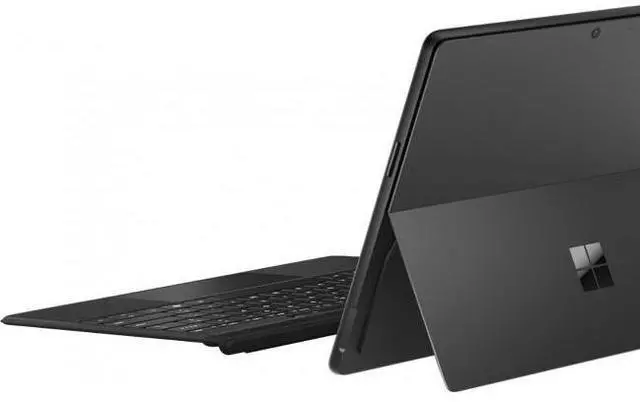
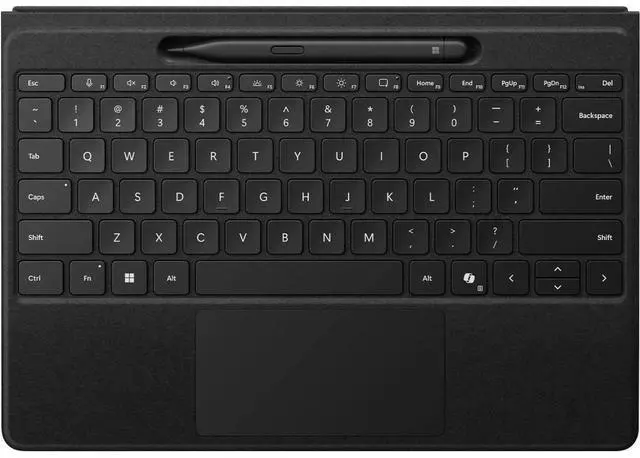
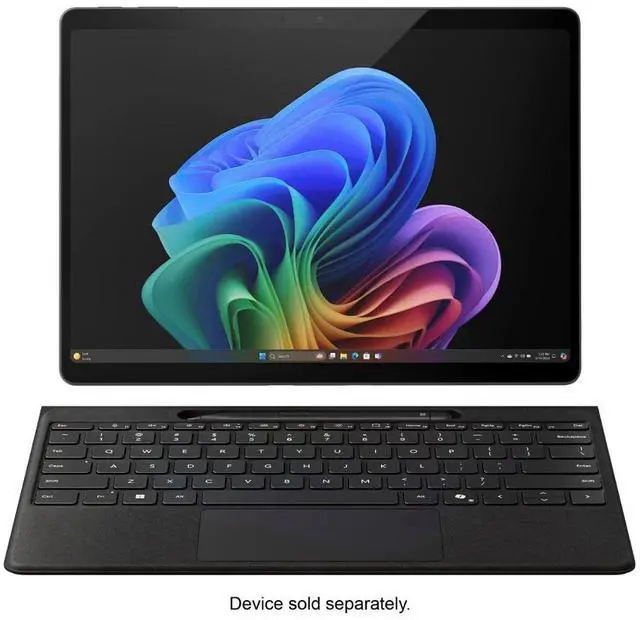
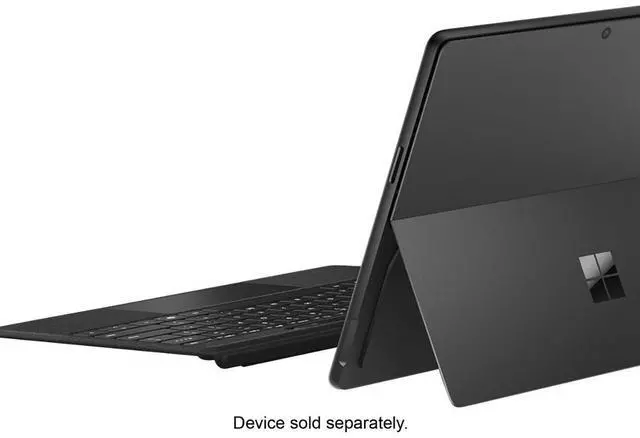
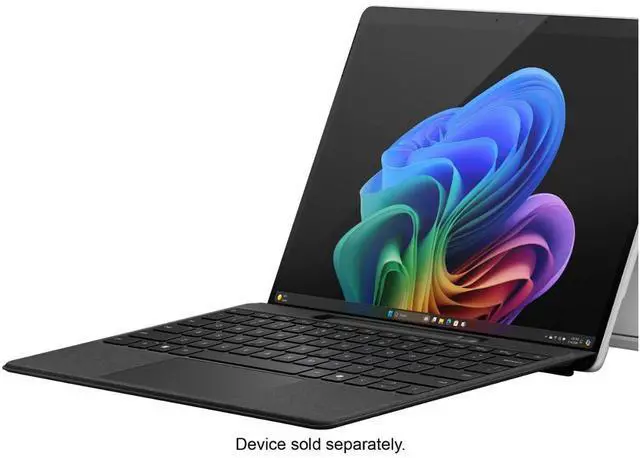
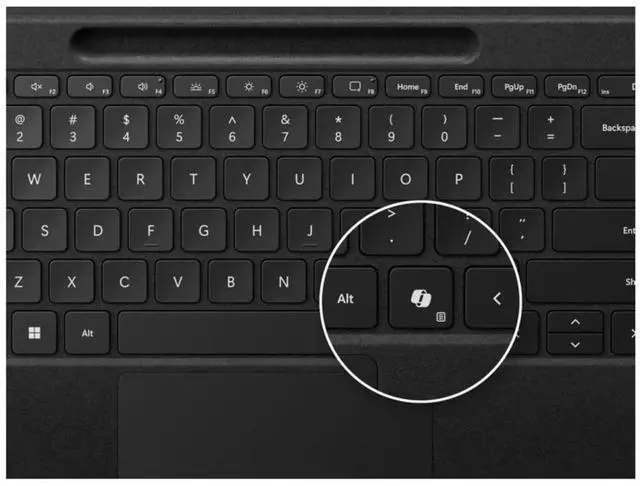
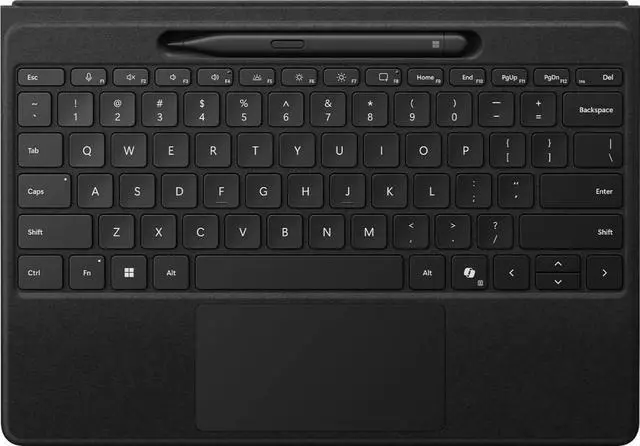
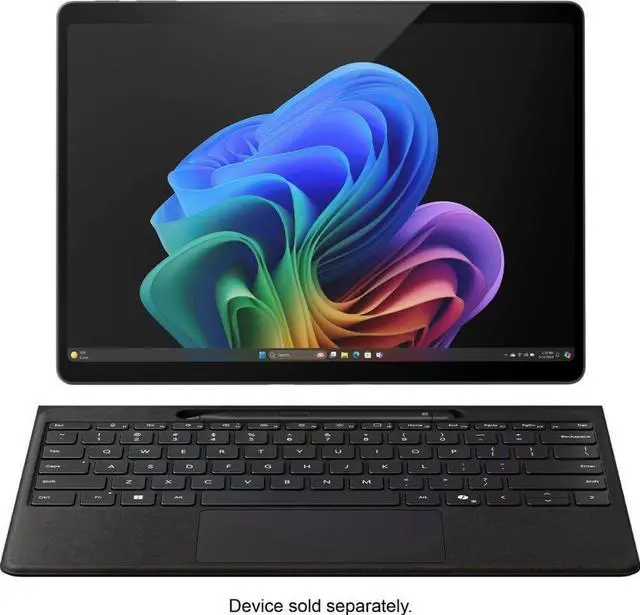
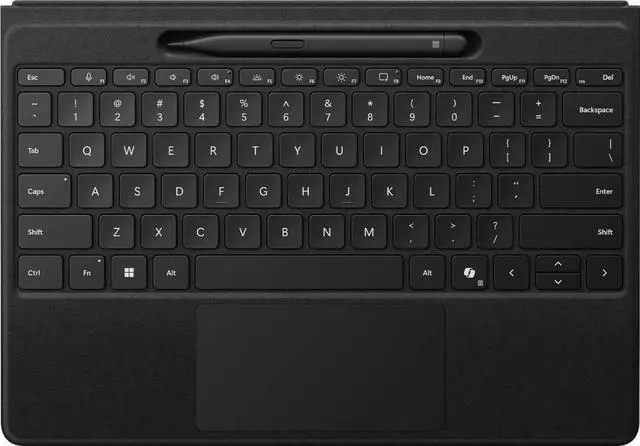
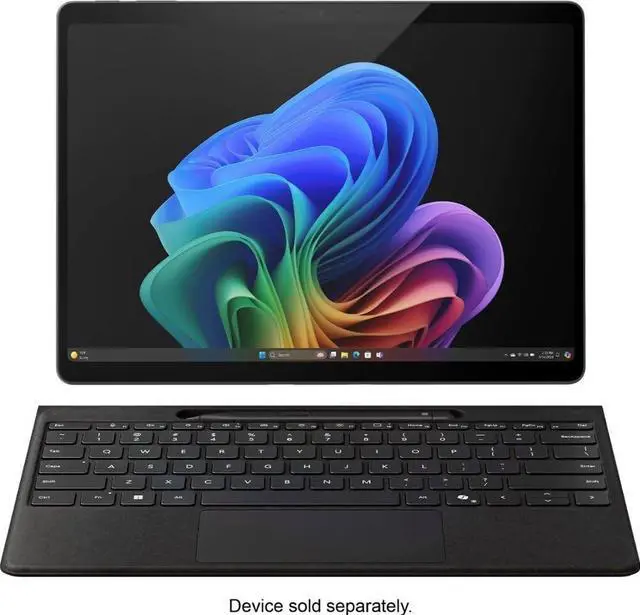
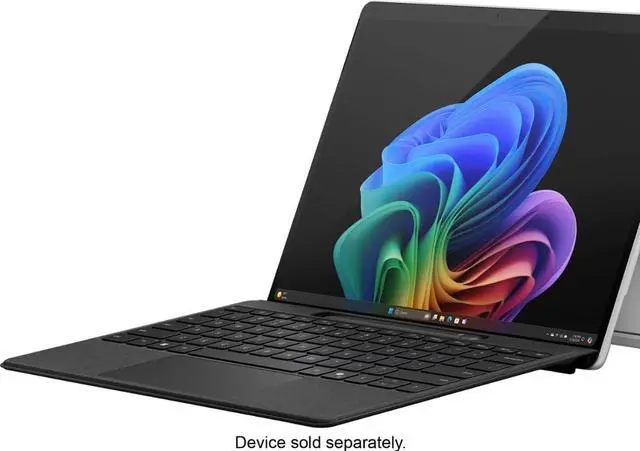
The Microsoft Surface Slim Pen (2nd Edition) and Pro Flex Keyboard is a premium input bundle for Surface Pro 11th Edition, Surface Pro 9, and Surface Pro 8 users who want a keyboard, large trackpad, and pen support for flexible work, note-taking, and navigation.
| Attribute | Value |
|---|---|
| Best For | Owners of Microsoft Surface Pro (11th Edition), Surface Pro 9, and Surface Pro 8 who need a Bluetooth Alcantara-covered keyboard with pen storage designed for Windows PCs |
| Model Identifiers | Microsoft Surface Accessories — Model 8YU-00001, Surface edition; category: Tablet & iPad Cases, Covers & Keyboards |
| Compatibility | Compatible with Microsoft Surface Copilot+ PC (11th Edition), Surface Pro 9, and Surface Pro 8 (listed tablet models); requires Windows 11 / Windows platform; antenna location referenced for Surface Pro 10/9/8 |
| Physical Dimensions & Weight | Product dimensions 12.5 x 10 x 0.5 inches; package dimensions 1.7018 x 23.6982 x 31.0896 centimeters; package weight 0.78 kilograms |
| Keyboard & Input Features | QWERTY mechanical keyboard with 78 buttons and numeric layout, ambidextrous orientation, and pen-storage configuration |
| Connectivity & Wireless | Bluetooth wireless connectivity (style/pattern listed as Bluetooth); no USB 2.0 ports; radio emission status: not capable of emitting RF energy |
| Power & Batteries | Battery-powered device with a nonstandard battery type; external attributes list 1 battery but also indicate batteries are not required and are not included |
| Packaging & Unit Count | Sold as a single unit/pack (package quantity 1, one item per pack, unit count 1) |
| Materials & Color | Black Alcantara-covered enclosure; listed as portable |
Q: Should I buy the Surface Pro Flex Keyboard with Slim Pen or the regular Surface Pro Keyboard?
A: Choose the Surface Pro Flex Keyboard with Slim Pen if you want the full Surface Pro accessory experience: detached wireless keyboard use, a haptic touchpad, and built-in Slim Pen storage and charging. Choose the regular Surface Pro Keyboard if you mainly type with the keyboard attached and want a simpler, lower-cost option. Microsoft positions the Flex model as the premium, flexibility-focused option, while the standard keyboard is the more straightforward attached-use choice.
Q: Is this bundle better than the Surface Pro Keyboard with Slim Pen bundle?
A: This bundle is the better fit if you want more flexibility in how you work, especially if you sometimes place the Surface on a stand or use the keyboard away from the screen. Compared with the standard Keyboard with Slim Pen, the Flex version adds detached use and a haptic touchpad. The standard Keyboard with Slim Pen makes more sense if you want pen storage and charging but do not need wireless detached typing.
Q: Is the Surface Pro Flex Keyboard worth it over older Surface Pro Signature Keyboard options?
A: The Flex Keyboard is the better upgrade if your priority is newer input hardware and more adaptable positioning. Compared with older Signature Keyboard generations, it adds detached Bluetooth use and a haptic touchpad, and community comparisons also describe it as more rigid. Older Signature Keyboard options remain practical if you mostly want a traditional attached cover keyboard and already prefer the older layout or lower used-market pricing.
Q: For portability, should I get this Flex Keyboard bundle or keep using a keyboard attached all the time?
A: Get this Flex Keyboard bundle if your portable workflow includes switching between tablet input and keyboard input in tight spaces, on a stand, or with the screen positioned separately. Its main advantage is that the keyboard can keep working when detached. If your portability means using the Surface mostly like a compact laptop on your lap with the keyboard always connected, a standard attached keyboard can be the simpler choice and may feel more familiar in that setup.
Q: Should I choose this Microsoft keyboard bundle or a cheaper third-party Surface Pro keyboard?
A: Choose this Microsoft bundle if you want verified compatibility, integrated Slim Pen storage and charging, and the detached-use features specific to the Flex Keyboard. A cheaper third-party keyboard can make sense if your goal is basic typing at lower cost, but it usually will not match Microsoft's pen integration or the Flex model's detached wireless design. For buyers who plan to use inking regularly, the Microsoft bundle is the safer comparison outcome.
Q: Is this a good setup for note-taking, meetings, and office work on a Surface Pro?
A: Yes. This bundle is well suited to note-taking and general office work because it combines a full keyboard, large trackpad, and Surface Slim Pen 2 in one package. The pen stores in the keyboard and charges there, which is useful for meetings and handwritten notes. The trade-off is that this version is primarily best for users who want a traditional attached keyboard experience rather than the wireless-detachable Flex keyboard experience.
Q: Is it worth buying if I travel and want my Surface Pro to work more like a laptop?
A: Usually yes, if your goal is to make a Surface Pro easier to type on while traveling. Retail reviews repeatedly describe the keyboard as comfortable, low-bulk, and effective for turning the tablet into a more laptop-like device. The main trade-off is price: buyers often like the typing experience, but many also view Microsoft’s keyboard-and-pen bundles as expensive.
Q: Who is this bundle best for?
A: It is best for Surface Pro 11th Edition, Pro 9, or Pro 8 owners who want both typing and pen input without buying accessories separately. It fits users who switch between typing, navigation, and handwriting during work or school. It is less suitable for buyers using older models such as Surface Pro 7 or earlier, because comparable retail Q&A repeatedly flags compatibility differences across generations.
Q: What is the main trade-off versus the Surface Pro Flex Keyboard?
A: The main trade-off is flexibility. This bundle gives you the pen plus a standard Surface Pro keyboard experience, but the Flex Keyboard is the better choice if you specifically want to use the keyboard while detached from the tablet. Retail reviews and Q&A repeatedly treat detachable wireless use as the Flex model’s key differentiator, while the standard Pro keyboard is the simpler and usually less expensive option.
Q: Is this better than buying a keyboard without the pen?
A: It is better only if you expect to use handwriting, annotation, or sketching regularly. If you mainly type and rarely use a stylus, a keyboard-only option is usually the more practical value. If you already know you want pen input, this bundle is cleaner and more convenient because the pen is included and charges in the keyboard.
Q: Is the Flex Keyboard with Slim Pen 2 worth buying over the regular Surface keyboard?
A: Usually only if you specifically want detached or wireless keyboard use. Reddit discussions repeatedly frame the Flex Keyboard as the premium option, but also as expensive for what it adds. If you mainly type with the keyboard attached, the regular Surface keyboard is often the better-value choice.
Q: Who is this keyboard and pen bundle best suited for?
A: It fits Surface Pro 11, Pro 9, and Pro 8 users who want both typing and handwritten input in one setup. It is most suitable for people who switch between laptop-style work and pen use, such as note-taking, markup, and travel. It is less suitable for buyers who do not use a stylus regularly, because part of the bundle value is the built-in pen storage and charging.
Q: Is the Slim Pen 2 a good choice for note-taking on Surface Pro?
A: Yes, if handwritten notes are a real part of your workflow. Reddit discussion around Surface Pro 11 commonly treats Slim Pen 2 as the best fit for the Surface keyboard ecosystem because it stores in the keyboard and charges there. If you only occasionally write by hand, a cheaper pen may be enough, but the main practical advantage of Slim Pen 2 is native fit and charging convenience.
Q: What are the main trade-offs of buying this bundle?
A: The main trade-offs are price and whether you will actually use both accessories. Community discussion repeatedly points to high cost as the biggest drawback, especially compared with the standard Surface keyboard. The bundle makes more sense if you want pen charging/storage and the flexibility of the premium keyboard design; otherwise it can be more accessory spend than many buyers need.
Q: Will this bundle work across Surface Pro 11, Pro 9, and Pro 8 if I upgrade or switch devices?
A: Yes. Based on the product information and repeated compatibility questions in community discussion, this bundle is intended for Surface Pro 11, Pro 9, and Pro 8. That makes it a practical option for buyers staying within those Surface Pro generations and wanting one Microsoft-made keyboard and pen setup across them.


