




 here!
I’m your shopping assistant for PC builds, upgrades, and everything tech.
Got questions? Ask away!
Start a conversation
here!
I’m your shopping assistant for PC builds, upgrades, and everything tech.
Got questions? Ask away!
Start a conversation Top Rated





Any questions? Ask CelesteSM will help you find out quickly.
We want to ensure your holiday shopping this year is hassle-free. That’s why we’re automatically extending our return policies on almost every product! For purchases placed between November 1st, 2026 and December 31, 2026 you will have until January 31, 2027 to return your product.
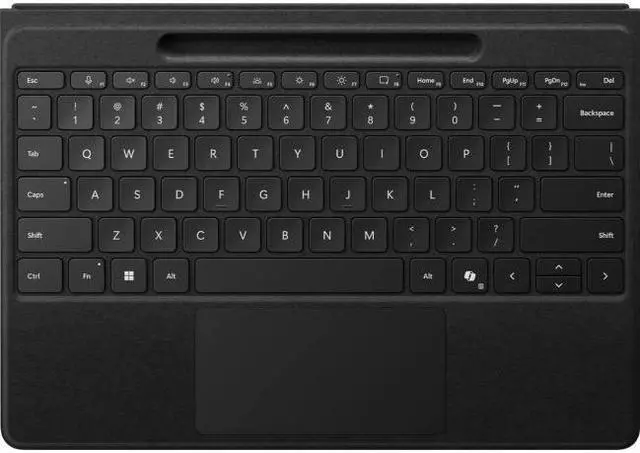
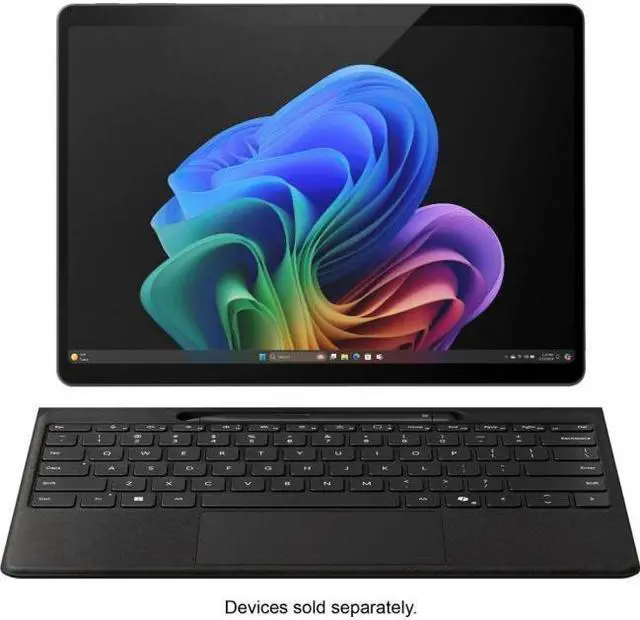
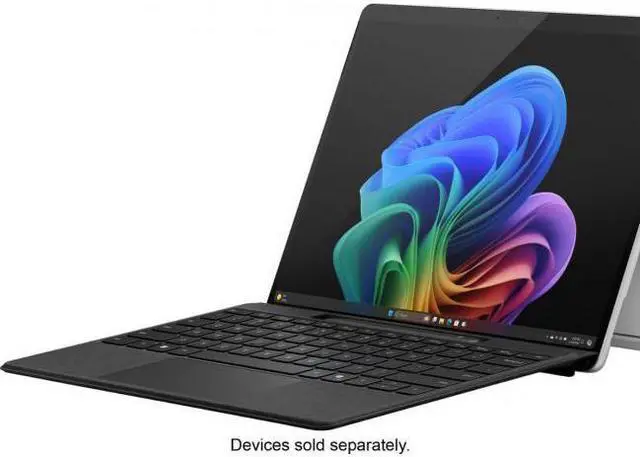
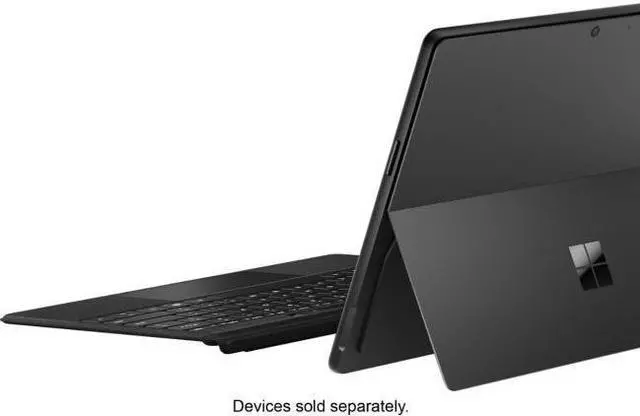
The Microsoft Surface Pro Flex Keyboard is a detachable keyboard cover with pen storage for Surface Pro (11th Edition), Surface Pro 9, and Surface Pro 8, making it ideal for users who want a laptop-like typing and trackpad experience with flexible tablet positioning.
| Attribute | Value |
|---|---|
| Best For | Owners of Microsoft Surface Pro (11th Edition), Surface Pro 9, and Surface Pro 8 who want an attachable Alcantara-covered keyboard with built-in pen storage and adjustable viewing angles for Windows-based Surface devices |
| Compatibility | Compatible with Microsoft Surface Pro Copilot+ PC (11th Edition), Surface Pro 9, and Surface Pro 8; compatible with Windows, minimum required OS Windows 11 |
| Physical & Materials | Alcantara-covered construction in Pure Black with ambidextrous orientation |
| Keyboard & Input | Full QWERTY layout with scissor-switch keys, numeric key support, single-color backlighting, and integrated pen storage |
| Connectivity & Power | Bluetooth connectivity; battery powered with one lithium-ion cell (1 cell, 513 mAh) contained in the equipment; batteries are not included and no separate batteries are required |
| Dimensions & Weight | Product dimensions 12.5 x 10 x 0.5 inches (L x W x H); item weight 0.93 lb; package dimensions 3.302 x 23.7998 x 30.9118 cm; package weight 0.748 kg |
| Ports And Platform | No USB 2.0 ports; hardware platform: PC; platform/display listed as windows_11 |
| Model Identifiers | Microsoft product, Model Name Surface Accessories, Model Number ZQZ-00001; Style: Bluetooth; Edition: Pro |
| Packaging & Contents | Ships as a single unit (package quantity 1, unit count 1, number of packs 1) |
| Additional Features | Portable design with large trackpad for precise navigation |
Q: Should I buy the Surface Pro Flex Keyboard or the standard Surface Pro Keyboard?
A: Choose the Surface Pro Flex Keyboard if you want to type with the keyboard detached from the tablet, use your Surface Pro on a desk with the screen farther back, or keep a laptop-style setup while drawing or presenting. The main difference is that the Flex Keyboard has its own battery and wireless connection for detached use, while the standard Surface Pro Keyboard is designed for attached use. If you mostly type with the keyboard physically connected and want a simpler setup, the standard keyboard is usually the more practical alternative.
Q: Is the Surface Pro Flex Keyboard worth it over the older Signature Keyboard for Surface Pro 8 or Pro 9?
A: The Flex Keyboard is the better fit if your upgrade goal is flexibility rather than basic typing. Compared with the older Signature Keyboard, the Flex model adds detached wireless use and is commonly described in reviews as making desk use and pen-first workflows more natural. If your current Signature Keyboard already meets your needs and you rarely separate the keyboard from the tablet, the upgrade is mainly about workflow convenience, not a required change in compatibility or core typing function.
Q: For portability, is the Surface Pro Flex Keyboard better than carrying a separate Bluetooth keyboard?
A: Yes, if you want one accessory built specifically for the Surface Pro. The Flex Keyboard keeps the integrated Surface form factor, includes pen storage, and reattaches directly for travel, while still allowing detached wireless use. A separate Bluetooth keyboard can work well for fixed desk setups or multi-device use, but the Flex Keyboard is the more integrated choice when portability and quick switching between laptop mode and tablet mode matter most.
Q: Should I choose the Surface Pro Flex Keyboard for pen use and desk work, or stick with an attached-only keyboard for lap typing?
A: Choose the Flex Keyboard if you often use the Surface Pro with a pen, external monitor, or upright screen position on a desk. Its detached wireless mode is better suited to those workflows because the screen and keyboard can sit independently. If you mainly use the Surface Pro on your lap in a conventional laptop posture, an attached-only keyboard may be enough, since the Flex Keyboard’s main advantage is layout flexibility rather than a different core typing concept.
Q: Is this a good keyboard for travel and working away from a desk?
A: Yes, if you want a Surface Pro setup that feels more usable like a laptop in tight spaces or on the go. The main advantage of the Flex Keyboard over Microsoft’s regular Surface Pro keyboards is that it can be used attached or detached, which makes it more flexible for flights, meetings, couch use, and presentation setups. The trade-off is price: it is a premium accessory, so buyers who only need basic typing can often save money with a standard Surface Pro Keyboard or Signature Keyboard instead.
Q: Is it good for note-taking, meetings, and office work?
A: Yes. It is a strong fit for note-taking and office use if you also use a Surface Slim Pen 2. The keyboard includes pen storage and charging, has a backlit full keyset, and uses a precision haptic touchpad, so it is well suited to switching between typing, navigation, and handwritten notes during meetings. It is less compelling if you do not use a pen, because part of its value is the integrated pen slot and charging support.
Q: Who is this keyboard best suited for?
A: It is best for Surface Pro 8, Pro 9, Pro 10, and Pro 11 users who want the most flexible first-party keyboard option and are willing to pay more for that convenience. It is especially suitable for mobile professionals, students, and tablet-first users who alternate between typing and pen input. It is less suitable for budget-focused buyers or anyone who mainly uses the Surface at a desk and does not need detached use.
Q: Is it better than the regular Surface Pro Keyboard or Signature Keyboard?
A: It is better if your priority is flexibility, not value. The Flex Keyboard adds detached wireless-style use, while the regular Surface Pro Keyboard and Signature Keyboard are simpler and usually more cost-effective. If you mainly type with the keyboard attached, a standard Microsoft keyboard is often the more practical buy. If you regularly switch positions, use a stand, or want a cleaner tablet-plus-keyboard workflow, the Flex Keyboard is the stronger option.
Q: Will this work with older Surface Pro models, or is it only for the newest one?
A: It is not only for the newest model. Based on the product compatibility listed by Microsoft and repeated retail compatibility questions, it works with Surface Pro 8, Surface Pro 9, Surface Pro 10, and Surface Pro 11-class Surface Pro devices, but it is not the right choice for older generations such as Surface Pro 7 or earlier. For buyers upgrading from an older Surface, compatibility is one of the first things to confirm before purchase.
Q: Is the Surface Pro Flex Keyboard worth buying over the regular Surface keyboard?
A: It is mainly worth buying if you specifically want wireless detached use, a larger trackpad, and flexible positioning with a compatible Surface Pro 8, 9, or 11th Edition. If you mostly type with the keyboard attached and want the lower-cost option, community discussion repeatedly treats the regular Surface keyboard as the better value. The main trade-off is convenience versus price.
Q: Who should buy the Surface Pro Flex Keyboard?
A: It best fits Surface Pro users who want a more tablet-first setup without giving up a physical keyboard. It is especially suitable for people who want to place the tablet farther away while typing, work in tight spaces, or switch often between note-taking, touch, and keyboard use. It is less suitable for buyers who just need a basic typing cover at the lowest cost.
Q: Is the Flex Keyboard good for travel, lap use, or working away from a desk?
A: Yes, that is one of its clearest advantages. Repeated discussion centers on using it detached from the tablet in places like planes, couches, or other cramped setups where the normal attached keyboard is less practical. The trade-off is that it still depends on the Surface kickstand for screen placement, so it improves flexibility but does not turn the Surface Pro into a true clamshell laptop.
Q: What are the main trade-offs of the Surface Pro Flex Keyboard?
A: The main trade-offs are high price, limited compatibility, and extra complexity from its wireless battery-powered design. It supports Surface Pro 8, 9, and 11th Edition, and its detached mode is the key differentiator. Community discussion also shows some buyers weighing the added flexibility against charging and connection concerns that do not matter as much with a simpler attached keyboard.


