Your Browsing History
Best Sellers
- $106.43
- + FREE SHIPPING
- $107.38
- + FREE SHIPPING
Meet Your Seller
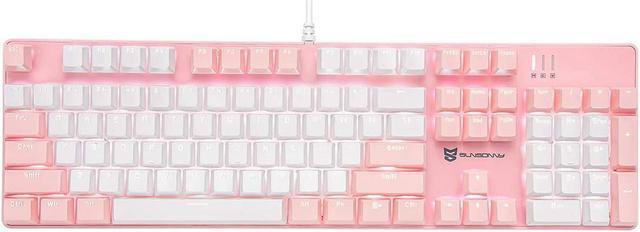
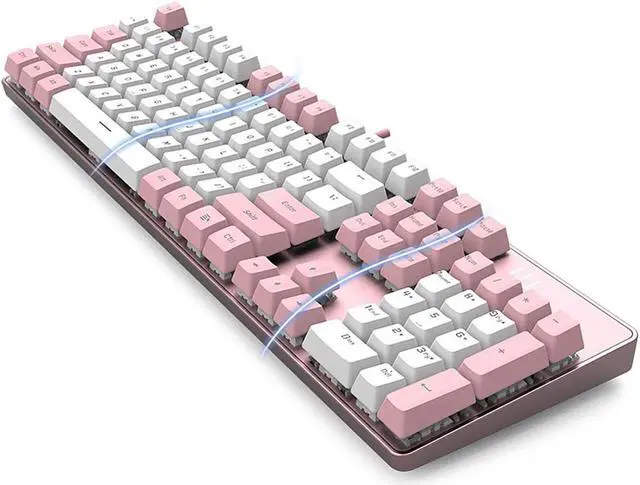
Qisan Mechanical Gaming Keyboard Full Size 104 Keys US Layout Wired Brown Switch Backlit Keyboard with with Pink & White Color
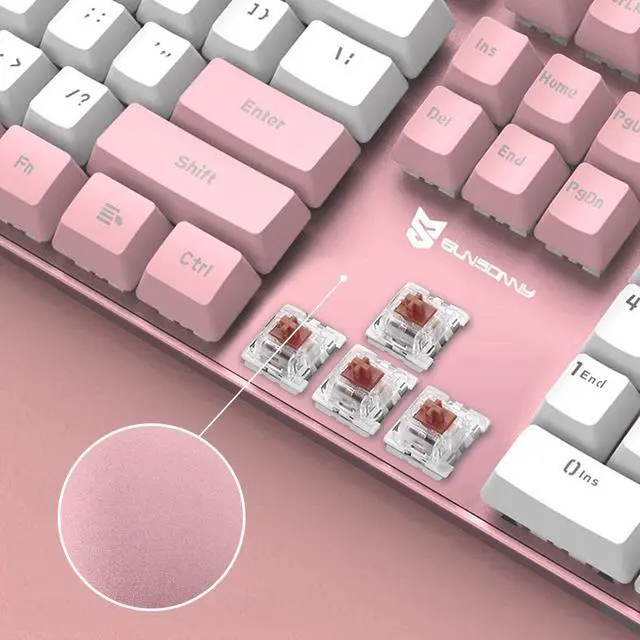
- Mechanical gaming keyboard with Brown switches (Cherry MX equivalent)offer fast actuation for gaming, N Key Rollover and anti-ghosting.
- Macro setting available, it can create your own macros and with blazing push-button accuracy. More sets multi-media key can be realized through the FN key combination. It meets your different needs and help a lot during your work or daily use to promote the efficiency.
- Mechanical gaming keyboard can be customizable LED backlit modes. 21 backlit modes, 5 backlit intensity modes can be adjusted through FN keys combination.
- Special switch of this gaming keyboard not only just a mechanical switch, it also is a dustproof and waterproof switch and high quality durable ABS keycaps. it provide a more comfortable and better feeling for the game and office.
- A great design for mechanical keyboard which can be replaced the switch. You can use the replaceable switches anytime.
+
+
Overview
Specs
Reviews
Any questions? Our AI beta will help you find out quickly.
Try me now
Specifications
Switch: Brown
Keys: 104 keys
Actuation Force: 50 ?à 10g
Color: Pink & White Color
Rating: 4.5-5.5V, 350mA
Data Cable Length: 150cm
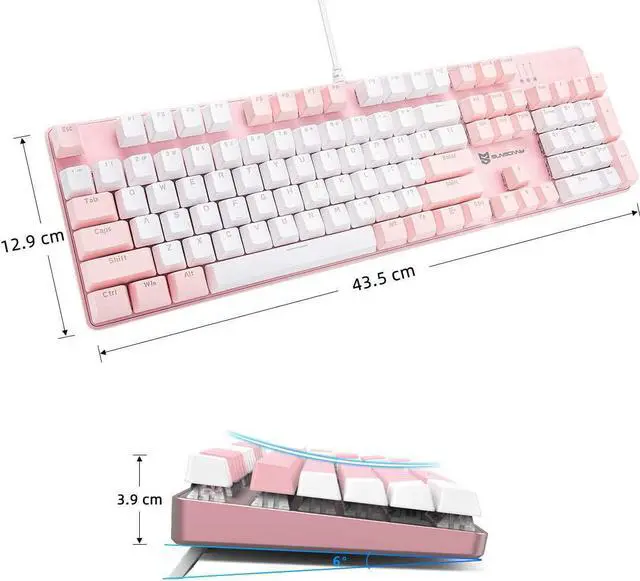
Product Size: 43*13*4cm; Product Weight: 1030g
21 Backlit Modes Adjust
1. FN + DEL
Mode A. Waving left to right
Mode B. Circling wave
Mode C. Waving right to left
Mode D. Glistening wave
2. FN + INSERT
Mode A. Steady lighting
Mode B. Left part keys lighting
Mode C. Breathing
Mode D. Hit key light down
3. FN + HOME
Mode A. Hit key waving
Mode B. Hit key light up
Mode C. Hit key light in a row
Mode D. Light around the key
4. FN + PG UP
Mode A. S shape lighting
Mode B. W shape lighting
Mode C. Raining
Mode D. Billow
5. FN + PG DN
Mode A. Star Shining
Mode B. Shimmering
Mode C. lighting from top to bottom
Mode D. Lighting in a gradient
6. FN + END
Stop the backlit mode for customizing another backlit modes
Pressing FN + END twice for saving the backlit mode
5 Backlit Intensity Modes Adjust
FN + ?ü/?y: Backlight intensity up/down
FN + ??/?ú : Backlight direction adjusting
4 flow velocity Modes
FN + + : Flow velocity +
FN + - : Flow velocity -
Accidentally make water into the keyboard during use. Don't worry. This keyboard is protected,and the fluid can be discharged quickly.

Warranty & Returns
Warranty, Returns, And Additional Information
Warranty
- Please contact the Seller directly for warranty information. Warranty information may also be found on the Manufacturer's website.
- CONTACT
Return Policies
- Return for refund within: 30 days
- Return for replacement within: non-replaceable
- This item is covered by Zyngear Return Policy
Manufacturer Contact Info
- For a directory of all our manufacturers, please click below.
- Manufacturers Directory
LOADING...
LOADING...