




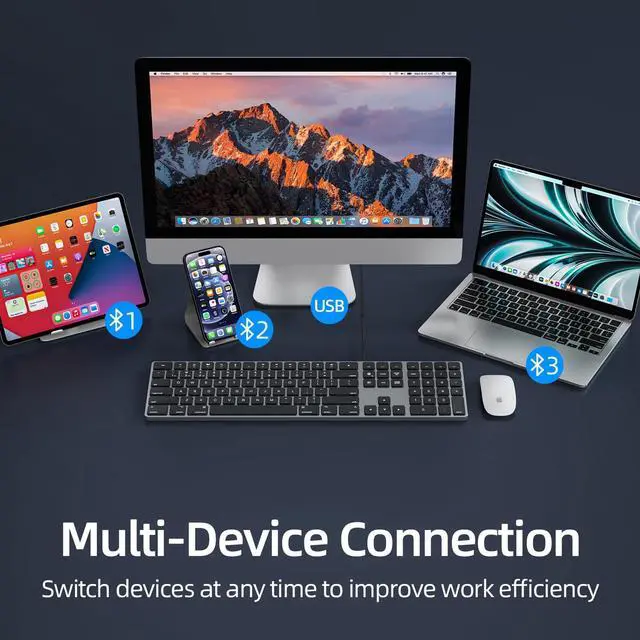


*Press"Fn+1/2/3"connects in the same way
How to pair
1, Open keyboard switch "ON" .
2, Press "Fn+1" , switch to Bluetooth connection,the indicators light will be on.
3, Long press "Fn+1" for 5 seconds,the indicators light will flash quickly.
4, Seach for Bluetooth name “K2 Bluetooth Keyboard” on device.
5, After the keyboard is connected to the device,the indicators light goes off.

Anti-slip rubber feet
There are 4 anti-slip feet on the bottom of the keyboard. make the keyboard more stable, Ergonomic design.

Power Switch
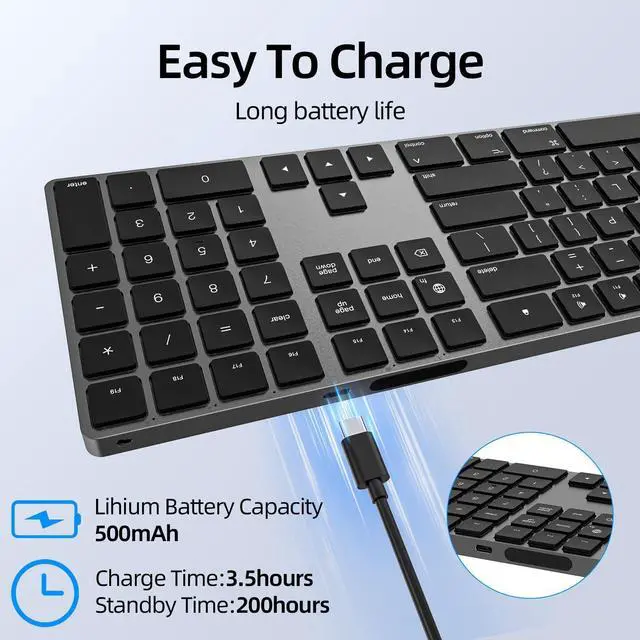
The ON/OFF switch is next to the charging port. You can turn off the keyboard for energy saving.
Easy to charge cable (included)
Is this keyboard compatible with all Mac devices?
Yes, This keyboard is compatible with Apple iMac ( Works with Macbook, Mac Mini, Mac Pro, iMac, iPad and iPhone)
Is the keyboard made of aluminum?
Yes, This keyboard use surface aluminum material sandblasting treatment , sleek dutable design.
Does this keyboard require any software installation?
This keyboard does not require any software installation. it is a plug-and-play keyboard with no additional driver installation or software needed.
Can the keyboard connect to both USB-A and Bluetooth?
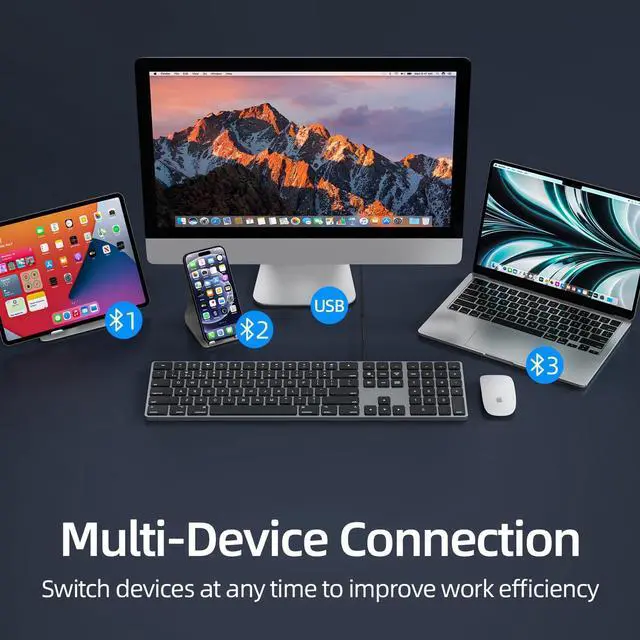
Yes, The keyboard at the same time connect to both USB-A and Bluetooth.
Does it come with a numeric keypad?
Yes, The keyboard has 109 keys with a numeric keypad.



About Us
Our company are over 30 years experience in manufactur.We has built a safe,efficient,stable production and sales system.
We has be the ISO9001,ISO14001 certified factory.Obtained CE,FCC,ROHS and other certifications for most of the products.
We specialize in production:Keyboard,Mouse, Wireless Charge etc.
We are team of passionate ,innovation and creativity who to do a better job.
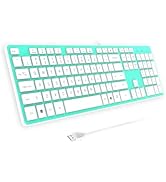
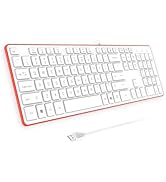
Free Cover/Protector Skin

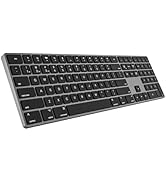
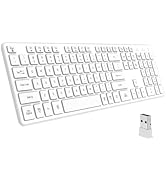
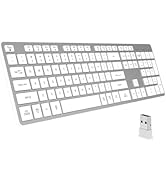
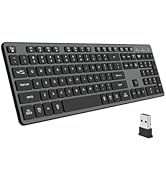
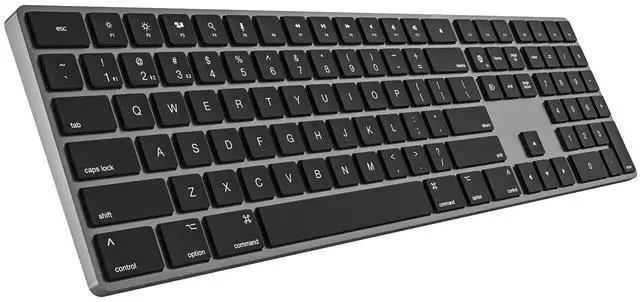
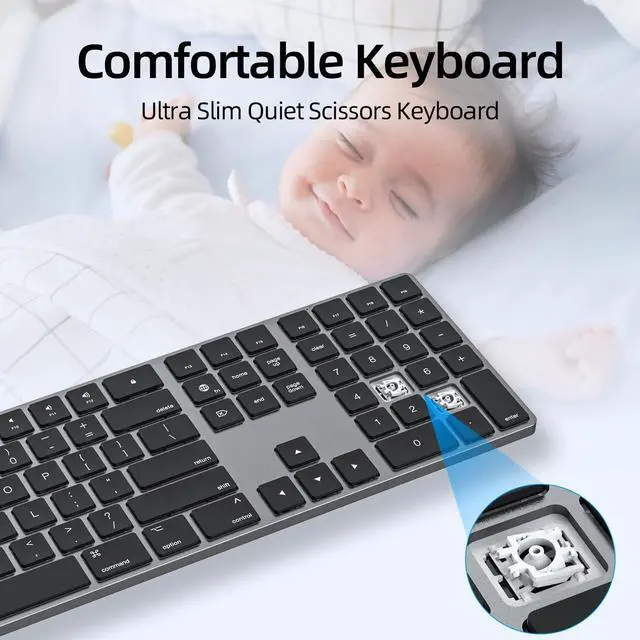
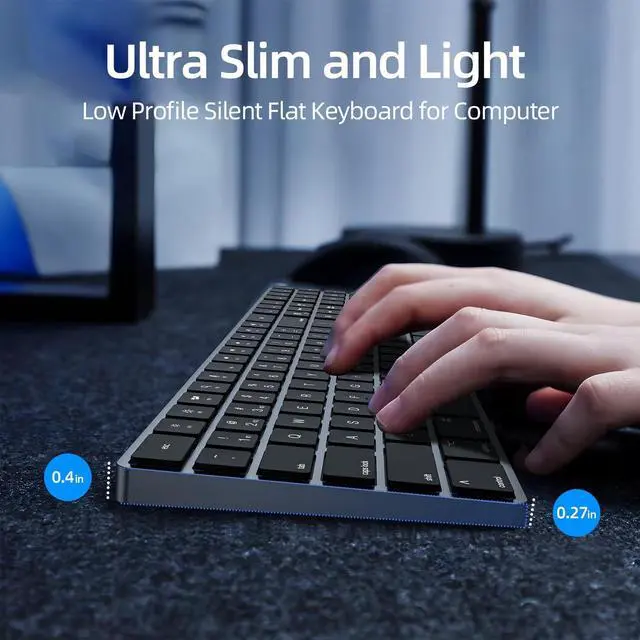
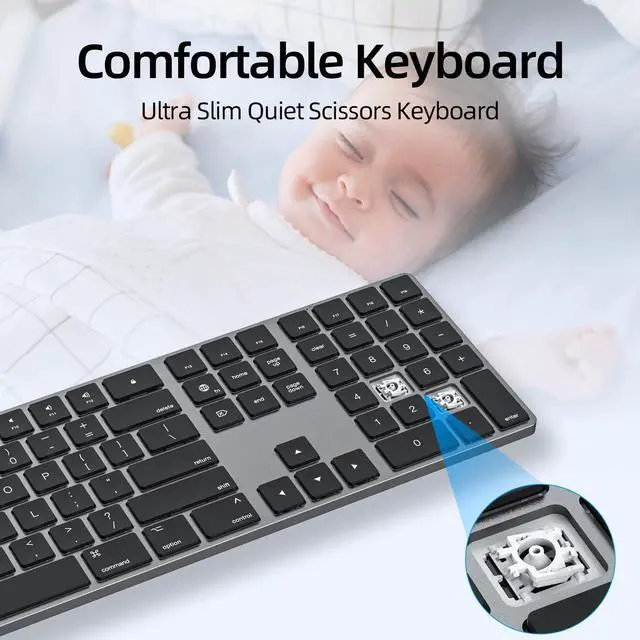
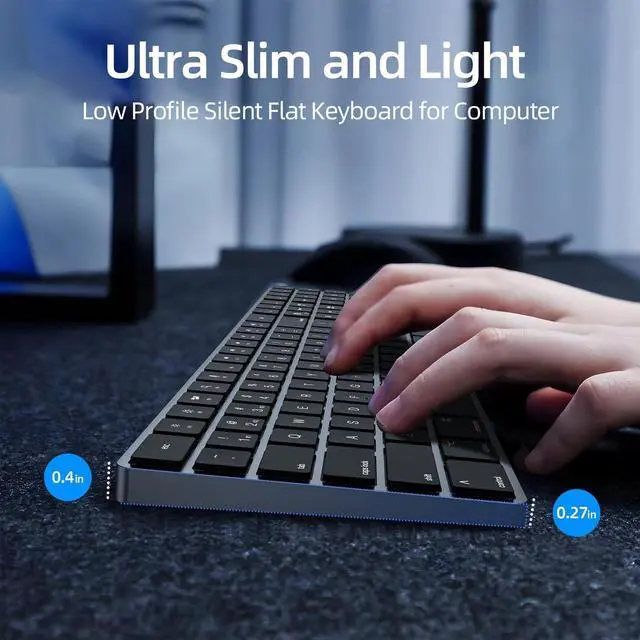
Low Profile Silent Keyboard
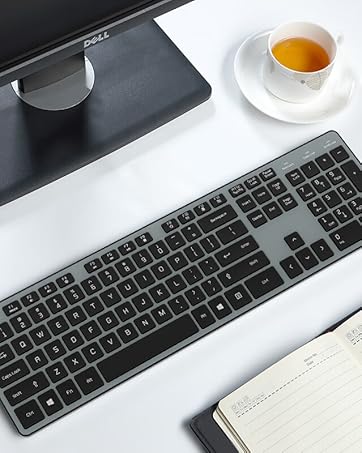
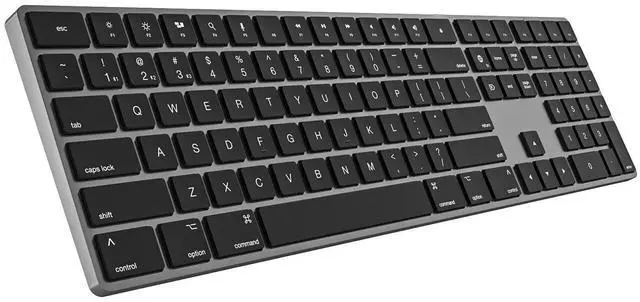
Full Size Flat Keyboard
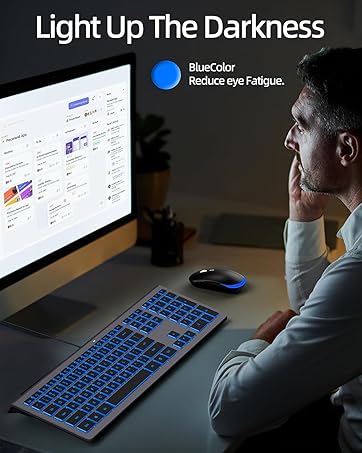

Switch freely among four devices to improve work efficiency
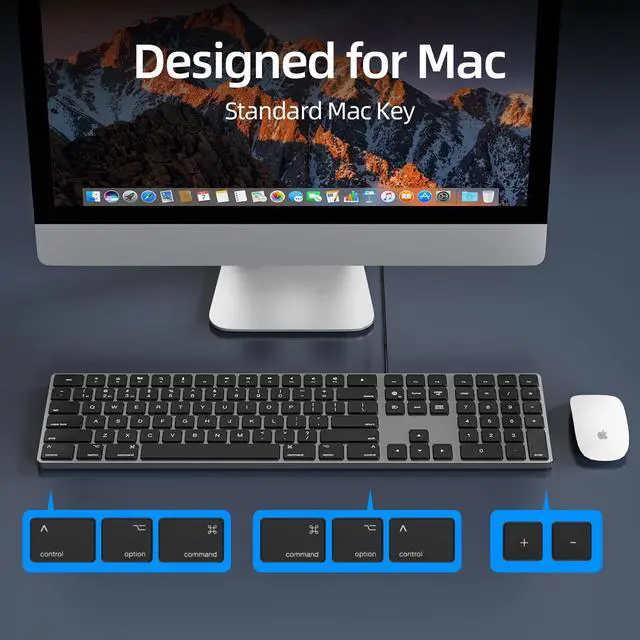
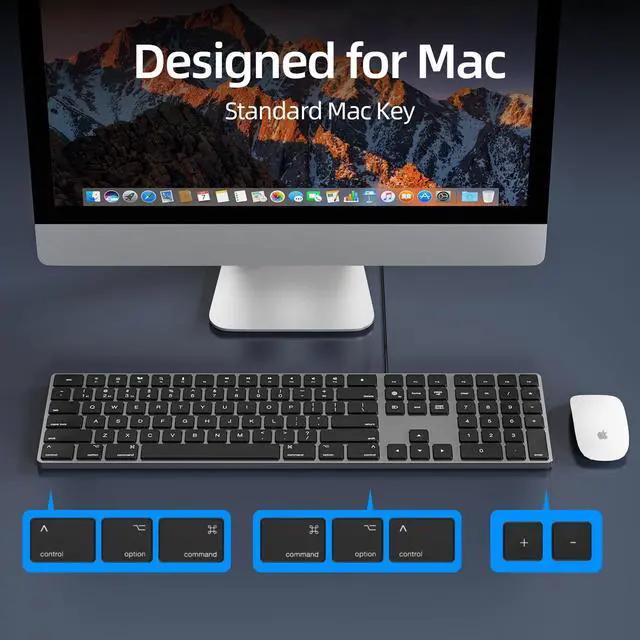
Standard Mac Key
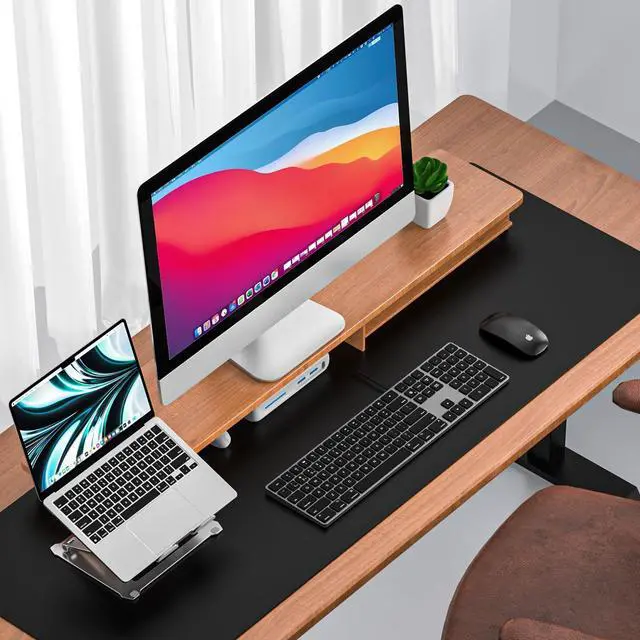
Connection to iMac/Mac Mini/MacBook Laptop,Mac OS
Keyboard Made of Premium Aluminum Material


*Press"Fn+1/2/3"connects in the same way
How to pair
1, Open keyboard switch "ON" .
2, Press "Fn+1" , switch to Bluetooth connection,the indicators light will be on.
3, Long press "Fn+1" for 5 seconds,the indicators light will flash quickly.
4, Seach for Bluetooth name “K2 Bluetooth Keyboard” on device.
5, After the keyboard is connected to the device,the indicators light goes off.
Anti-slip rubber feet
There are 4 anti-slip feet on the bottom of the keyboard. make the keyboard more stable, Ergonomic design.
Power Switch
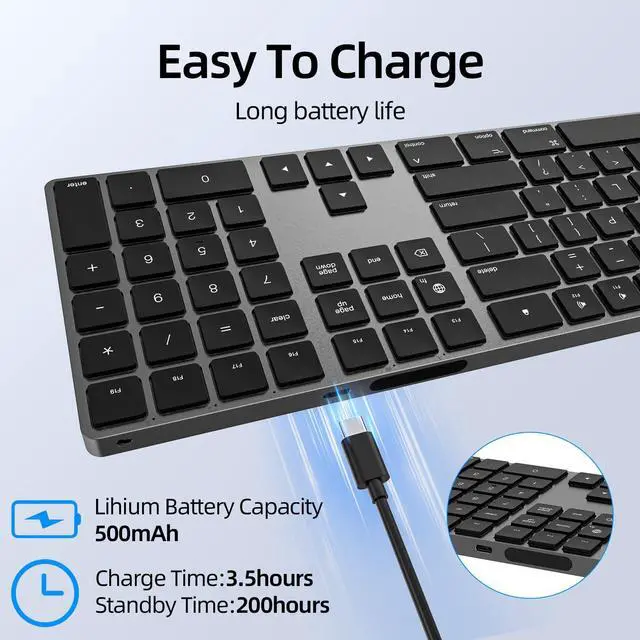
The ON/OFF switch is next to the charging port. You can turn off the keyboard for energy saving.
Easy to charge cable (included)
Is this keyboard compatible with all Mac devices?
Yes, This keyboard is compatible with Apple iMac ( Works with Macbook, Mac Mini, Mac Pro, iMac, iPad and iPhone)
Is the keyboard made of aluminum?
Yes, This keyboard use surface aluminum material sandblasting treatment , sleek dutable design.
Does this keyboard require any software installation?
This keyboard does not require any software installation. it is a plug-and-play keyboard with no additional driver installation or software needed.
Can the keyboard connect to both USB-A and Bluetooth?
Yes, The keyboard at the same time connect to both USB-A and Bluetooth.
Does it come with a numeric keypad?
Yes, The keyboard has 109 keys with a numeric keypad.
More keyboards
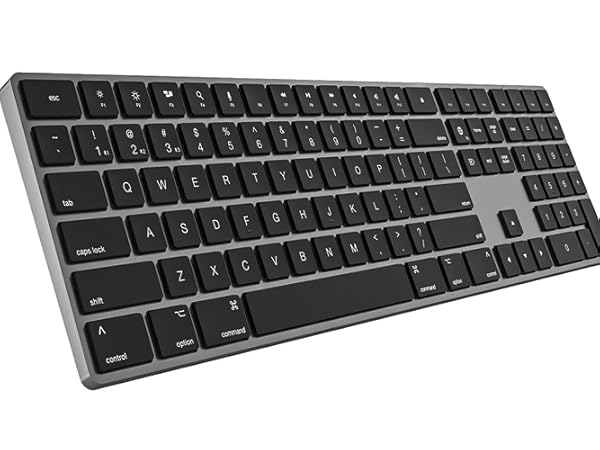
Standard font keyboard
Backlit
Large Print
Aluminum
Mac system
Bluetooth
Rechargeable
Charging while using
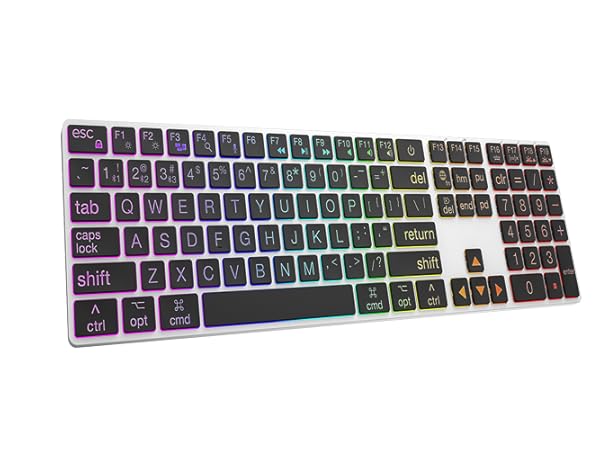
Large Print Keyboard
Backlit
Large Print
Aluminum
Mac system
Bluetooth
Rechargeable
Charging while using
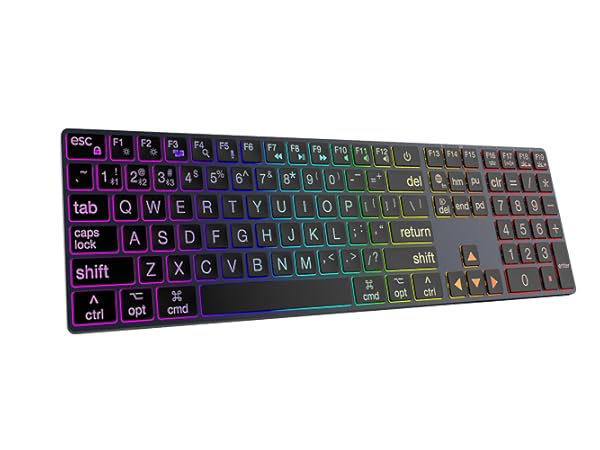
Large Print Keyboard
Backlit
Large Print
Aluminum
Mac system
Bluetooth
Rechargeable
Charging while using
About Us
Our company are over 30 years experience in manufactur.We has built a safe,efficient,stable production and sales system.
We has be the ISO9001,ISO14001 certified factory.Obtained CE,FCC,ROHS and other certifications for most of the products.
We specialize in production:Keyboard,Mouse, Wireless Charge etc.
We are team of passionate ,innovation and creativity who to do a better job.
Free Cover/Protector Skin
Low Profile Silent Keyboard
Full Size Flat Keyboard