




 here!
here!
I’m your shopping assistant for PC builds, upgrades, and everything tech.
Got questions? Ask away!
Start a conversation
here!
I’m your shopping assistant for PC builds, upgrades, and everything tech.
Got questions? Ask away!
Start a conversation



Any questions? Ask CelesteSM will help you find out quickly.

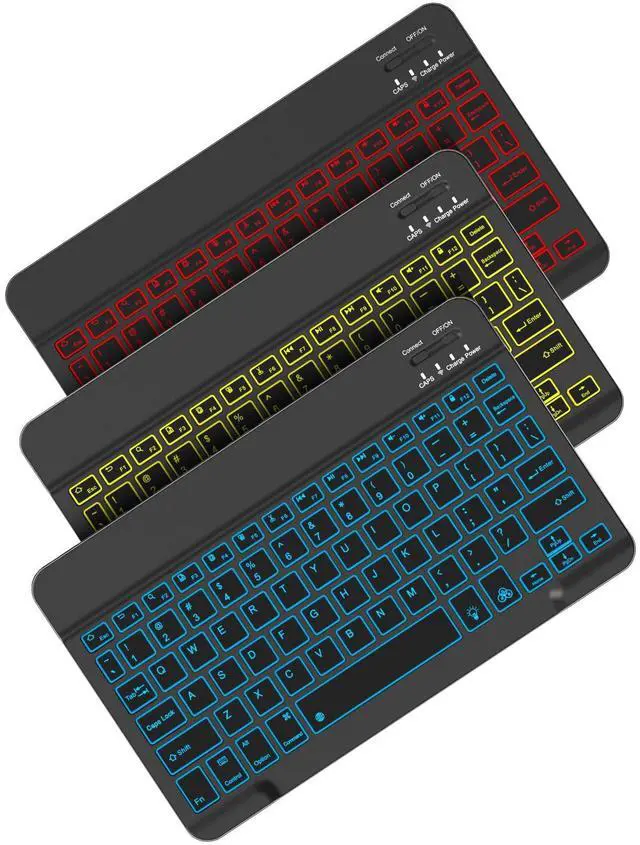
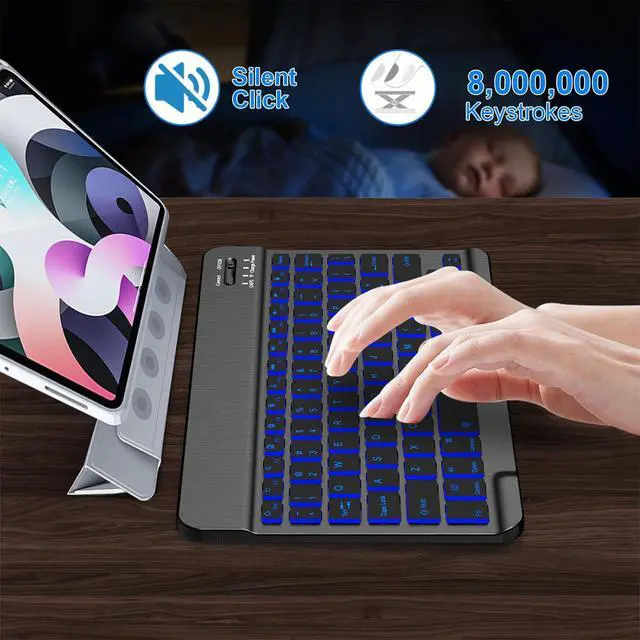
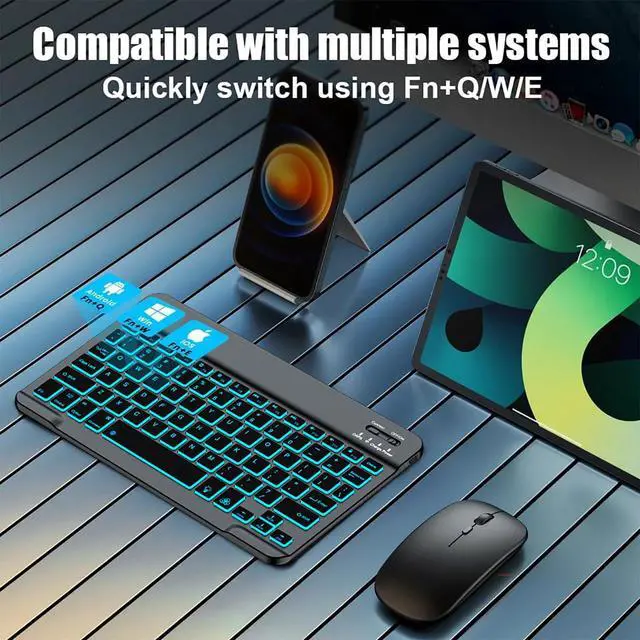
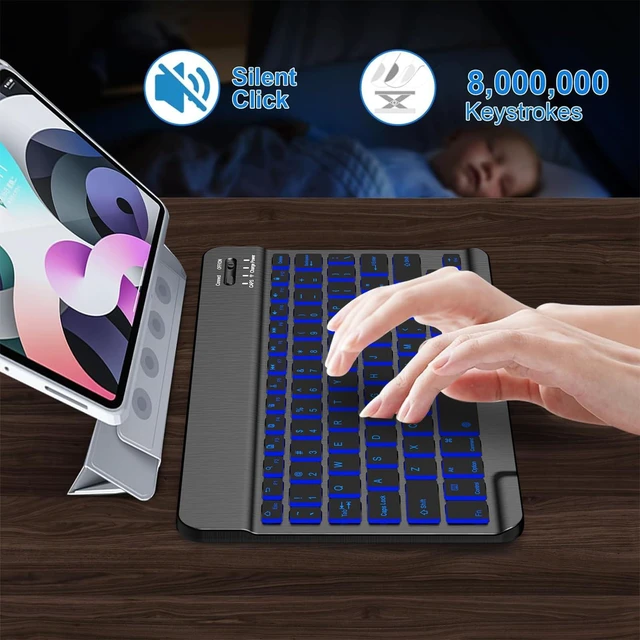
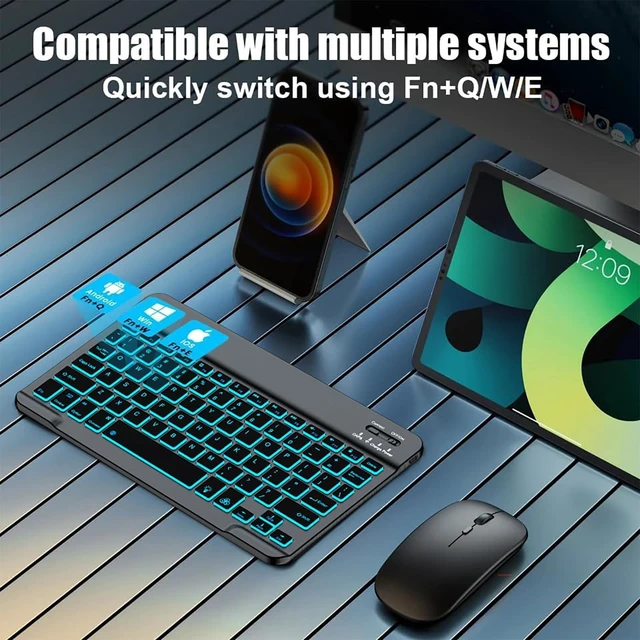
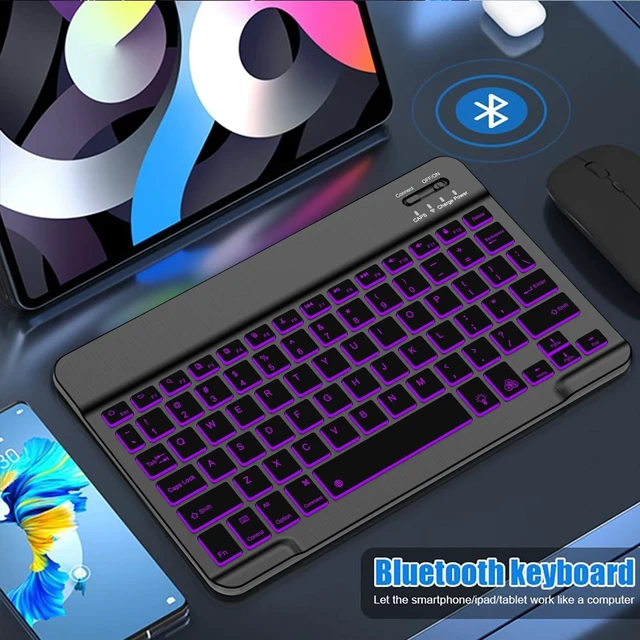
Matte black body, understated yet textured. No fancy backlight, no unnecessary embellishments – this basic classic Bluetooth keyboard is designed to restore the purest typing feel. With stable Bluetooth connection, it easily pairs with your popular iPad models such as iPad Pro, iPad Air, iPad mini, or iPad (10th generation), while also compatible with iOS, Android, and even Windows tablets. The compact key layout with just the right key travel and rebound makes every keystroke crisp and clean. No distractions, just assistance – a pragmatic choice for cross-platform efficiency seekers.

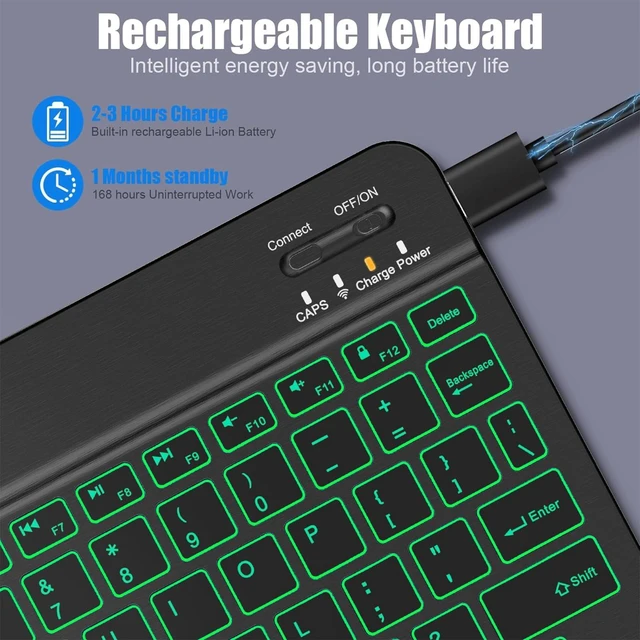
All-black finish, matches perfectly with your Space Gray or Silver iPad. Slim and light body easily slips into your backpack; backlight-free design yields longer battery life – a single charge lasts for weeks of intensive use. Quick Bluetooth pairing, no lag or dropouts – whether paired with iPad Pro for video editing, iPad mini for note-taking, or connected to Android or Windows tablets for document processing, it stays quietly ready in libraries, cafes, or classrooms. A basic model, but not basic in reliability and ease of use, covering almost all mainstream tablet systems.

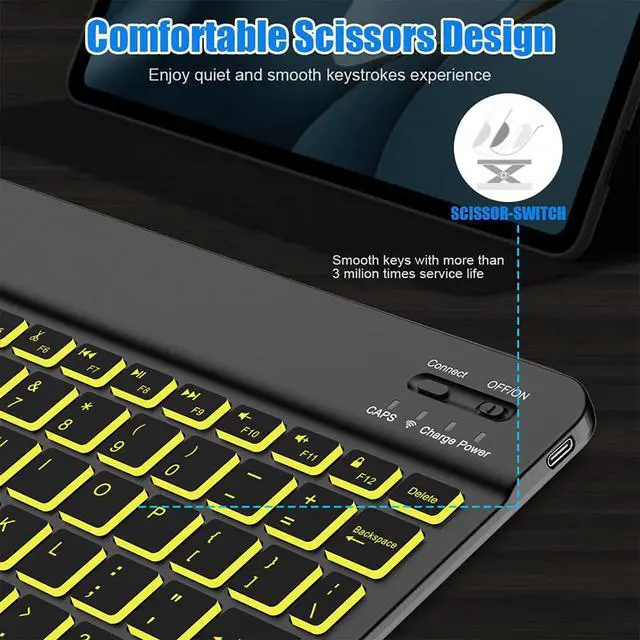
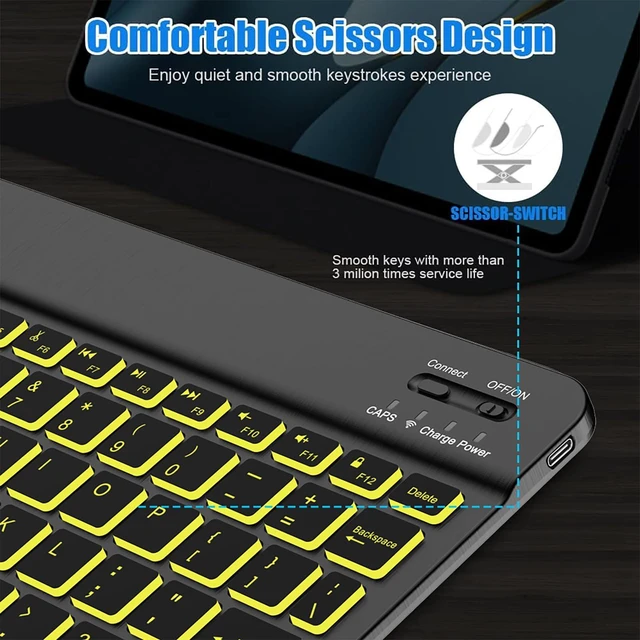
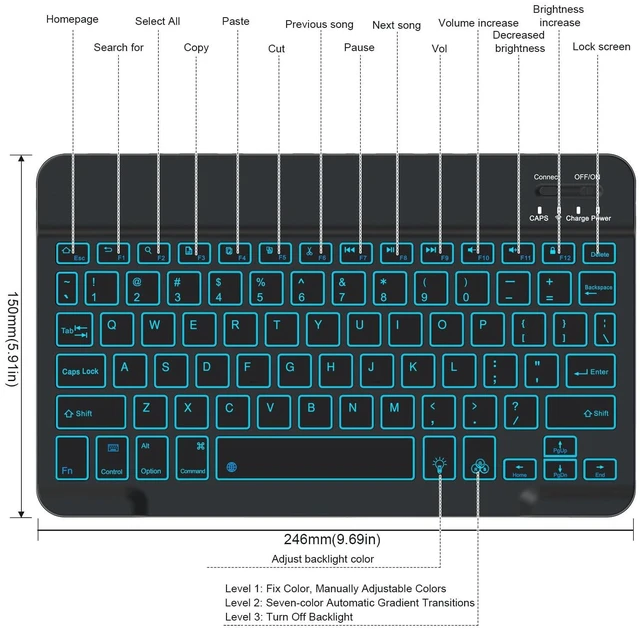
Backlit keys may look dazzling at night, but for daily use, clear key legends and a comfortable typing angle are more than enough. This black classic keyboard omits backlighting to bring the price down to a more accessible level, while retaining: a sturdy folding stand, responsive scissor-switch keys, and shortcut function keys for the entire iPad lineup (e.g., iPad Pro / Air / mini / digital series). What's more, via Bluetooth it connects to Android tablets and Windows tablets, truly a single keyboard that works with all your devices. If you pursue the pragmatic philosophy of "just right", this is your ideal partner.
How do I connect the keyboard to my iPad for the first time?
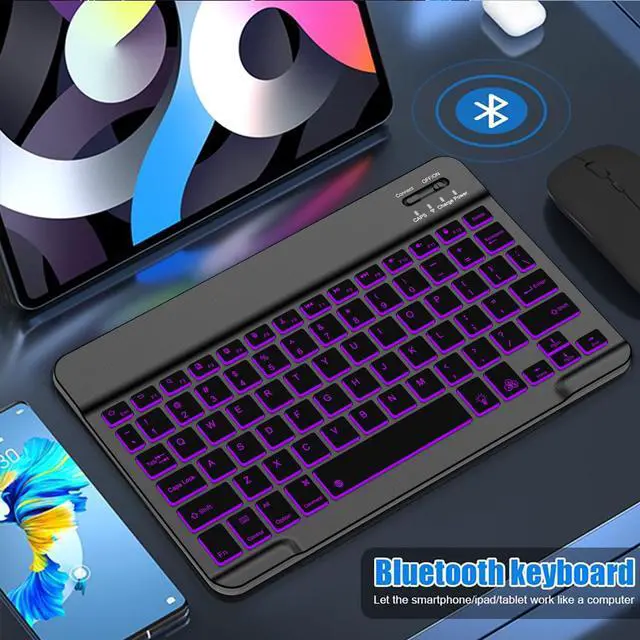
Ensure the keyboard is powered on.On your iPad, go to Settings and turn Bluetooth on. Press Bluetooth pairing key at the top-right until the indicator flashes.Select "Bluetooth Keyboard" from your iPad's available devices list to complete pairing.
What is the battery life and charging time?
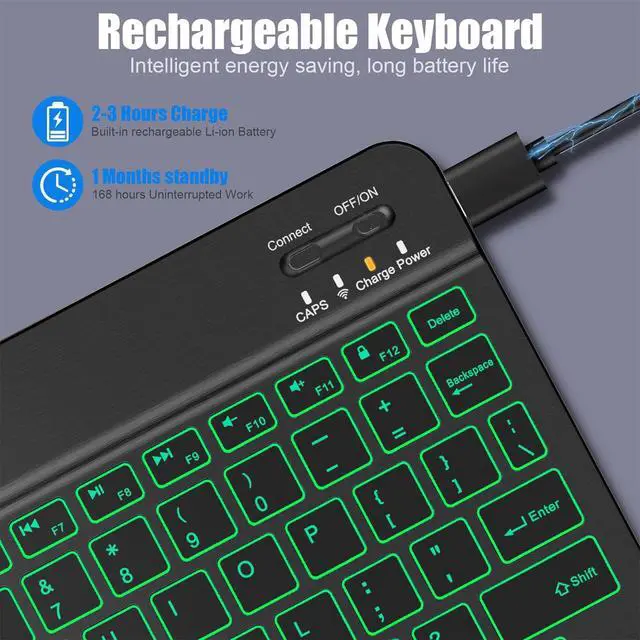
Approximately 2 hours for a full charge via USB-C. The backlight will dim or flash to indicate when charging is needed.
Can I connect the keyboard to multiple devices at once? How do I switch devices?
This keyboard connects to one device at a time.To switch to a second device, please disconnect "Bluetooth Keyboard" from the first device, then pair it to the new device
Which iPad models are compatible?
The keyboard is compatible with most Bluetooth-enabled iPads, including:iPad Pro (2018 and later), iPad Air (3rd gen and later), iPad (6th gen and later), iPad mini (5th gen and later)


NOOX creates smart, reliable iPad accessories—keyboards, cases, and numeric keypads—for people who actually get things done on their tablets.
We noticed a gap: great hardware, not-so-great accessories. So we built our own. Magnetic detachable keyboards, ergonomic scissor keys, precise fit cases, and handy number pads for spreadsheets.
No noise. No clutter. Just tools that work exactly when you need them.
iPad productivity accessories: magnetic keyboard, multi-angle case, wireless numeric keypad. No hassle, just attach and go. Turn your tablet into a true mobile workstation.
From scissor-switch key feel to honeycomb heat dissipation, every detail is crafted. Soft PU cover + flexible TPU interior for both comfort and protection. NOOX – responsible for every keystroke.
Writing plans at a café, taking notes in class, crunching numbers in the office – NOOX turns your iPad into a laptop in seconds. Long-lasting keyboard.


Matte black body, understated yet textured. No fancy backlight, no unnecessary embellishments – this basic classic Bluetooth keyboard is designed to restore the purest typing feel. With stable Bluetooth connection, it easily pairs with your popular iPad models such as iPad Pro, iPad Air, iPad mini, or iPad (10th generation), while also compatible with iOS, Android, and even Windows tablets. The compact key layout with just the right key travel and rebound makes every keystroke crisp and clean. No distractions, just assistance – a pragmatic choice for cross-platform efficiency seekers.

All-black finish, matches perfectly with your Space Gray or Silver iPad. Slim and light body easily slips into your backpack; backlight-free design yields longer battery life – a single charge lasts for weeks of intensive use. Quick Bluetooth pairing, no lag or dropouts – whether paired with iPad Pro for video editing, iPad mini for note-taking, or connected to Android or Windows tablets for document processing, it stays quietly ready in libraries, cafes, or classrooms. A basic model, but not basic in reliability and ease of use, covering almost all mainstream tablet systems.

Backlit keys may look dazzling at night, but for daily use, clear key legends and a comfortable typing angle are more than enough. This black classic keyboard omits backlighting to bring the price down to a more accessible level, while retaining: a sturdy folding stand, responsive scissor-switch keys, and shortcut function keys for the entire iPad lineup (e.g., iPad Pro / Air / mini / digital series). What's more, via Bluetooth it connects to Android tablets and Windows tablets, truly a single keyboard that works with all your devices. If you pursue the pragmatic philosophy of "just right", this is your ideal partner.
How do I connect the keyboard to my iPad for the first time?
Ensure the keyboard is powered on.On your iPad, go to Settings and turn Bluetooth on. Press Bluetooth pairing key at the top-right until the indicator flashes.Select "Bluetooth Keyboard" from your iPad's available devices list to complete pairing.
What is the battery life and charging time?
Approximately 2 hours for a full charge via USB-C. The backlight will dim or flash to indicate when charging is needed.
Can I connect the keyboard to multiple devices at once? How do I switch devices?
This keyboard connects to one device at a time.To switch to a second device, please disconnect "Bluetooth Keyboard" from the first device, then pair it to the new device
Which iPad models are compatible?
The keyboard is compatible with most Bluetooth-enabled iPads, including:iPad Pro (2018 and later), iPad Air (3rd gen and later), iPad (6th gen and later), iPad mini (5th gen and later)
NOOX creates smart, reliable iPad accessories—keyboards, cases, and numeric keypads—for people who actually get things done on their tablets.
We noticed a gap: great hardware, not-so-great accessories. So we built our own. Magnetic detachable keyboards, ergonomic scissor keys, precise fit cases, and handy number pads for spreadsheets.
No noise. No clutter. Just tools that work exactly when you need them.
iPad productivity accessories: magnetic keyboard, multi-angle case, wireless numeric keypad. No hassle, just attach and go. Turn your tablet into a true mobile workstation.
From scissor-switch key feel to honeycomb heat dissipation, every detail is crafted. Soft PU cover + flexible TPU interior for both comfort and protection. NOOX – responsible for every keystroke.
Writing plans at a café, taking notes in class, crunching numbers in the office – NOOX turns your iPad into a laptop in seconds. Long-lasting keyboard.


