



• $79.99
  • Free 30-day Returns
  • Shipped by Xuerhurai Shop

    Price alert
    Shop it at NeweggBusiness.

    Meet Your Seller

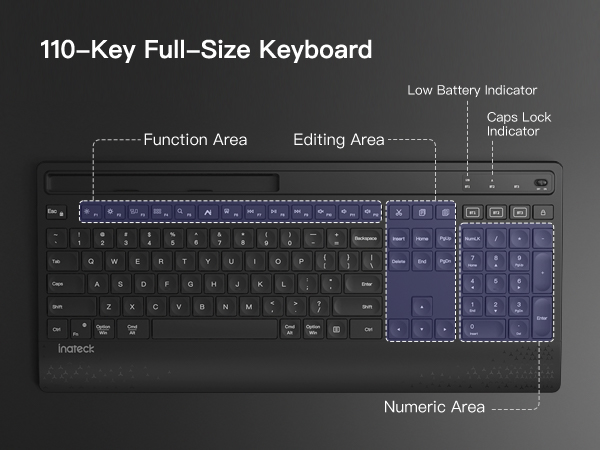
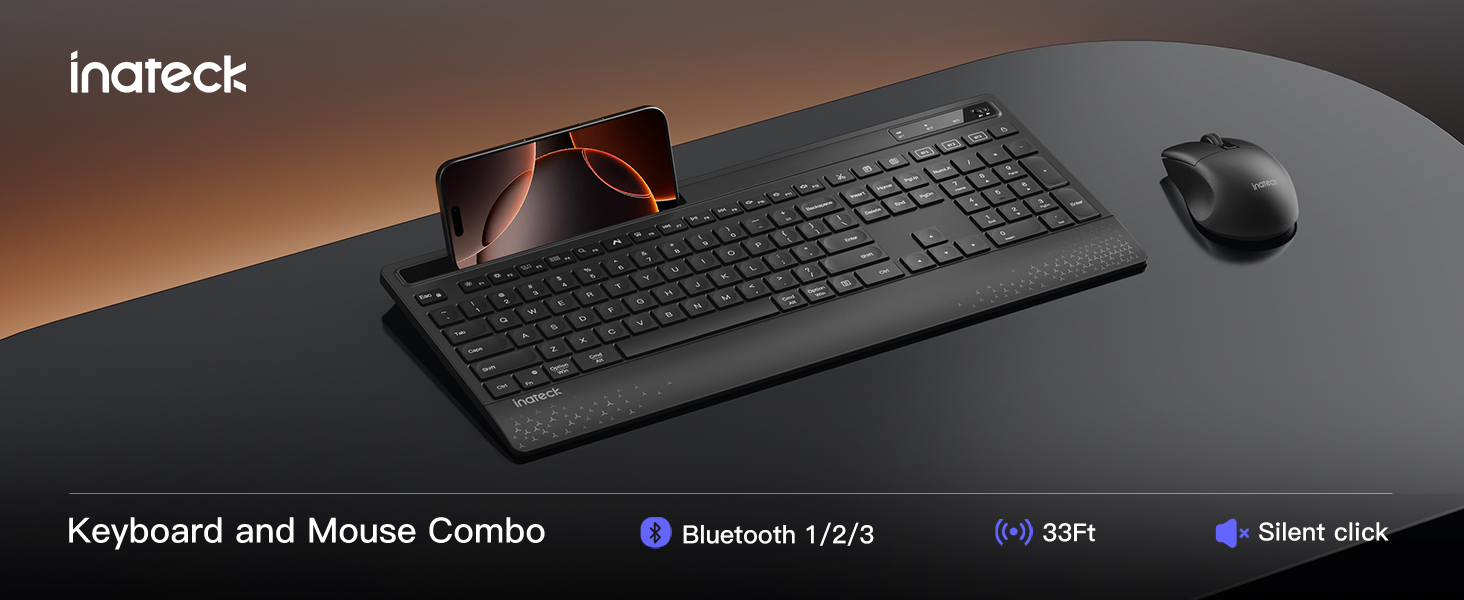
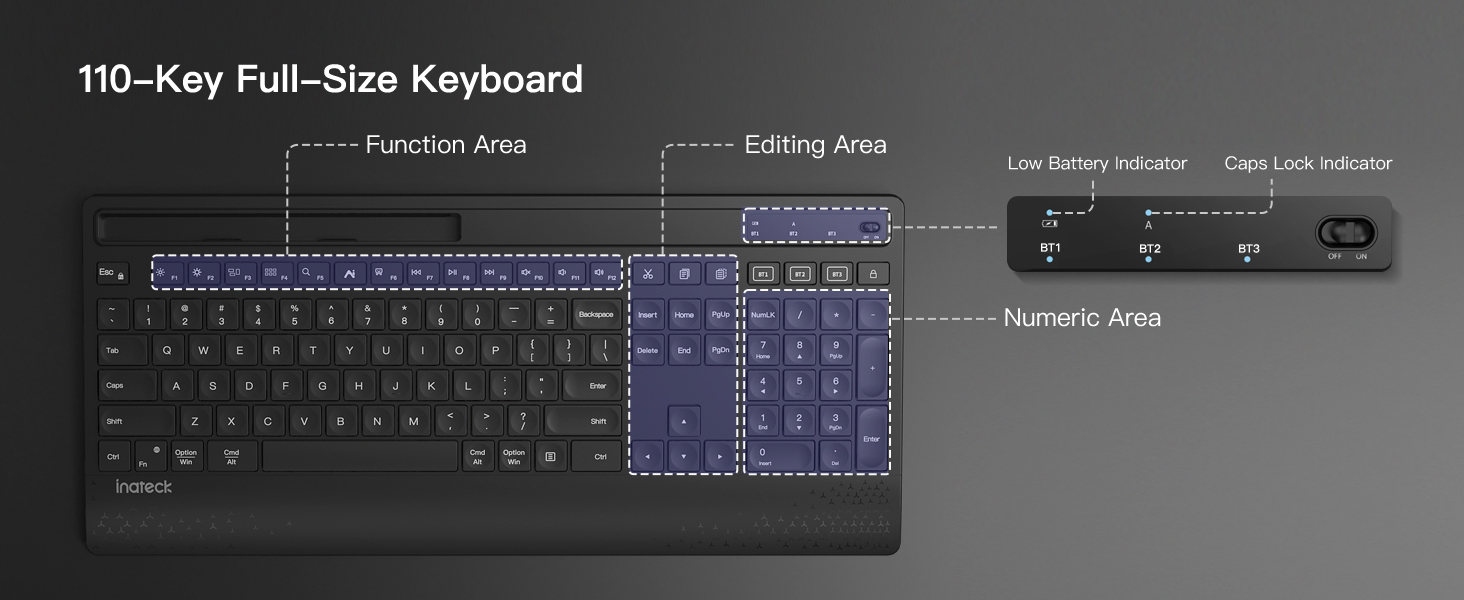
    Wireless Keyboard Mouse Set, QWERTZ Wireless Keyboard in Full Size, 3 Bluetooth, with Wrist Rest, AI Function, Silent Keyboard for Mac, Windows, Laptop, PC, Smart TV, KB06006

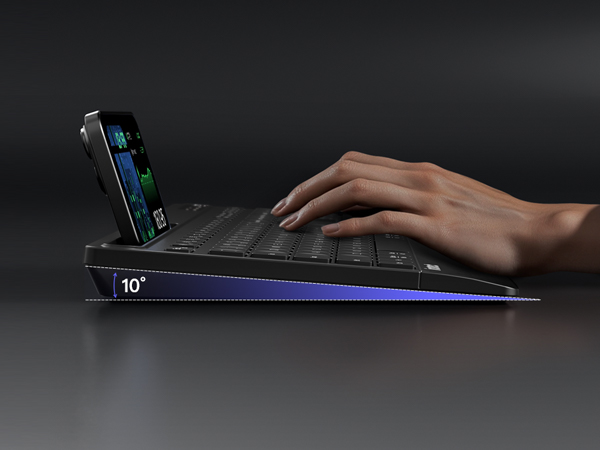
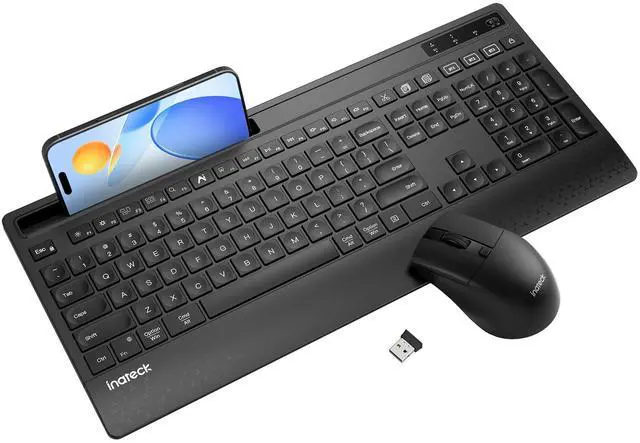
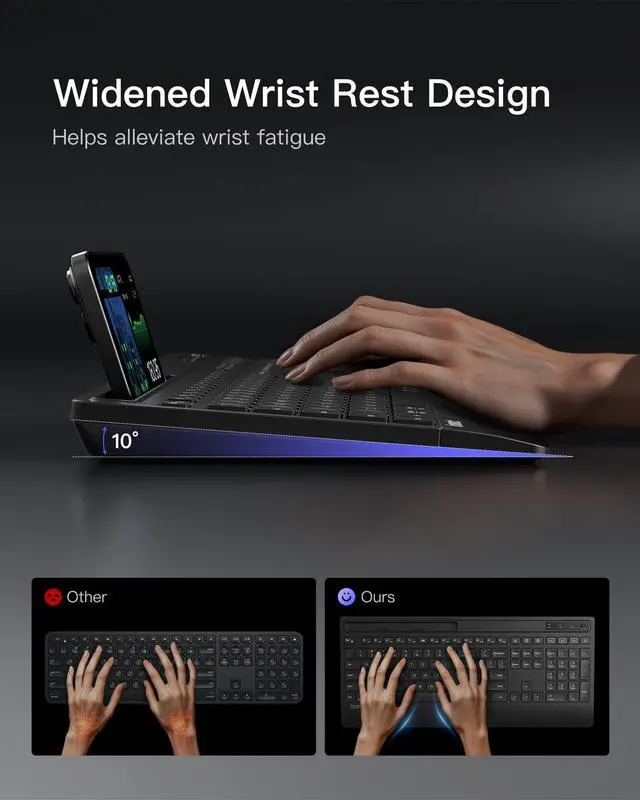
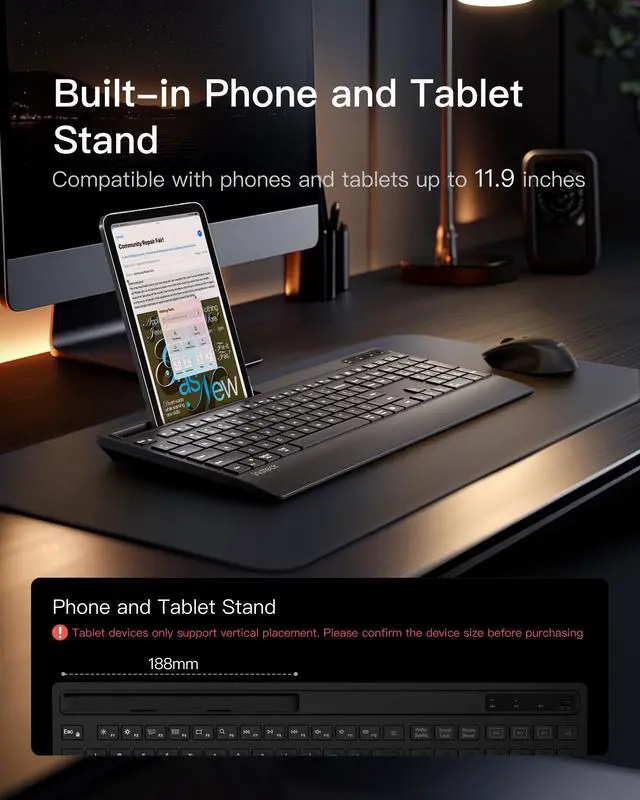
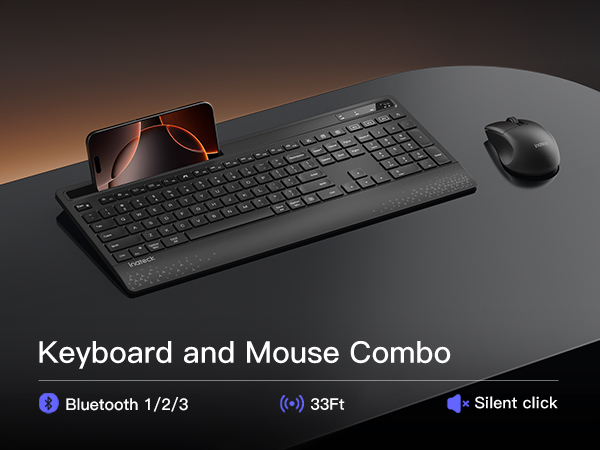
    • Full-Size Ergonomic Keyboard: Features a built-in stand for stable support of phones or tablets, a widened wrist rest to reduce fatigue, and an adjustable tilt design. Ideal for checking emails, editing documents, or watching videosenhancing both productivity and entertainment
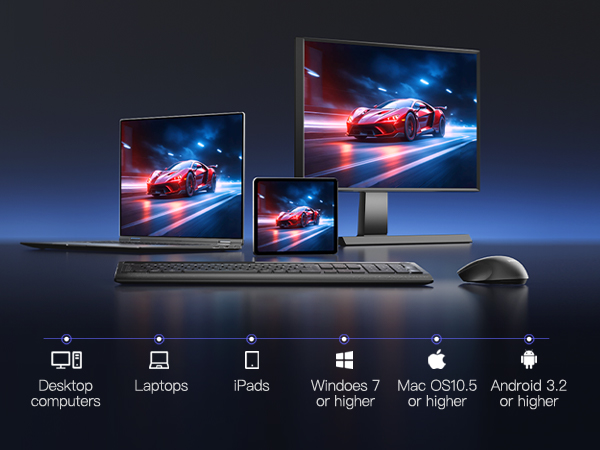
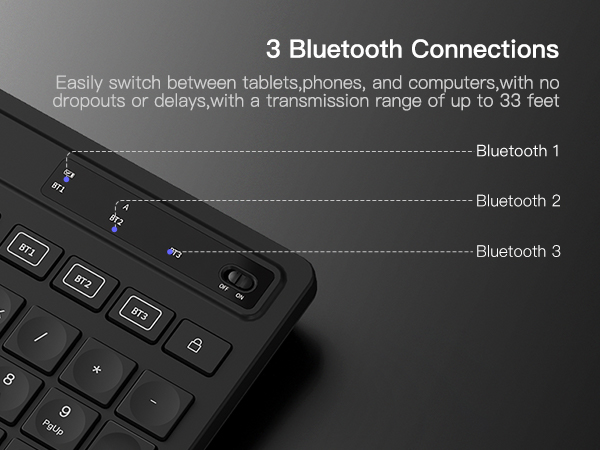
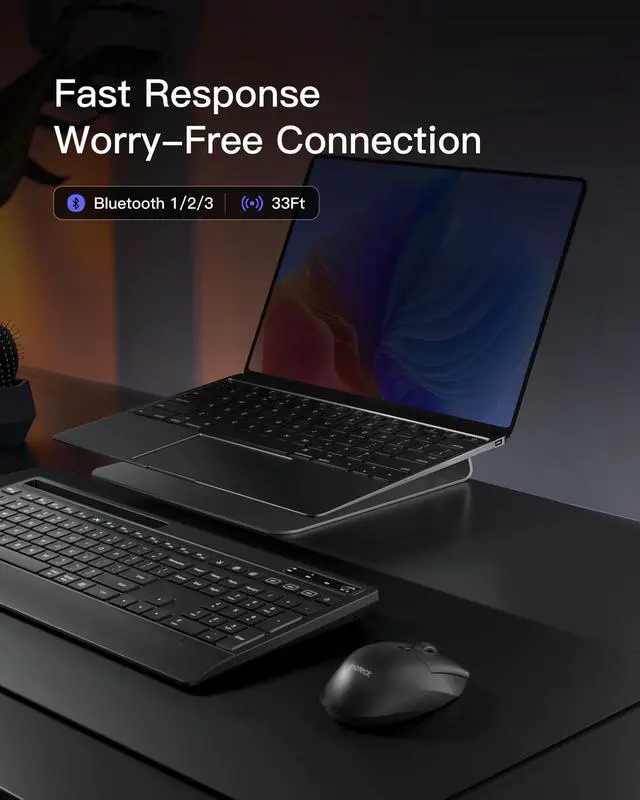
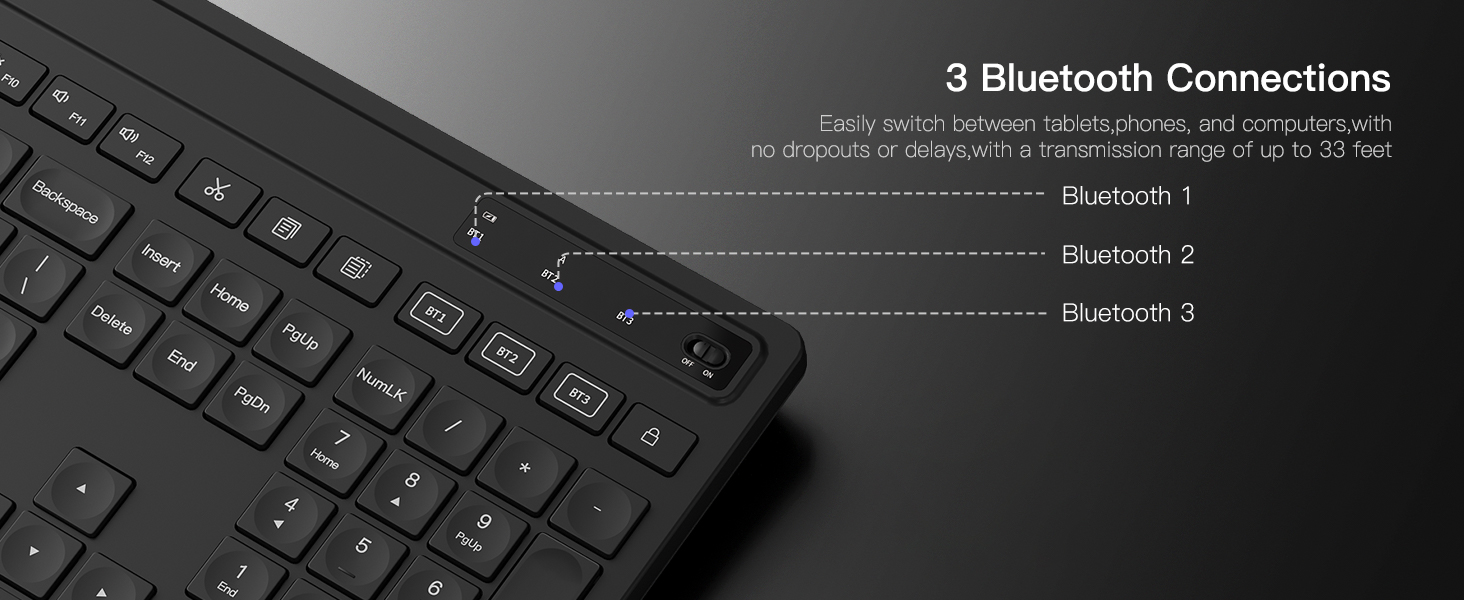
    • 3 DEVICE CHANGING: 3 Bluetooth channels allow this Bluetooth keyboard to easily switch between tablets, phones and computers. Configure the corresponding buttons, automatically detect different devices and automatically connect to the previously paired device the next time. Note: The Inateck mouse also has 3 Bluetooth so you can use it with a keyboard to seamlessly switch between different systems and devices
    • Full size with wrist rest: This wireless keyboard with mouse combo includes a full-size keyboard with built-in holder. The holder securely supports your phone or tablet and provides a comfortable position for checking emails, editing documents or watching videos. Increase your work efficiency and entertainment experience at the same time
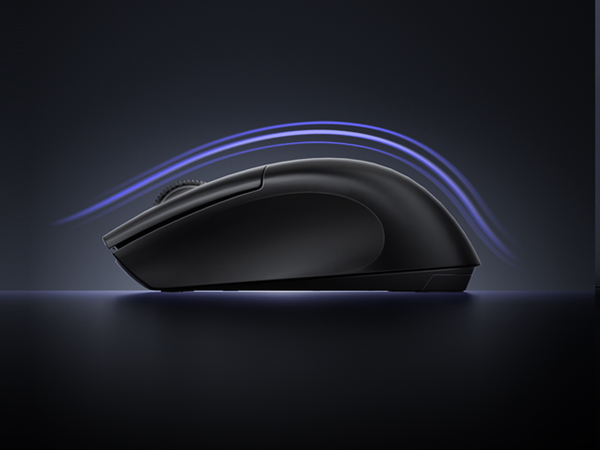
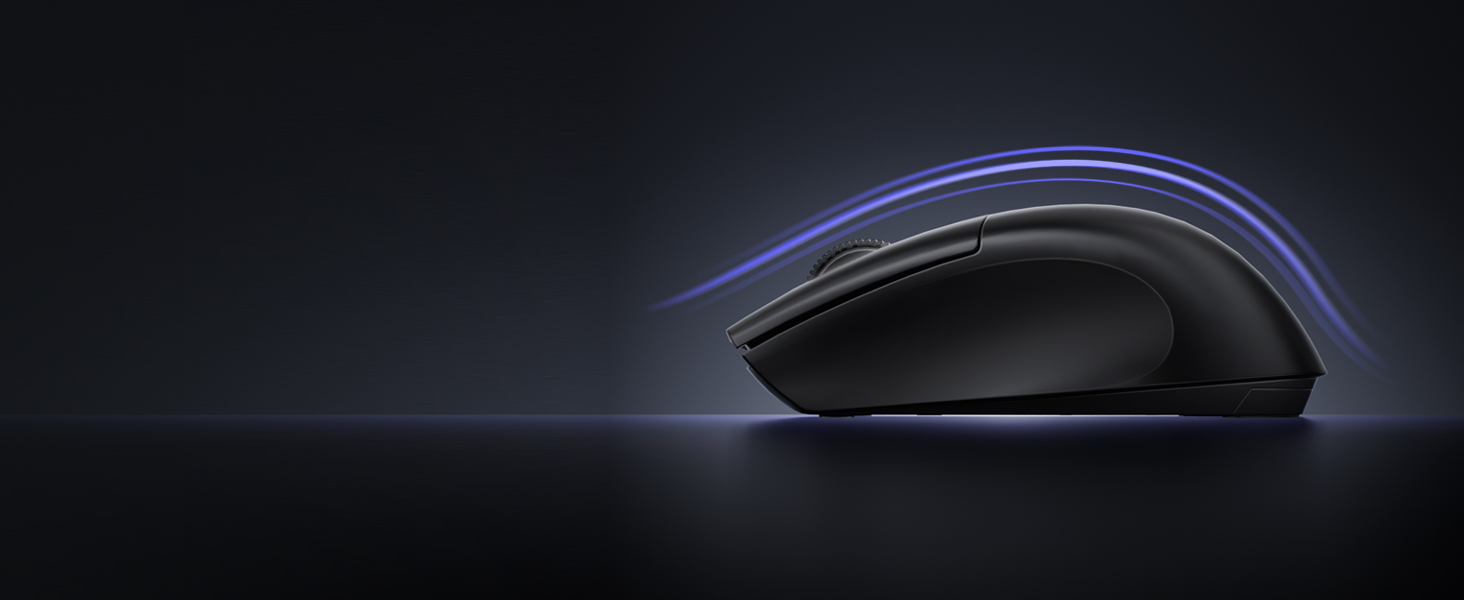
    • Keyboard with mouse 3 DPI: The wireless mouse offers three DPI settings (1000/1600/2400) to adjust the sensitivity to your needs and preferences. It supports a maximum transmission distance of 33 feet. Plus, their clicks are 95% quieter so you won't disturb others while working or playing
    +
    +
    Overview
    Specs
    Reviews
    avatar

    Any questions? Our AI beta will help you find out quickly.

    1
    1
    1
    • 1.Delete the iPad's pairing record and re-establish the connection.

      2.Charge the keyboard to ensure it functions normally and strengthen the Bluetooth connection signal.

    • Hold down the mode switch button to switch to Bluetooth channel 1 transmission mode and restore the Bluetooth connection.

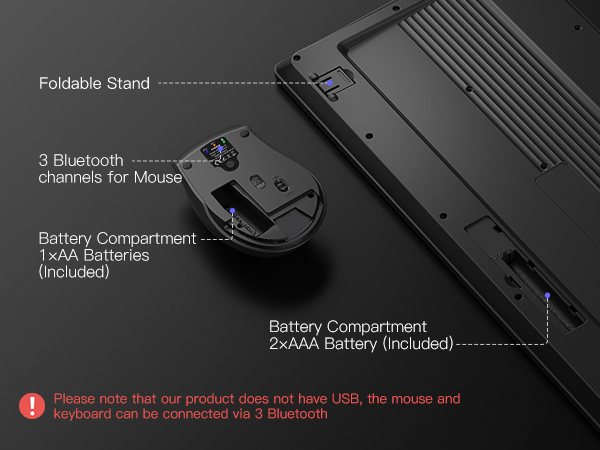
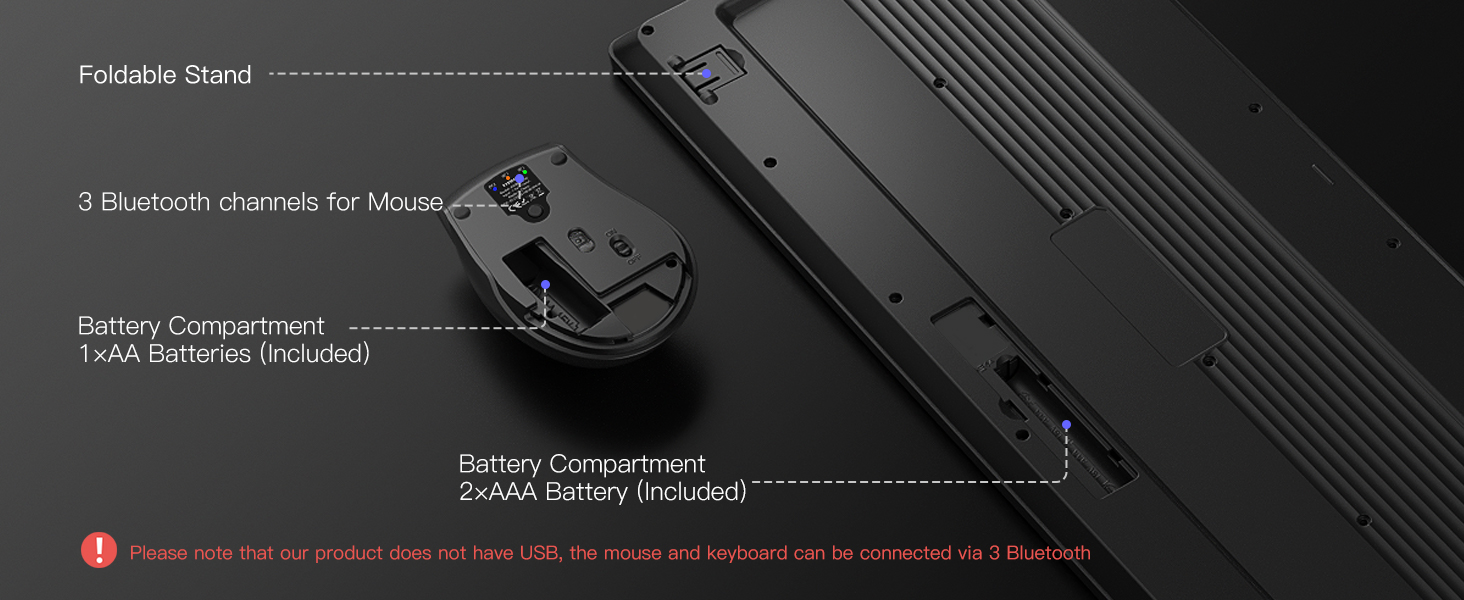
    • The Inateck mouse also features 3 Bluetooth functions but does not have a USB connection. It can use Bluetooth channels to seamlessly switch between different devices.
    1
    1
    1
    • 1.Delete the iPad's pairing record and re-establish the connection.

      2.Charge the keyboard to ensure it functions normally and strengthen the Bluetooth connection signal.

    • Hold down the mode switch button to switch to Bluetooth channel 1 transmission mode and restore the Bluetooth connection.

    • The Inateck mouse also features 3 Bluetooth functions but does not have a USB connection. It can use Bluetooth channels to seamlessly switch between different devices.

    Wireless Keyboard Mouse Set, QWERTZ Wireless Keyboard in Full Size, 3 Bluetooth, with Wrist Rest, AI Function, Silent Keyboard for Mac, Windows, Laptop, PC, Smart TV, KB06006

    Warranty & Returns

    Warranty, Returns, And Additional Information

    Warranty

    • Please contact the Seller directly for warranty information. Warranty information may also be found on the Manufacturer's website.
    • CONTACT

    Return Policies

    Manufacturer Contact Info

    LOADING...