




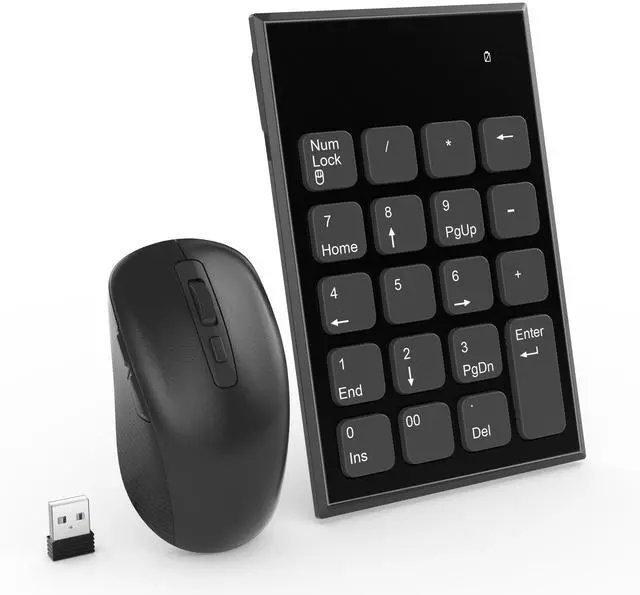


USB Number Pad and Mouse Combo for Laptop PC
Specifications:
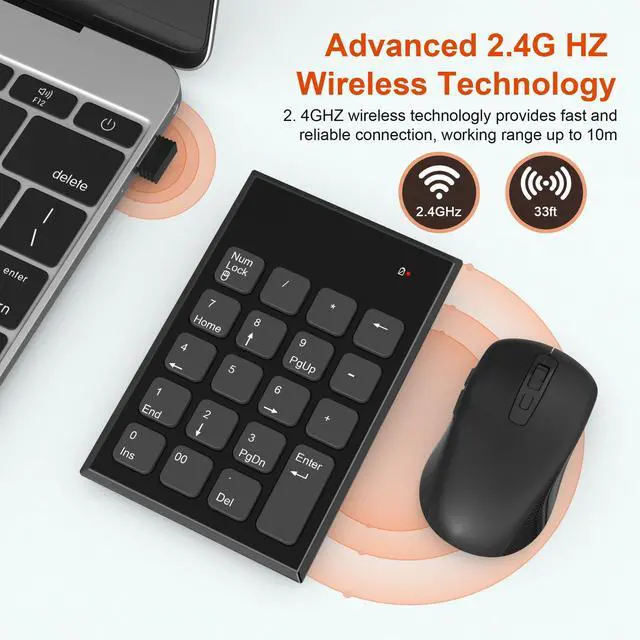
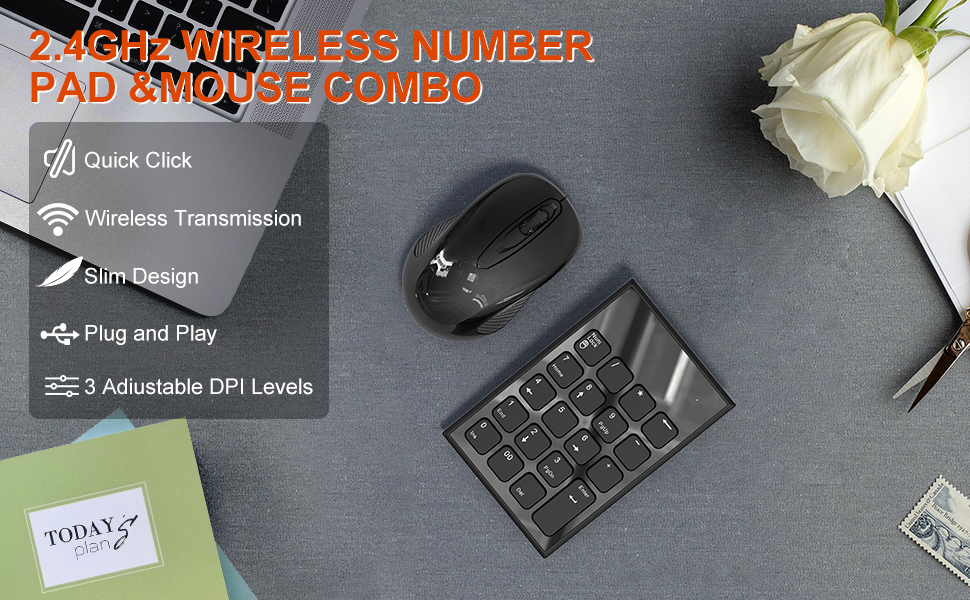
- Wireless Connection Mode: 2.4G USB
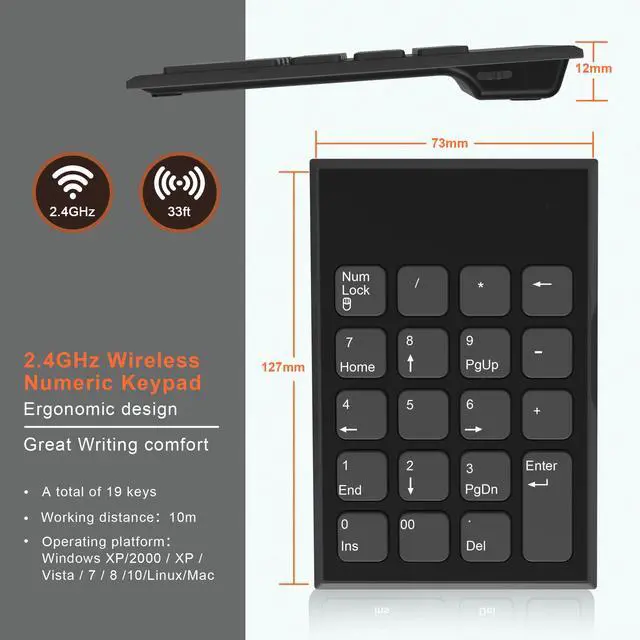
- Number of Keys: 19 keys
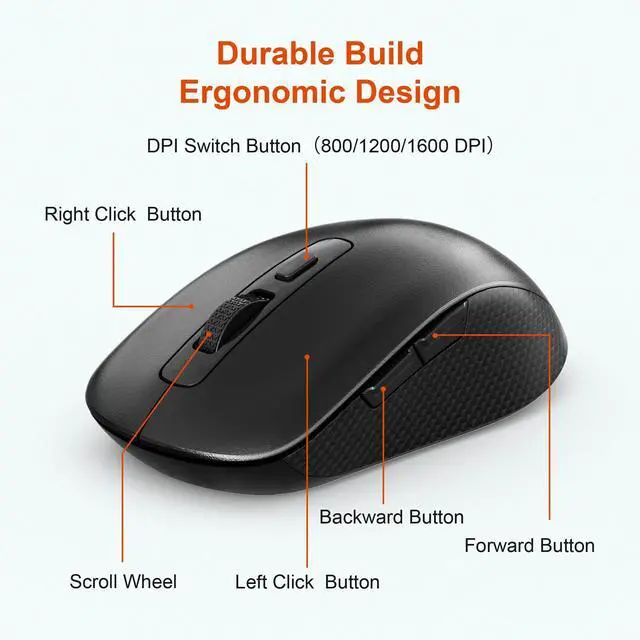
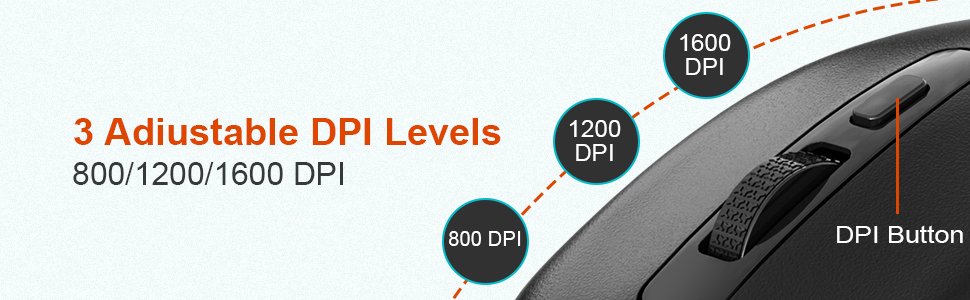
- Mouse DPI Setting: 800/1200/1600
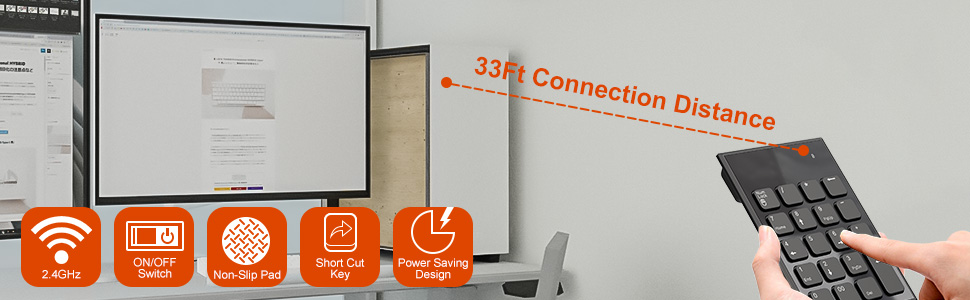
- Wireless Operation Distance: 33FT without block
- Auto power-saving mode: When not in use for 8 minutes,it willswitch to sleep mode. You can press any key to wake up.
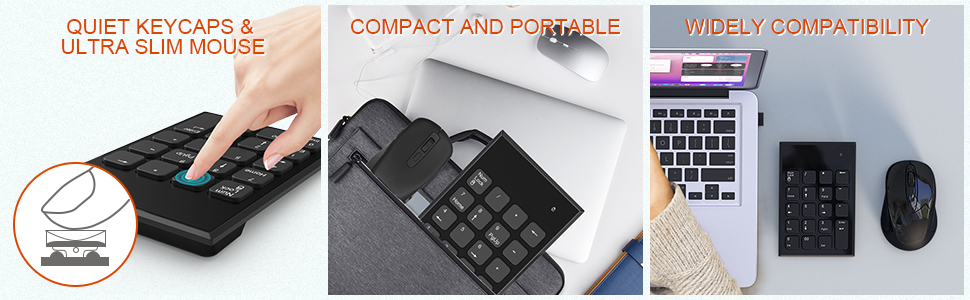
- System Support: Windows XP, Windows Vista, Windows 7 / 8 / 10/ 11 (Not fully compatible with Mac OS )
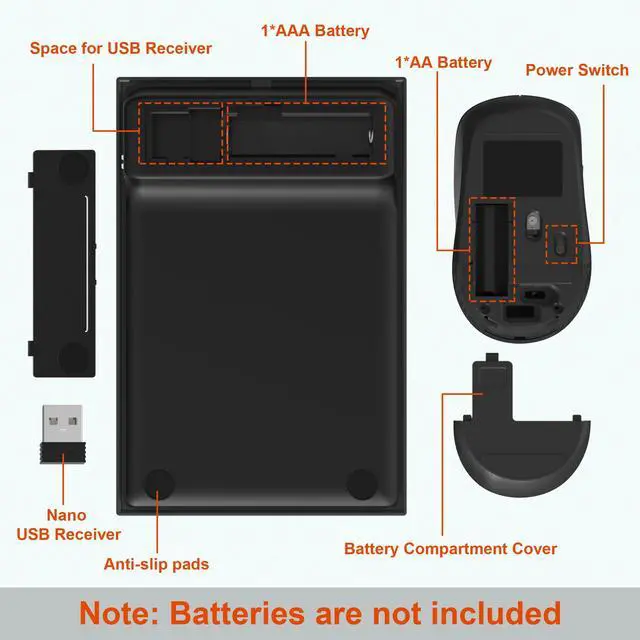
- Battery Required: 1 AAA batteries and 1 AA battery (not included)
Package Included:
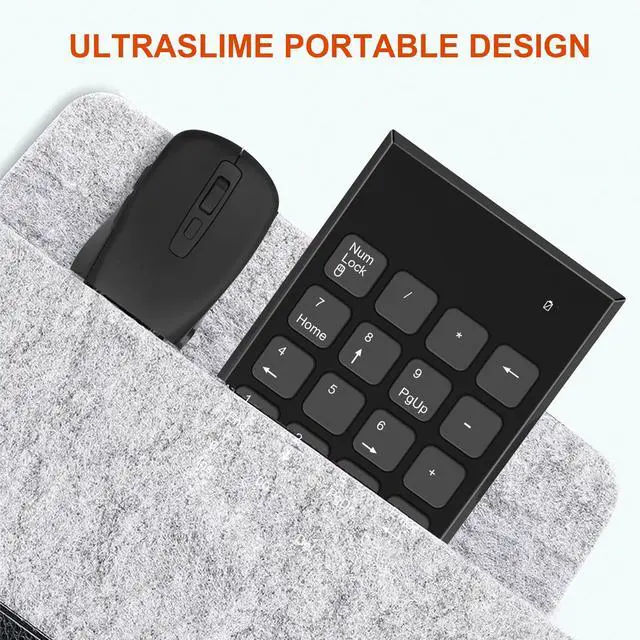
- 1 x Wireless Number Pad
- 1 x Wireless Mouse
- 1 x Wireless USB receiver ( The USB dongle at the bottom of the mouse )
- 1 x User Manual
- Note 1: The USB receiver is inserted in the battery compartment of the MOUSE. Share JUST ONLY ONE usb receiver.
- Note 2: When pressing Numlock to switch to numeric inputthe LED light in the upper right corner flashes blue. Whenpressing Numlock to switch to function input, the LEDlight in the upper right corner is off.
- Note 3: Low battery indicator: When the battery voltage is too low,the LED light in the upper right corner will flash red. Pleases replace the battery with a new one in time
- Note 4: DPI can be adjusted, 800/1200/1600D PL, with side keysthat is, forward and backward keys. Note that the forwardand backward keys have no function in the mac system
- Note 5: This number pad is NOT fully compatible with macOS system. Function keys do not work, while number keys part works fine.

Troubleshooting:
- 1. Please confirm if it is on the Num Lock status
- 2. Please check the battery volume is normal; if the battery is usedout, please replace new batteries.
- 3. Please check if the Receiver connect well with USB port
- 4. Please try to restart your computer.






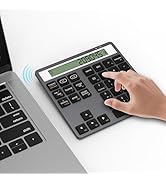


USB Number Pad and Mouse Combo for Laptop PC
Specifications:
- Wireless Connection Mode: 2.4G USB
- Number of Keys: 19 keys
- Mouse DPI Setting: 800/1200/1600
- Wireless Operation Distance: 33FT without block
- Auto power-saving mode: When not in use for 8 minutes,it willswitch to sleep mode. You can press any key to wake up.
- System Support: Windows XP, Windows Vista, Windows 7 / 8 / 10/ 11 (Not fully compatible with Mac OS )
- Battery Required: 1 AAA batteries and 1 AA battery (not included)
Package Included:
- 1 x Wireless Number Pad
- 1 x Wireless Mouse
- 1 x Wireless USB receiver ( The USB dongle at the bottom of the mouse )
- 1 x User Manual
- Note 1: The USB receiver is inserted in the battery compartment of the MOUSE. Share JUST ONLY ONE usb receiver.
- Note 2: When pressing Numlock to switch to numeric inputthe LED light in the upper right corner flashes blue. Whenpressing Numlock to switch to function input, the LEDlight in the upper right corner is off.
- Note 3: Low battery indicator: When the battery voltage is too low,the LED light in the upper right corner will flash red. Pleases replace the battery with a new one in time
- Note 4: DPI can be adjusted, 800/1200/1600D PL, with side keysthat is, forward and backward keys. Note that the forwardand backward keys have no function in the mac system
- Note 5: This number pad is NOT fully compatible with macOS system. Function keys do not work, while number keys part works fine.
Troubleshooting:
- 1. Please confirm if it is on the Num Lock status
- 2. Please check the battery volume is normal; if the battery is usedout, please replace new batteries.
- 3. Please check if the Receiver connect well with USB port
- 4. Please try to restart your computer.


Surface Pen

Suface Hub


Card Reader


Number Pad