






Bluetooth Connection Guidance:
1. Power on the keyboard first, the green indicator will light on about 1 second (if battery indicator is red, please charge it first)
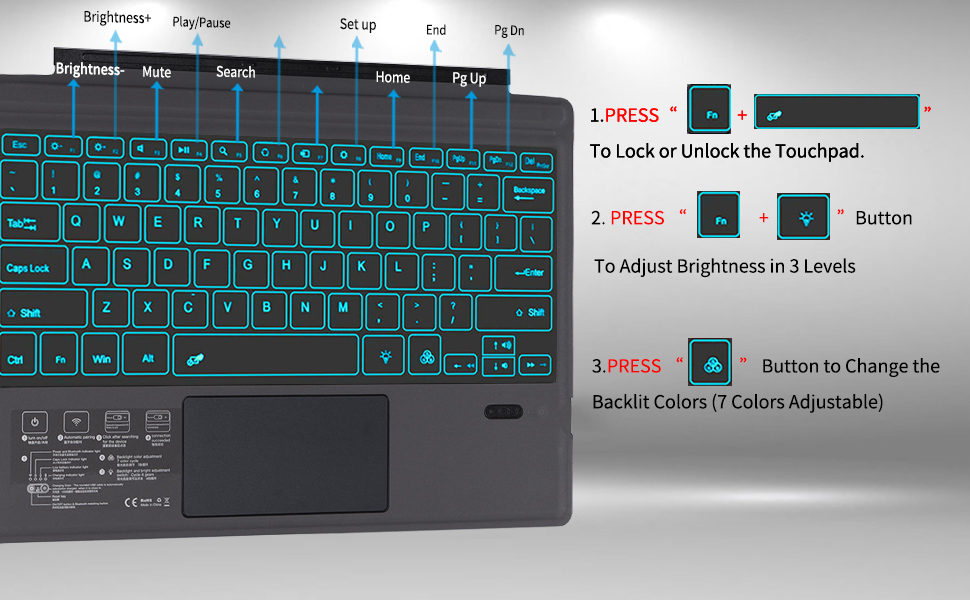
2. Press "Fn+Z" for 1 second, the wireless indicator light will flash and enter into the pairing state, the effective time is about 2 minutes.
3. Open the wireless search function of your Surface Pro 7+/7/6/5/4, choose "Bluetooth Keyboard".
4. After the pairing process completed, the indicator light will extinguish, and you can use the keyboard now. (If it is not in use for 10 minutes, the keyboard will enter into auto sleep mode. Just press any keys to wake the keyboard up in 2-3 seconds.)
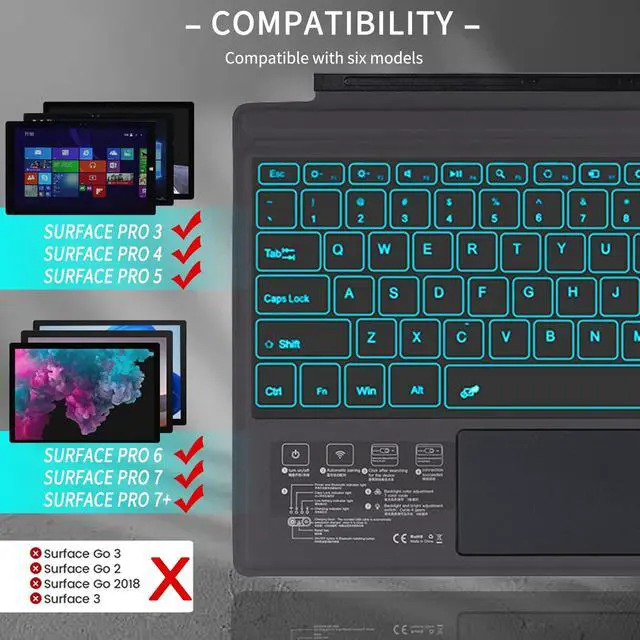
Compatible Models
- For Surface Pro 7+
- For Surface Pro 7
- For Surface Pro 6
- For Surface Pro 5
- For Surface Pro 4
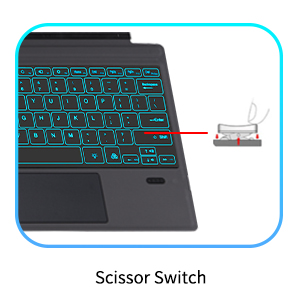
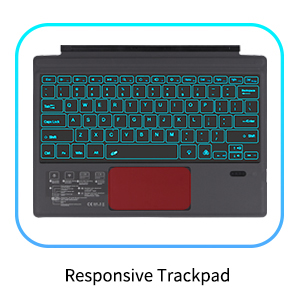
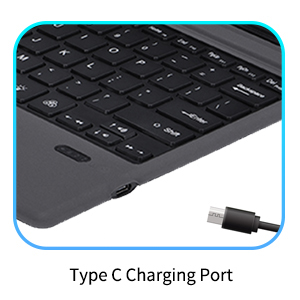
Features:
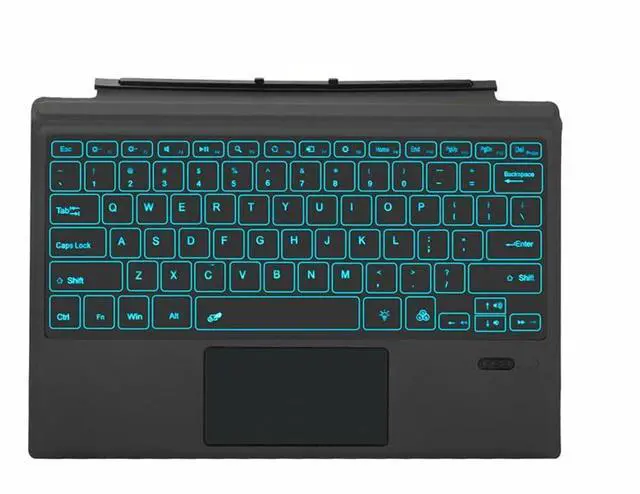
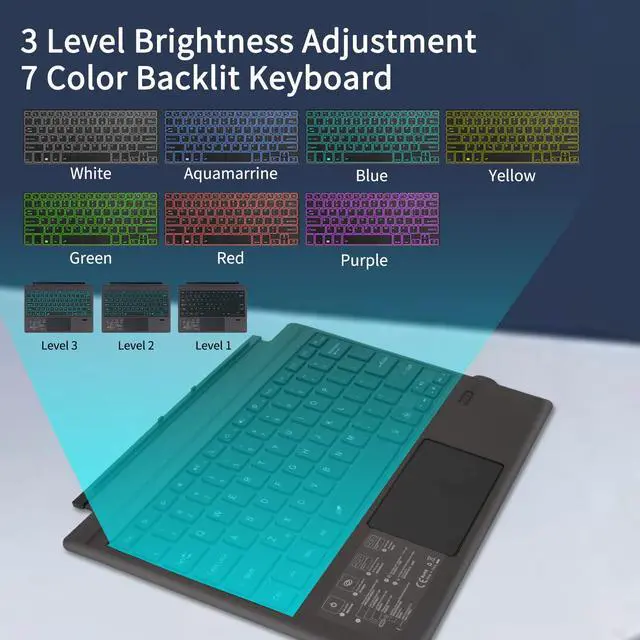
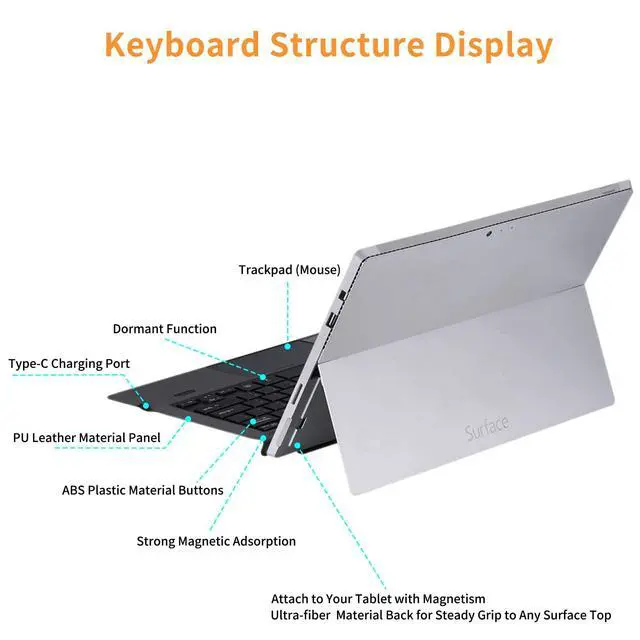
- The sleek ABS keys turn your Surface Pro 4/5/6/7/7+ tablet and the wireless keyboard into one seamless unit.
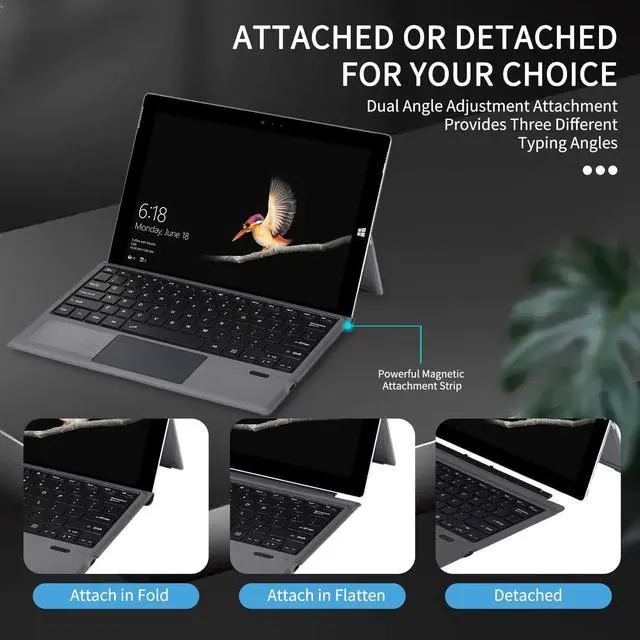
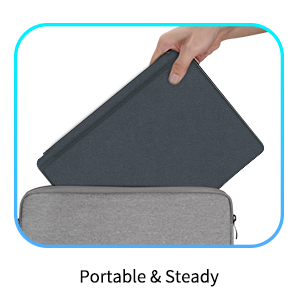
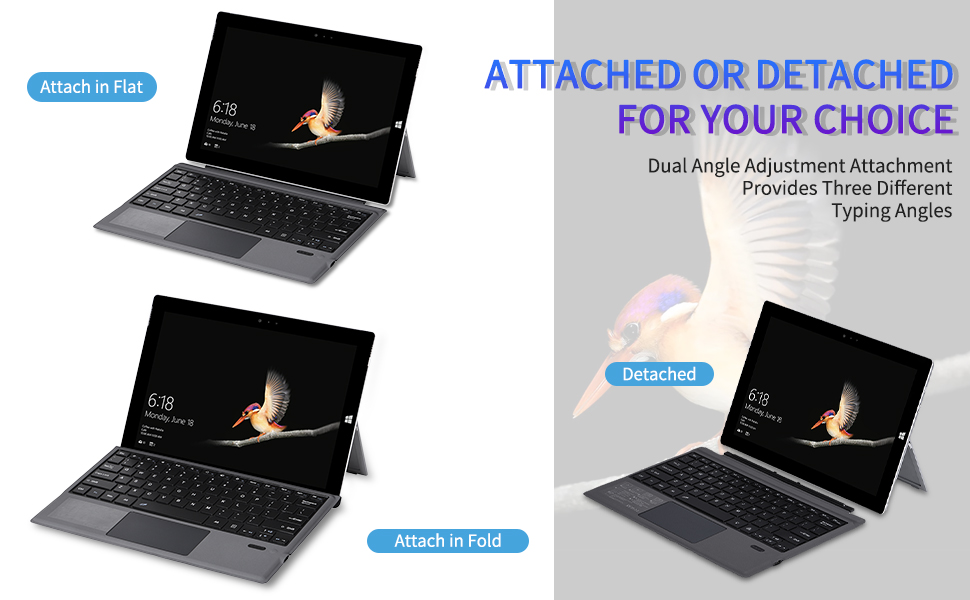
- Wireless bluetooth keyboard & folding protective PU case with stand function.
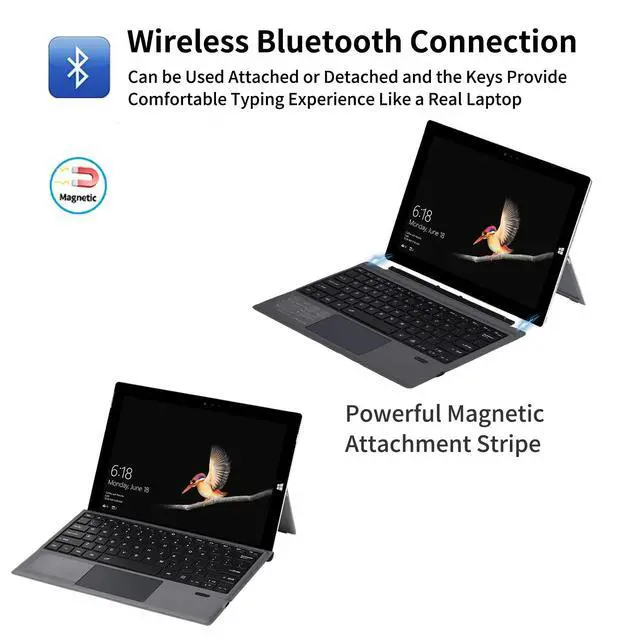
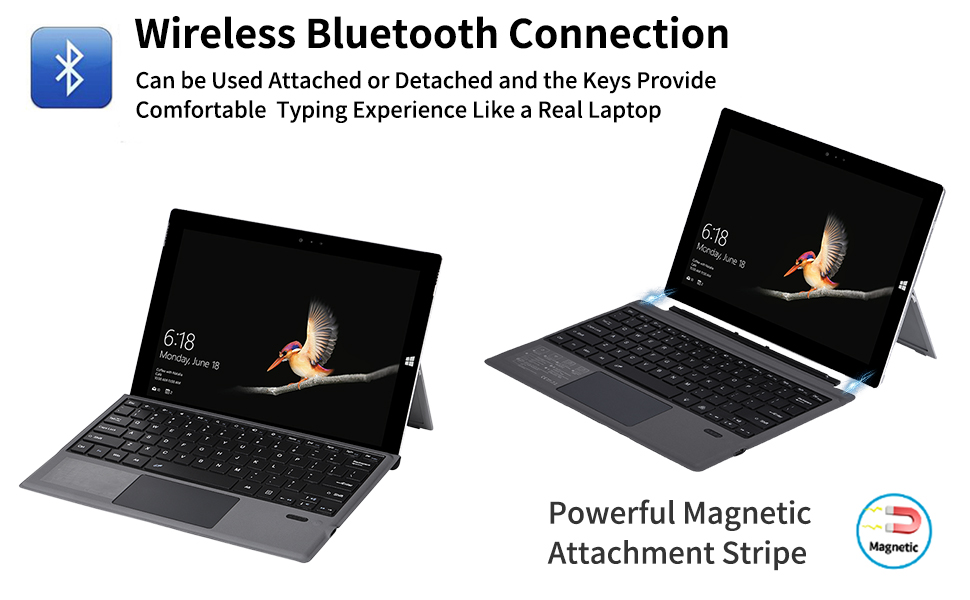
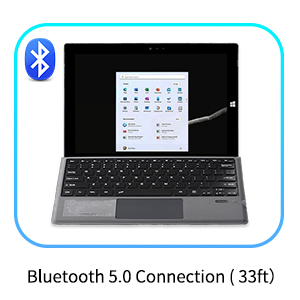
- Intelligent and simple connection, with wireless operation distance up to 10m.
- Lightweight, quiet keystrokes, waterproof and dustproof
- Energy-saving keyboard sleep mode.
Package Includes:
- 1x Bluetooth Keyboard for Microsoft Surface Pro 7+/7/6/5/4
- 1x Type C Charging Cable
- 1x Instruction Manual
- 1x Compact Retail Box
Remark:
- Keyboard Only, Tablet Is Not Included
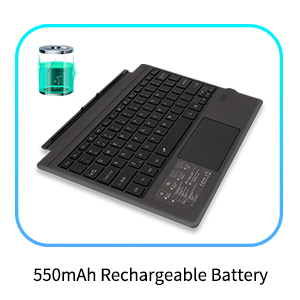
- If the battery power is not enough, please charge the keyboard first before use.
- Sometimes, the keyboard battery maybe overcharged in your daily life use, which may result in battery overcharging protection, you can use a pin to long press the tinny "rst" button on the lower right side of the keyboard to wake up the battery.
Bluetooth Connection Guidance:
1. Power on the keyboard first, the green indicator will light on about 1 second (if battery indicator is red, please charge it first)
2. Press "Fn+Z" for 1 second, the wireless indicator light will flash and enter into the pairing state, the effective time is about 2 minutes.
3. Open the wireless search function of your Surface Pro 7+/7/6/5/4, choose "Bluetooth Keyboard".
4. After the pairing process completed, the indicator light will extinguish, and you can use the keyboard now. (If it is not in use for 10 minutes, the keyboard will enter into auto sleep mode. Just press any keys to wake the keyboard up in 2-3 seconds.)
Compatible Models
- For Surface Pro 7+
- For Surface Pro 7
- For Surface Pro 6
- For Surface Pro 5
- For Surface Pro 4
Features:
- The sleek ABS keys turn your Surface Pro 4/5/6/7/7+ tablet and the wireless keyboard into one seamless unit.
- Wireless bluetooth keyboard & folding protective PU case with stand function.
- Intelligent and simple connection, with wireless operation distance up to 10m.
- Lightweight, quiet keystrokes, waterproof and dustproof
- Energy-saving keyboard sleep mode.
Package Includes:
- 1x Bluetooth Keyboard for Microsoft Surface Pro 7+/7/6/5/4
- 1x Type C Charging Cable
- 1x Instruction Manual
- 1x Compact Retail Box
Remark:
- Keyboard Only, Tablet Is Not Included
- If the battery power is not enough, please charge the keyboard first before use.
- Sometimes, the keyboard battery maybe overcharged in your daily life use, which may result in battery overcharging protection, you can use a pin to long press the tinny "rst" button on the lower right side of the keyboard to wake up the battery.