







How big is the keyboard? Can it be put in a backpack for easy carrying?
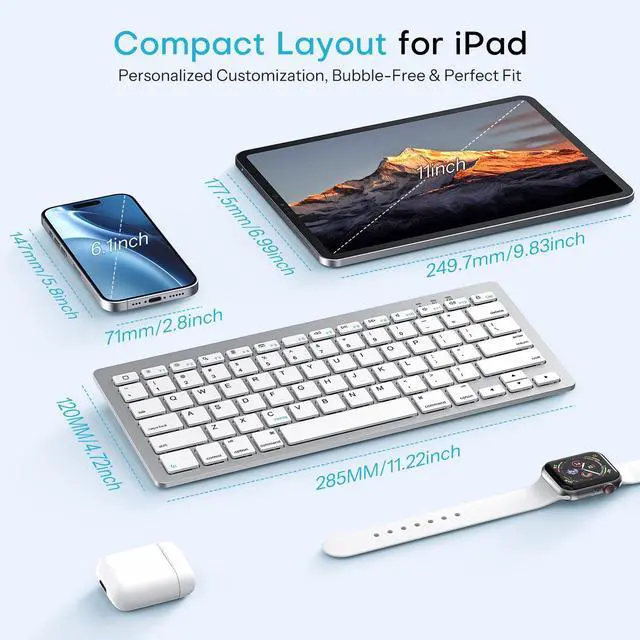
Our keyboard: 11.22 * 4.72 inches ( weighs 0.65 lbs ).
iPad Pro 13 inch: 11.09 * ?8.48 inches ( weighs 1.28 lbs )
It’s smaller and lighter than a 13-inch iPad Pro, ultra-portable and easy to slip into a backpack, perfect for daily use and travel.
How is the battery life of this keyboard?
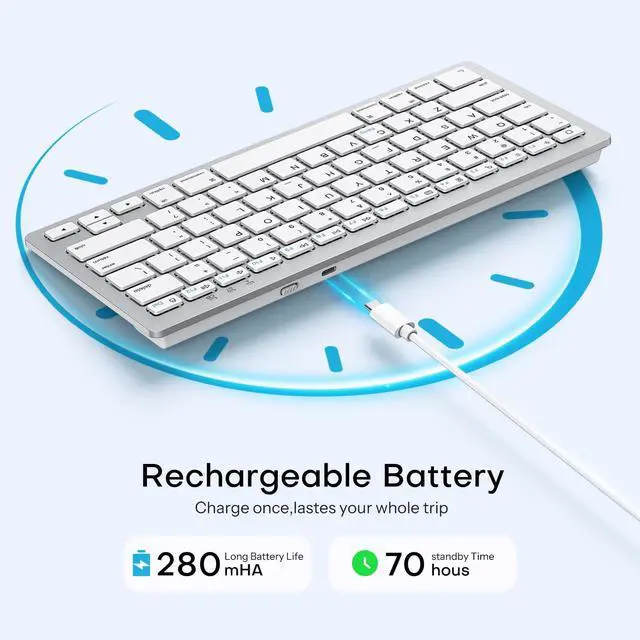
It charges fully in 2 hours and supports up to 70 hours of continuous use. With low power consumption, it perfectly meets daily office and daily use needs.
What devices is this keyboard compatible with?
This Bluetooth keyboard is mainly designed for iPad series, including:
iPad 11th/10th / 9th / 8th Generation etc
iPad Pro 11”/12.9''/13''
iPad Air Series
iPad Mini Series
How to connect the keyboard?
1. Turn on the keyboard and press the Bluetooth pair button ( Fn+C ) until the bluetooth indicator flashes
2. On your device, open Bluetooth settings and search for the keyboard's name " BT Keyboard "
3. Select it to connect, successfully connected
Does this keyboard come with an adjustable stand?
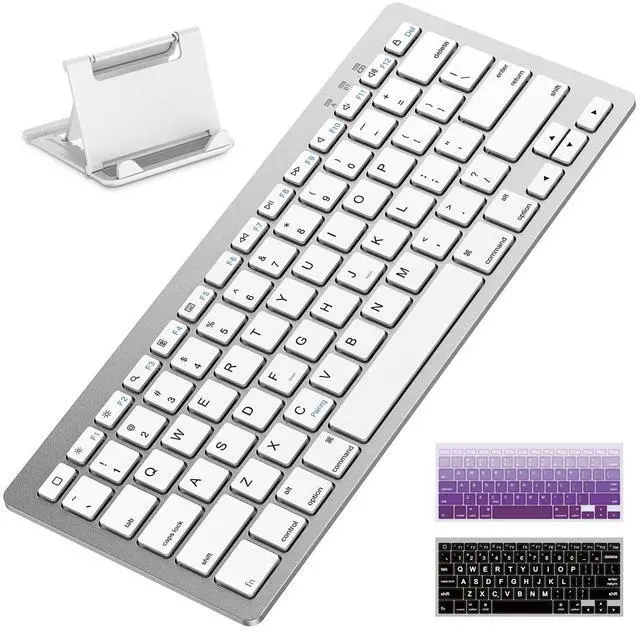
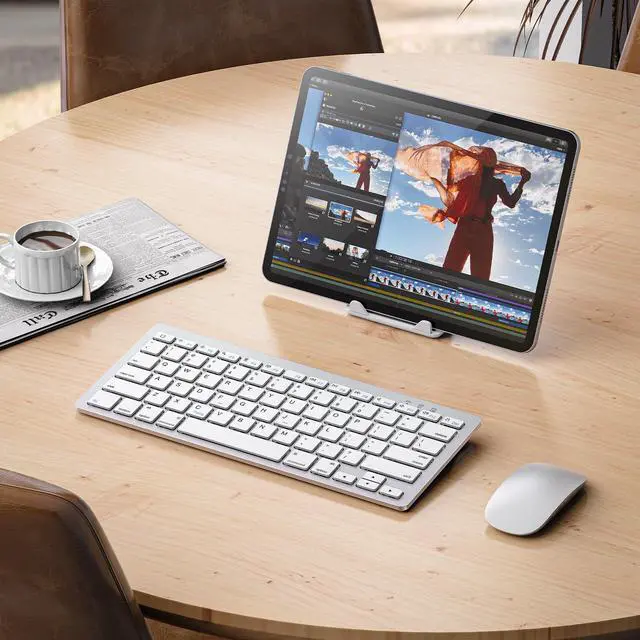
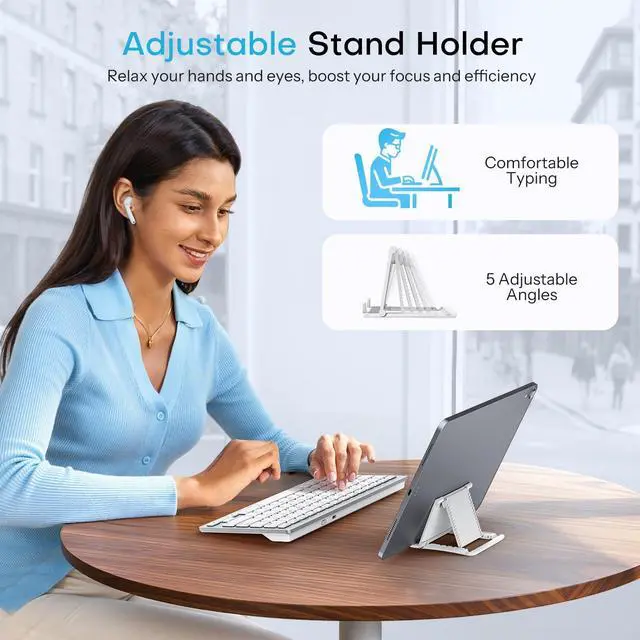
Yes. it comes with a 5 angles adjustable stand for ipad or your phone, allowing you to find the most comfortable viewing angle for typing, watching videos or working.

Rechargeableb Wireless Keyboard for iPad/iPhone
Merchant Video

Customize Your Comfortable Typing Angle

Compact & Portable


How big is the keyboard? Can it be put in a backpack for easy carrying?
Our keyboard: 11.22 * 4.72 inches ( weighs 0.65 lbs ).
iPad Pro 13 inch: 11.09 * ?8.48 inches ( weighs 1.28 lbs )
It’s smaller and lighter than a 13-inch iPad Pro, ultra-portable and easy to slip into a backpack, perfect for daily use and travel.
How is the battery life of this keyboard?
It charges fully in 2 hours and supports up to 70 hours of continuous use. With low power consumption, it perfectly meets daily office and daily use needs.
What devices is this keyboard compatible with?
This Bluetooth keyboard is mainly designed for iPad series, including:
iPad 11th/10th / 9th / 8th Generation etc
iPad Pro 11”/12.9''/13''
iPad Air Series
iPad Mini Series
How to connect the keyboard?
1. Turn on the keyboard and press the Bluetooth pair button ( Fn+C ) until the bluetooth indicator flashes
2. On your device, open Bluetooth settings and search for the keyboard's name " BT Keyboard "
3. Select it to connect, successfully connected
Does this keyboard come with an adjustable stand?
Yes. it comes with a 5 angles adjustable stand for ipad or your phone, allowing you to find the most comfortable viewing angle for typing, watching videos or working.

Rechargeableb Wireless Keyboard for iPad/iPhone
Merchant Video
Customize Your Comfortable Typing Angle
Compact & Portable


OMOTON
Whether you're typing, gaming, or designing, our keyboards are built to keep you in the flow.
Vibrant by design. Creative by choice.
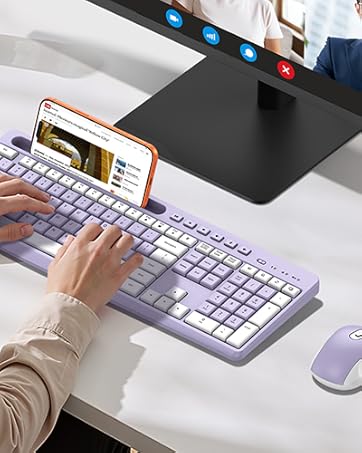
Vibrant Purple, Energetic Vibe
Full-Size Wireless Keyboard & Mouse for Windows /PC /Laptop /Computer, Silent Typing Keys for Office /Home
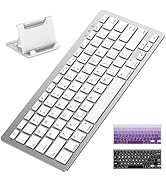
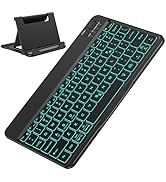
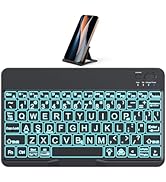
Rechargeable Keyboard for iPad
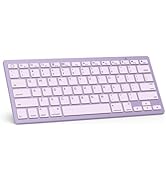
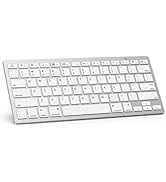
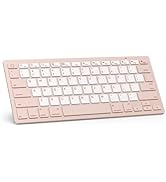
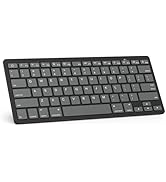
Colorful Keyboard
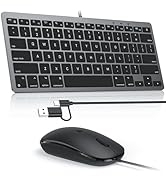
For MacOS
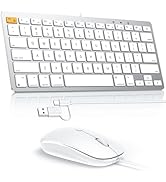
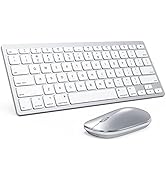
Keyboard and mouse for Mac
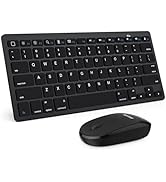
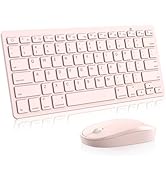
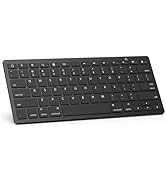
Keyboard and mouse for iPad
