









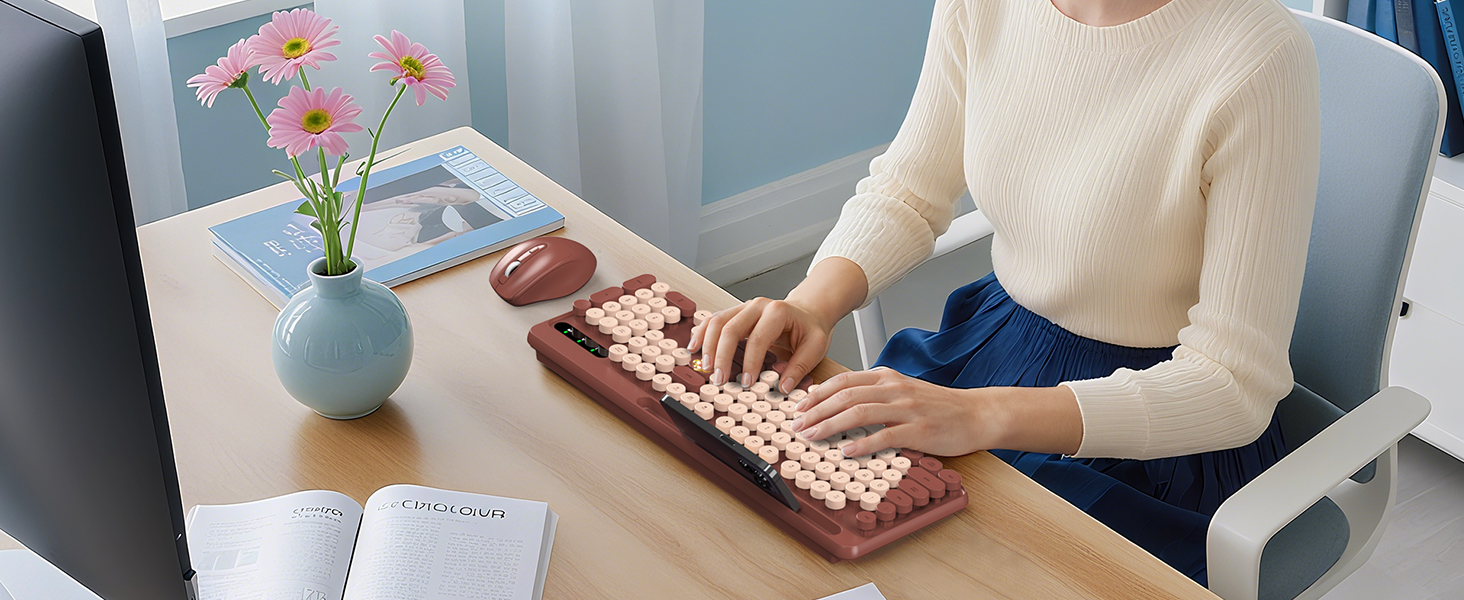
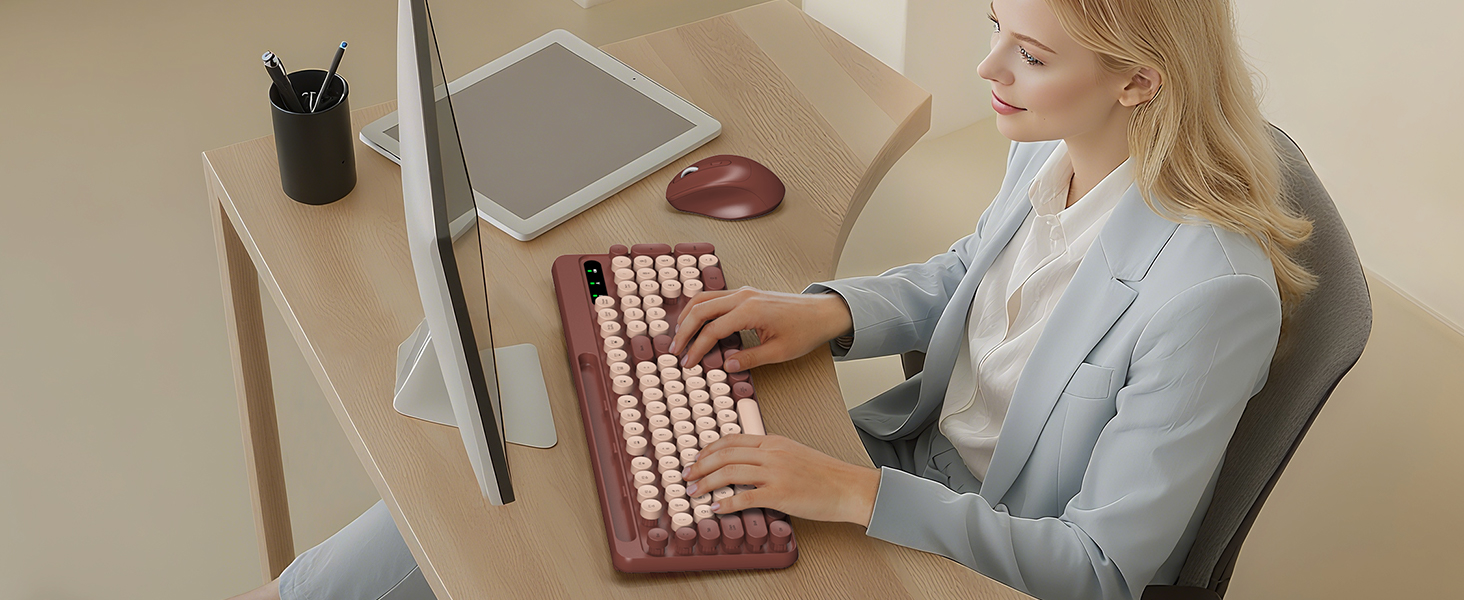
How do I set up my new keyboard and mouse?
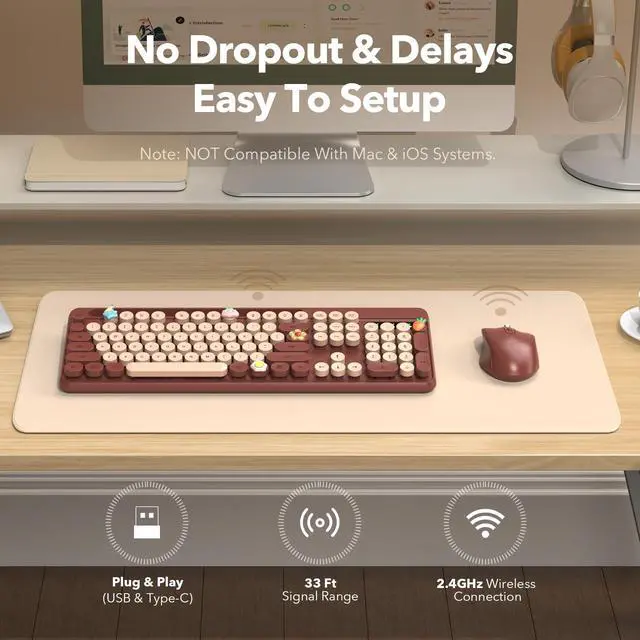
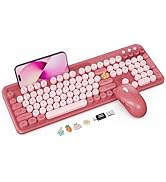
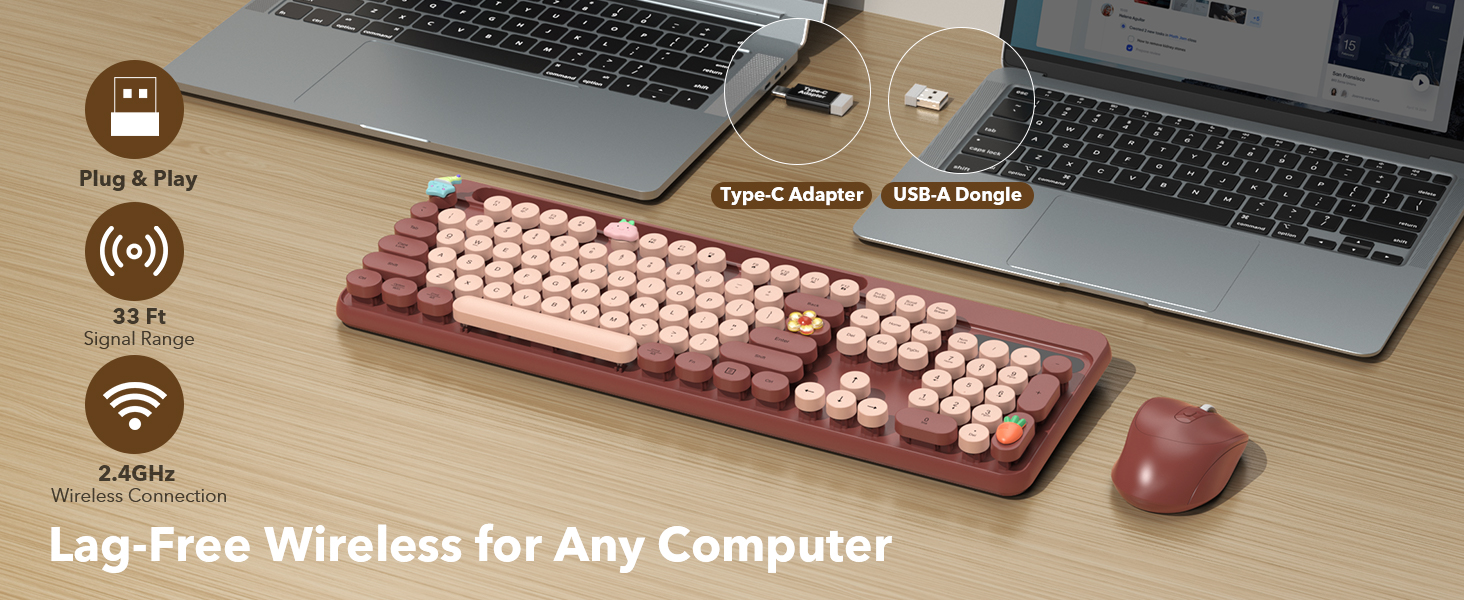
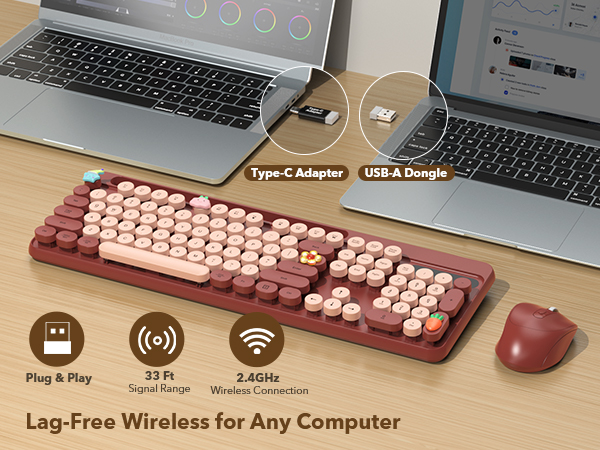
Simply plug the USB receiver (found inside the clear plastic bag) into your computer and turn on the keyboard and mouse - they'll connect in seconds!
My keyboard or mouse stopped working suddenly. What should I do?
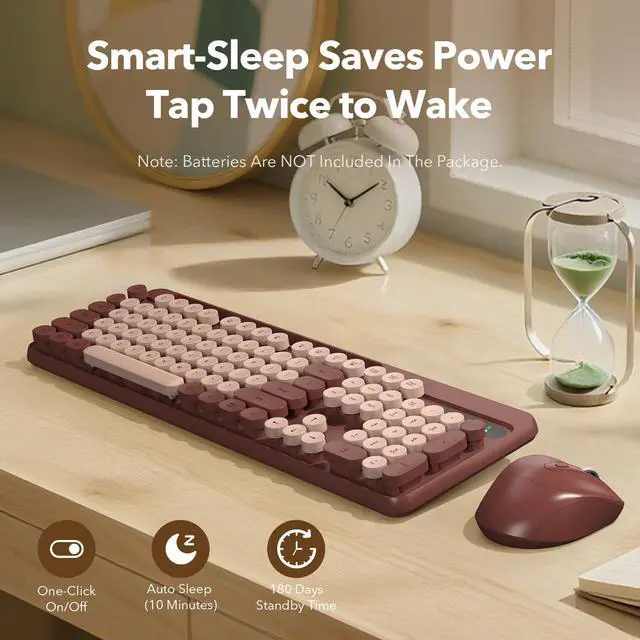
First, please check that you're using new batteries (keyboard: 1xAAA, mouse: 1xAA). Try plugging the USB receiver into another computer, and keeping it away from other wireless devices.
If the issue continues, please find the Trueque support team!
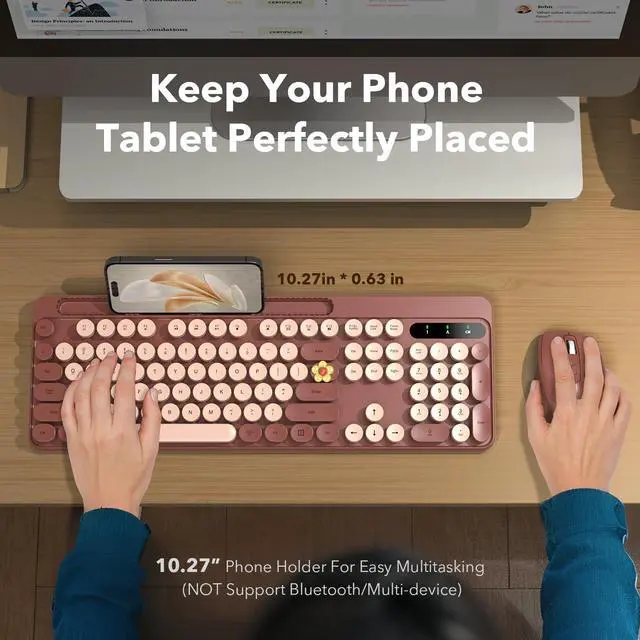
Can the keyboard connect to multiple devices at once, like a tablet and a computer?
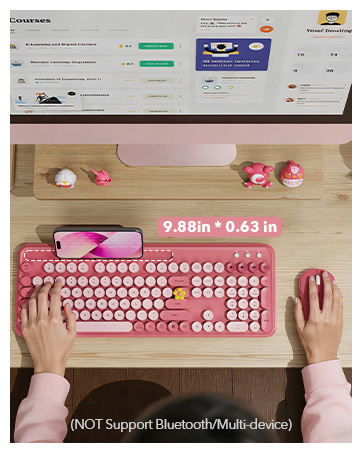
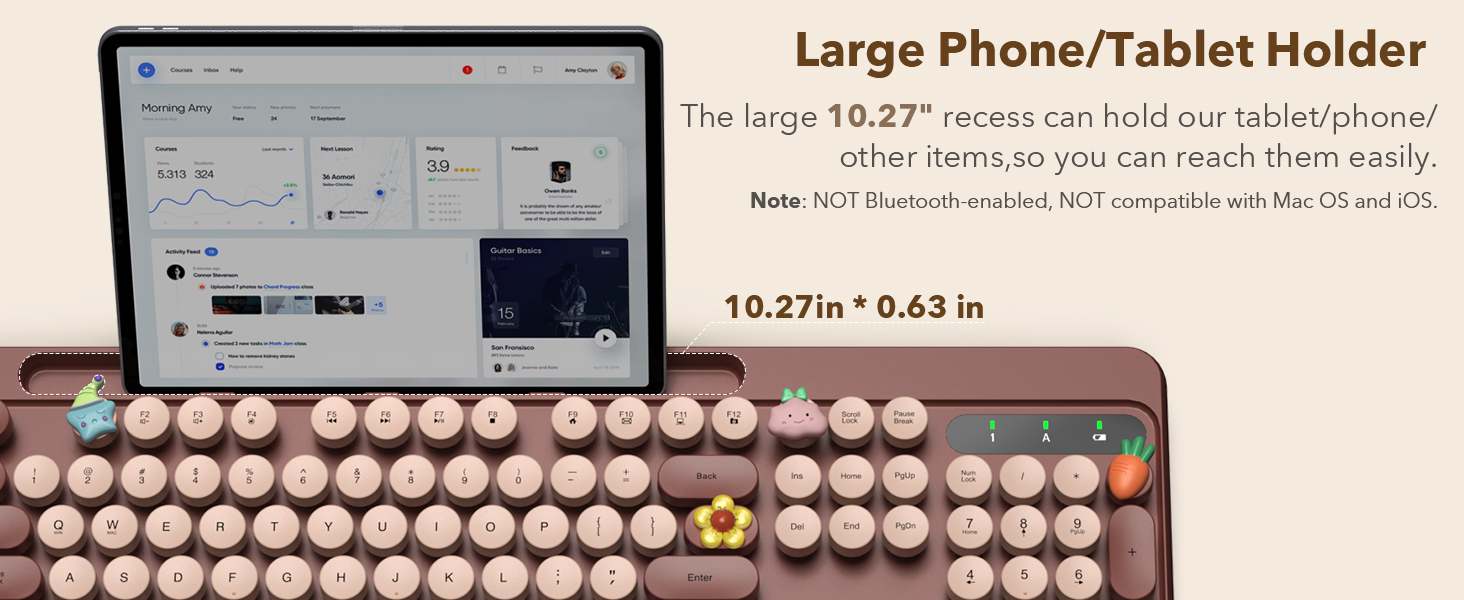
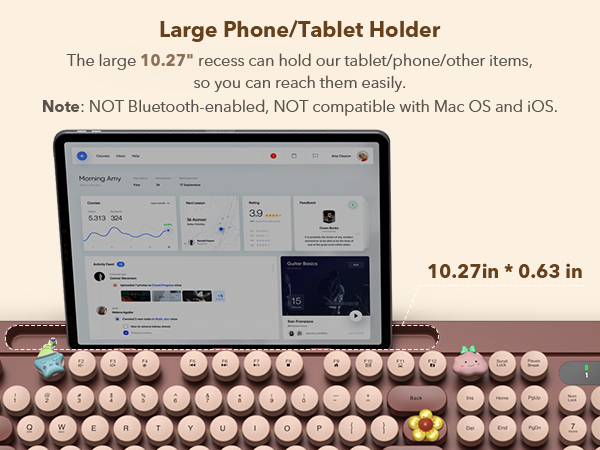
Unfortunately, it doesn't support Bluetooth connectivity or multi-device connection.
The keyboard and mouse combo can only connect to one device at a time via the included USB receiver.
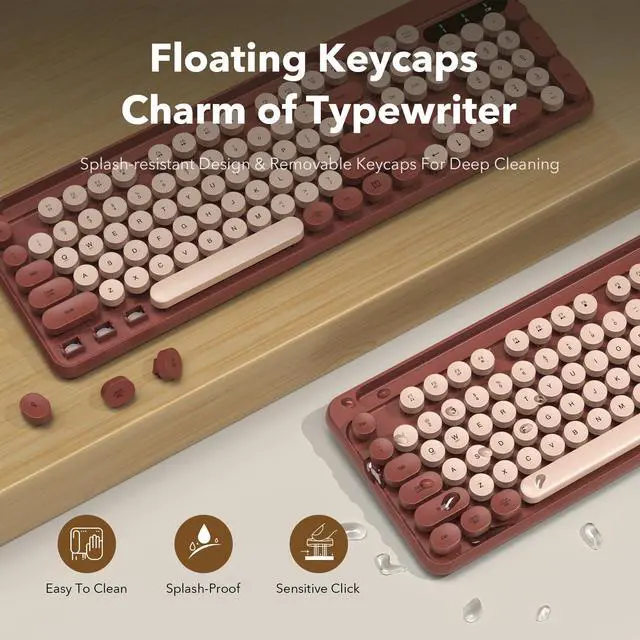
Why do the keys sometimes feel sticky?
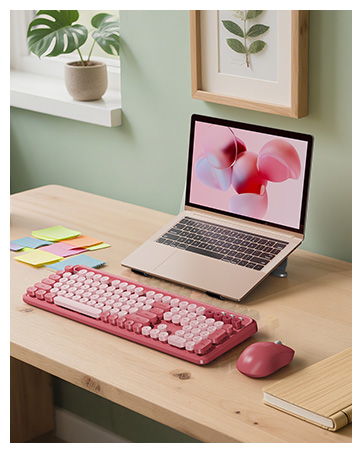
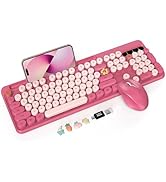
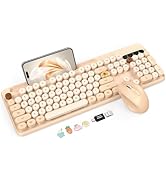
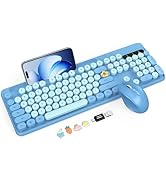
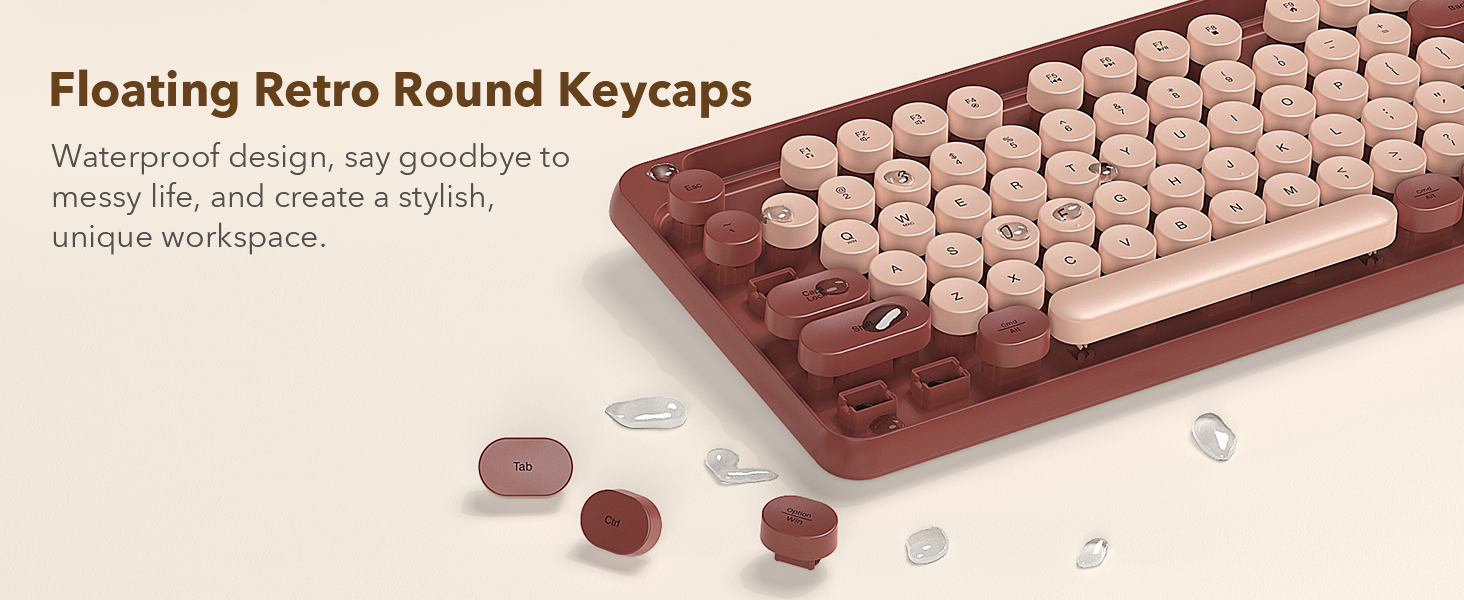
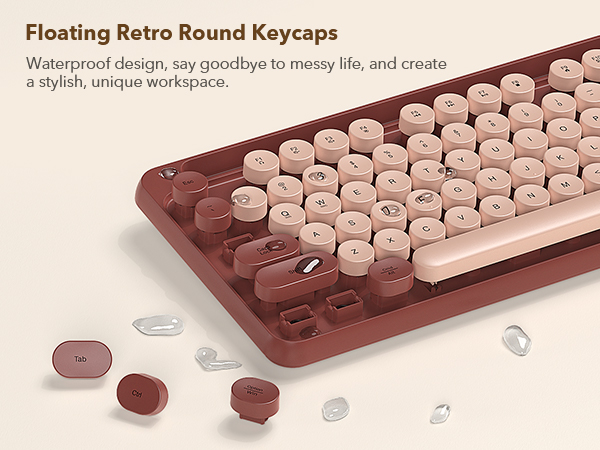
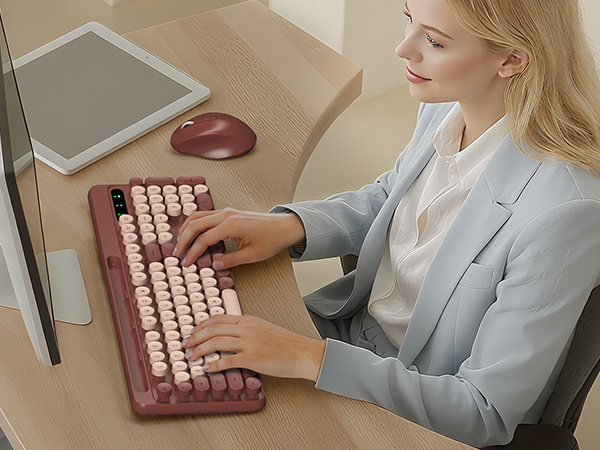
The round, typewriter-style keys have a unique feel.
If a key sticks, it's often due to dust. You can carefully remove the keycap to clean underneath. Please be gentle to avoid damage. If the issue continues, please find the Trueque support team.
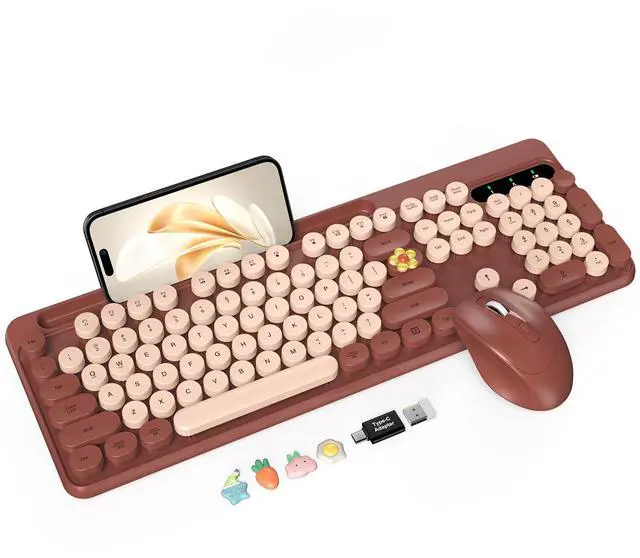
Where are the USB receiver and Type-C adapter?
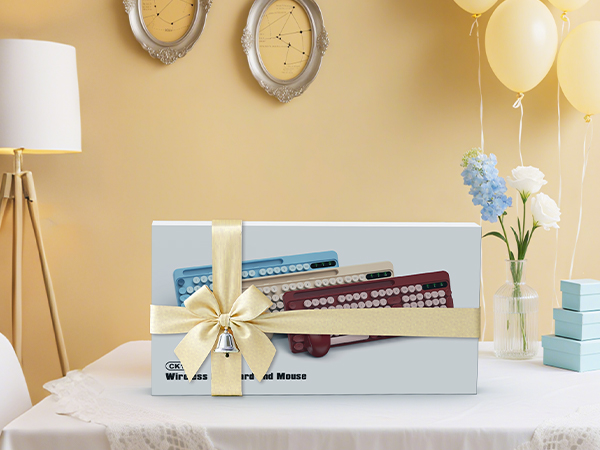
They're in a small transparent bag. Please carefully check the keyboard and mouse packaging—it might be tucked inside the box or hidden in a cardboard crevice.
Can't find it? Message us—we’ll send you a new one for free!
Wireless Keyboard & Mouse
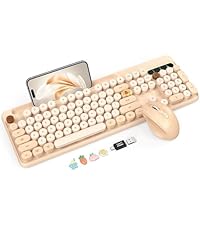 Retro Round Keys Combo | 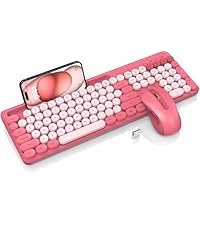 Typewriter Style Combo | 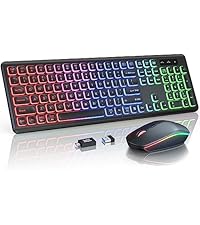 RGB Rainbow Backlit Combo | 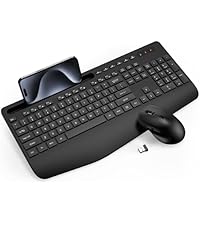 Ergonomic Keyboard Mouse | 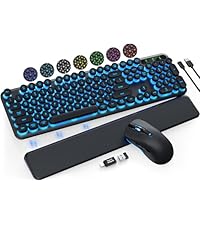 Retro Round Keys Combo | 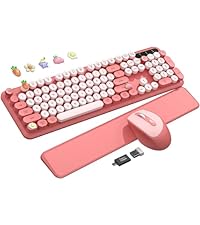 Typewriter Keyboard Mouse | |
|---|---|---|---|---|---|---|
Customer Reviews | — | — | — | — | — | — |
Price | — | — | — | — | — | — |
Style | Aesthetic Retro Style | Aesthetic, Retro Style | Backlit Gaming Style | Modern Business Style | Backlit Retro Style | Aesthetic Retro Style |
Connection | 2.4GHz Wireless | 2.4GHz Wireless | 2.4GHz Wireless | 2.4GHz Wireless | 2.4GHz Wireless | 2.4GHz Wireless |
Power | Battery Powered (Not included) | Battery Powered (Not included) | USB-C Rechargeable | Battery Powered (Not included) | USB-C Rechargeable | Battery Powered (Not included) |
Backlit Color | No Backlit | No Backlit | RGB Rainbow Backlit | No Backlit | 7 Single Color Backlit | No Backlit |
Phone Holder | ? | ? | ? | ? | ? | ? |
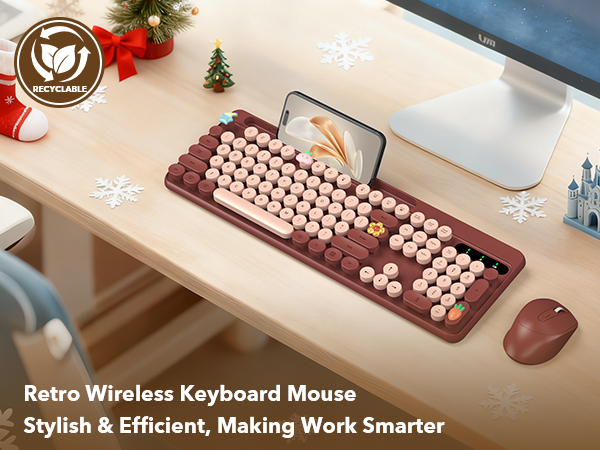

How do I set up my new keyboard and mouse?
Simply plug the USB receiver (found inside the clear plastic bag) into your computer and turn on the keyboard and mouse - they'll connect in seconds!
My keyboard or mouse stopped working suddenly. What should I do?
First, please check that you're using new batteries (keyboard: 1xAAA, mouse: 1xAA). Try plugging the USB receiver into another computer, and keeping it away from other wireless devices.
If the issue continues, please find the Trueque support team!
Can the keyboard connect to multiple devices at once, like a tablet and a computer?
Unfortunately, it doesn't support Bluetooth connectivity or multi-device connection.
The keyboard and mouse combo can only connect to one device at a time via the included USB receiver.
Why do the keys sometimes feel sticky?
The round, typewriter-style keys have a unique feel.
If a key sticks, it's often due to dust. You can carefully remove the keycap to clean underneath. Please be gentle to avoid damage. If the issue continues, please find the Trueque support team.
Where are the USB receiver and Type-C adapter?
They're in a small transparent bag. Please carefully check the keyboard and mouse packaging—it might be tucked inside the box or hidden in a cardboard crevice.
Can't find it? Message us—we’ll send you a new one for free!
Wireless Keyboard & Mouse
Retro Round Keys Combo | Typewriter Style Combo | RGB Rainbow Backlit Combo | Ergonomic Keyboard Mouse | Retro Round Keys Combo | Typewriter Keyboard Mouse |
|---|---|---|---|---|---|
| Customer Reviews | |||||
| — | — | — | — | — | — |
| Price | |||||
| — | — | — | — | — | — |
| Style | |||||
| Aesthetic Retro Style | Aesthetic, Retro Style | Backlit Gaming Style | Modern Business Style | Backlit Retro Style | Aesthetic Retro Style |
| Connection | |||||
| 2.4GHz Wireless | 2.4GHz Wireless | 2.4GHz Wireless | 2.4GHz Wireless | 2.4GHz Wireless | 2.4GHz Wireless |
| Power | |||||
| Battery Powered (Not included) | Battery Powered (Not included) | USB-C Rechargeable | Battery Powered (Not included) | USB-C Rechargeable | Battery Powered (Not included) |
| Backlit Color | |||||
| No Backlit | No Backlit | RGB Rainbow Backlit | No Backlit | 7 Single Color Backlit | No Backlit |
| Phone Holder | |||||
| ? | ? | ? | ? | ? | ? |
Colorful Keyboard and Mouse
